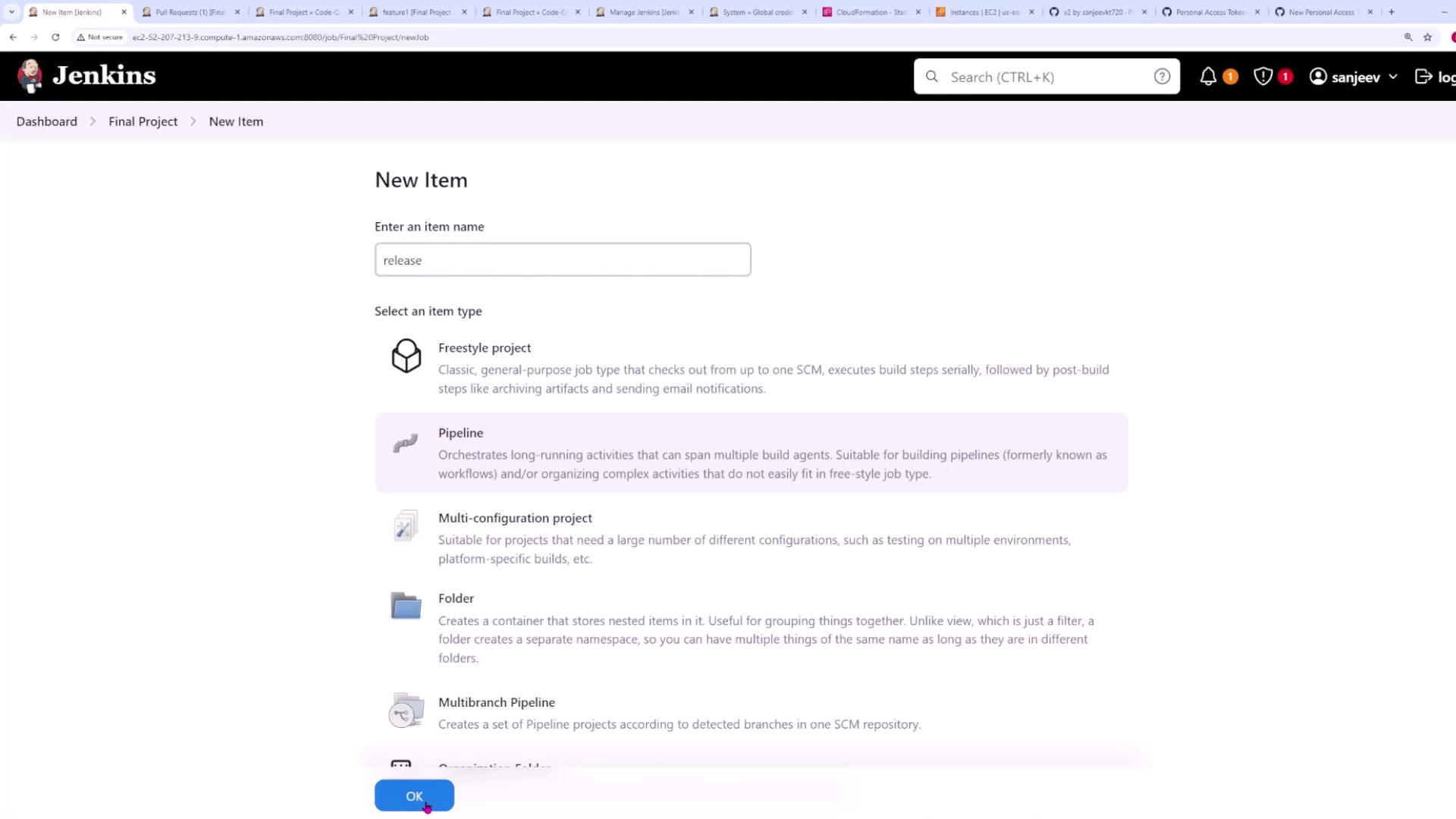
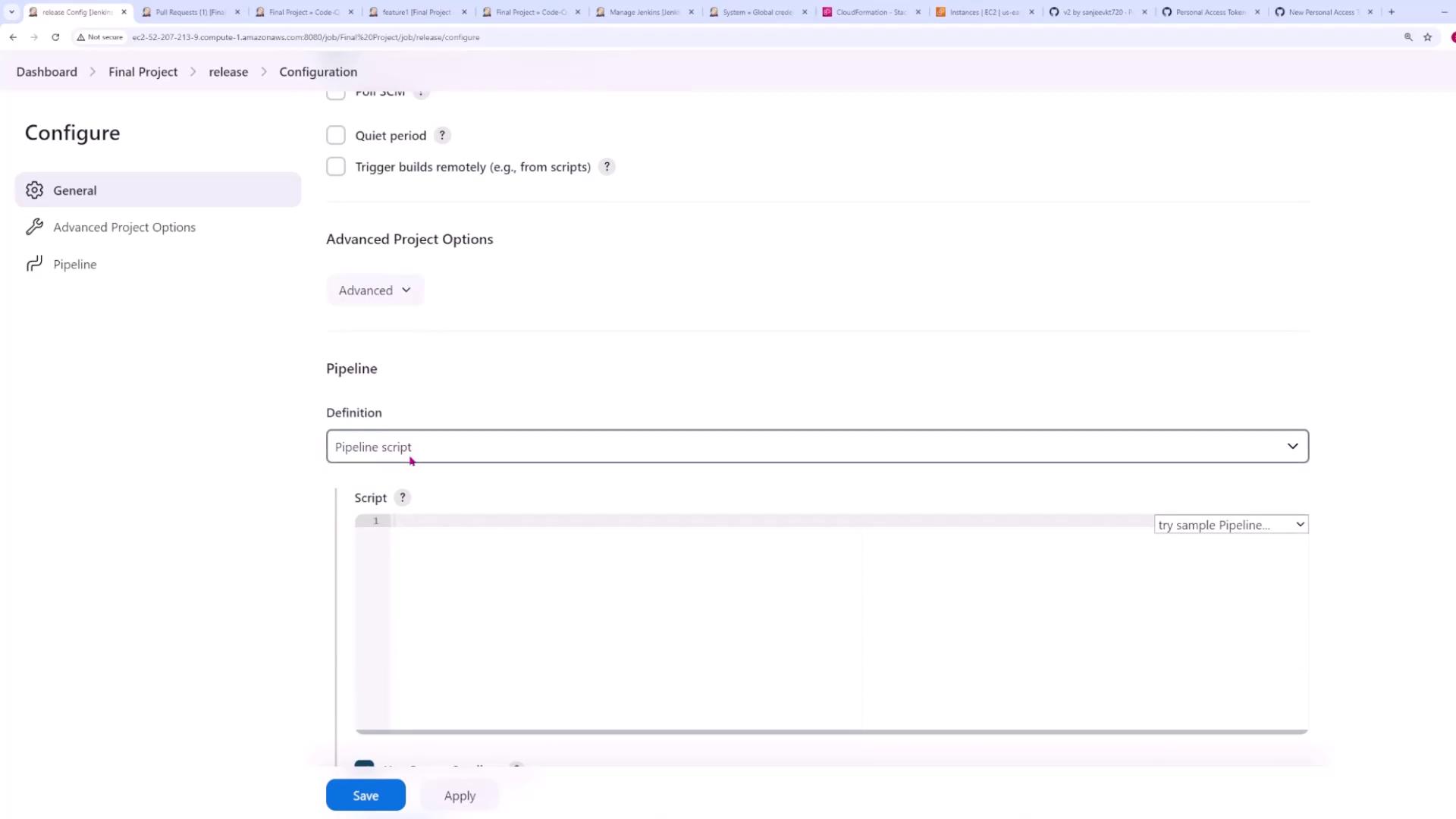
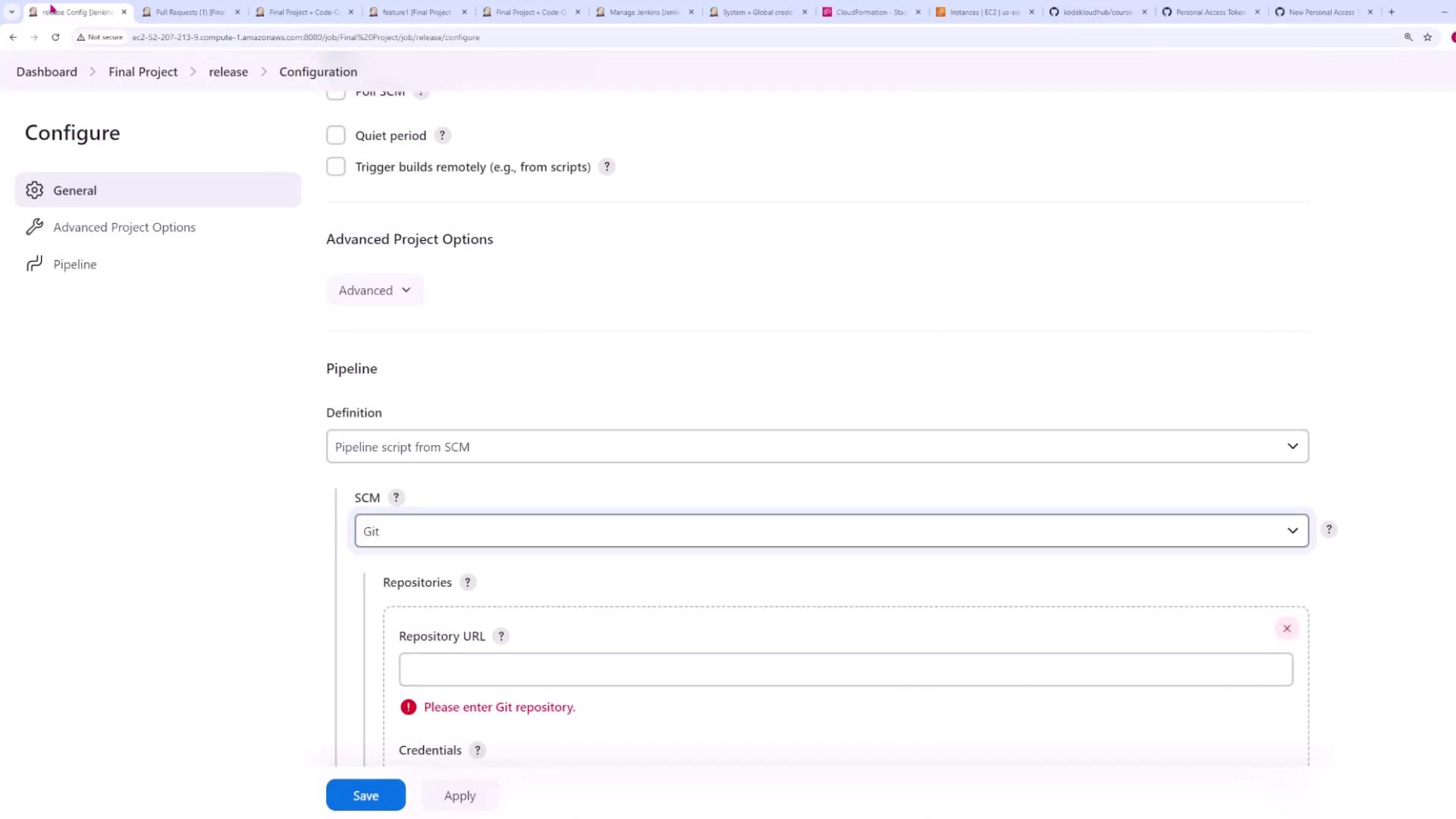
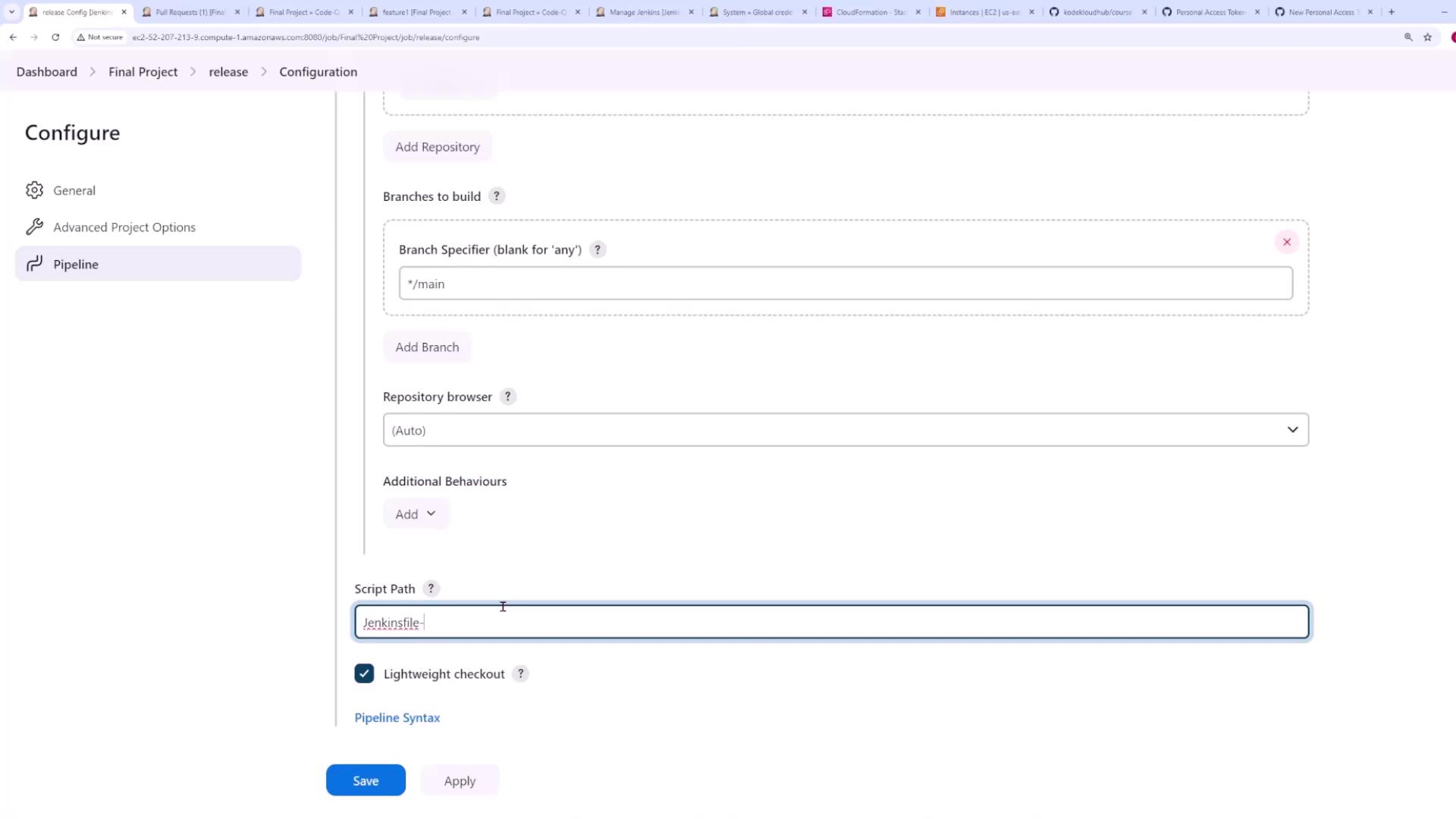
Normally, these steps are sufficient. However, a couple of additional configuration adjustments are required due to internal processes within our pipeline.
Pipeline Script Overview
The pipeline script handles several key tasks, starting with checking for a Git tag. When a commit occurs, the pipeline executes a command that checks if the commit is associated with a tag. The logic is similar to the following:git tag --contains locally, it returns the tag if one is present or it returns empty. This ensures that we deploy to production only when a tag is present.
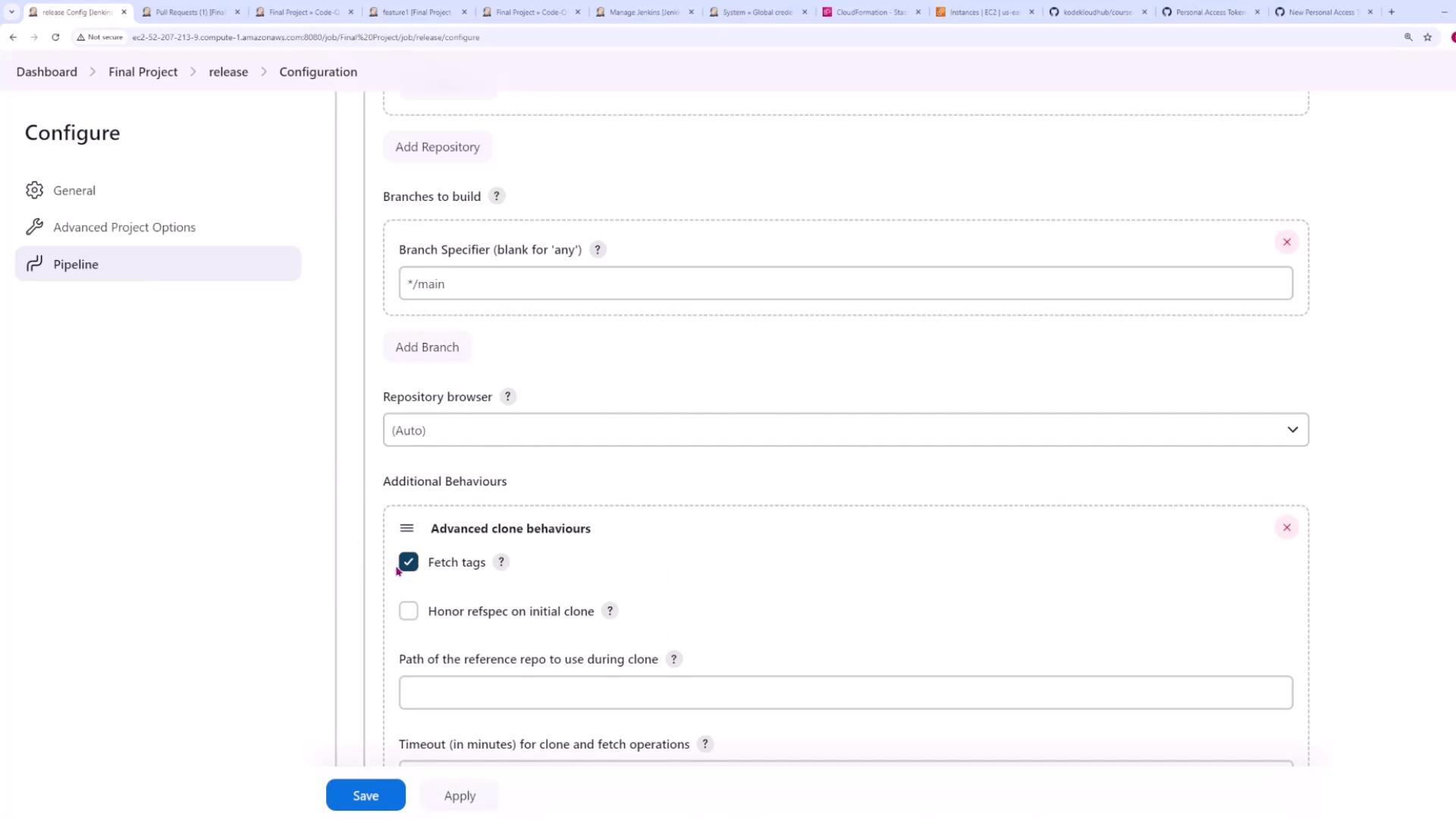
By default, Jenkins does not fetch tag information. To enable it, navigate to Additional Behaviors in your Git SCM configuration, choose Advanced clone behaviors, and check Fetch tags.
Create Release and Build Stages
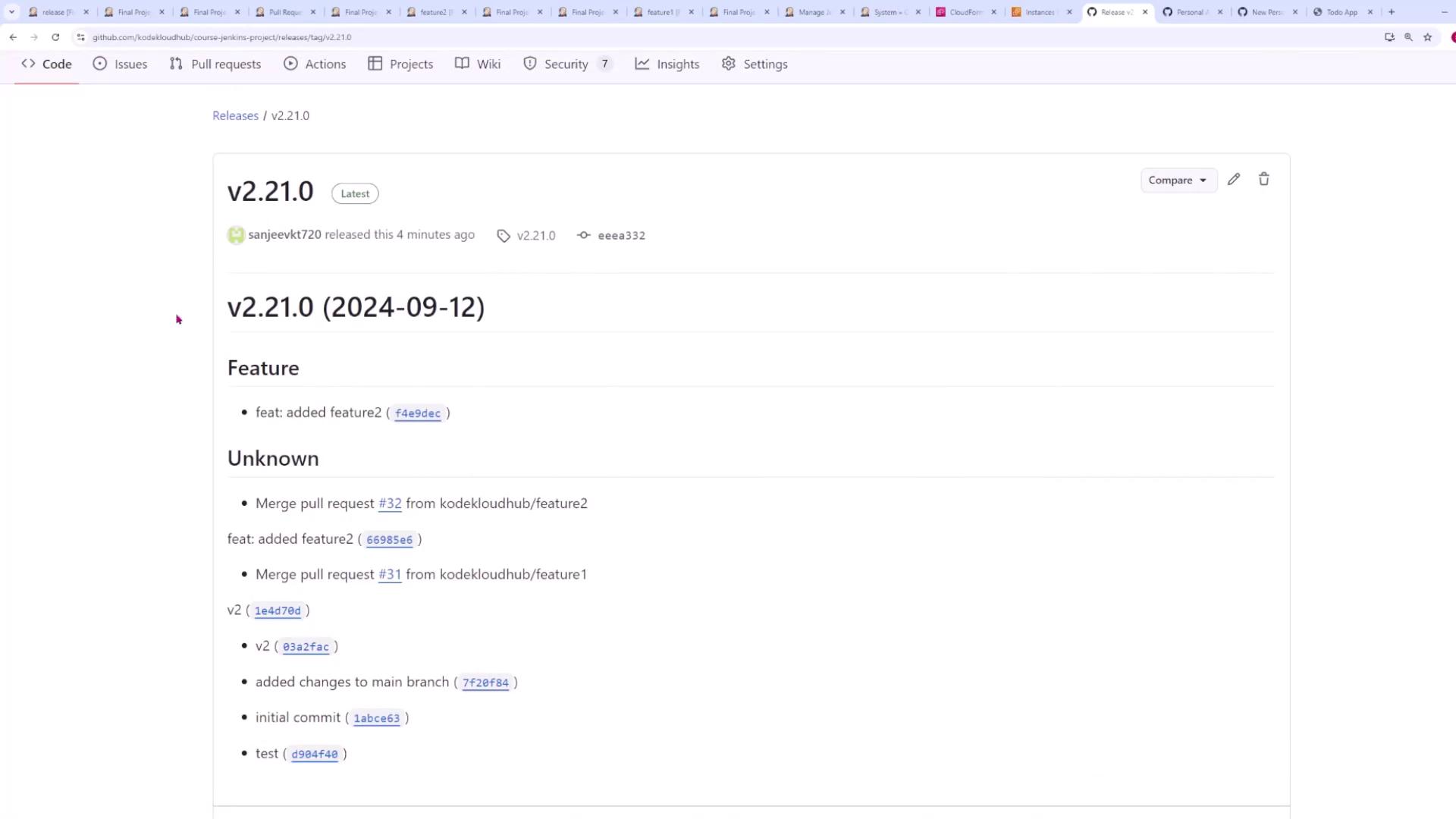
After the pipeline checks for a Git tag, further actions depend on whether a tag was detected. If no tag is found, the pipeline installs dependencies and creates a new release. The following snippet illustrates this logic:poetry run semantic-release version to determine the new version (for example, updating from 2.20.0 to 2.21.0) and then publishes the release with poetry run semantic-release publish. This creates a new commit with a tag in your GitHub repository, triggering a subsequent pipeline run. In that run, the presence of a Git tag causes the pipeline to bypass the release creation and continue with the build and deploy stages.
For builds with an existing tag, the pipeline executes the following stages: Docker login, pushing the Docker image, and deploying to the Kubernetes cluster:
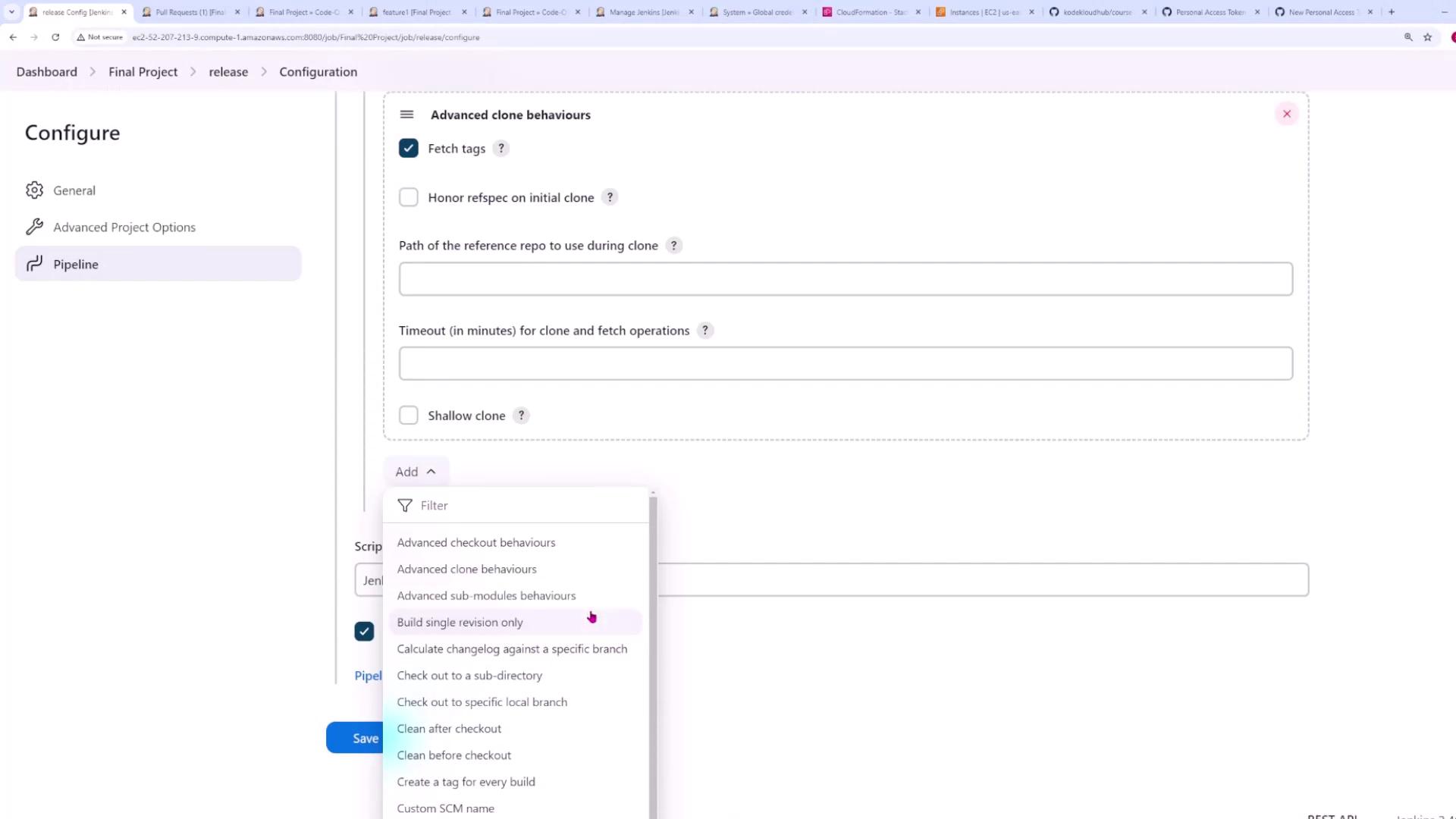
Jenkins checks out code in a detached HEAD state by default. To ensure the pipeline uses the main branch, adjust your repository’s configuration under Additional Behaviors by selecting the option to check out a specified local branch (e.g., main).
Testing the Pipeline End-to-End
After configuring the release pipeline, switch back to your main branch and create a new feature branch. For example: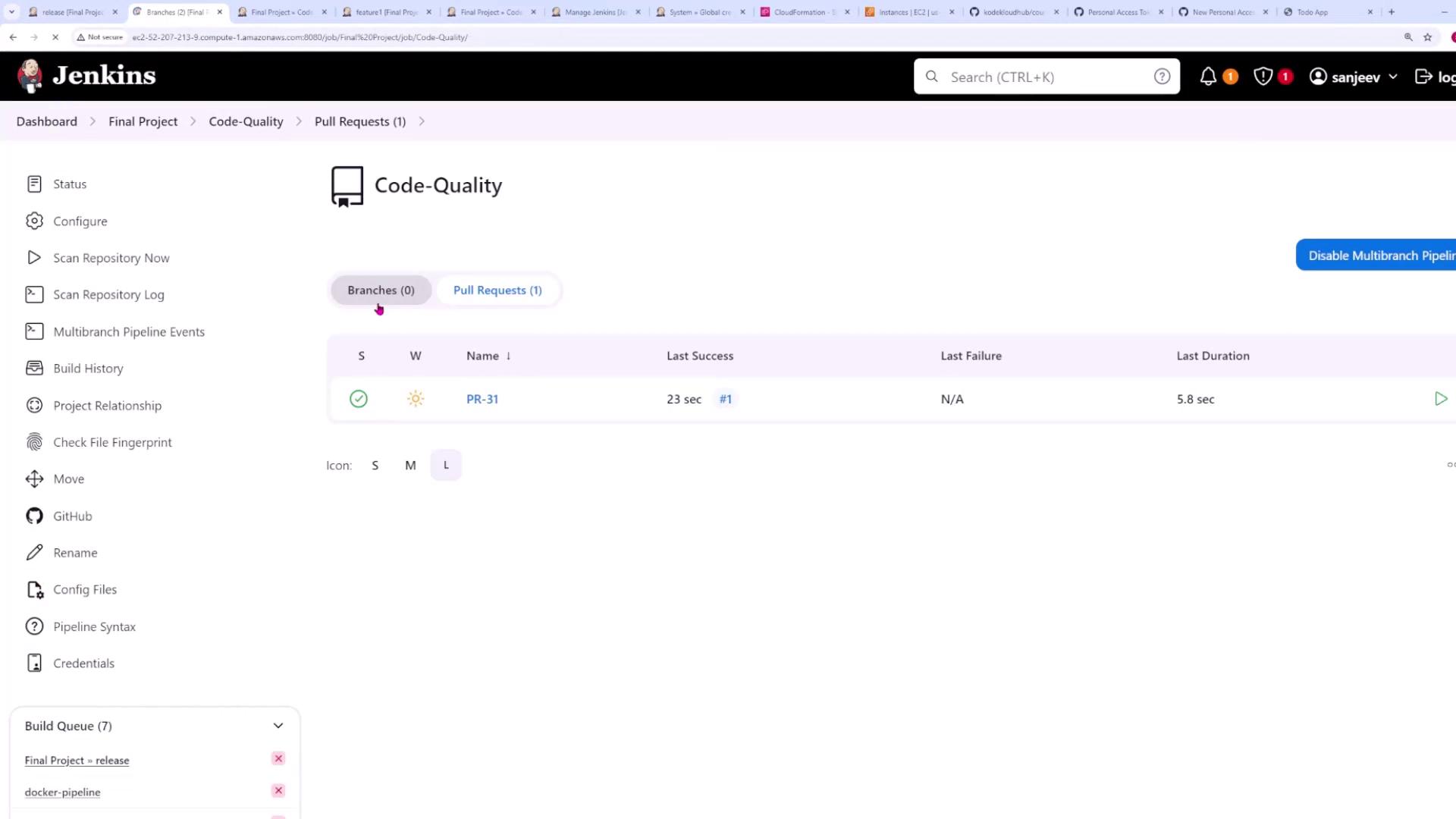
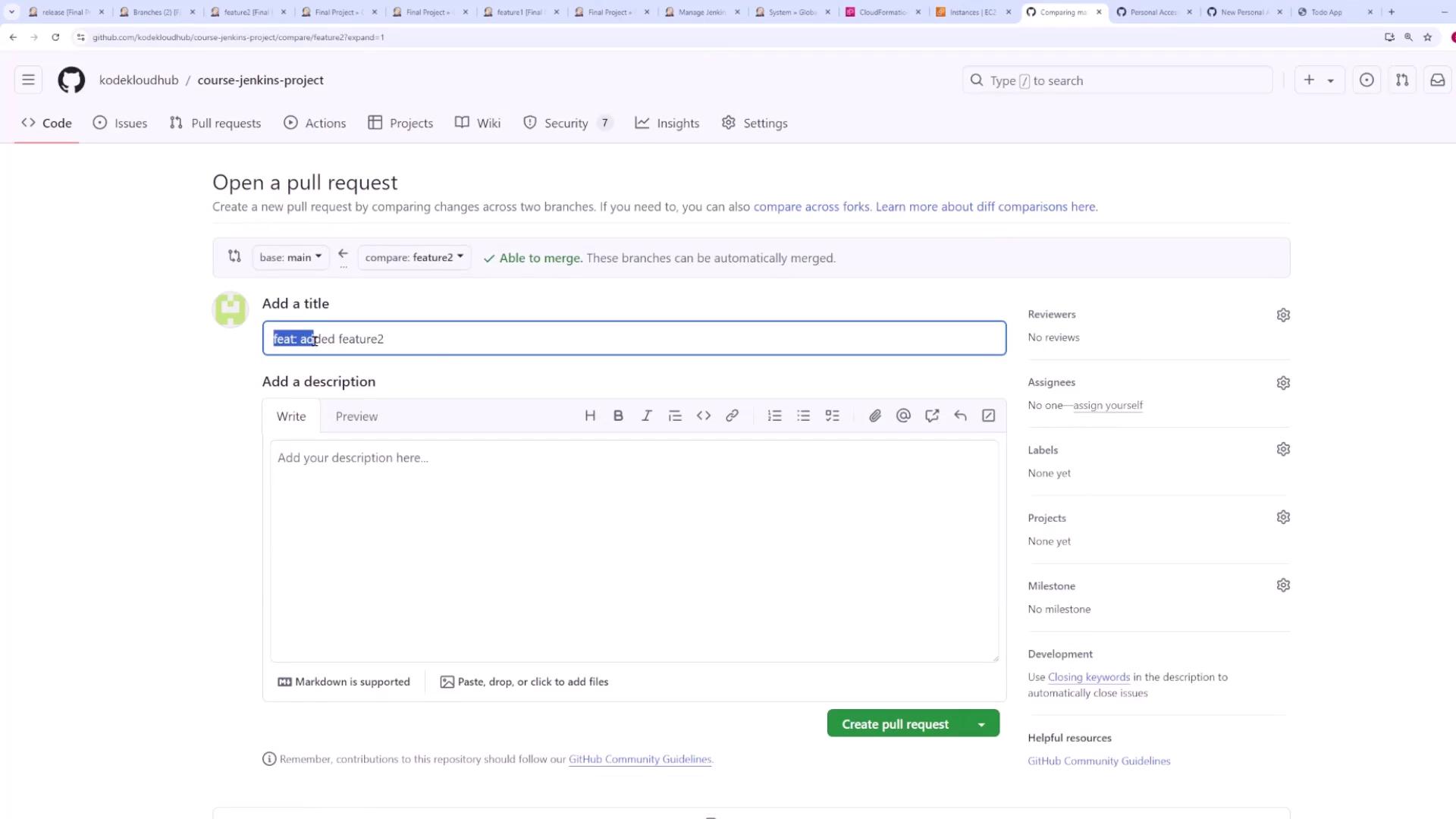
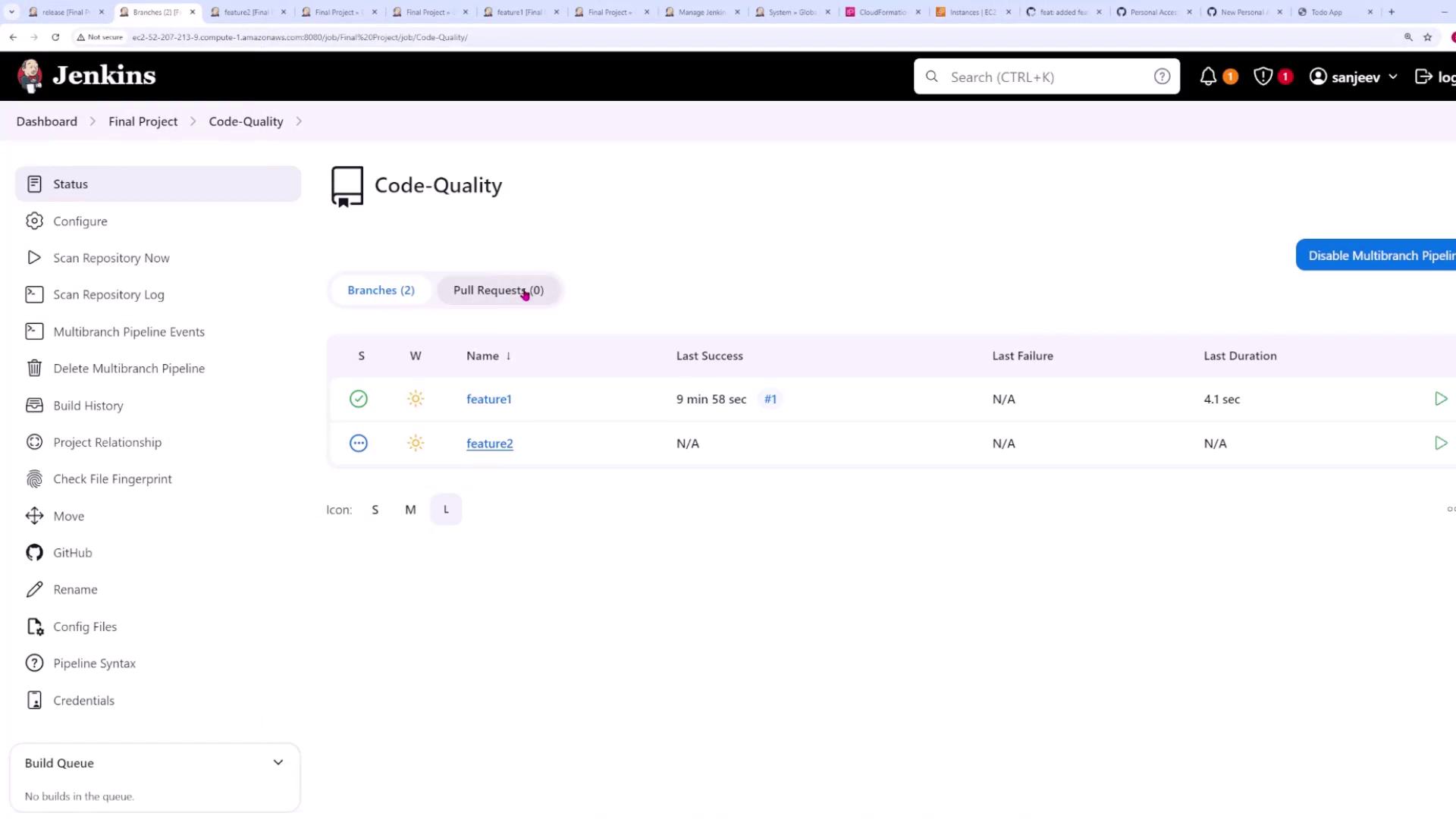
Pipeline Build Details and Deployment
When the pull request is merged, Jenkins follows these steps:-
Initial Build Trigger:
The merge commit triggers a build where the pipeline first checks for a Git tag. Since no tag is present at first, it runs the Setup stage and then the Create Release stage. This stage installs dependencies and executes a command similar to:This command determines the next version (for example, 2.21.0) and then publishes the new release using:As a result, a new commit with the tag (e.g., 2.21.0) is created, triggering another pipeline run. -
Subsequent Build:
In the following build, the pipeline detects the Git tag (e.g., 2.21.0) and skips the release creation. Instead, it proceeds to the Build and Deploy stages. These stages include:- Docker Login: Authenticate using Docker credentials.
- Push Image: Push the new Docker image to the repository.
- Deploy: Deploy the updated image to the Kubernetes cluster.