

Pipeline Workflow
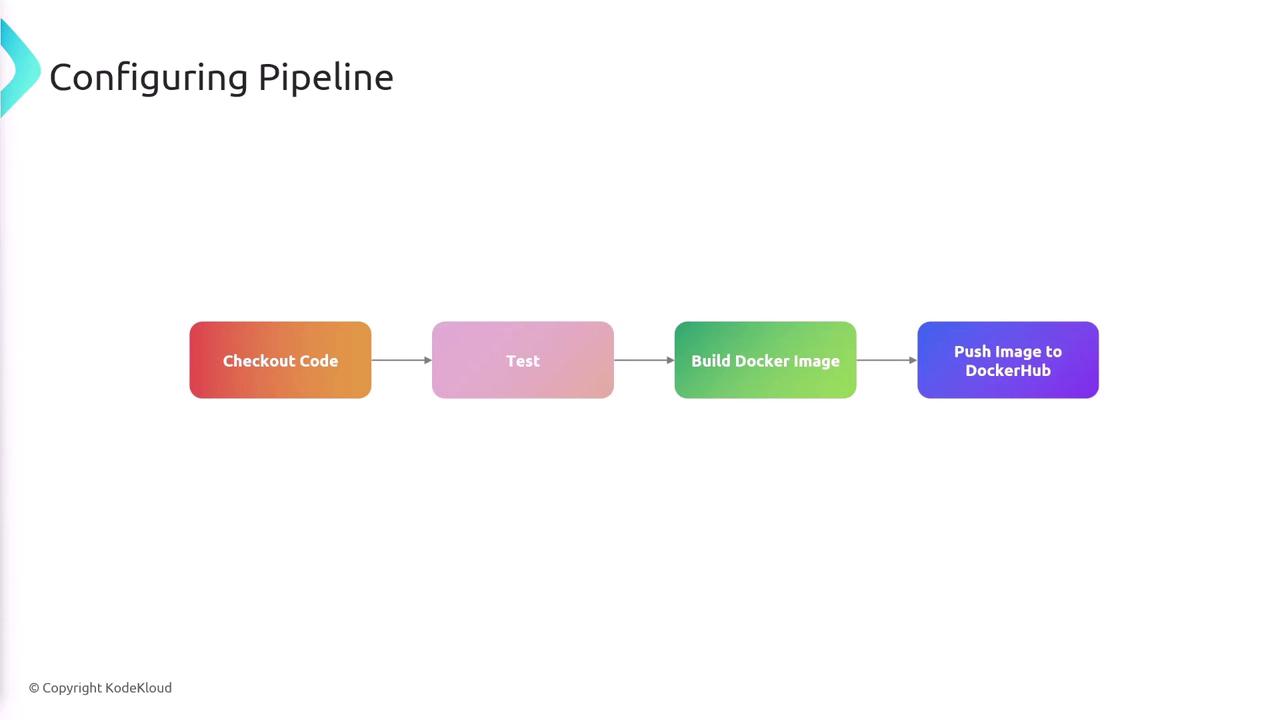
The CI/CD pipeline is structured with the following stages:- Check out the source code.
- Run tests and verify code quality.
- Build a Docker image.
- Push the Docker image to Docker Hub.
Setting Up Docker Hub
To begin, create a Docker Hub repository. For example, you might name it “jenkins-flask-app” under your Docker Hub username. The repository path should adhere to the following format:<username>/jenkins-flask-app
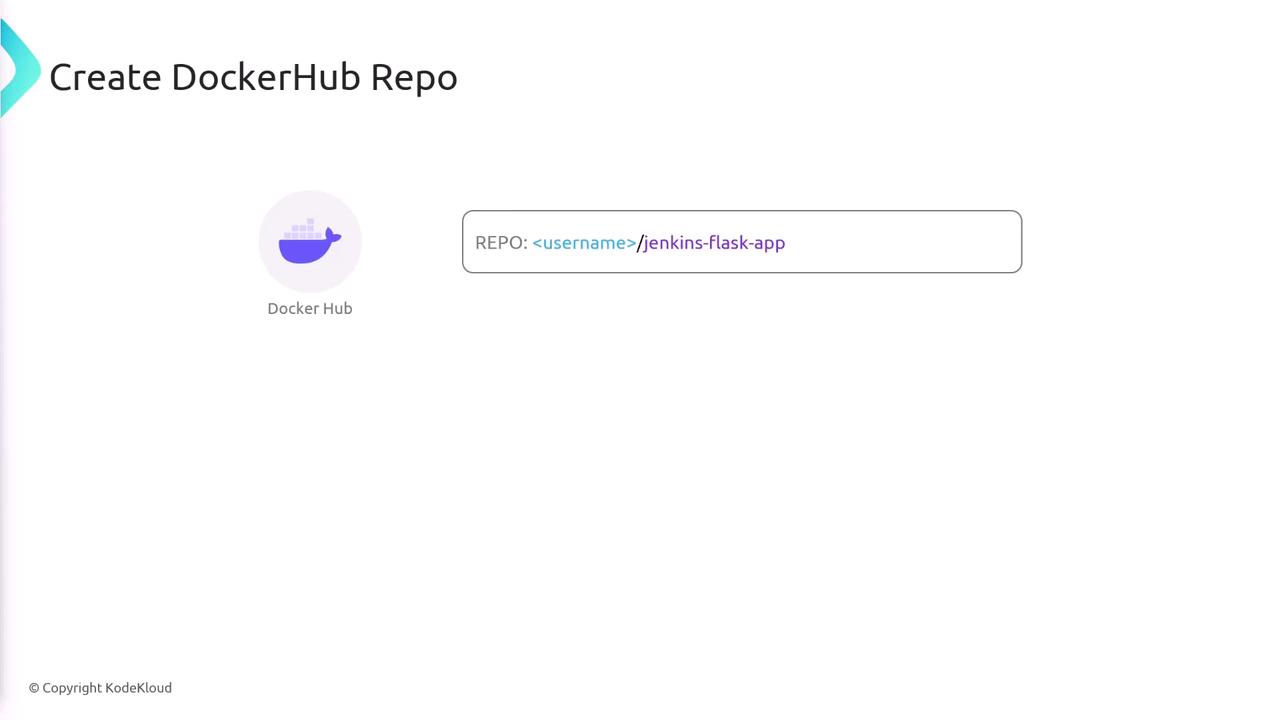
\<username>/<repo-name> along with a tag. In our example, we append the Git SHA (provided as an environment variable in Jenkins) to the image tag, ensuring each image can be correlated with a specific Git commit for easier troubleshooting.
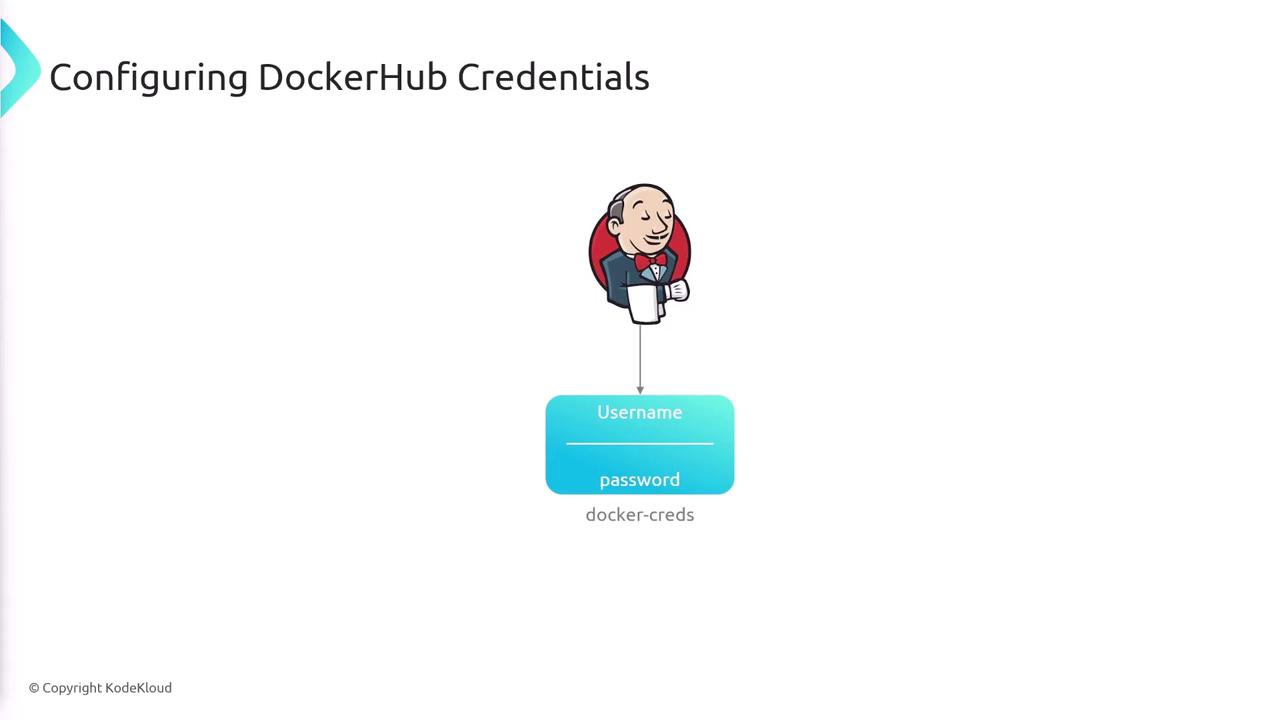
Remember to add Jenkins credentials for Docker access (username and password) so Jenkins can authenticate and push images to Docker Hub securely.
Jenkins Pipeline Configuration
Below is an example of a Jenkins pipeline configuration that integrates Docker build and push steps:Key Pipeline Components
-
Environment Configuration:
The pipeline sets theIMAGE_NAMEandIMAGE_TAGusing the Git commit SHA. This ensures that each Docker image can be traced back to its corresponding commit. -
Setup Stage:
Installs necessary dependencies as defined in yourrequirements.txt. -
Test Stage:
Executes tests using Pytest to verify code quality before proceeding with the build. -
Docker Authentication:
Uses a secure method to log in to Docker Hub. The credentials stored in Jenkins are injected and passed to the Docker CLI, ensuring they are not exposed in logs or command history. -
Build and Push Stages:
The Docker image is built using the specified tag and subsequently pushed to Docker Hub, making it ready for deployment.