

Step 1: Launching an EC2 Instance
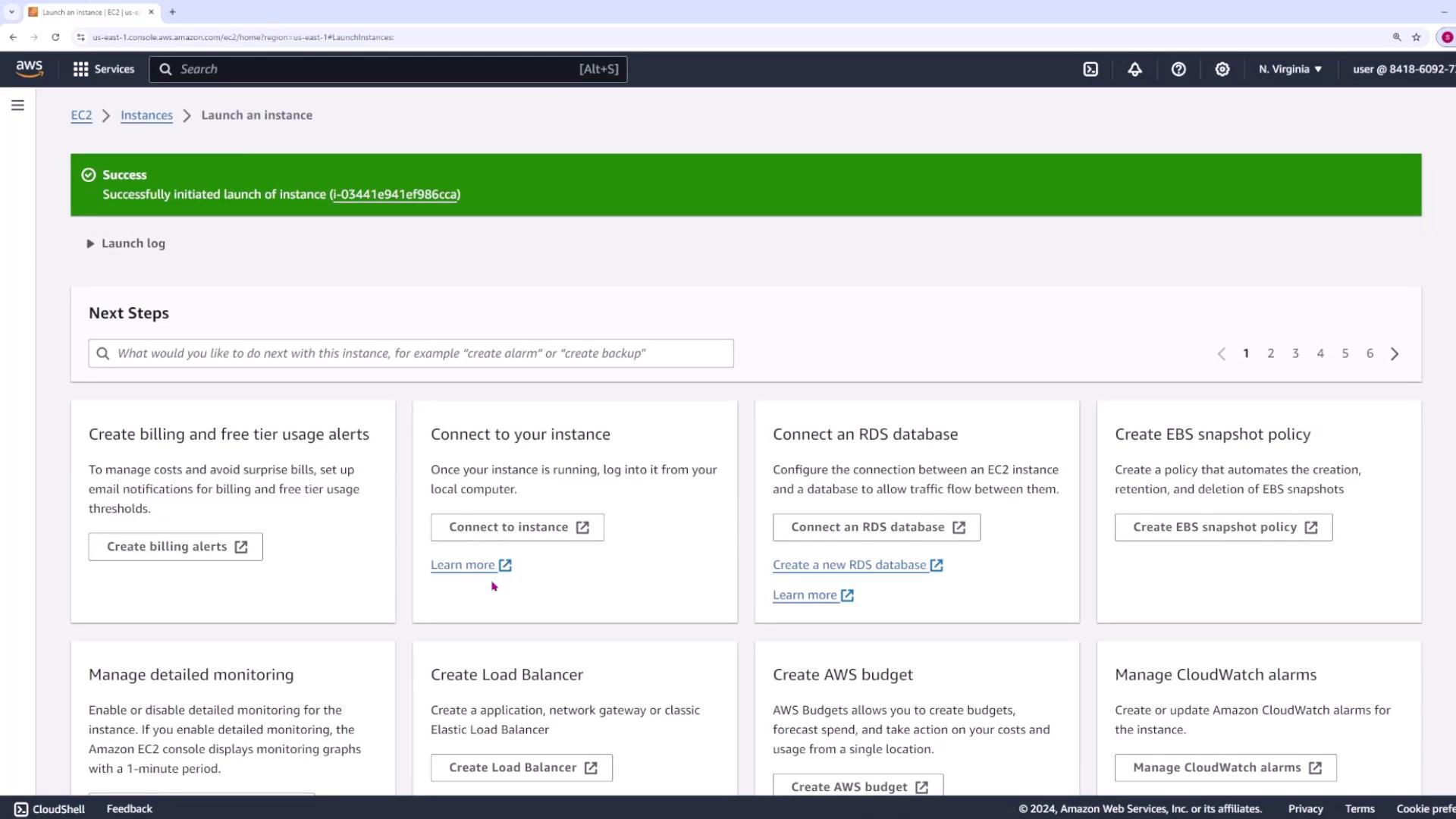
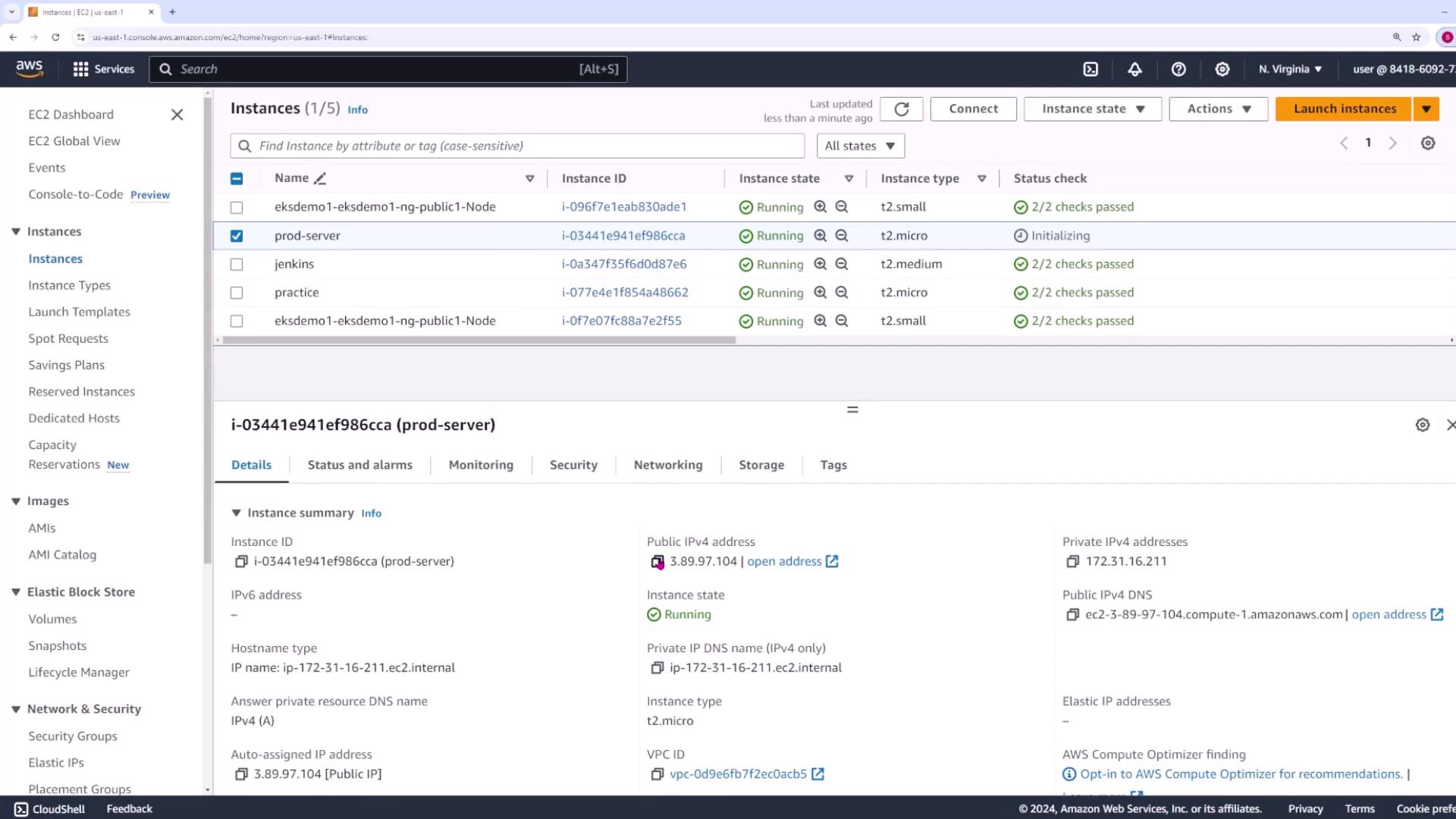
When you log into the AWS console, you will see the EC2 management console displaying a list of running instances:
- Click on the Launch Instance button.
- Choose the desired Amazon Machine Image (AMI) and instance type. For a basic Linux server, the default configuration is sufficient.
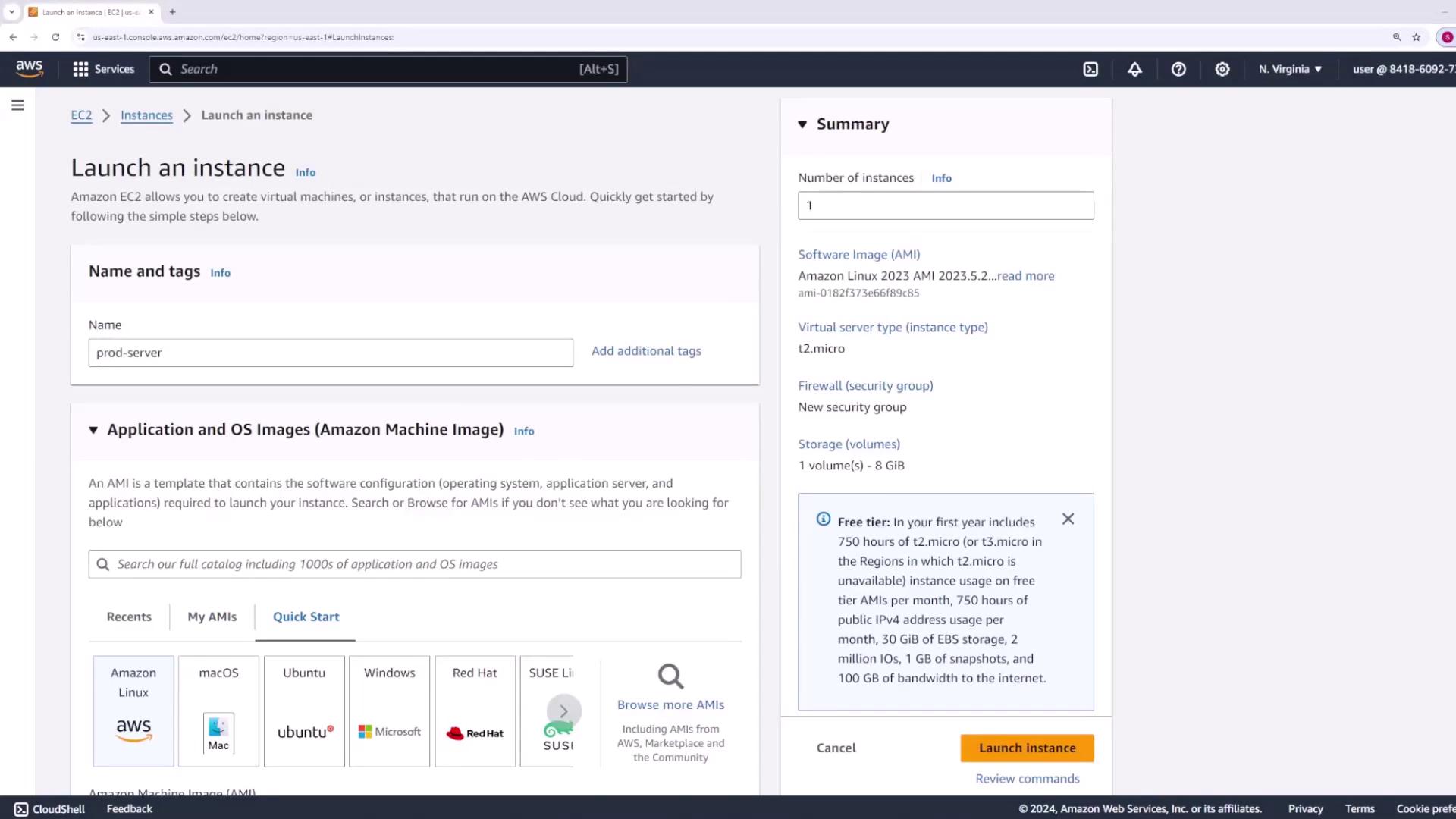
Important Settings:
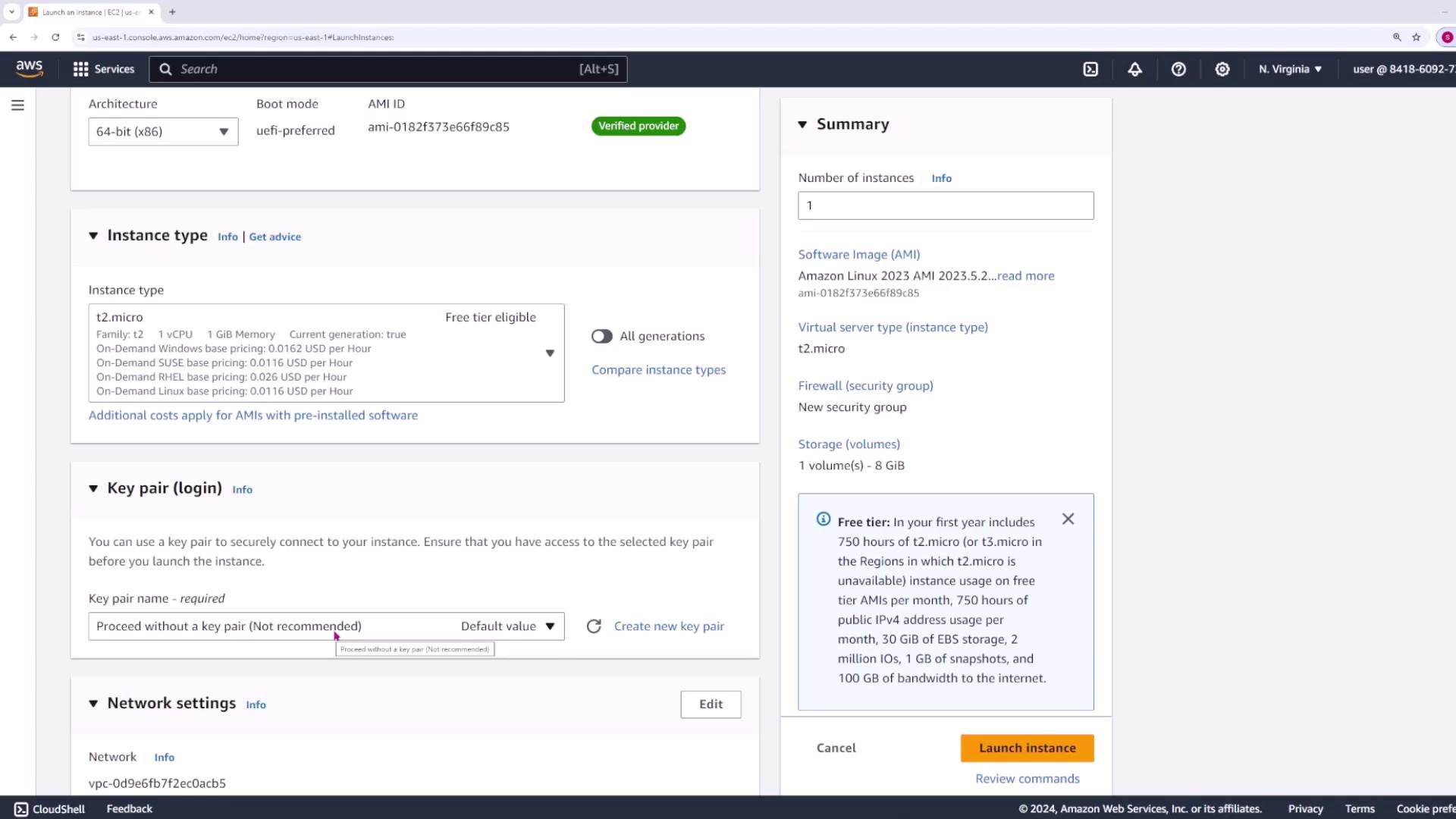
- Instance Type: Use the default instance type (usually a t2.micro with 1 GB memory and one vCPU).
- Key Pair: Select an existing SSH key (e.g., “main”) for secure access. This will be crucial later when Jenkins connects to your server.
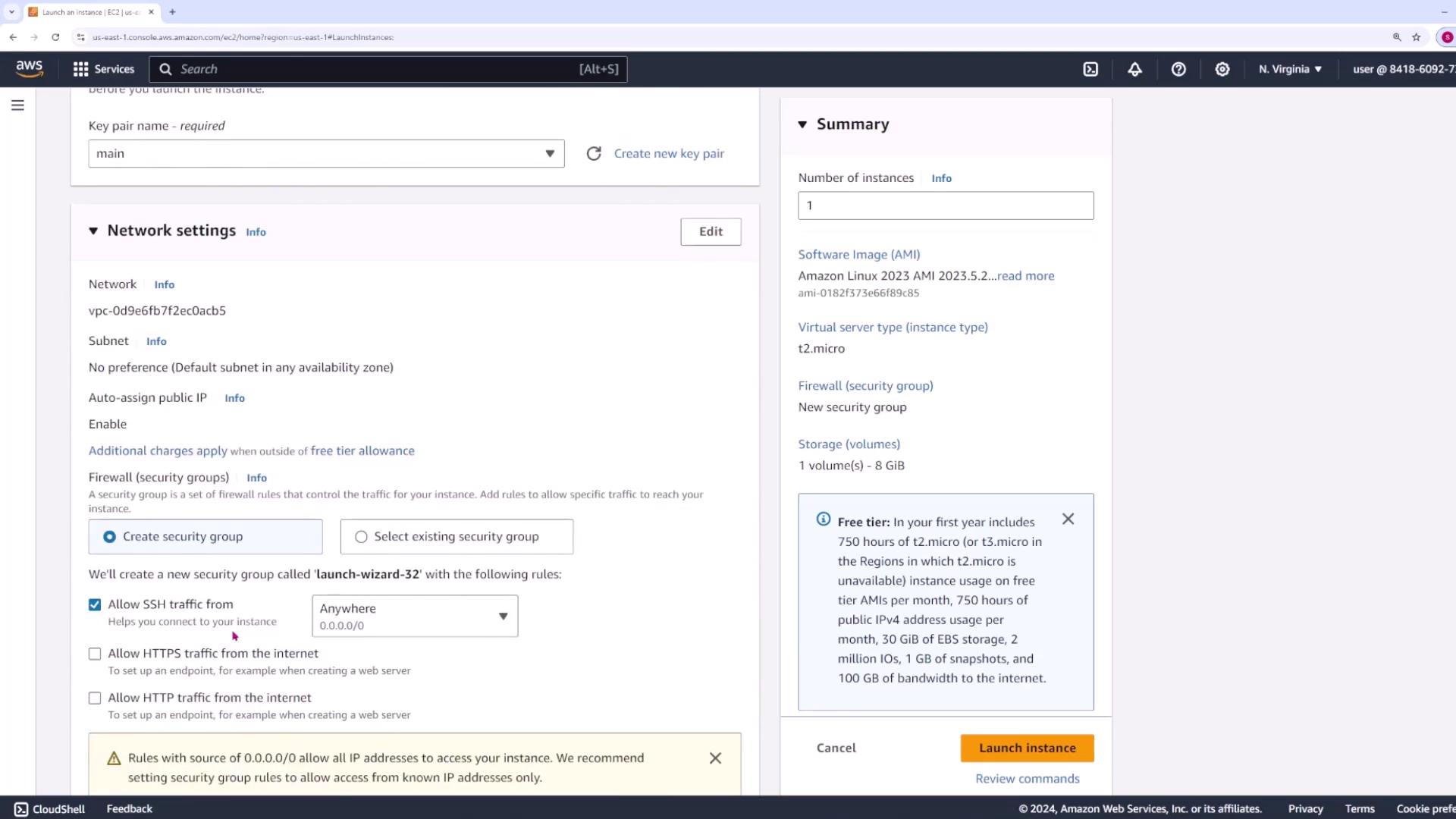
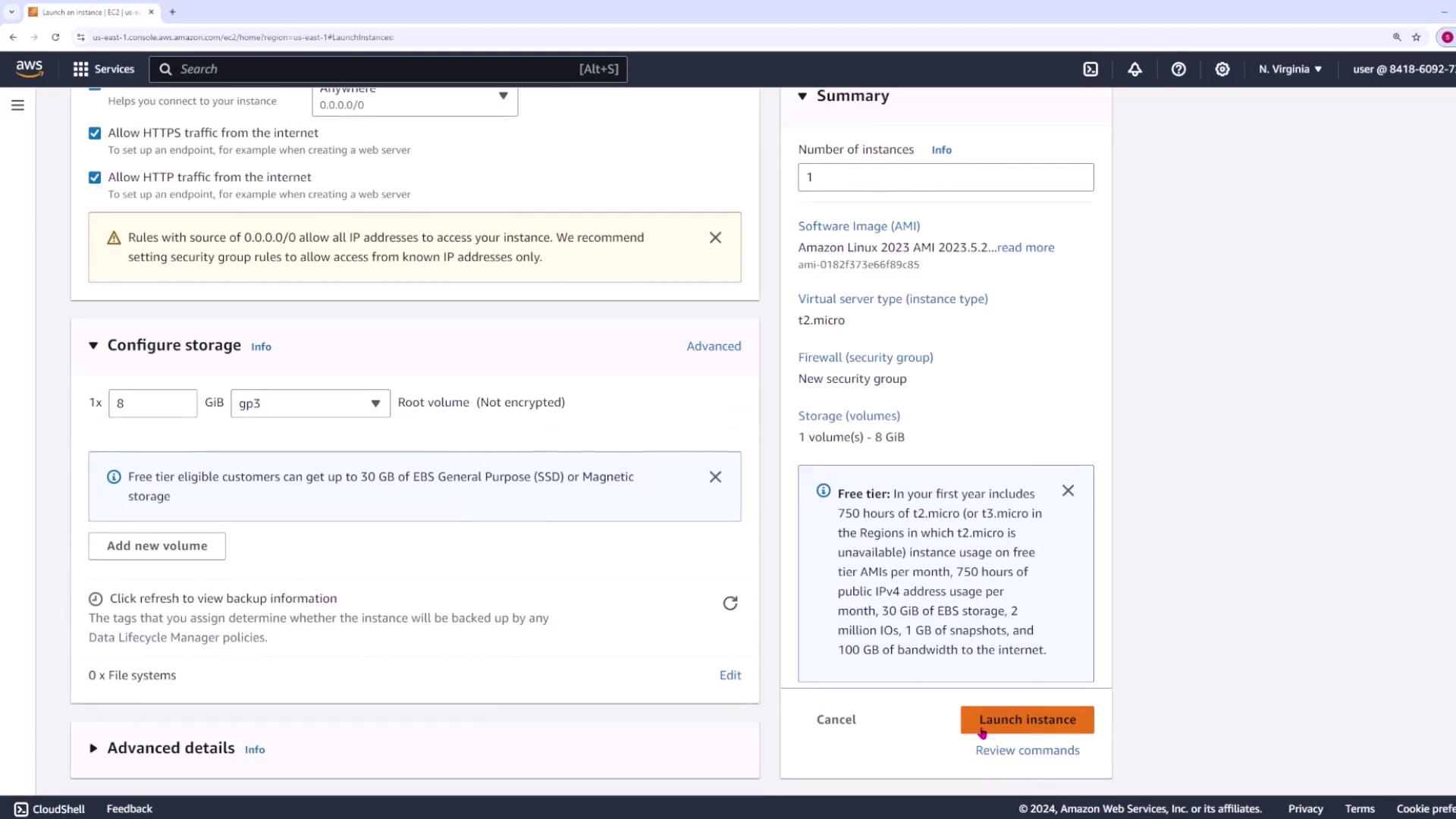
- Network Settings: Ensure you allow both HTTPS and HTTP traffic, as your server will host a web service.
Step 2: Connecting to Your Server via SSH
Open your terminal and connect via SSH using your key (e.g.,main.pem) and the default username ec2-user:
The
main.pem file is essential for authentication. Your Jenkins server will also use this key later to automatically copy your code and restart your application.Step 3: Setting Up the Application Environment
Once connected, set up your application directory, create a Python virtual environment, and verify your working directory:Step 4: Configuring a systemd Service for the Flask App
Next, configure a systemd service so that your Flask application is automatically managed by the server. Create the service file in the/etc/systemd/system directory using sudo with your preferred editor (e.g., vi):
WorkingDirectory, Environment, and ExecStart correctly reflect your server’s configuration.
After saving the file, reload systemd to register your new service:
At this stage, the service may fail because the
app.py file has not yet been copied to /home/ec2-user/app. Once your application code is deployed, restart the service with: