

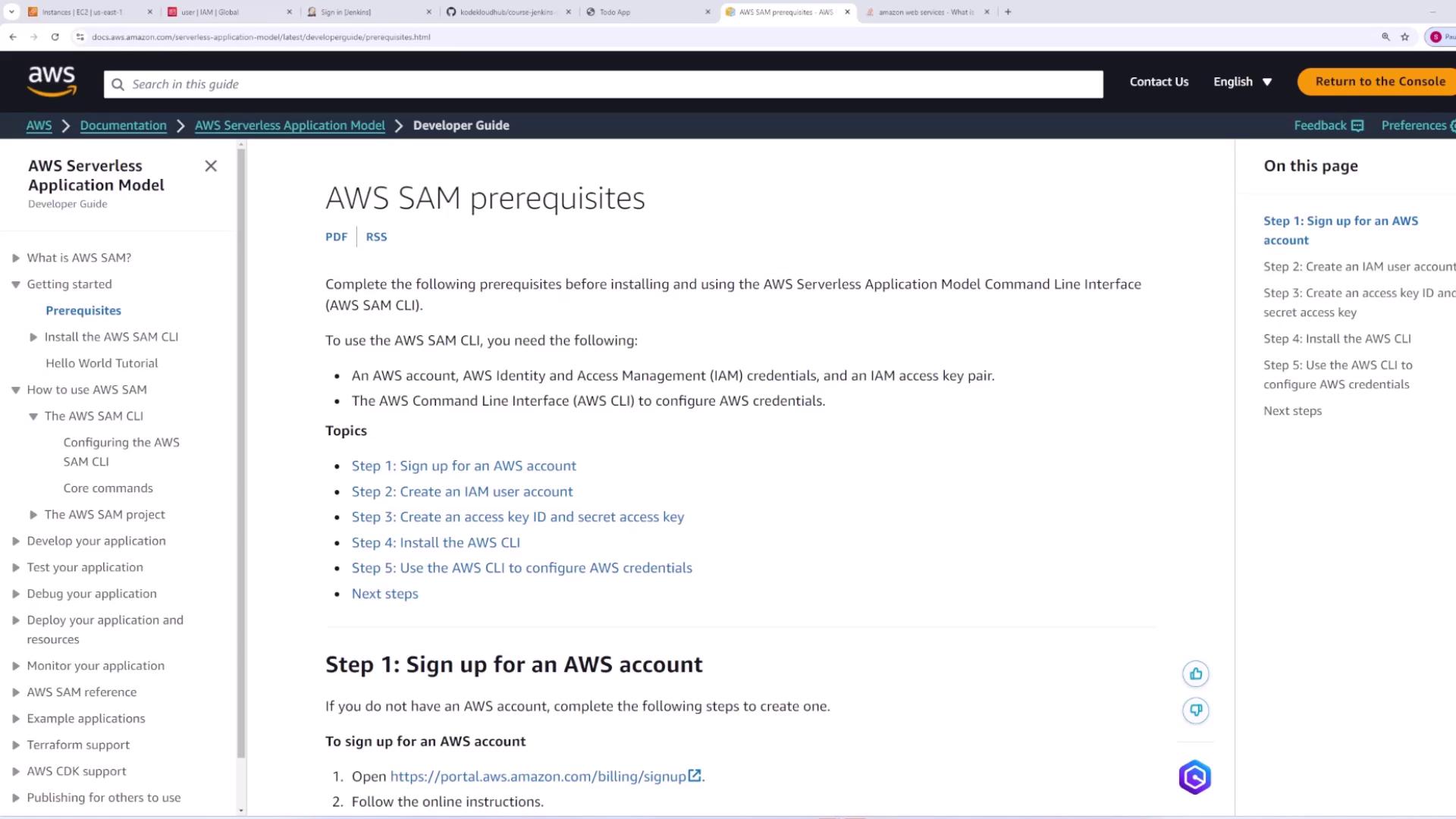
sam deploy.
Prerequisites and Installation
Before you begin, ensure you have the AWS CLI installed. For detailed instructions, refer to the AWS CLI installation documentation.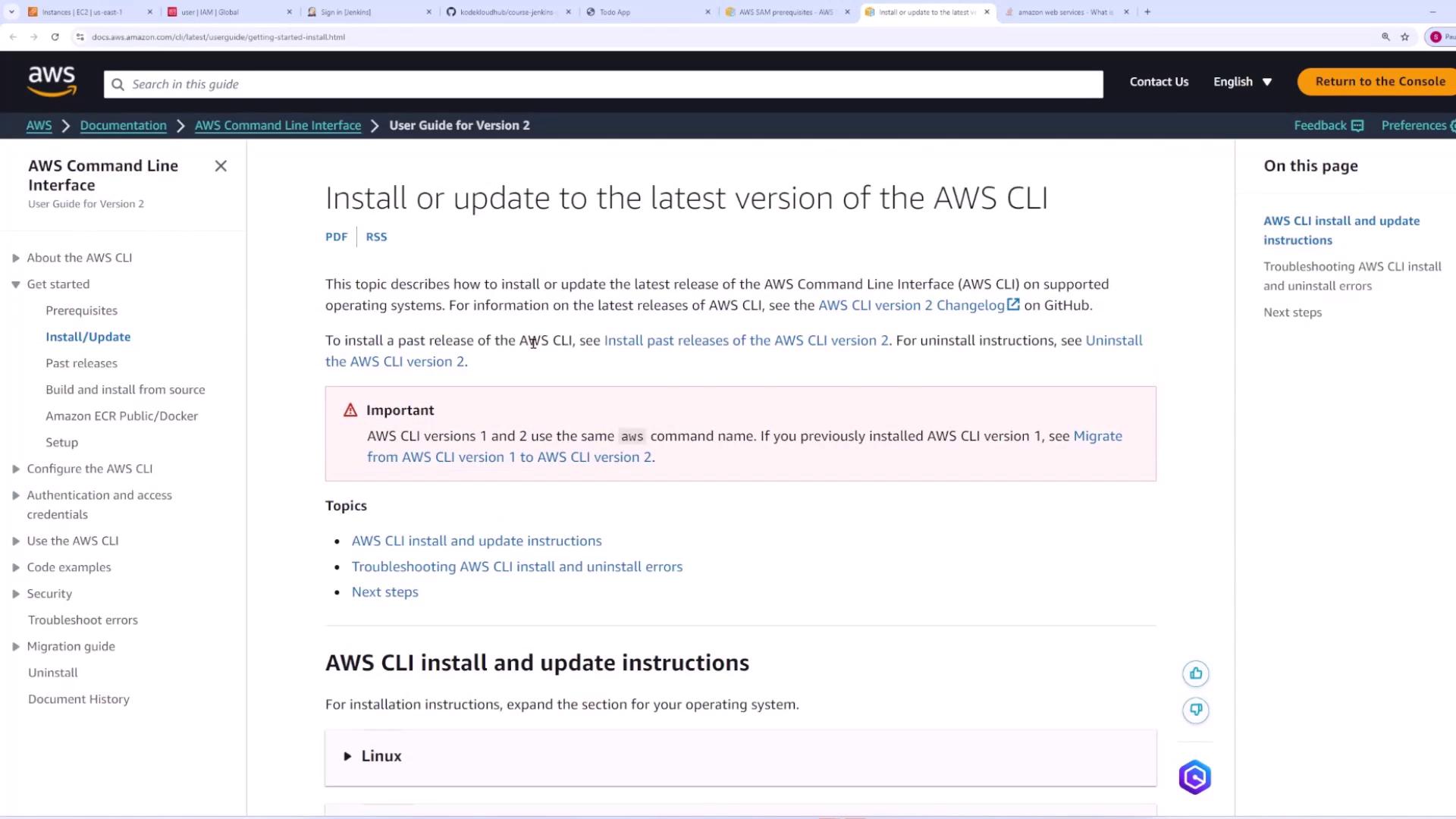
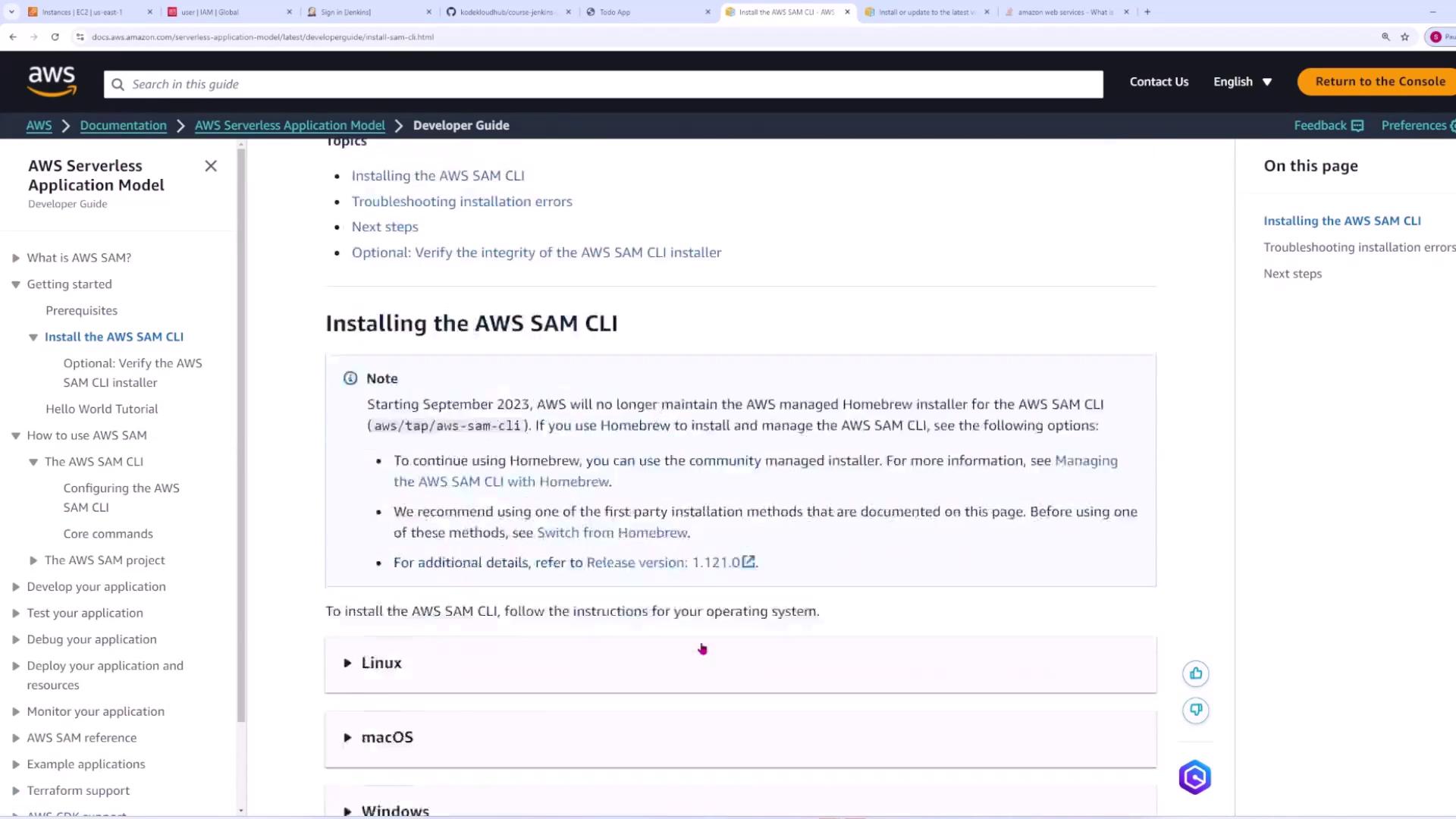
Initializing a SAM Application
Initialize your SAM project to generate base configuration files for your Lambda function. This process creates boilerplate code and configuration options that help kickstart your application. Run the following command in your terminal:sam-app is acceptable).
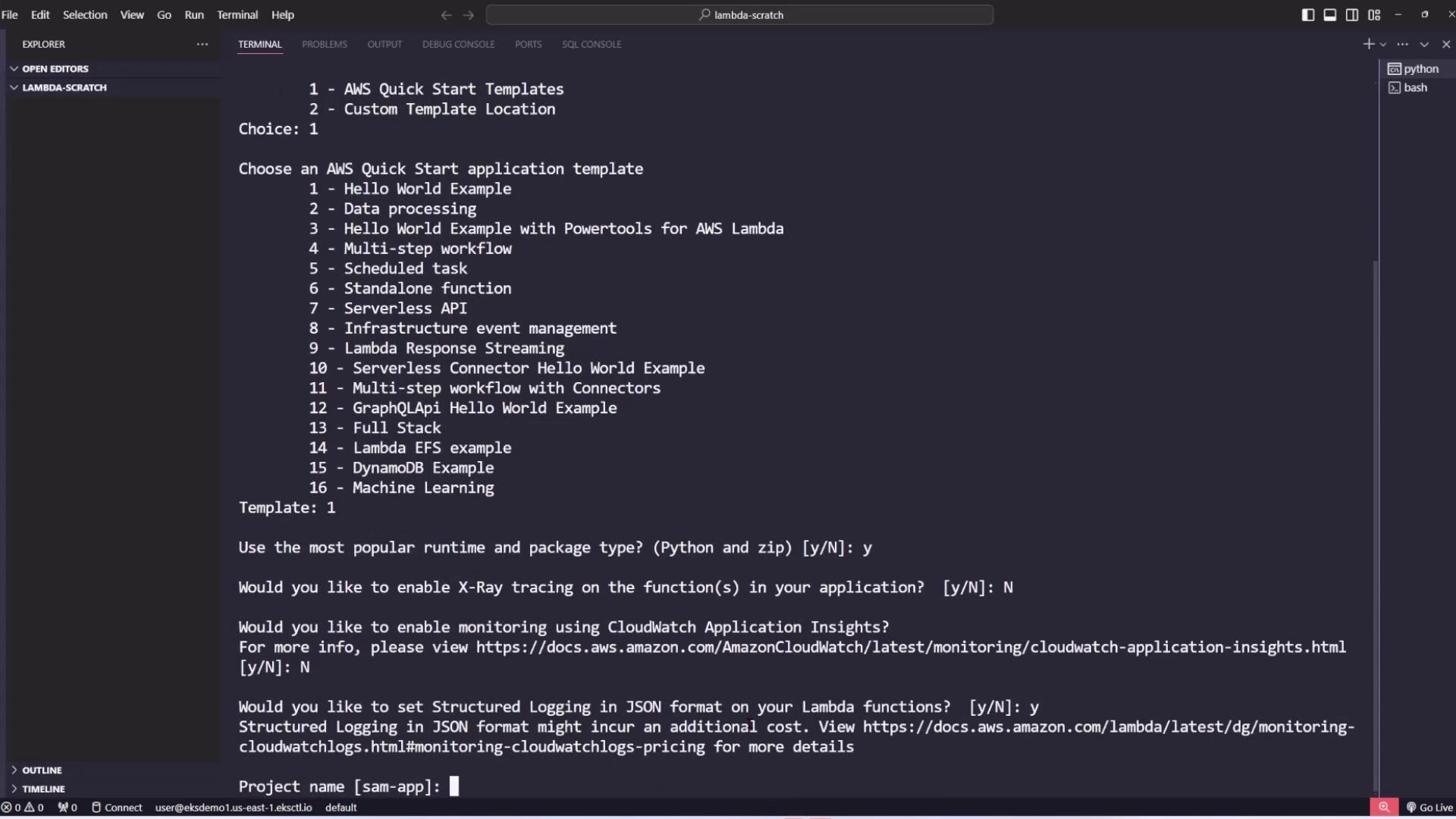
sam-app) with the project structure, including the crucial template.yaml file that defines AWS resources. Below is an example of a simplified template.yaml:
Note: Additional global configurations such as logging and timeouts can be specified in the Globals section:
- A basic Python file (
app.py) with a simple Lambda handler that returns a “hello world” message. - A
requirements.txtfile to manage dependencies. - Folders for unit and integration tests.
- A
samconfig.tomlfile that holds build and deployment configuration parameters.
app.py might look like this:
Building and Deploying the SAM Application
After initializing your project, navigate to the application directory (wheretemplate.yaml resides) and build your code using:
.aws-sam/build). Once the build completes successfully, you can deploy your application.
Deploying Your Application
Deploy the application by running:- CloudFormation stack name
- AWS region
- S3 bucket for packaging
- IAM capabilities
Warning: If you see errors such as:After confirming the CloudFormation change set (by enteringthis indicates that your AWS credentials are not correctly configured.
y), SAM CLI deploys the necessary AWS resources and outputs details like IAM roles, API Gateway endpoints, and Lambda function ARNs.
For example, the output might include:
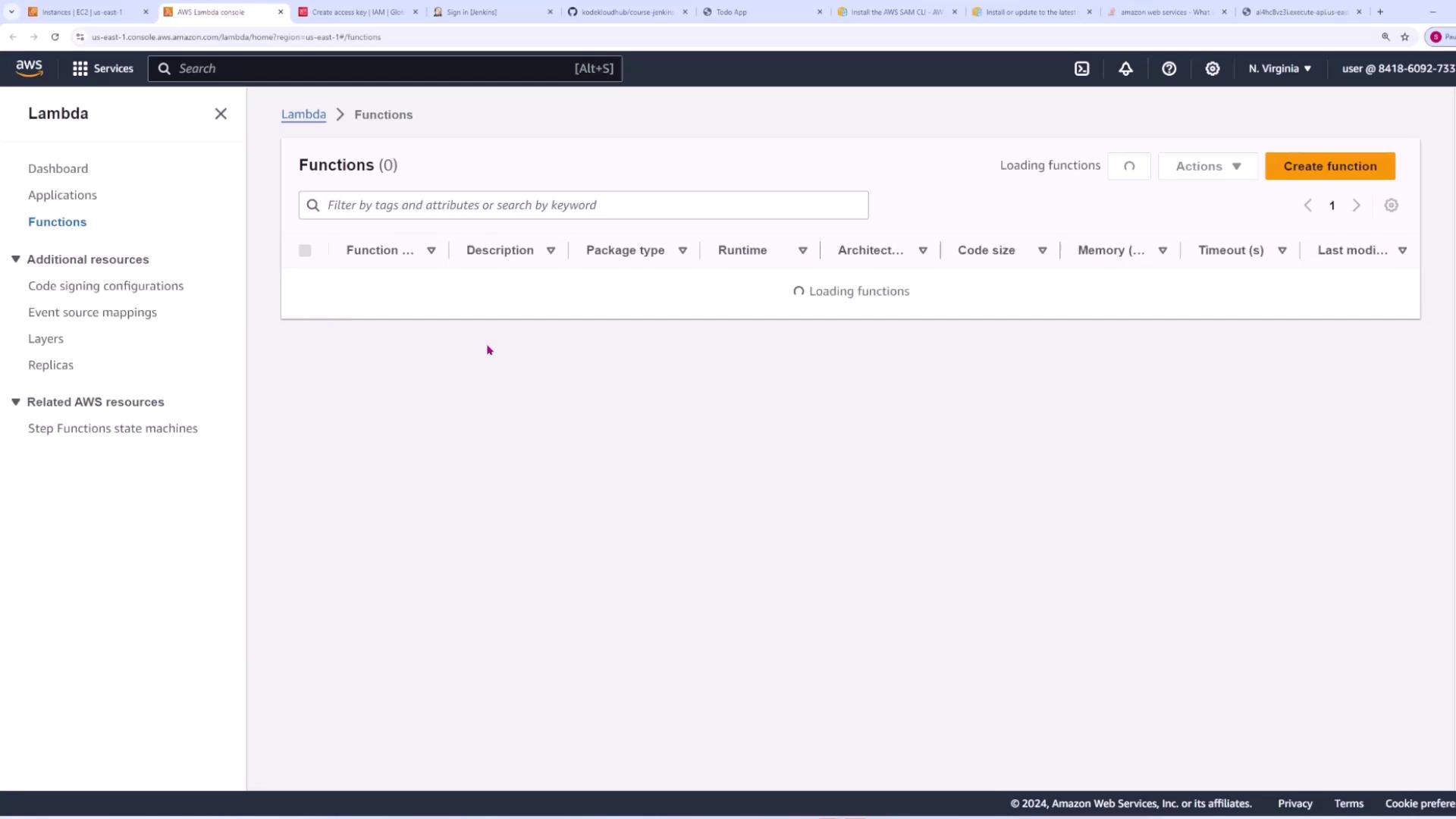
Configuring AWS Credentials
To deploy your application, ensure that your AWS credentials are configured on your local machine. Use the AWS CLI command: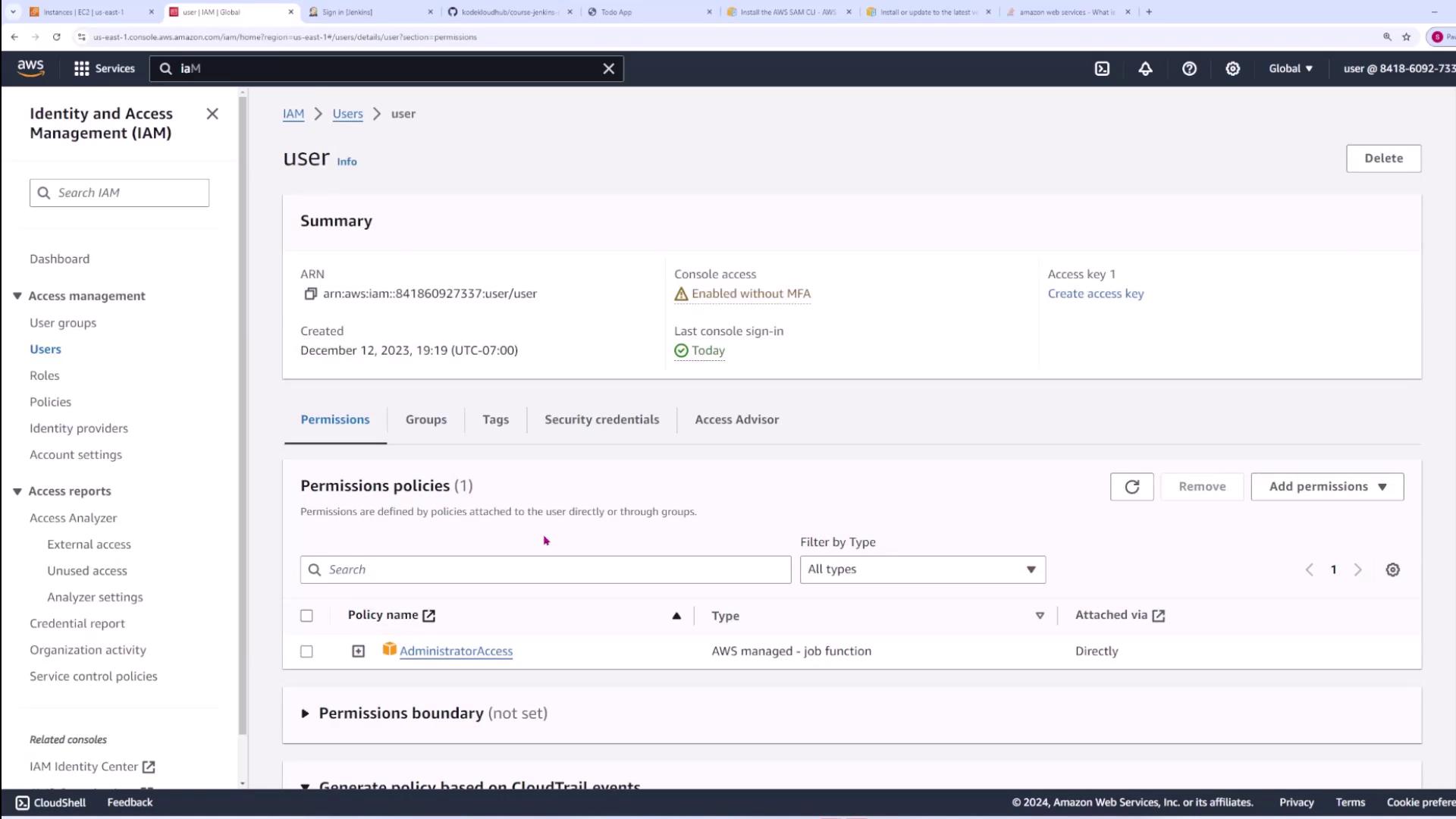
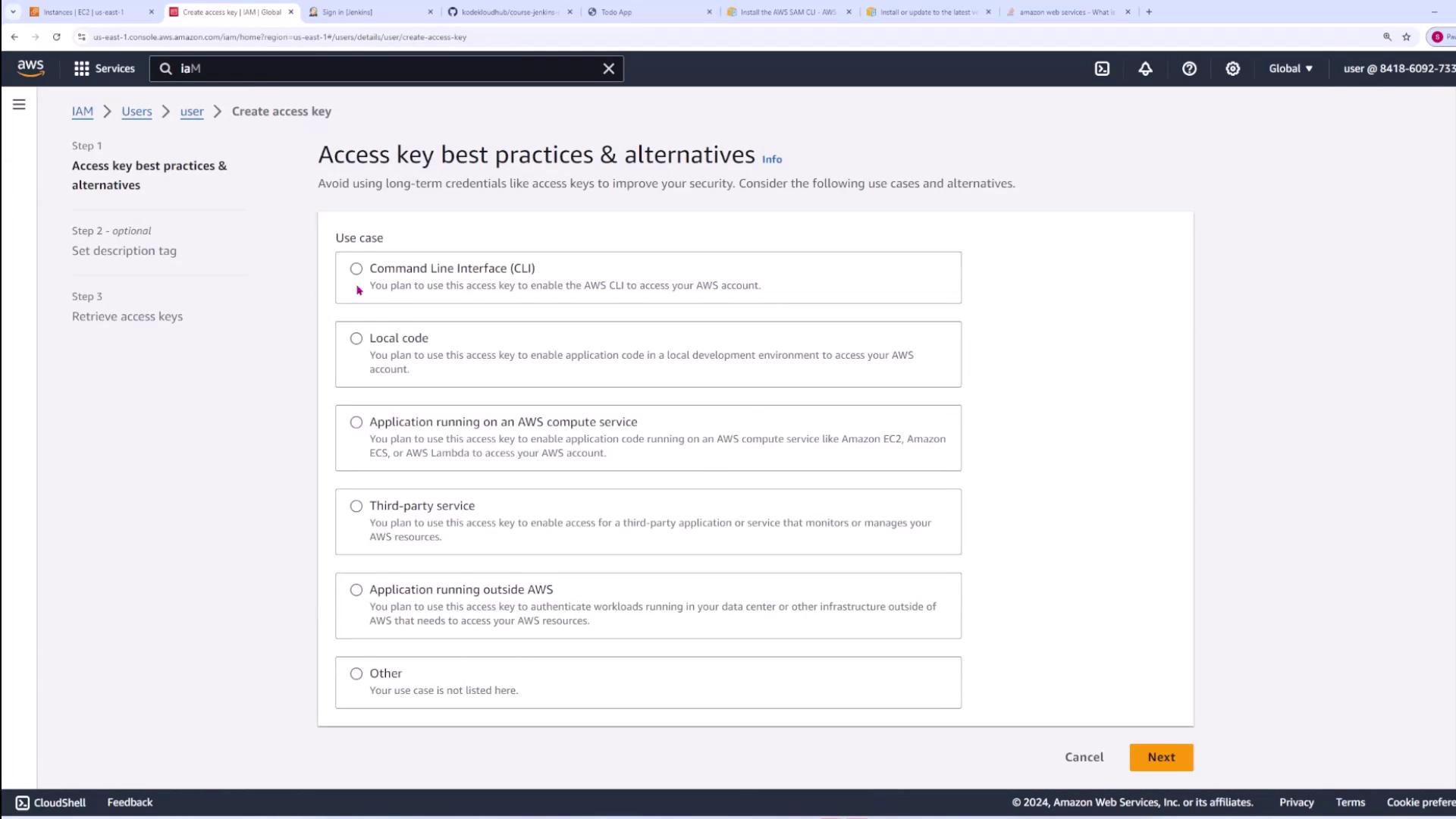
sam deploy to complete the deployment process.
Updating and Deleting the Stack
Once your SAM application is deployed, you can update it at any time by modifying your source code or thetemplate.yaml configuration and repeating the build and deploy steps.
To delete the deployed stack and remove all associated resources, run:
Building a CI/CD Pipeline Example
For demonstration purposes, consider creating a simple application namedlambda-app that serves as the foundation for your CI/CD pipeline. This project’s structure closely resembles the one created earlier with SAM, and the template.yaml file defines a Lambda function and an API Gateway.
Below is an example snippet from template.yaml:
app.py may be modified to include versioning within its response:
-T flag to specify the location of template.yaml:
sam build, and sam deploy steps in your pipeline configuration.
This article demonstrates how the AWS SAM CLI can simplify the development, deployment, and updating of serverless applications. With consistent commands for both local environments and CI/CD pipelines, managing Lambda-based applications has never been easier.