Types of Environment Variables in Jenkins
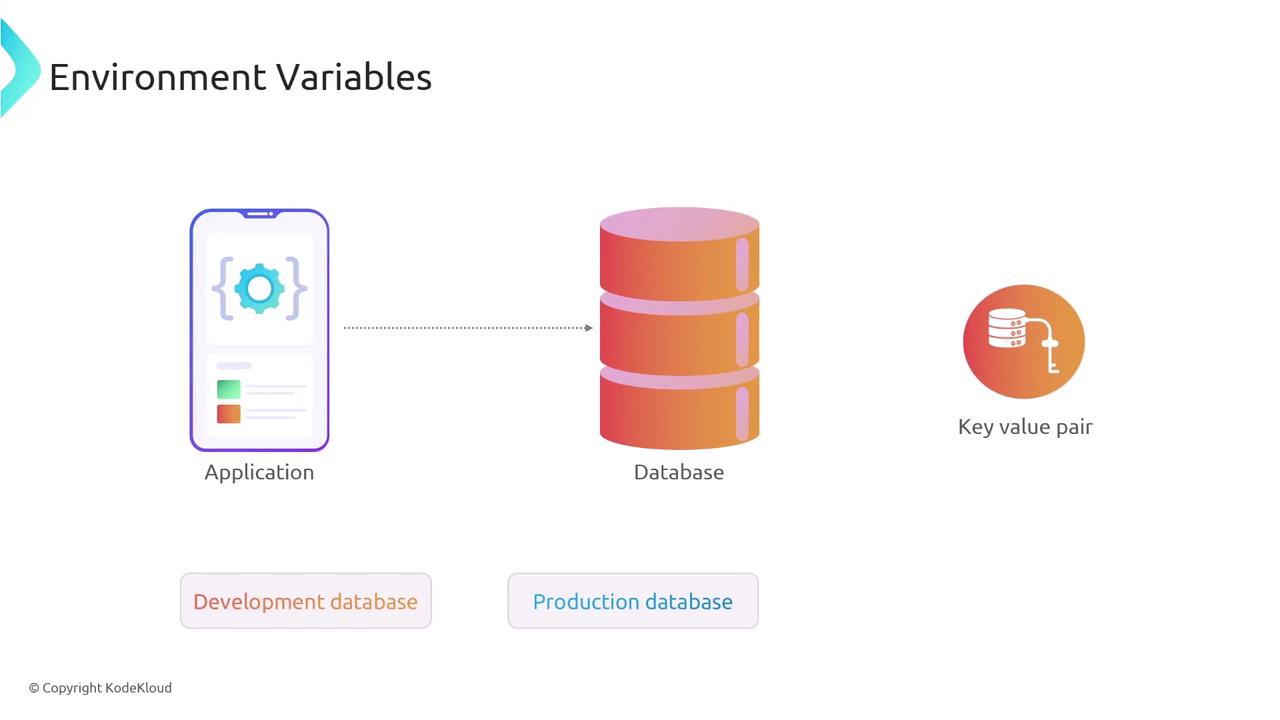
There are two main categories of environment variables in Jenkins:- System Environment Variables: Set on the operating system where Jenkins is running. Examples include
PATHand other system-specific settings that influence Jenkins operations. - Jenkins-Specific Environment Variables: Defined within Jenkins and can be scoped globally, per job, or even to a particular stage within a pipeline.
Scope of Environment Variables
When working with environment variables in Jenkins, they are available at different levels of visibility:- Global: Accessible to all jobs and pipelines.
- Job-Specific: Available only within a particular job.
- Pipeline Stage-Specific: Limited to a specific stage within the pipeline, reducing variable exposure and enhancing security.
Configuring Environment Variables in a Jenkins Pipeline
The following examples demonstrate how to configure environment variables in Jenkins pipelines.Global Environment Variable Example
The example below shows how to define an environment variable globally in a Jenkinsfile:MY_VAR is set at the pipeline level, making it available in all stages. Referencing ${MY_VAR} will return the value 'value'.
Stage-Specific Environment Variable Example
You can also scope environment variables to a specific pipeline stage. Consider the following example:HOSTNAME and PORT environment variables are only accessible within the Build stage, demonstrating how scoping minimizes potential security risks.
Built-in Environment Variables in Jenkins
Jenkins provides several built-in environment variables that offer useful information about the build process. Some examples include:BUILD_IDBUILD_NUMBERBUILD_TAGBUILD_URLEXECUTORJAVA_HOMEJENKINS_URLJOB_NAMENODE_NAMEWORKSPACE
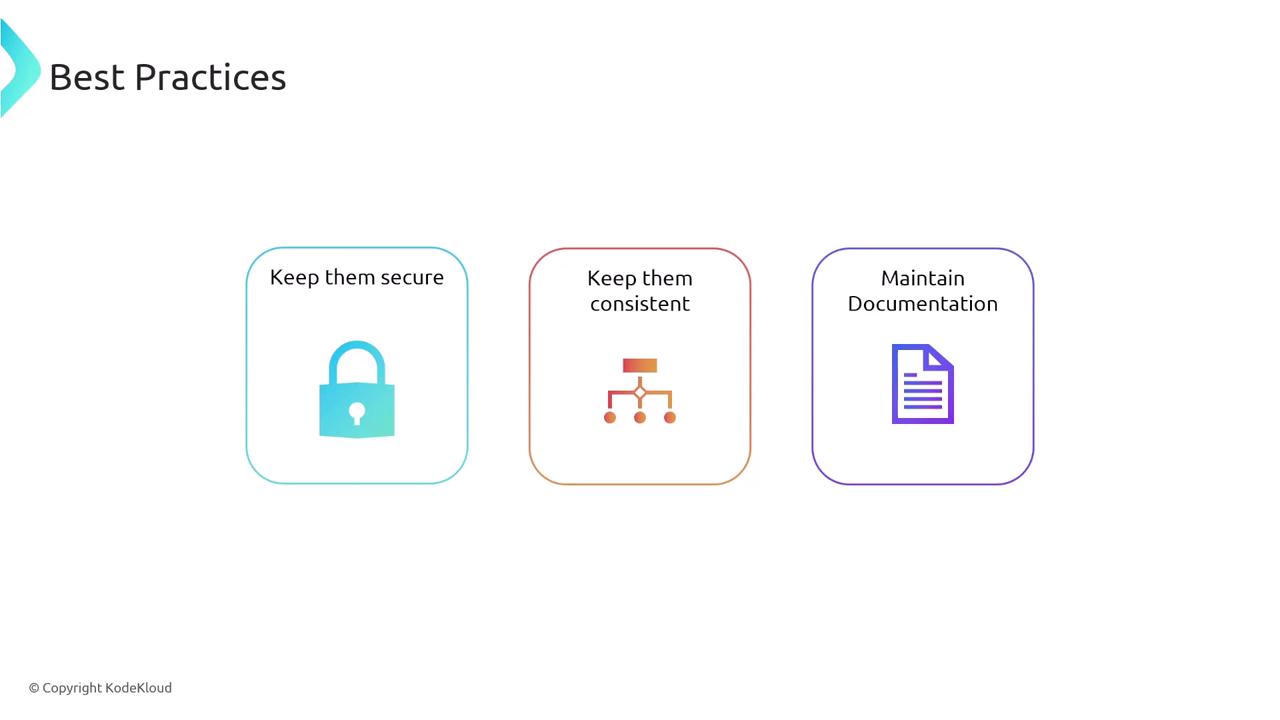
- Use the Jenkins Credentials Plugin to inject secrets into environment variables instead of hardcoding them.
- Maintain consistent naming conventions across all projects to improve clarity and maintenance.
- Document the usage and purpose of each environment variable within your Jenkins jobs and pipelines.