Make sure Docker is installed and properly configured on your Jenkins server before proceeding.
Setting Up Jenkins Credentials
The first step is to configure Jenkins with your Docker Hub credentials. Create credentials within Jenkins using the “Username with password” type. Enter your Docker Hub account name as the username and your Docker Hub password as the password. In this example, the credentials are named “Docker creds”.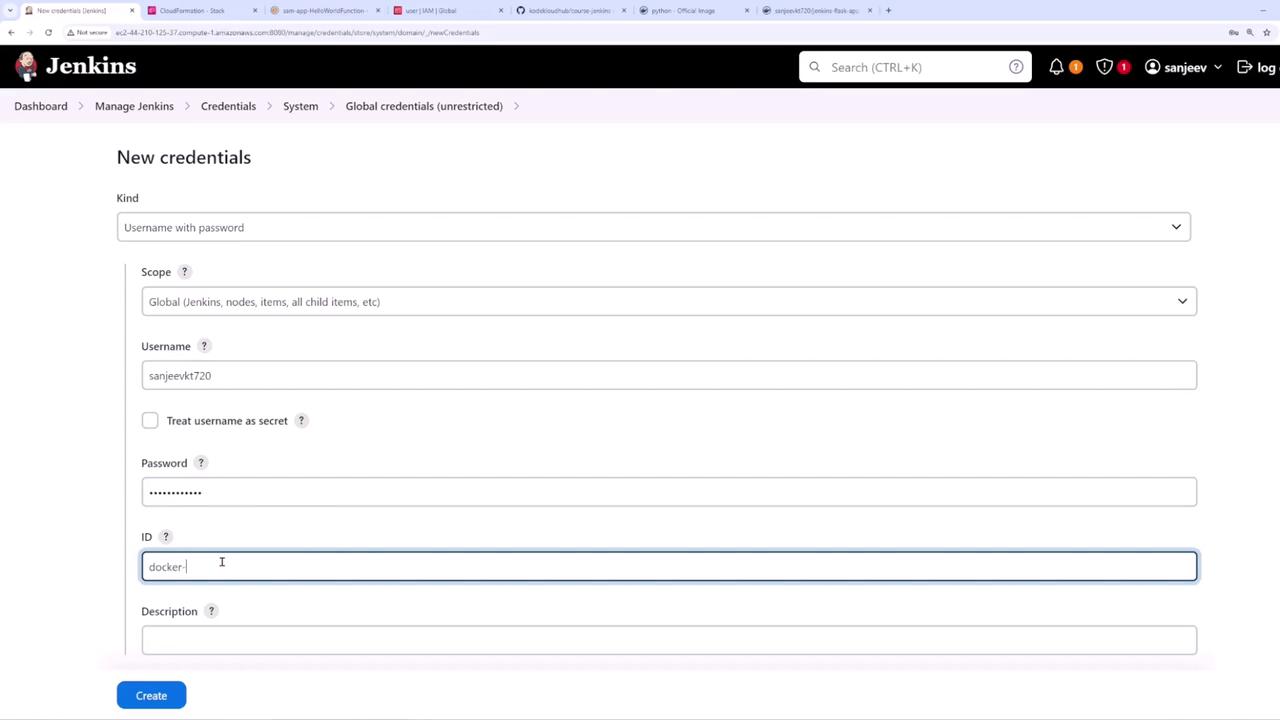
Creating a New Pipeline
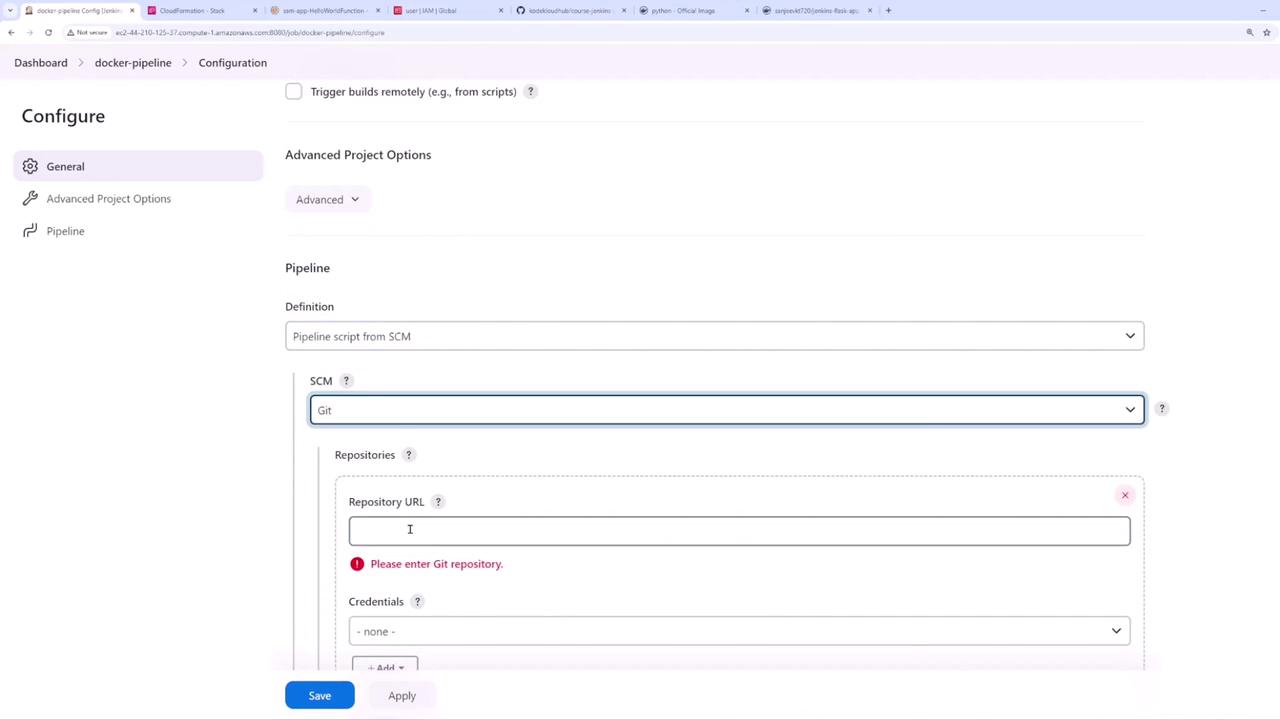
Next, navigate back to the Jenkins dashboard and create a new pipeline named “Docker pipeline”. In the pipeline configuration screen, make the following selections:- Enable “GitHub hook trigger for GITScm polling”.
- Choose “Pipeline script from SCM”.
- Select Git as your SCM and provide the URL of your repository.
- Set the branch to “main” and keep the default path to your Jenkinsfile.
The Jenkinsfile Pipeline Script
Your repository must contain a Jenkinsfile that defines the pipeline stages. In this example, the pipeline executes the following tasks:- Installs dependencies using pip.
- Runs tests with pytest.
- Logs into Docker Hub using the credentials configured earlier.
- Builds a Docker image.
- Pushes the Docker image to Docker Hub.
- Check out your code.
- Install required packages.
- Run unit tests using pytest.
- Log into Docker Hub.
- Build a Docker image.
- Push the newly built image to your Docker Hub repository.
Build Output Examples
During the build process, you may see console outputs such as the following when installing dependencies:Verifying the Commit and Docker Image Tag
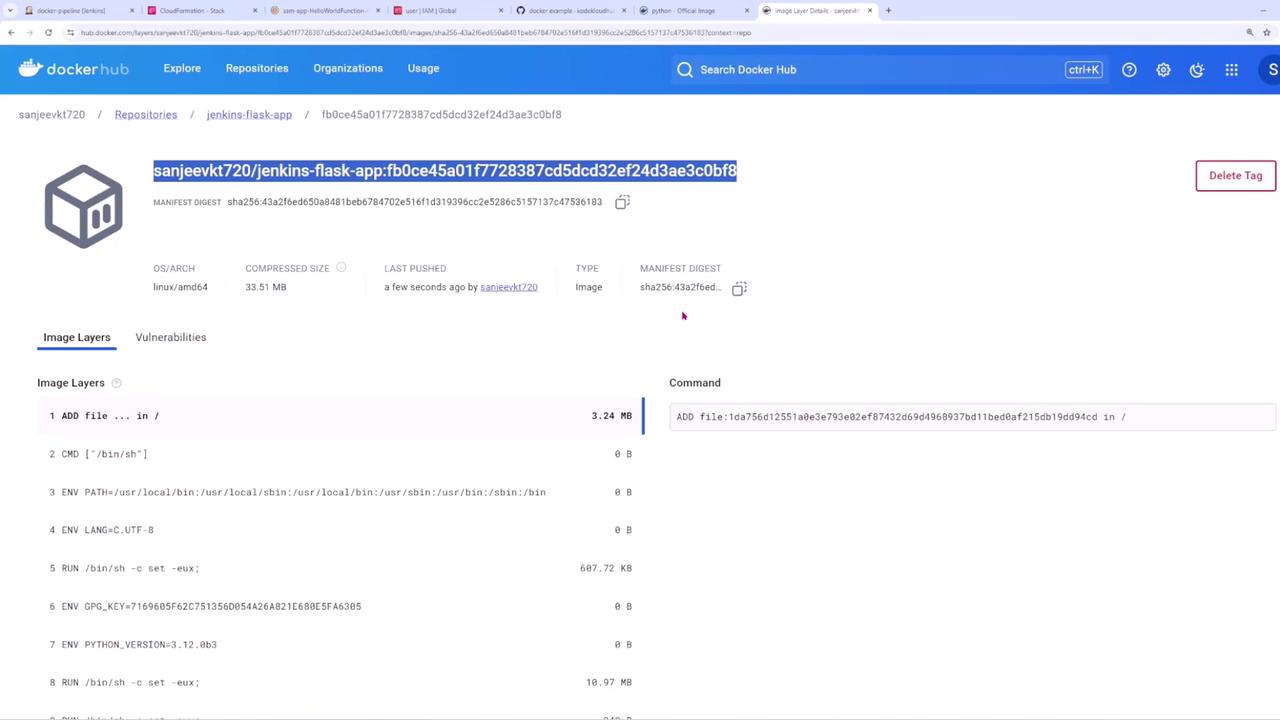
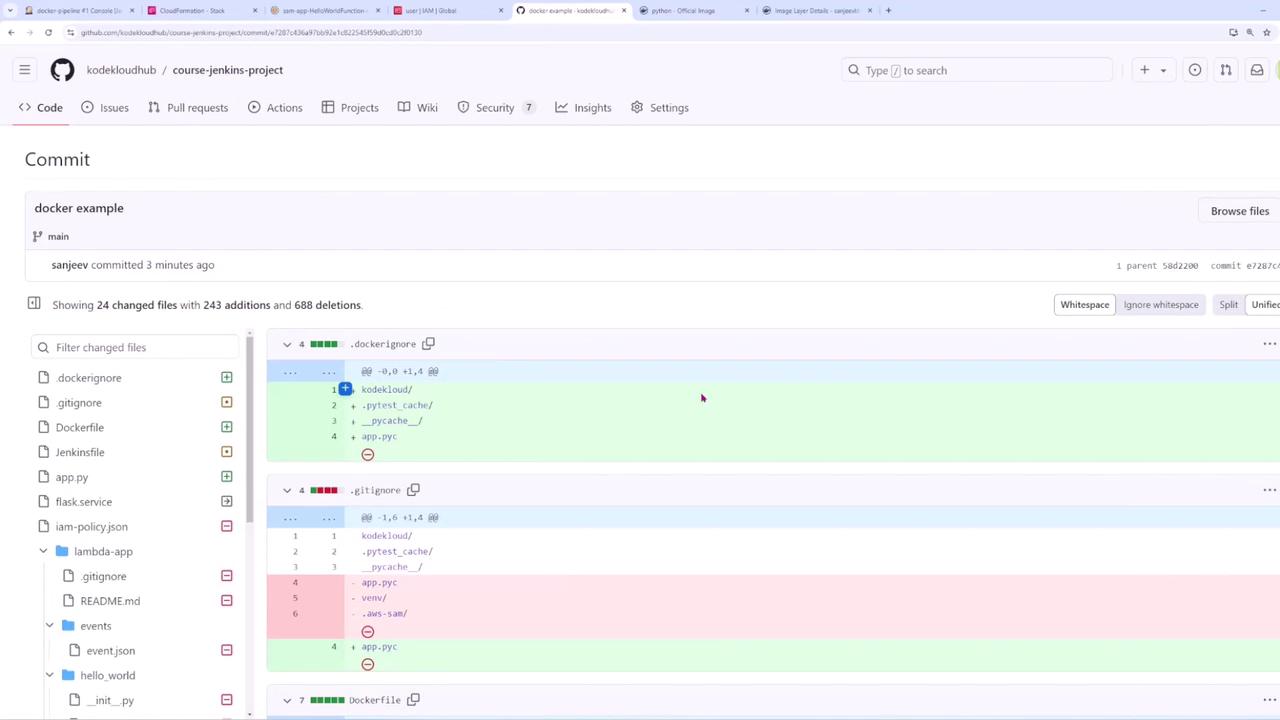
Tagging your Docker images with the Git commit hash creates a direct link between the image and a specific commit in your repository. This makes it easy to track deployments back to the source code changes. For example, checking the commit history on GitHub can help you verify that the correct changes have been deployed.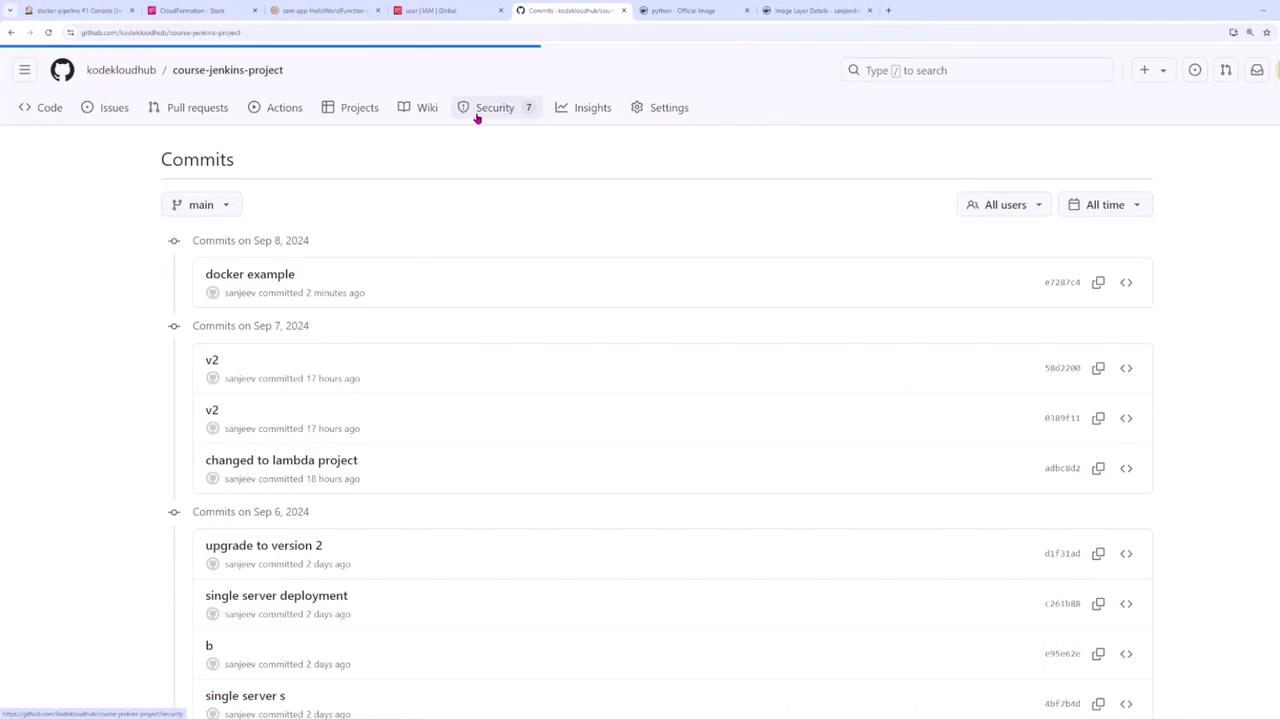
Viewing the Docker Image on Docker Hub
Finally, you can verify the pushed Docker image on Docker Hub. The Docker Hub interface displays details such as the manifest digest, OS/architecture, compressed size, and image layers.