

Why Do We Need Lambda?
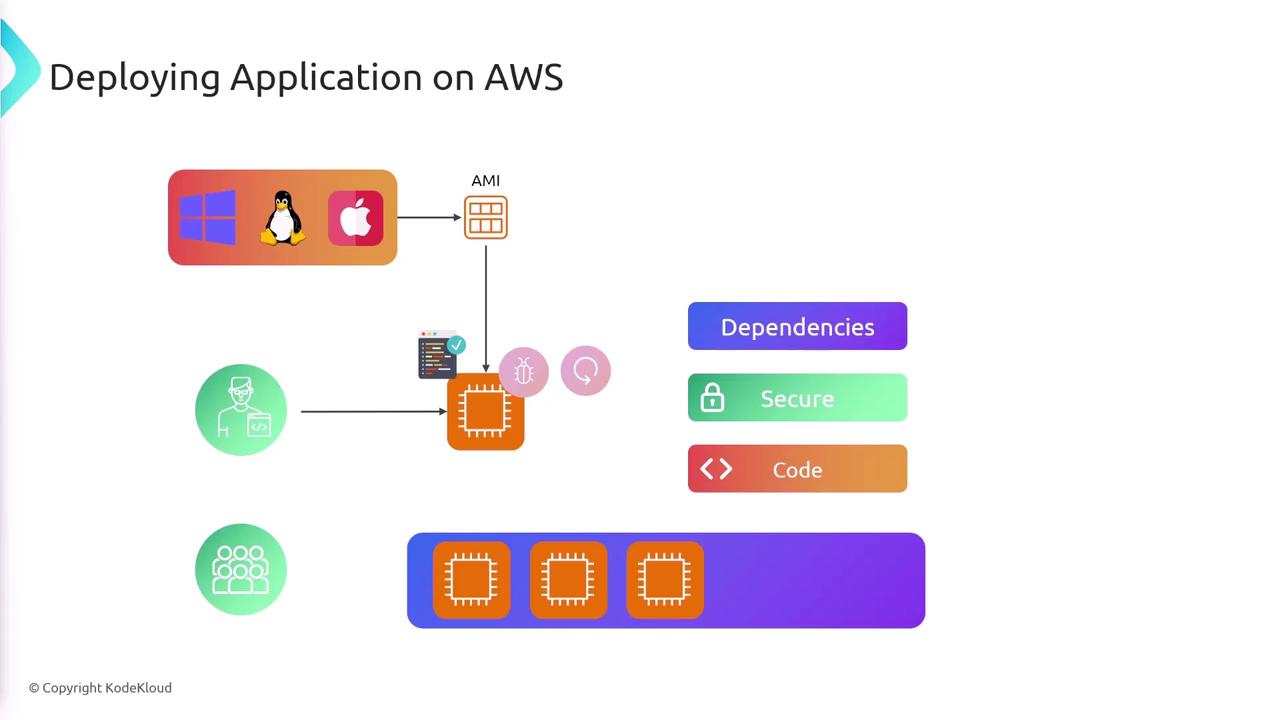
Traditionally, deploying an application on AWS using Amazon Elastic Compute Cloud (EC2) involves several steps:- Provisioning an EC2 instance with an appropriate AMI based on your chosen operating system.
- Installing all necessary dependencies on the instance.
- Securing the server with firewalls and additional security measures.
- Copying your application code onto the instance.
- Continuously handling maintenance tasks such as bug fixes, patch updates, and routine system checks.
- Configuring auto-scaling to handle traffic bursts by increasing capacity as needed and scaling down when demand drops.
What is AWS Lambda?
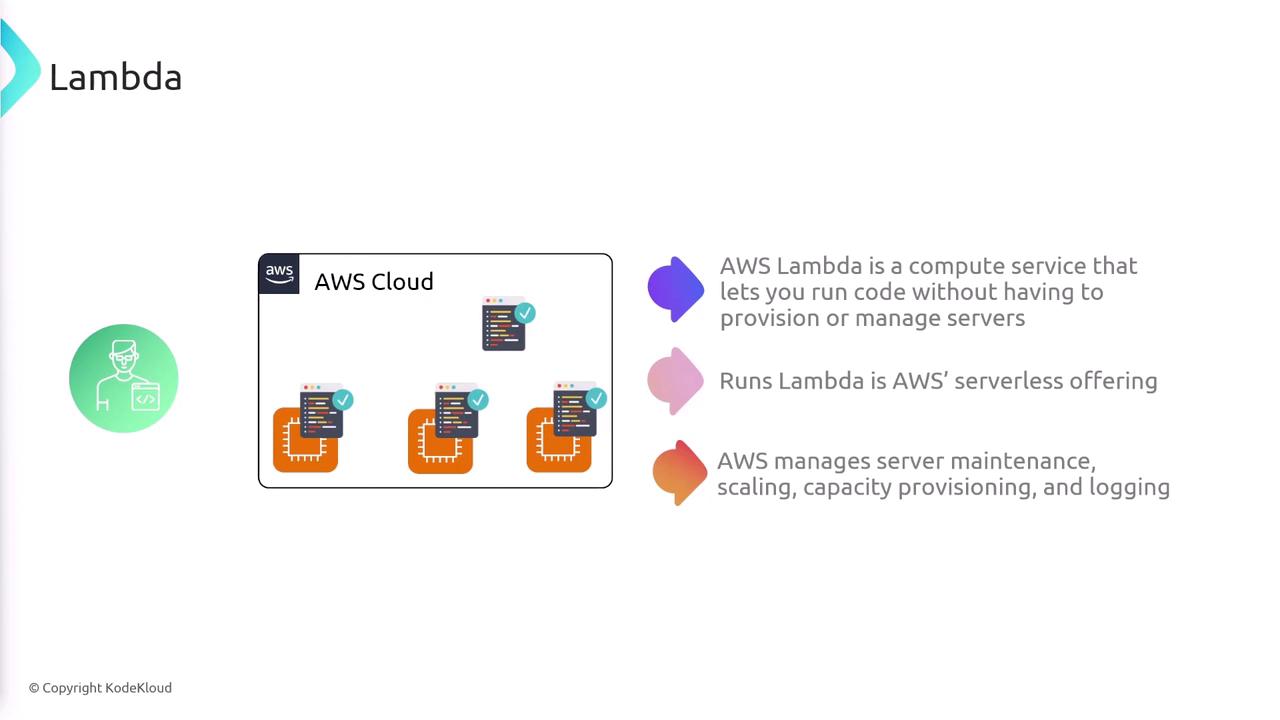
AWS Lambda abstracts the complexity of managing servers by allowing you to simply upload your code. Once deployed, AWS handles:- Provisioning the necessary compute resources.
- Automatic scaling based on demand.
- Logging and monitoring.
How Does Lambda Work?
With AWS Lambda, you define triggers that determine when your function should run. Once an event occurs, the respective Lambda function executes to perform its assigned tasks.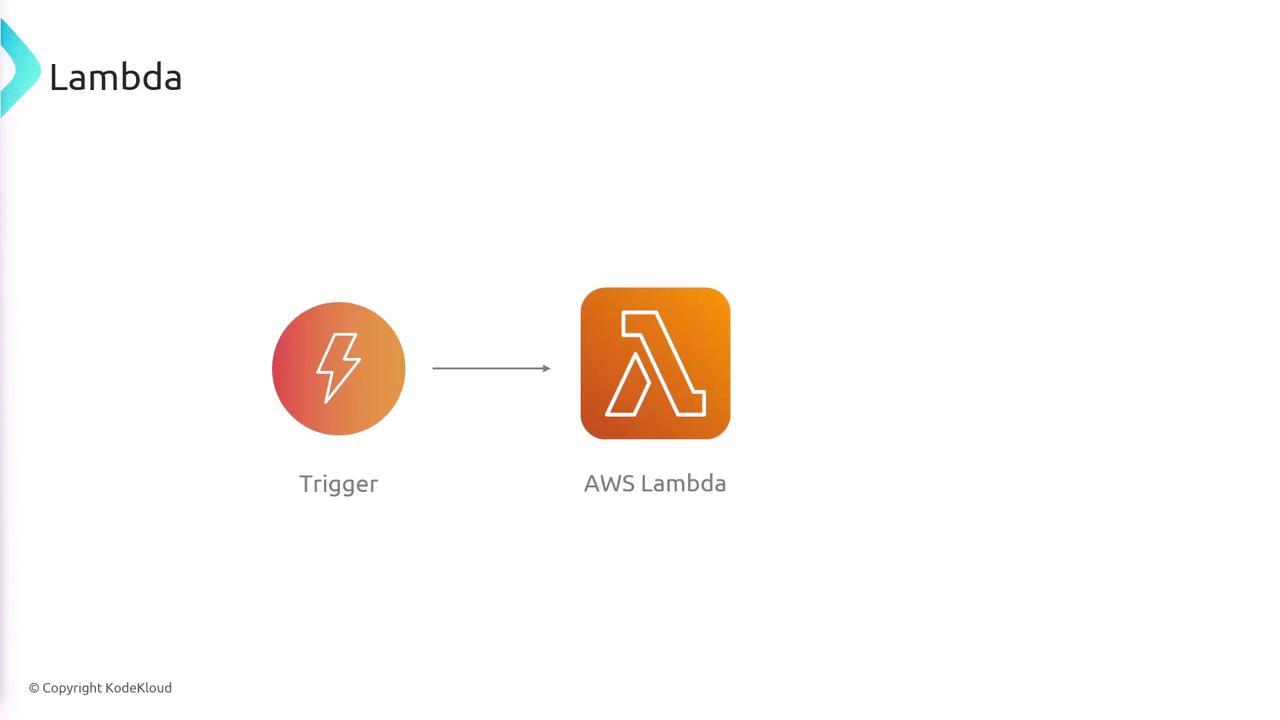
Benefits of Using Lambda
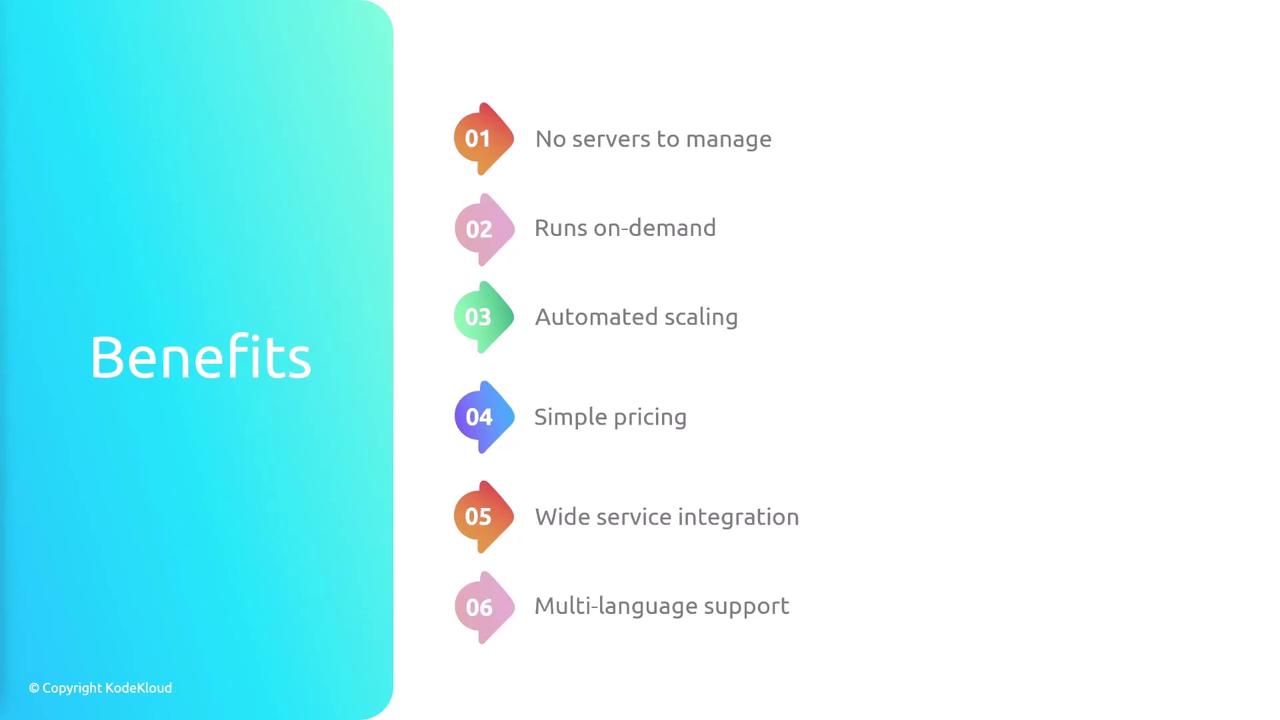
- No Server Management: Deploy functions that run on demand with no manual server provisioning or ongoing maintenance.
- Automatic Scaling: Functions dynamically scale to match sudden increases in traffic and scale back down when demand decreases.
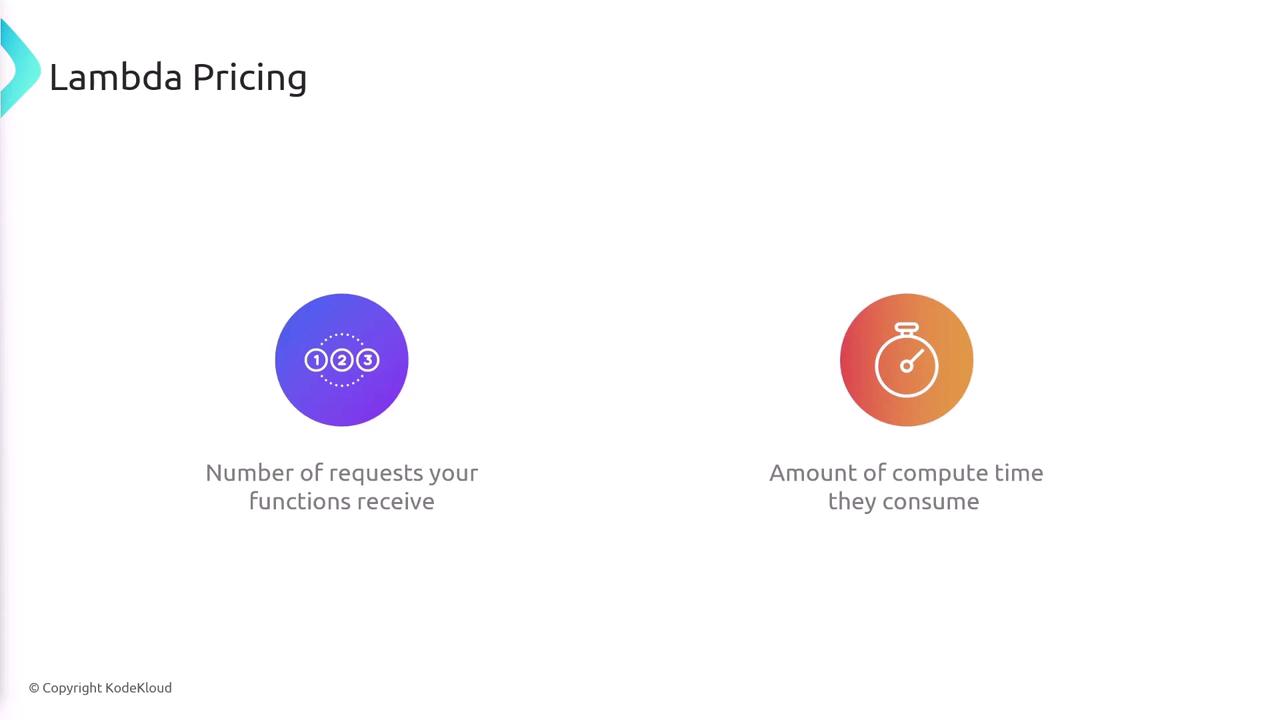
- Cost Efficiency: Pay solely for the number of requests and the compute time consumed by your functions, minimizing expenses on underutilized resources.
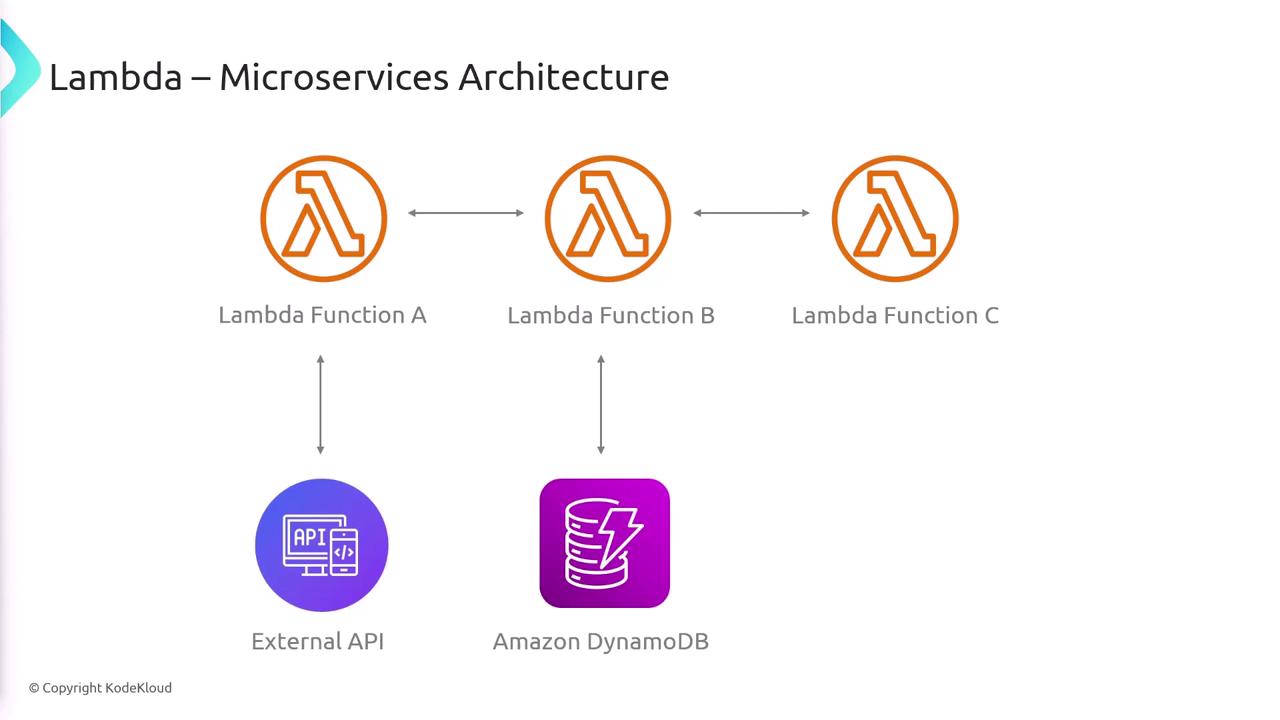
- Seamless Integration: AWS Lambda integrates effortlessly with various AWS services such as SQS, SNS, DynamoDB, and more.
- Multi-Language Support: Out-of-the-box support for popular runtimes like Ruby, JavaScript, Python, and more, plus the option to implement custom runtimes if necessary.
Supported Runtimes and Container Deployments
AWS Lambda supports a diverse range of programming languages and runtimes, including Node.js, Ruby, Go, C#, Java, and Python. If your preferred language is missing, you can develop a custom runtime.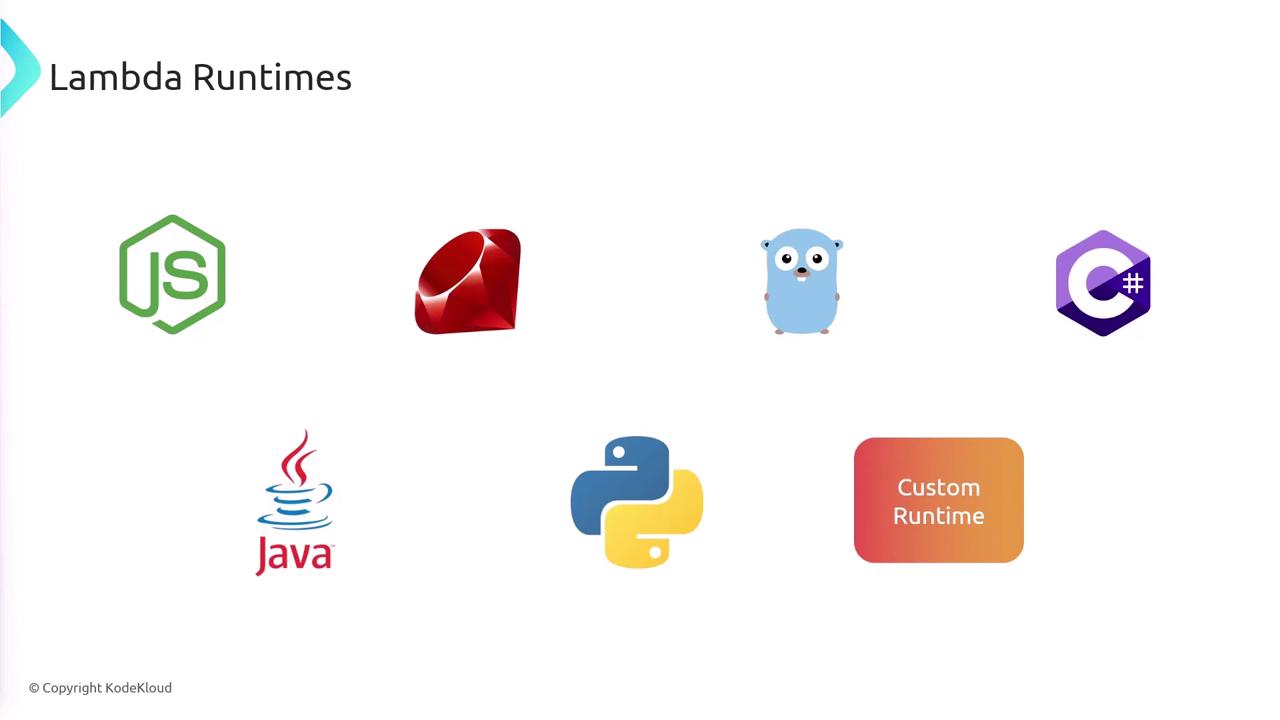
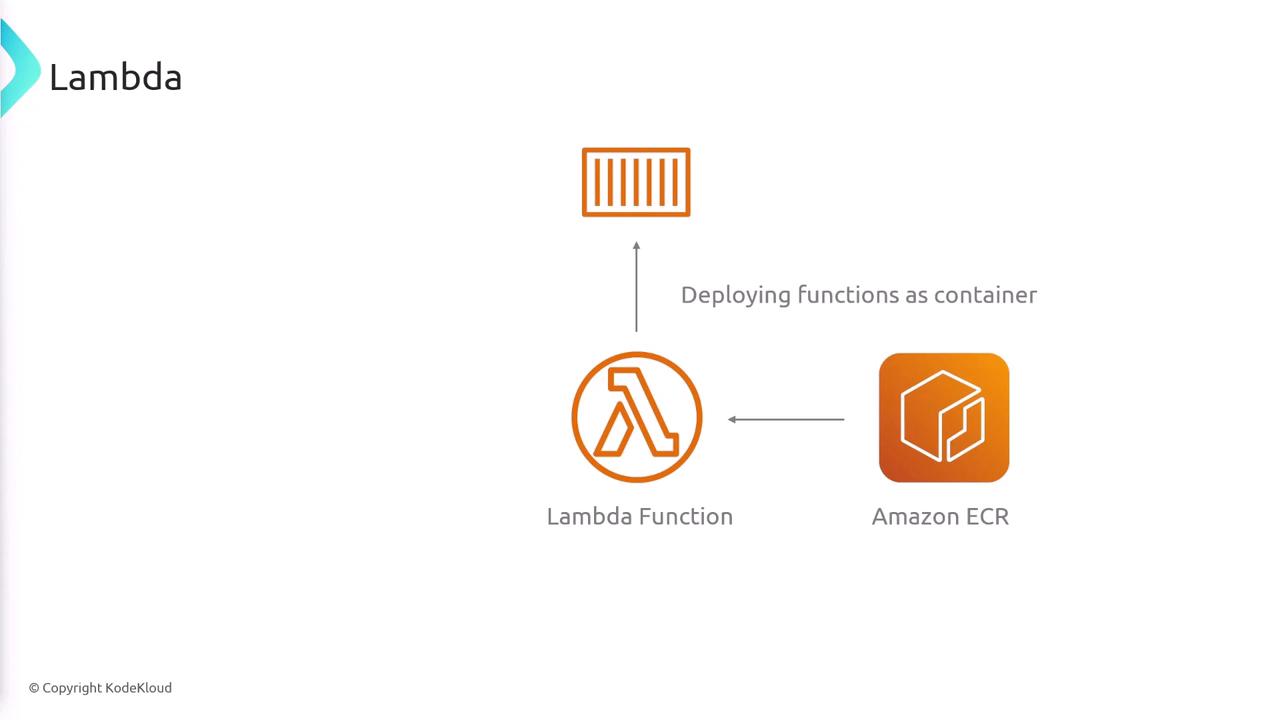
Event-Driven Workflows and API Integration
AWS Lambda is ideal for event-driven workflows. For example, when a user uploads an image to an Amazon Simple Storage Service (Amazon S3) bucket, this event can trigger a Lambda function to resize the image and even send a notification via Amazon SNS.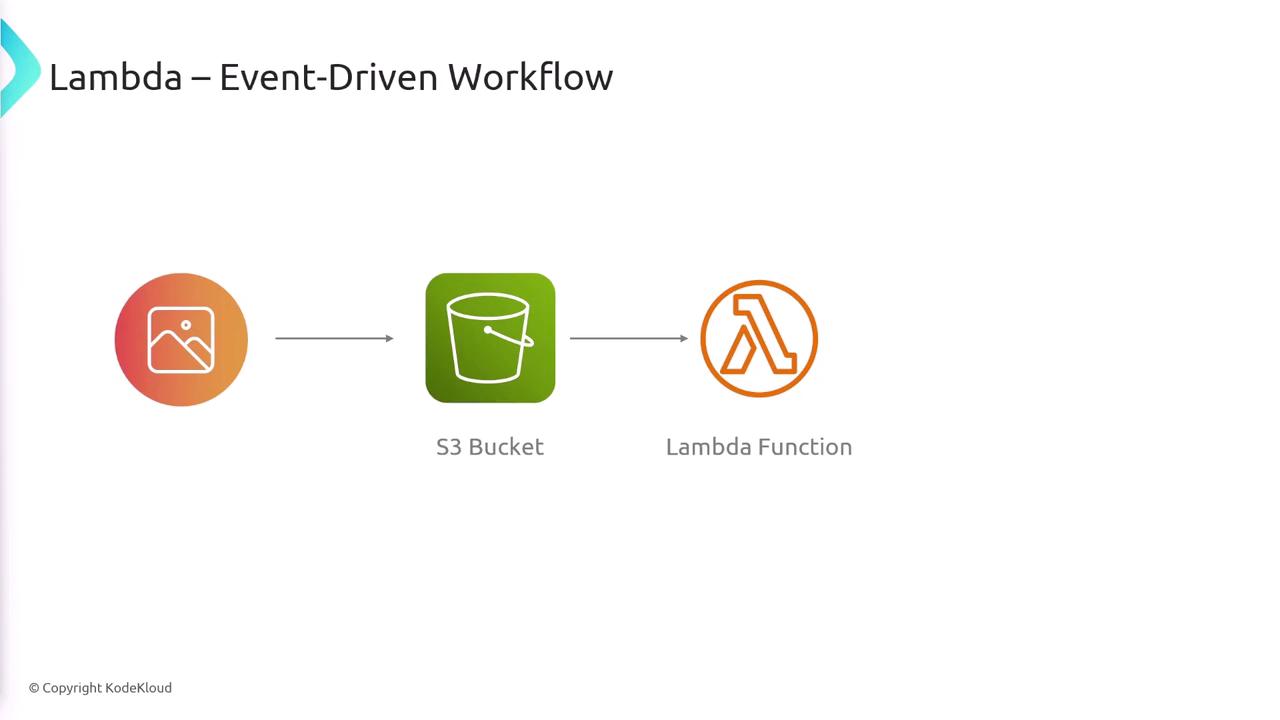
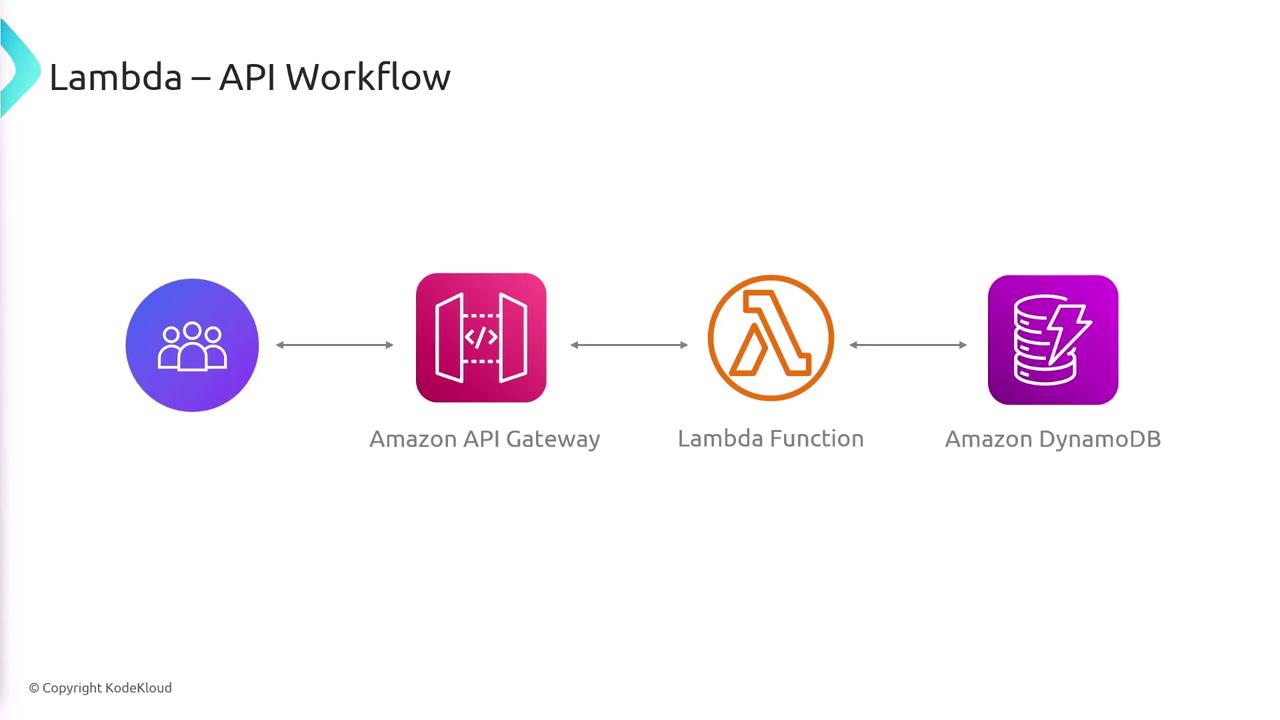
Lambda Pricing Model
AWS Lambda offers a straightforward pricing model based on:- The number of times your function is invoked.
- The total compute time consumed by your function.
Understanding the Lambda Function Context
When AWS Lambda triggers a function, it passes two primary pieces of information:- Event Object: Contains data and metadata about the event that triggered the function (for example, details about an uploaded file in an S3 bucket).
- Context Object: Provides information about the invocation, including function configuration and execution environment. Key properties include:
Optimizing Performance with Memory Configuration
A Lambda function’s performance can be significantly influenced by its memory allocation. Although increasing memory does not directly increase CPU power, AWS allocates more CPU power alongside additional memory resources. If your function experiences timeouts or slow performance, consider increasing its memory allocation to boost both memory and CPU capacity.Increasing memory allocation will improve performance but may also lead to increased costs.
Summary
AWS Lambda is a robust serverless compute service that empowers developers to run code without the overhead of managing physical servers. Key benefits include:- On-demand execution with automatic scaling.
- Support for major and custom runtimes.
- A transparent pricing model based on invocations and compute time.
- Seamless integration with various AWS services.
- Enhanced performance through adjustable memory (and accompanying CPU) configuration.