

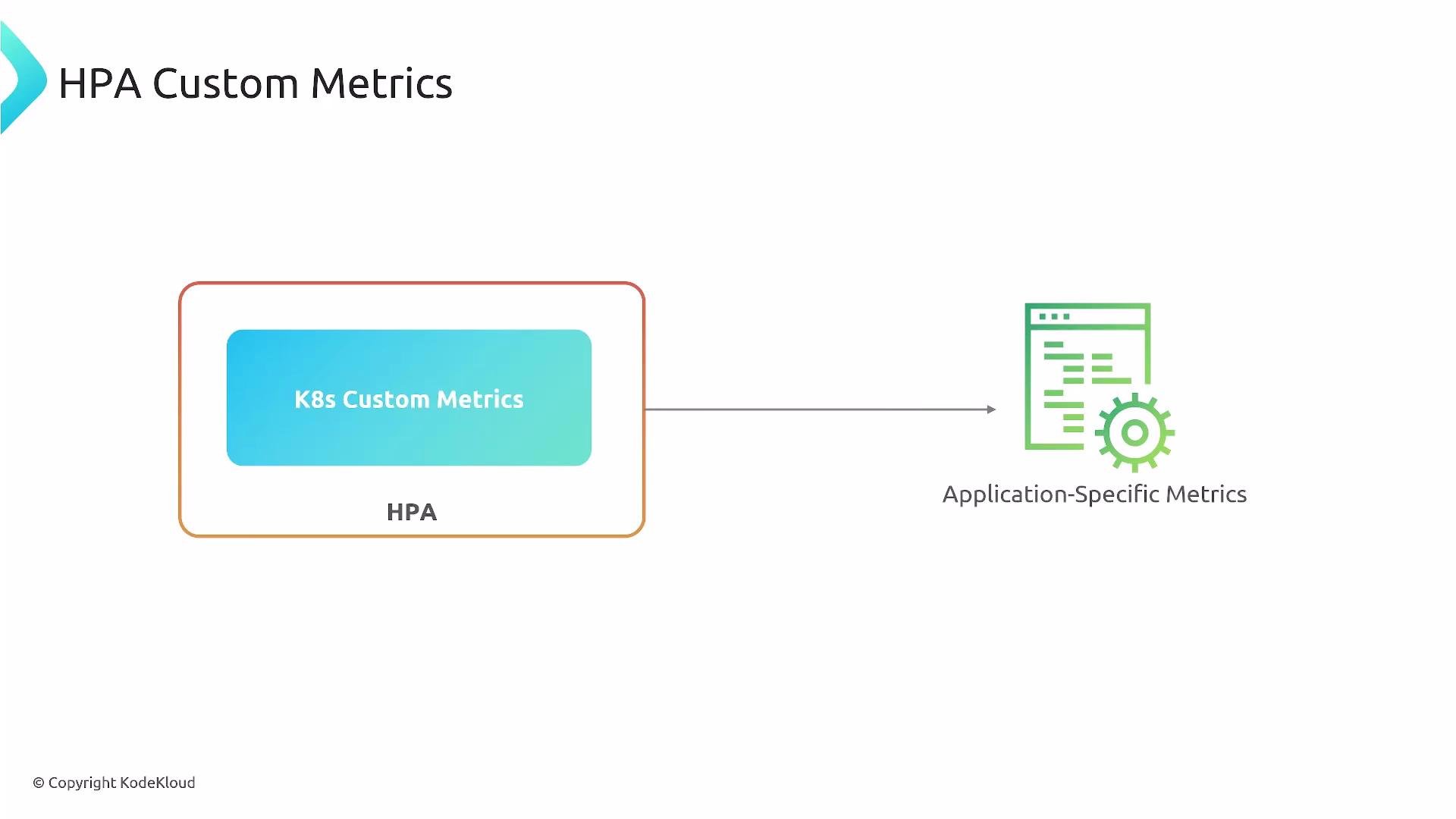
- They reflect application behavior and user experience more directly than CPU/memory.
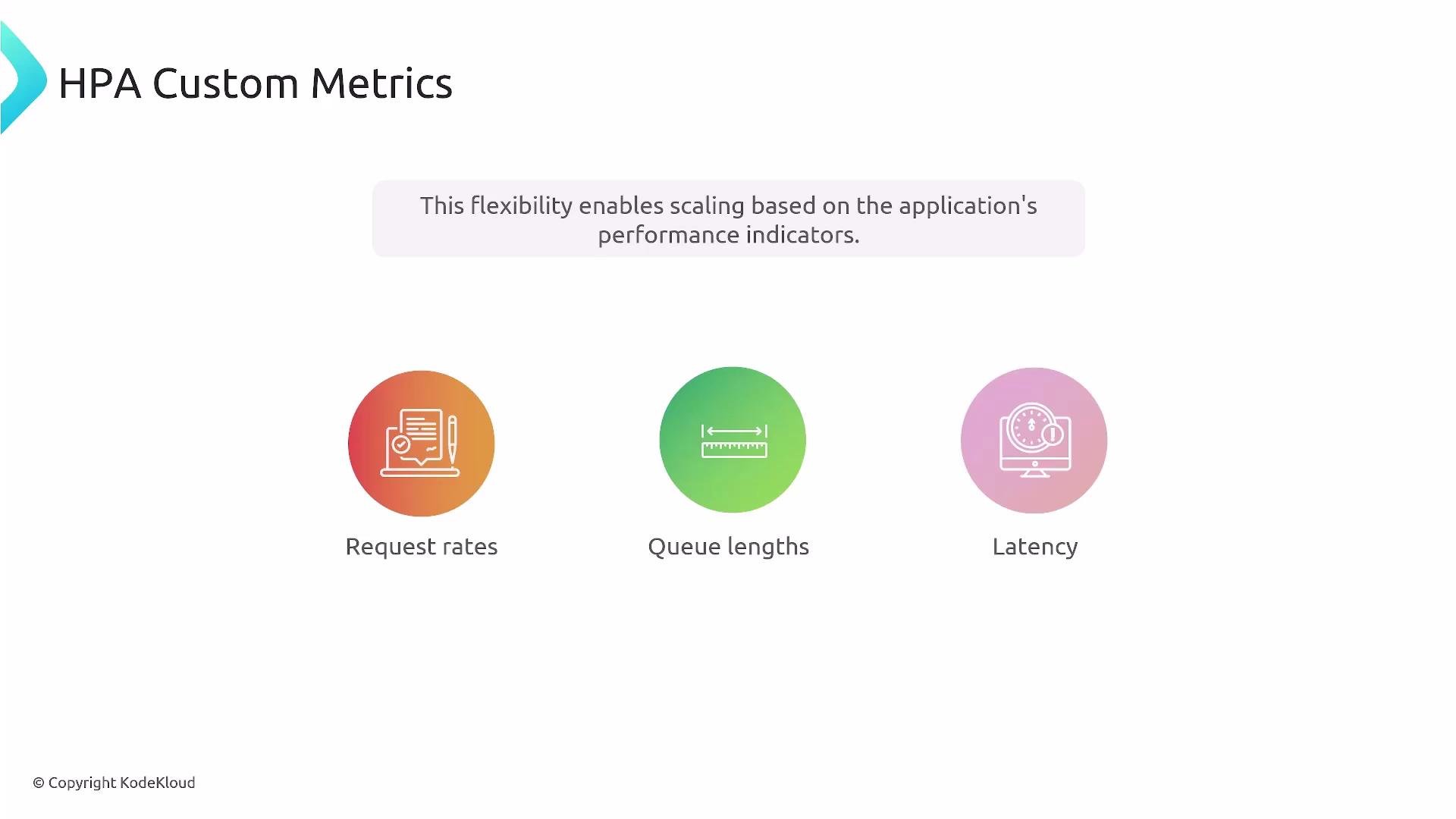
- They let you scale on real business signals (e.g., requests/sec, queue length, latency).
- They enable smarter autoscaling rules that can reduce cost while maintaining performance.
- Application instrumentation — your app exposes metrics (libraries like Prometheus client libraries or OpenTelemetry).
- Metrics collection — a monitoring system scrapes or receives those metrics (for example, Prometheus server).
- Metrics adapter — translates the monitoring system’s metrics into the Kubernetes Metrics API (exposes
custom.metrics.k8s.ioorexternal.metrics.k8s.io). - HPA — queries the Kubernetes API to read those metrics and scales Deployments/ReplicaSets accordingly.
Concretely, an adapter implements one or more of the metric APIs the HPA understands (for example,
custom.metrics.k8s.io or external.metrics.k8s.io), mapping monitoring-system metrics into those APIs. A common setup is Prometheus + prometheus-adapter.
Kubernetes’ built-in Metrics Server only provides resource metrics (
metrics.k8s.io) for CPU and memory. To use application-level custom metrics you must run a monitoring system and an adapter (for example, Prometheus + prometheus-adapter) that exposes the metrics through the Kubernetes Custom/External Metrics APIs. See the Kubernetes core metrics pipeline docs for details: https://kubernetes.io/docs/tasks/debug-application-cluster/core-metrics-pipeline/#metrics-server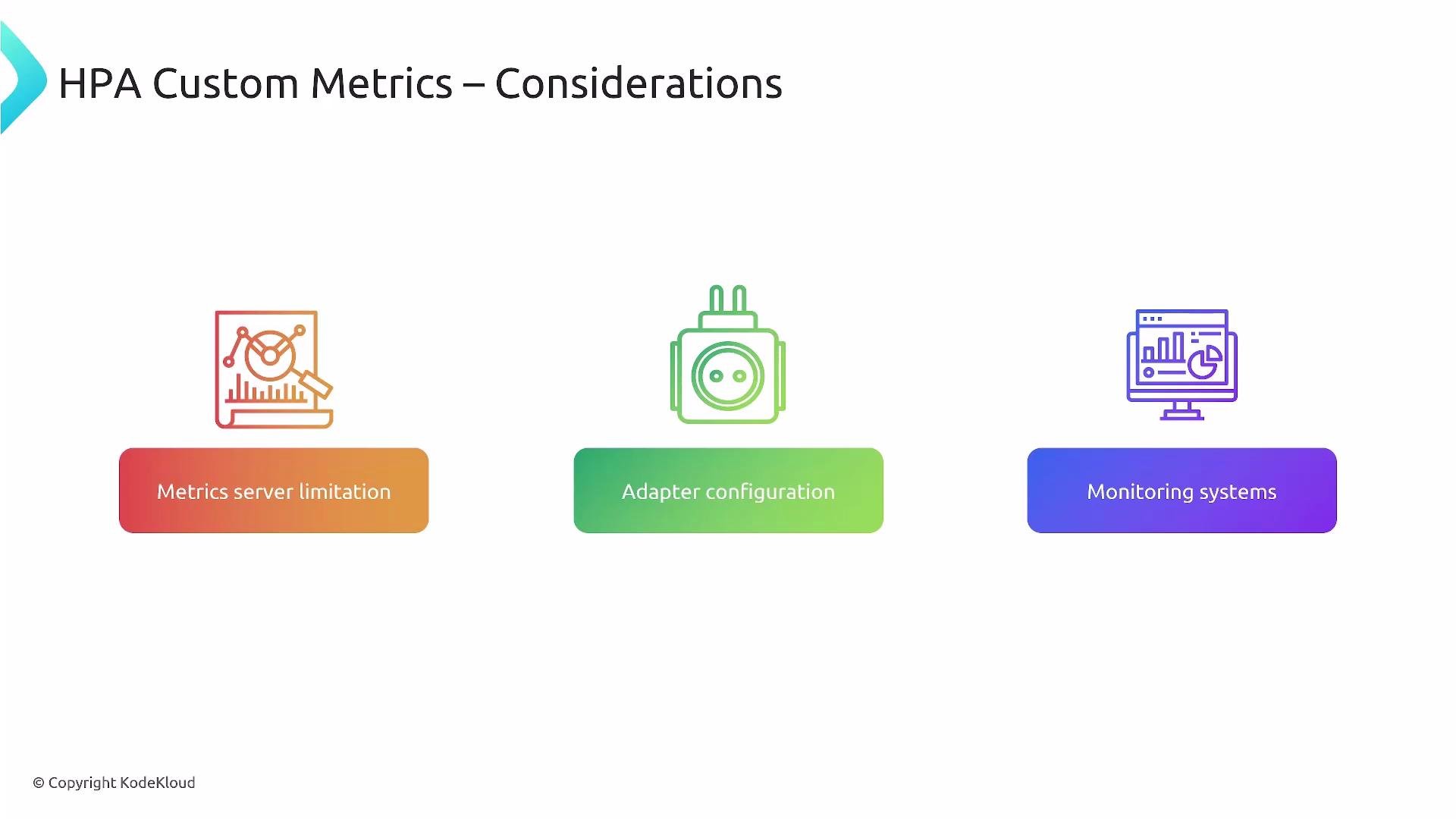
- Metrics server limitation: The default
metrics-serverserves only resource metrics. Install a monitoring stack (e.g., Prometheus) for application metrics. - Adapter configuration: Install an adapter that implements the Custom/External Metrics APIs and map monitoring metrics to API resources. Configure metric names, namespaces, and RBAC carefully.
- Monitoring instrumenting: Make sure application agents, exporters, or client libraries expose metrics in a scrapeable/receivable format.
- Latency and staleness: Monitor scrape intervals, adapter refresh rates, and HPA stabilization windows to avoid scaling on stale or bursty data.
- Naming consistency: Use consistent metric names and labels between application code, monitoring system, and adapter rules.
Example: minimal HPA using a per-Pod custom metric
This sample HPA scales a Deployment named
my-app using a per-pod custom metric called requests_per_second. The adapter must expose requests_per_second via the Custom Metrics API.
- Query the custom metrics API (example):
- Check the adapter’s diagnostics or metrics endpoint (adapter-specific).
- Consistent naming: Keep metric names and labels aligned across application, collector, and adapter configuration.
- Validate exposure: Use
kubectl get --rawto confirm the metric is available under the expected API path. - Monitor pipeline latency: Scrape intervals and adapter refresh frequencies affect scaling reaction time.
- Stabilize scaling: Use HPA stabilization windows and threshold tuning to reduce flapping from transient spikes.
- RBAC and security: Ensure the adapter has proper permissions to expose metrics and that the HPA can query them.
- Application instrumentation (Prometheus/OpenTelemetry)
- A metrics collector (e.g., Prometheus)
- An adapter that exposes metrics through
custom.metrics.k8s.ioorexternal.metrics.k8s.io - A configured HPA that references those metrics
- Prometheus client libraries: https://prometheus.io/docs/instrumenting/clientlibs/
- OpenTelemetry: https://opentelemetry.io/
- Prometheus overview: https://prometheus.io/docs/introduction/overview/
- prometheus-adapter: https://github.com/kubernetes-sigs/prometheus-adapter
- Kubernetes core metrics pipeline: https://kubernetes.io/docs/tasks/debug-application-cluster/core-metrics-pipeline/#metrics-server