

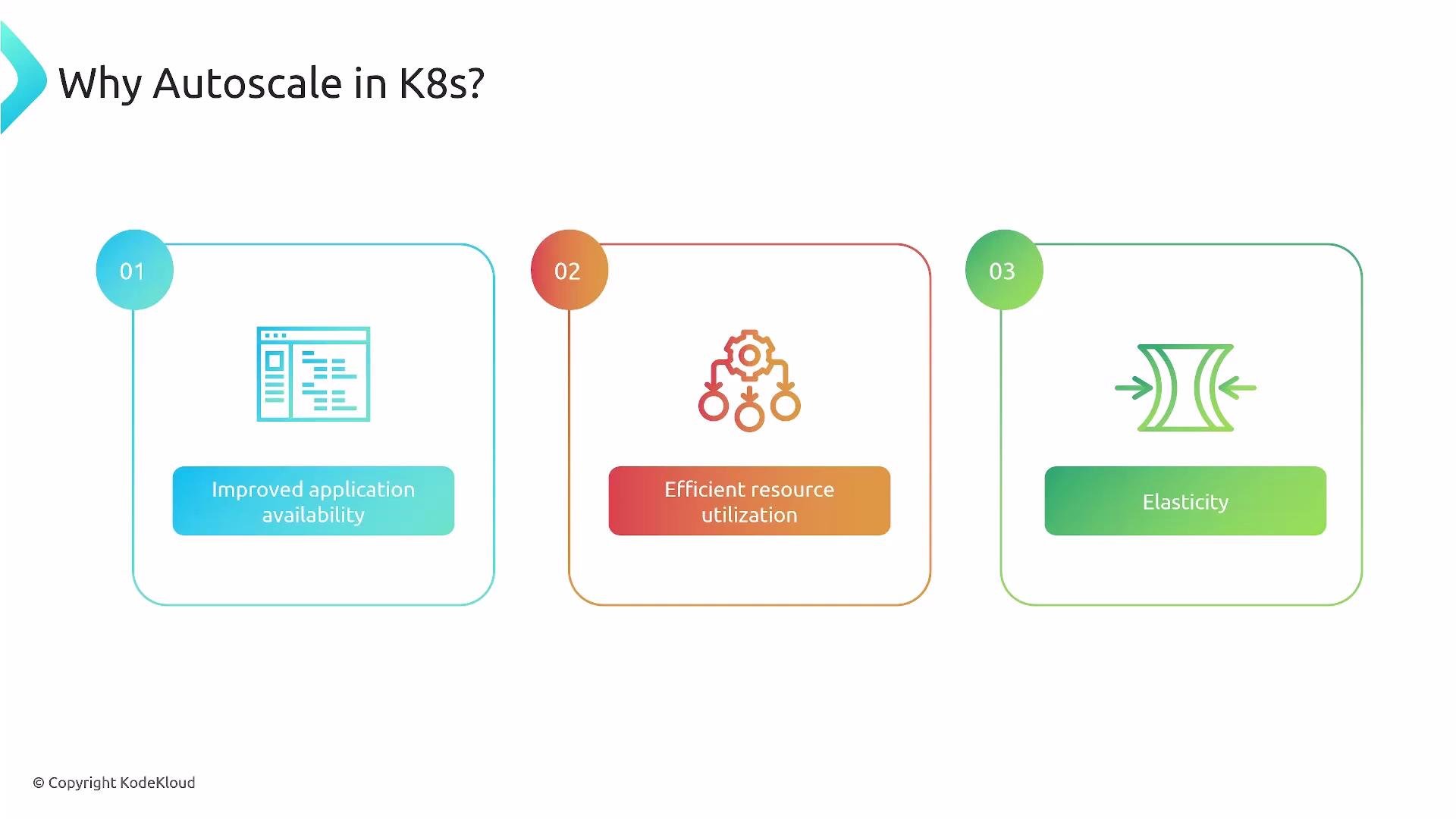
- Cost savings: pay only for the capacity you need by scaling down idle resources.
- Improved availability: absorb traffic spikes automatically to keep user experience consistent.
- Efficient resource utilization: avoid over-provisioning and under-provisioning; maintain a “Goldilocks” resource level.
- Elasticity: automatically adjust resources up or down as demand changes.
- Fault tolerance and recovery: redistribute and re-provision workloads to tolerate failures and speed recovery.
- Simplified operations: reduce manual scaling and free teams to focus on higher-value work.
How Autoscaling Maps to Kubernetes
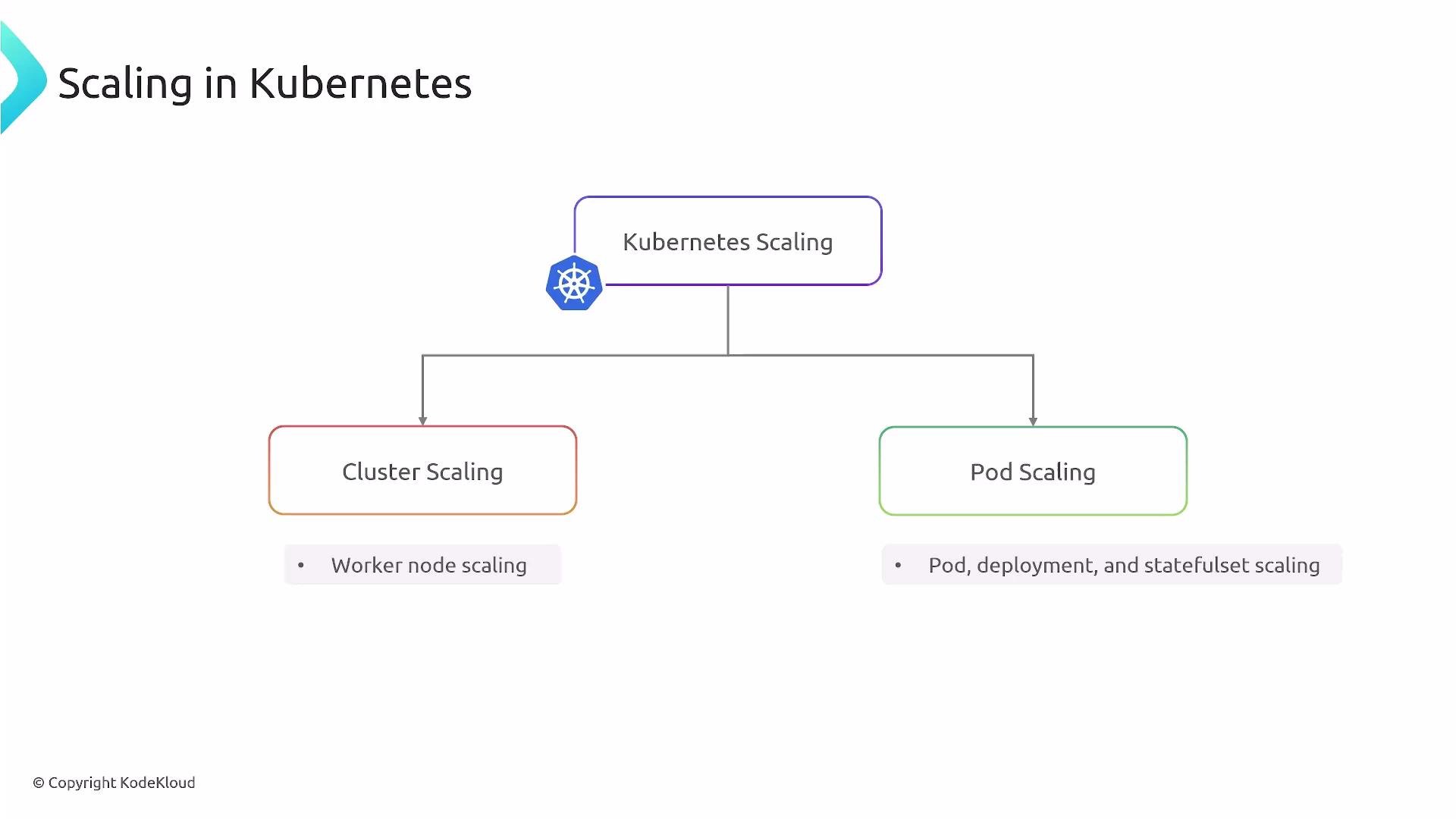
Kubernetes autoscaling works at multiple layers. Understanding the distinction helps you choose the right tool for each problem. Two primary scaling aspects in Kubernetes:- Cluster scaling — changes the number or size of worker nodes (virtual machines) in the cluster.
- Pod (workload) scaling — changes the number of application replicas (pods) or adjusts pod resource requests/limits.
Cluster Scaling (Node-level autoscaling)
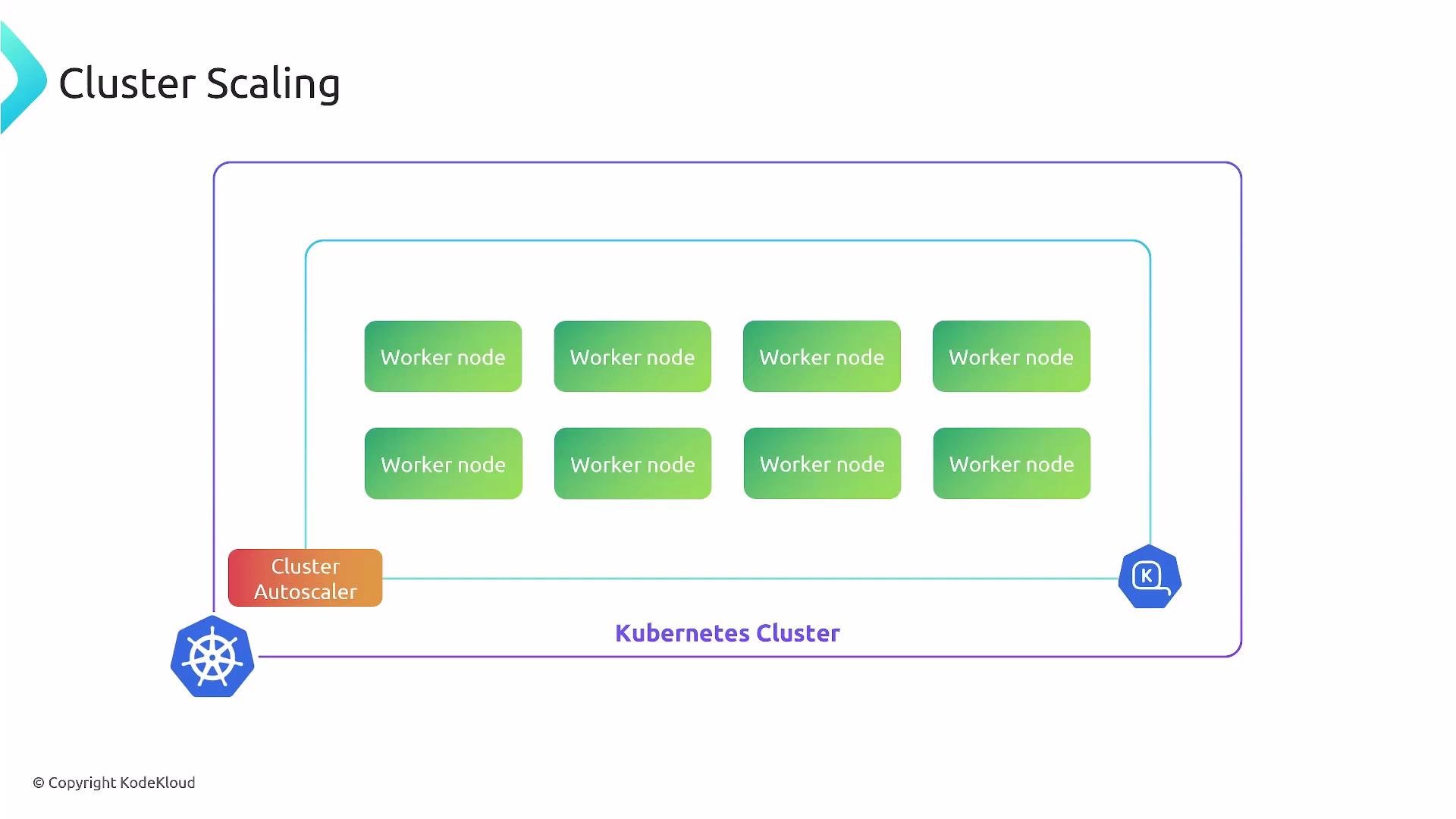
Cluster scaling changes the number of worker nodes available to schedule pods. The most common implementation is the Cluster Autoscaler, which reacts to unschedulable pods and node utilization patterns — adding nodes when pods can’t be scheduled and removing nodes when they become unnecessary (only when pods can be safely moved).Note: The Cluster Autoscaler is different from the Cluster Proportional Autoscaler (CPA). CPA adjusts replica counts of cluster add-on controllers (for example, scaling add-on Deployments relative to cluster size), while the Cluster Autoscaler manages worker node counts. They solve different problems — don’t confuse them.
- Cluster Autoscaler documentation: https://github.com/kubernetes/autoscaler/tree/master/cluster-autoscaler
- Cloud provider-specific autoscalers: check your provider docs (GKE, EKS, AKS).
Pod (Workload) Scaling
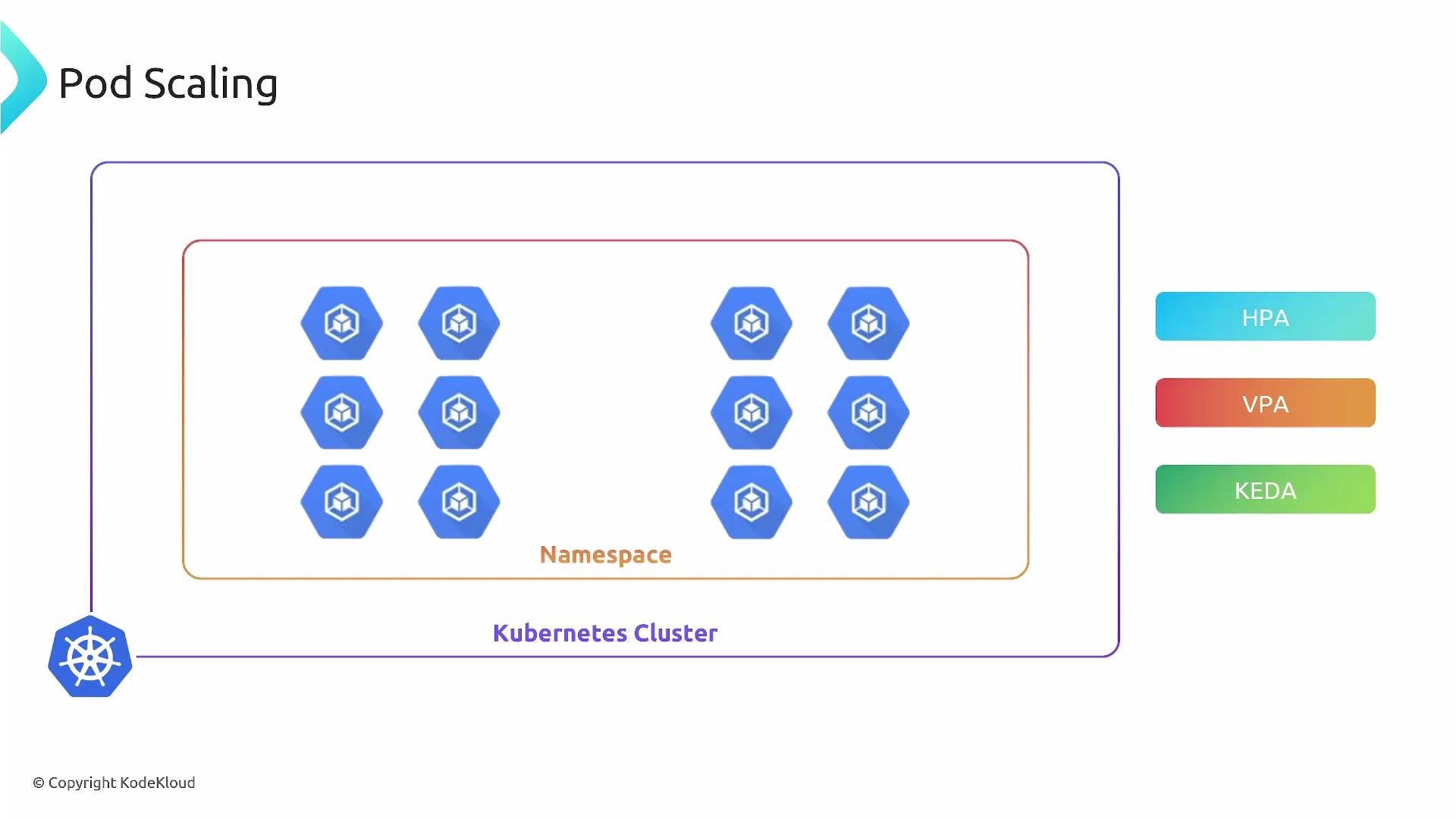
Pod scaling operates at the application level. The main approaches are:- Horizontal Pod Autoscaler (HPA): scale the number of pod replicas based on metrics (CPU, memory, custom metrics).
- Vertical Pod Autoscaler (VPA): adjust CPU/memory requests for containers; VPA may evict and restart pods depending on its mode to apply new resource values.
- Event-driven scaling (KEDA): scale workloads in response to external events or queue lengths (e.g., Kafka, Azure Service Bus, RabbitMQ).
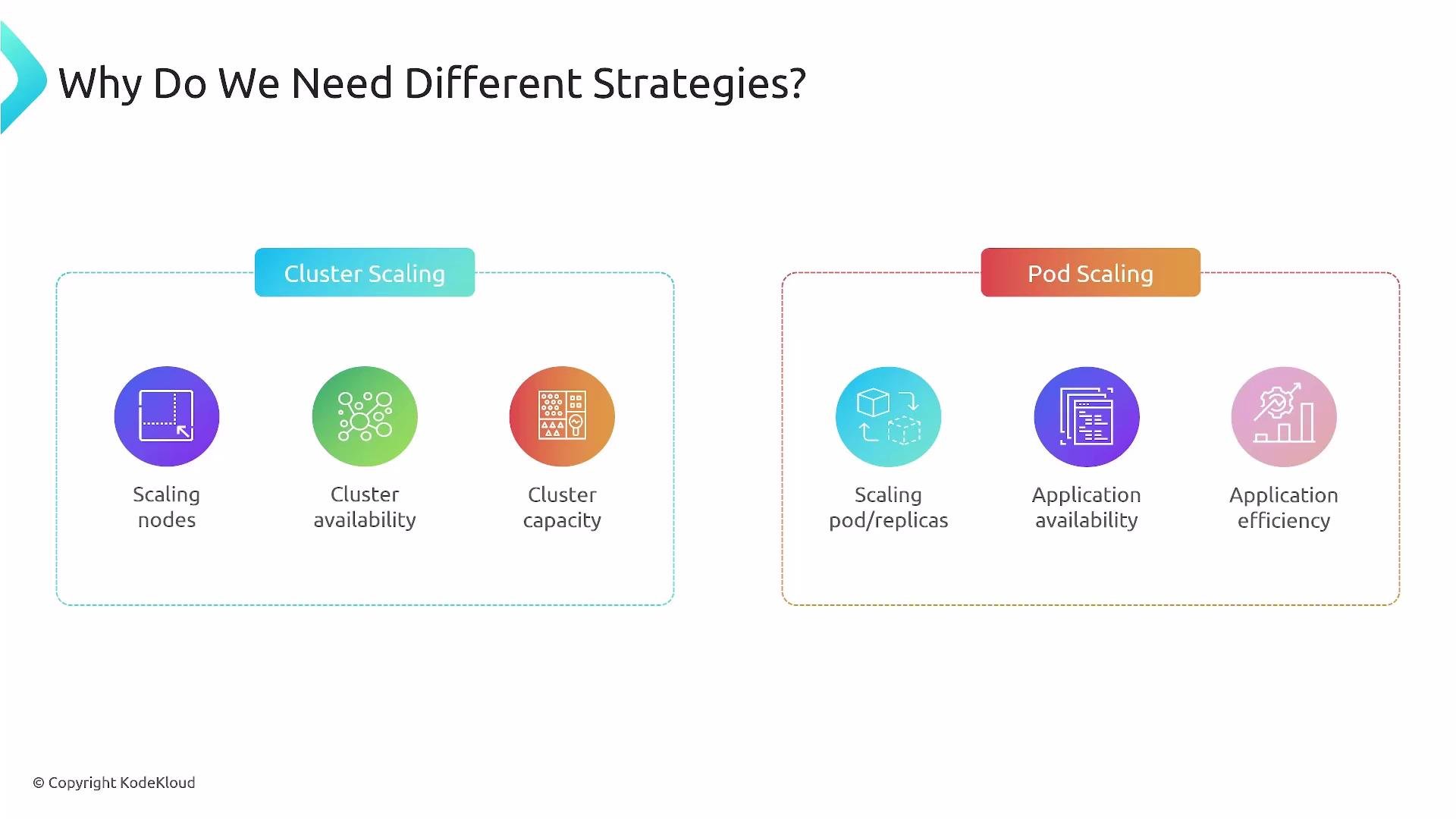
Why Use Different Strategies?
Cluster scaling and pod scaling address different problems:- Cluster scaling ensures infrastructure capacity and availability (nodes).
- Pod scaling ensures application throughput and efficiency (replicas/resources).
Summary
- Autoscaling reduces cost and operational overhead while improving availability and resilience.
- Cluster autoscaling adjusts the pool of nodes (infrastructure level).
- Pod autoscaling changes replicas or resource allocations (application level).
- Use HPA for replica scaling, VPA for resource-sizing, KEDA for event-driven scaling, and Cluster Autoscaler for node management.
- Exercise caution with stateful applications: design, test, and roll out autoscaling carefully.
- Kubernetes Basics: https://kubernetes.io/docs/concepts/overview/what-is-kubernetes/
- Horizontal Pod Autoscaler: https://kubernetes.io/docs/tasks/run-application/horizontal-pod-autoscale/
- Vertical Pod Autoscaler: https://github.com/kubernetes/autoscaler/tree/master/vertical-pod-autoscaler
- KEDA: https://keda.sh/