

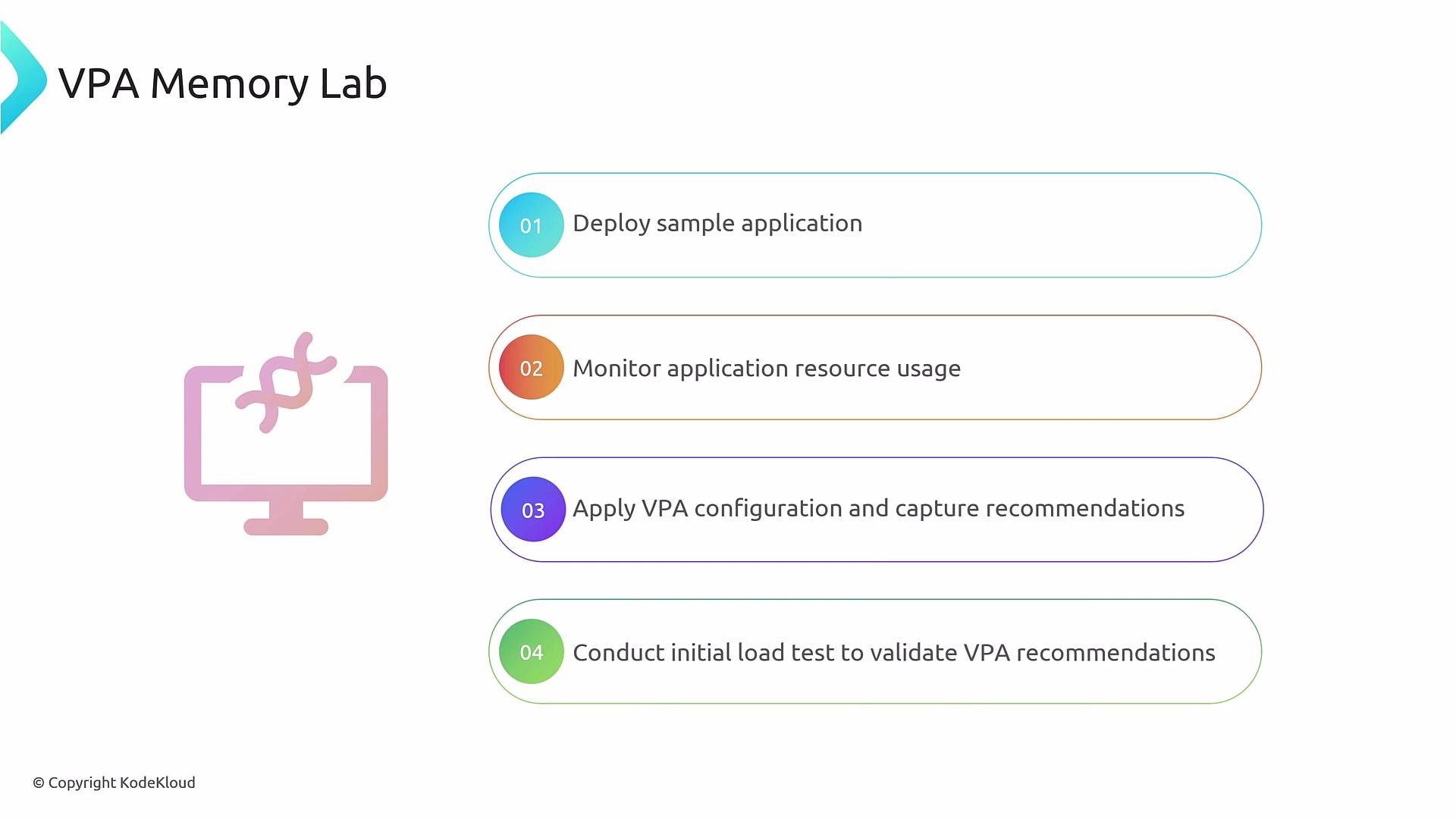
- Deploy a simple Flask application and a Kubernetes Service.
- Observe pods and current CPU/memory usage to establish a baseline.
- Create a VPA object targeting the Flask Deployment to collect memory recommendations.
- Generate load and observe how VPA recommendations update.
- Deploy the sample application.
- Monitor memory usage (baseline).
- Apply the VPA manifest (memory-only policy).
- Run a load test and re-check recommendations.
- A Kubernetes cluster with
kubectlconfigured for your context. - metrics-server or other metrics provider installed to view pod resource usage (
kubectl top pods). - VPA components (CRD + controller: recommender, updater, admission-controller if needed) installed so the VerticalPodAutoscaler resource can produce recommendations.
- After deploying the Flask app and Service, confirm pods are running:
- Check current memory usage (with metrics-server):
- This VPA manifest is configured to provide memory recommendations only. It sets
minAllowedandmaxAllowedmemory bounds and usesupdateMode: Offso changes are recommendations only.
This VPA is restricted to memory recommendations (
controlledResources). With updateMode: "Off", VPA only reports recommendations — it will not modify pod resource requests automatically.If the VPA controller or CRD is missing,
kubectl get vpa may return “no resources found” or the resource may appear but never populate status.recommendation. Install the VPA components from the official project before proceeding: https://github.com/kubernetes/autoscaler/tree/master/vertical-pod-autoscaler- Get the VPA object to view recommendations:
- Immediately after creation (before load) you may see recommendations that reflect current usage and your configured bounds. Example snippet:
Generating load and re-checking recommendations
- Run the provided load script to stress the Flask app:
- Let the load run long enough for the recommender to observe increased memory usage, then re-check VPA:
targetanduncappedTargetincrease to match observed memory usage (example: ~512Mi).- If
uncappedTargetstays withinmaxAllowed, VPA’s effective recommendation will equal the uncapped recommendation. - If
uncappedTargetexceedsmaxAllowed(e.g., uncapped 1200Mi whilemaxAllowed= 1000Mi), VPA will cap the recommendation atmaxAllowed. Decide whether to raisemaxAllowedif your app legitimately needs more memory, or consider horizontal scaling (more replicas) instead of a single larger instance.
- Use
updateMode: "Off"in production if you require manual review before applying resource changes. - Large memory allocations can impact node packing and garbage collection — review node capacity and application behavior before increasing memory limits.
- VPA is best for adjusting requests for workloads that benefit from vertical scaling (single-pod improvement). For horizontally scalable services, prefer Horizontal Pod Autoscaler (HPA) or combine VPA with HPA carefully.
- Always verify metrics collection (e.g., metrics-server) and VPA controller health to ensure accurate recommendations.
- VPA project (GitHub): https://github.com/kubernetes/autoscaler/tree/master/vertical-pod-autoscaler
- Kubernetes docs — autoscaling: https://kubernetes.io/docs/tasks/run-application/horizontal-pod-autoscale/
- metrics-server: https://github.com/kubernetes-sigs/metrics-server