

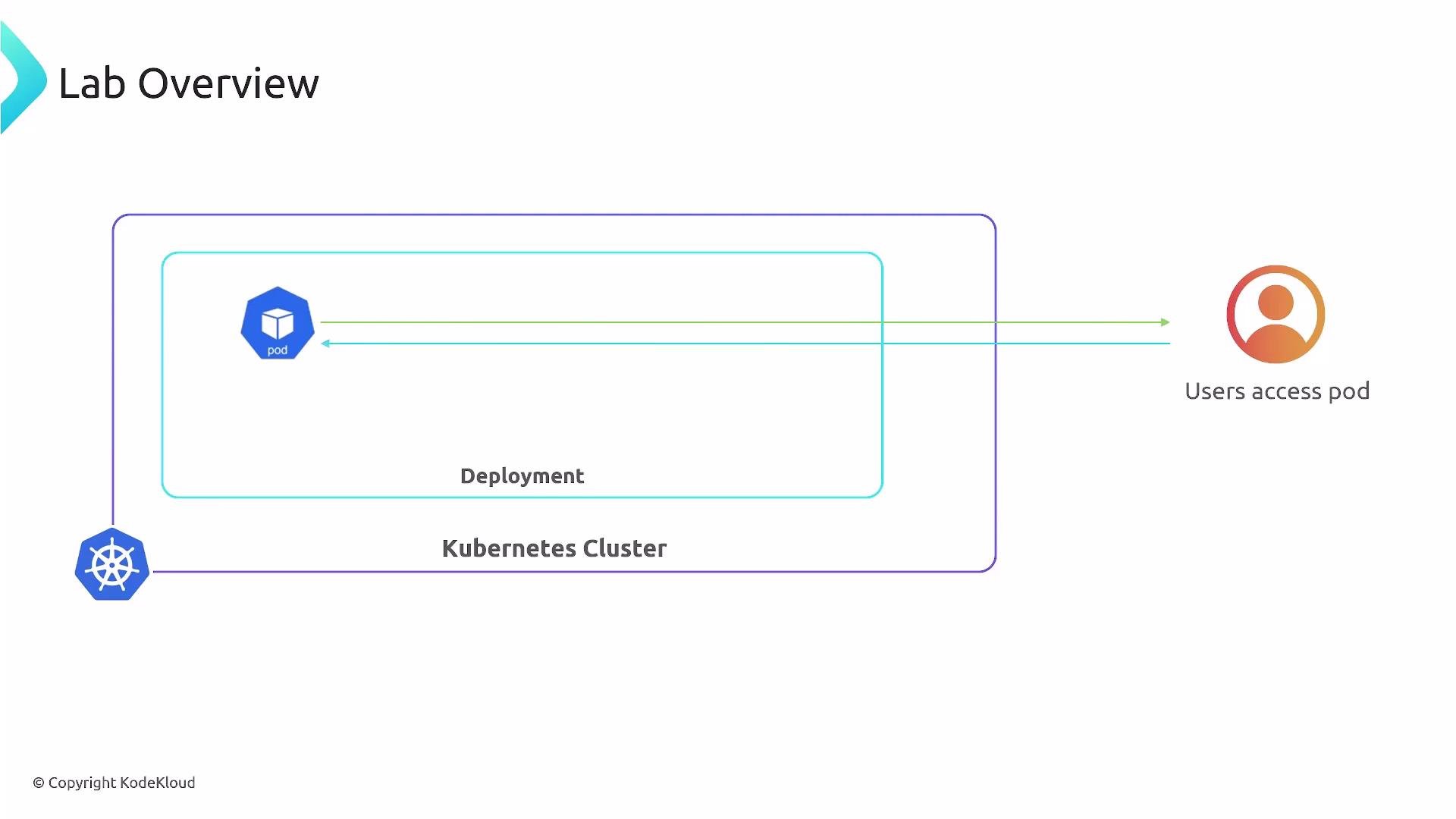
- A Kubernetes cluster runs a Deployment that manages a single Pod for the Flask application.
- Users access the application from outside the cluster.
- Apply the Deployment manifest to create (or update) the Flask application:
- Typical kubectl output after applying a manifest:
- Inspect Pods to observe how Kubernetes replaces Pods when resource requests change:
- Kubernetes treats resource requests (CPU/memory) as immutable for a running Pod. To change those values, the Pod must be terminated and a new Pod created with the updated requests.
- VPA can observe resource usage and either propose new requests or automatically apply them. When VPA applies a change, the Pod is evicted and re-scheduled with the new resource requests.
VPA observes resource usage and can propose or apply new resource requests for Pods. When requests change, Pods are typically recreated (evicted and re-scheduled) so the new resource requests take effect.
- Deploy a single-replica Flask application using a Deployment.
- Apply an updated Deployment (or accept a VPA recommendation) that increases the Pod’s resource requests.
- Kubernetes terminates the old Pod and brings up a new Pod with the larger resource allocation.
- This illustrates how Vertical Pod Autoscaler helps automate Pod resizing and simplifies resource management.
Useful commands
- Check Deployment status:
- Describe the new Pod to verify requests:
- View VPA recommendations (if VPA is installed):