

Overview and objective
Goals:- Manually scale a Deployment (increase and decrease replicas).
- Observe pods being created or removed and examine their unique names.
- Demonstrate how application output can change when pod hostnames change, and why that is generally undesirable for stateful interactions.
Manual scaling: commands and verification
Usekubectl scale to adjust the replica count on a Deployment:
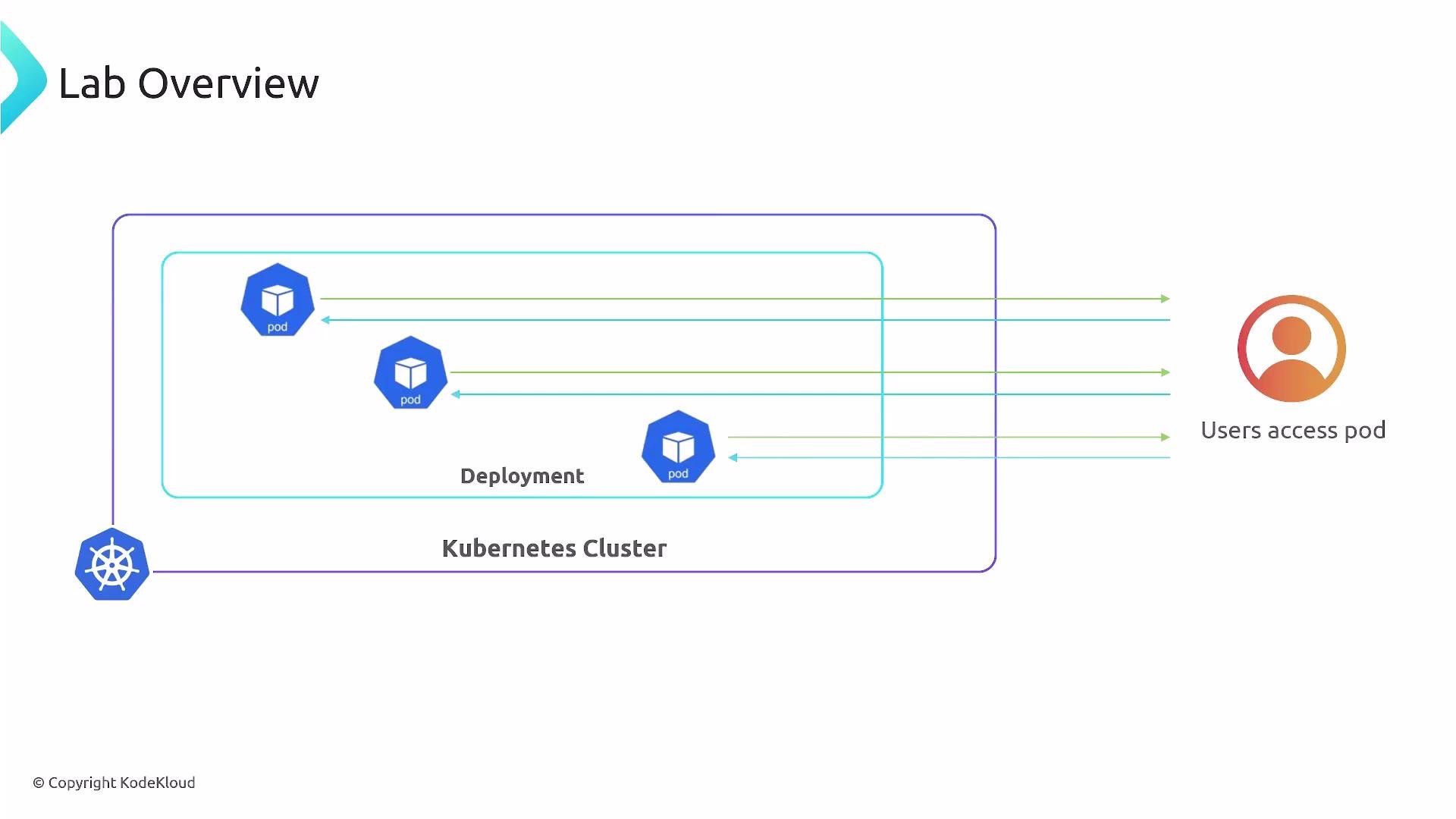
Think of a Deployment as a neighborhood plan and pods as houses. When you scale the Deployment, Kubernetes (via the ReplicaSet managed by the Deployment) starts or stops pods to reach the requested replica count. Each pod receives a unique name (and, by default, the pod’s hostname is set to its pod name). That means a hostname for a particular instance can change whenever pods are recreated.
Why pod hostnames matter
- Pod hostnames are tied to pod names by default. When a pod is recreated, its name and hostname change.
- If your application returns or depends on hostname-specific data, client-visible behavior may change after scaling or redeploys (for example, different responses or session binding to a pod hostname).
- Cloud-native best practices: design stateless pods and rely on stable endpoints (Services) rather than individual pod hostnames.
When to use Service vs StatefulSet
Key takeaways
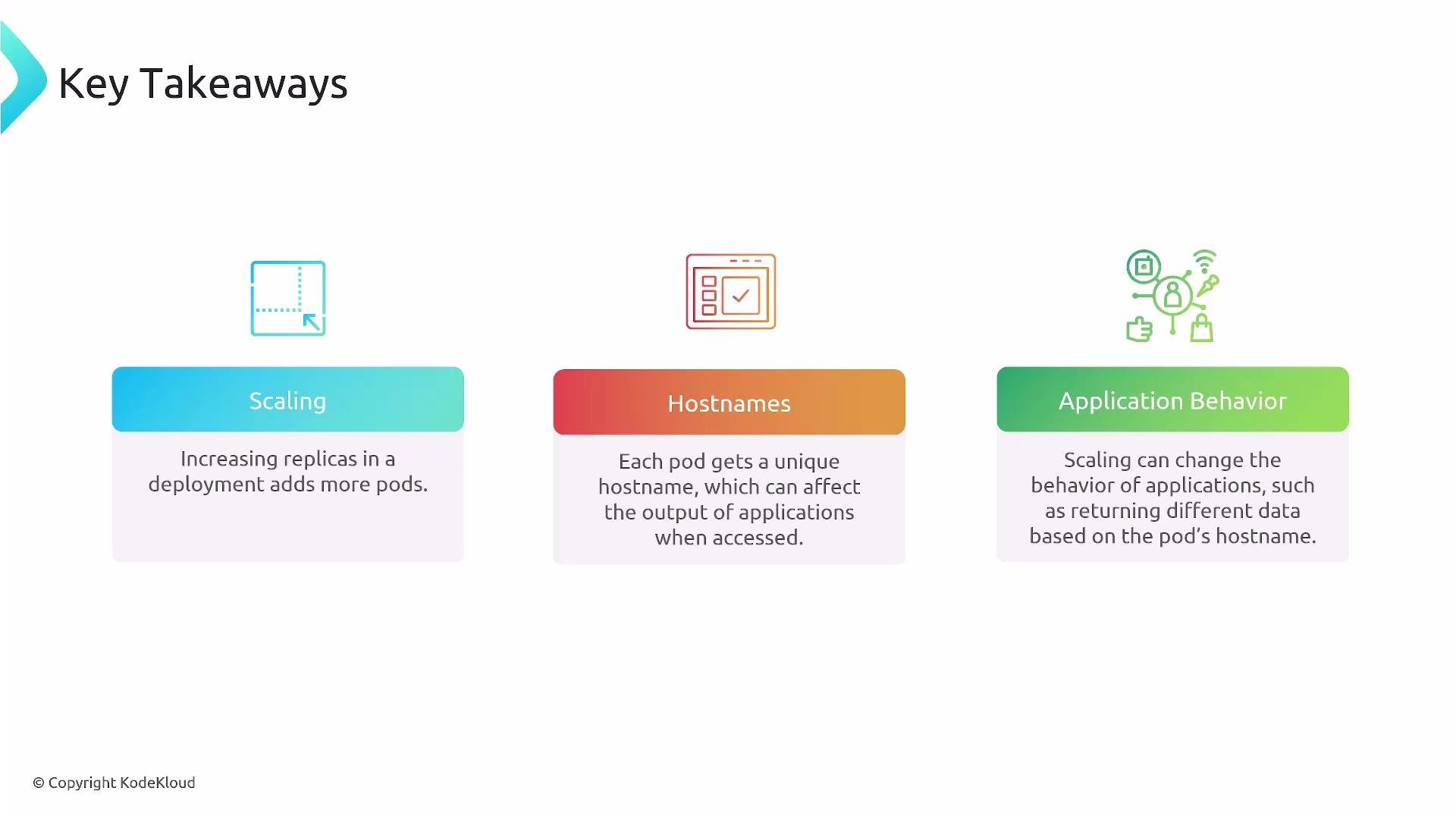
- Changing a Deployment’s replica count is how you increase or decrease the number of running pod instances for an application.
- Every pod has a unique, ephemeral hostname (derived from the pod name by default); these hostnames can change when pods are recreated.
- Because of hostname ephemerality, do not rely on pod hostnames for durable identity or sticky client behavior. Use Services for stable access, externalize state (databases, object storage), or use StatefulSets when you specifically need stable pod identities and persistent volumes.
Prefer Services for stable access to an application, and prefer stateless pods for easy horizontal scaling. Use StatefulSets only when you require stable pod identities or persistent storage tied to individual pods.
Important: Do not use pod hostnames for durable session affinity, unique user identity, or persistent storage binding. Those requirements need Services, external storage, or StatefulSets to ensure stability across scaling and restarts.