

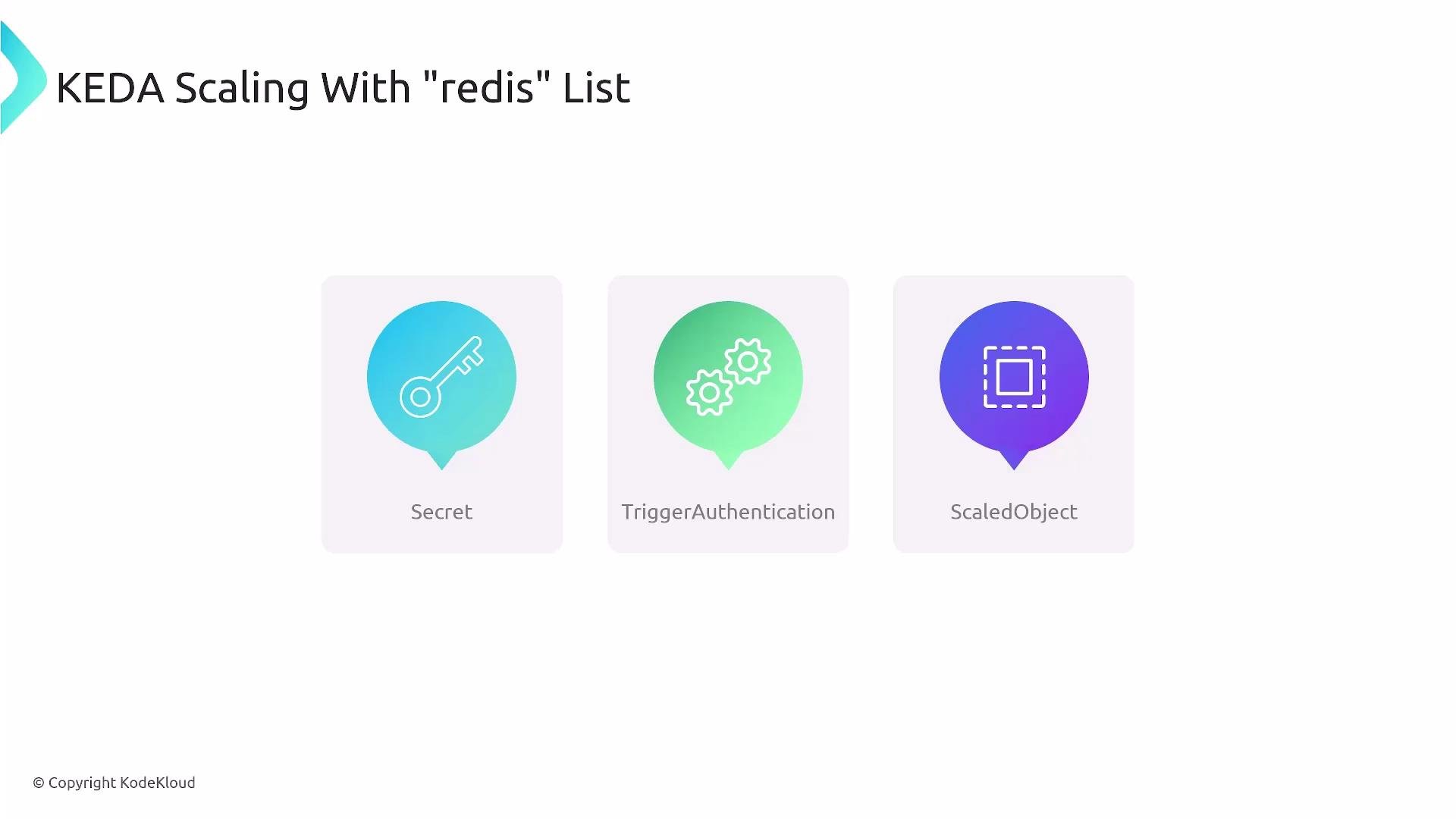
- A Kubernetes Secret to store Redis credentials.
- A KEDA TriggerAuthentication to expose secret values to KEDA triggers.
- A KEDA ScaledObject that defines the Redis trigger and HPA behavior.
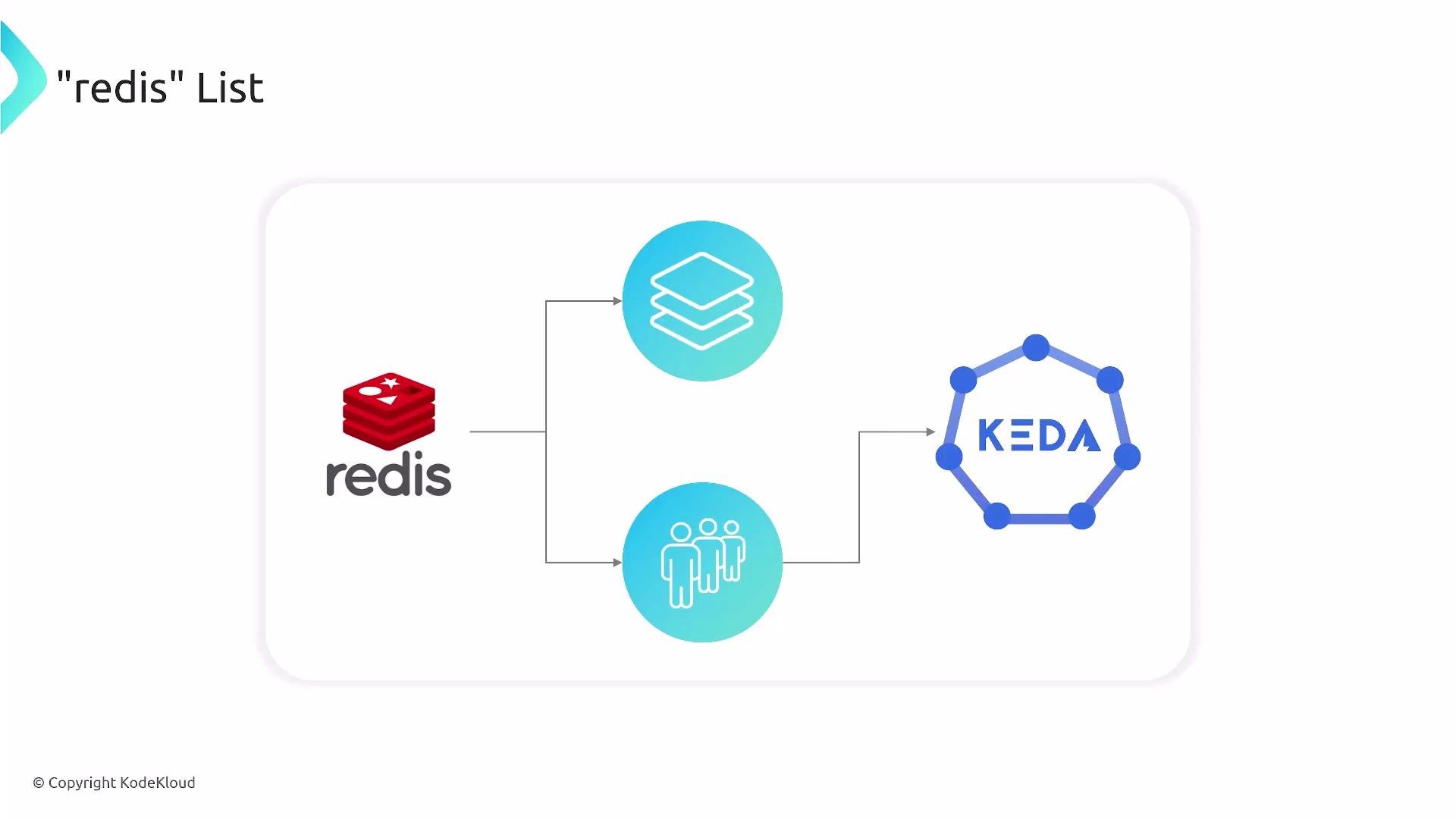
Below is a minimal combined manifest including all three objects. It shows how to provide the Redis password, how TriggerAuthentication exposes it to KEDA, and how ScaledObject configures the
redis trigger and advanced HPA behavior.
Base64-encoding Secrets only obfuscates values; it is not secure by itself. For production, use a proper secret-management solution such as
sealed-secrets, external secret stores, or your cloud provider’s secret manager.- Secret (
auth-redis-secret)redis_passwordmust be Base64-encoded in the Secret and referenced by TriggerAuthentication.
- TriggerAuthentication (
keda-trigger-auth-redis-secret)- Maps the secret key to a trigger parameter. In this manifest, it exposes the secret as the
passwordparameter for the Redis trigger.
- Maps the secret key to a trigger parameter. In this manifest, it exposes the secret as the
- ScaledObject (
redis-scaledobject)scaleTargetRef.namemust match the target Kubernetes object you want to scale (Deployment, StatefulSet, etc.). The example usesnginxas a placeholder — replace it with your worker Deployment name.- Trigger type
redismonitors the Redis list specified underlistName: mylist. listLength: "10"defines the threshold used by the scaler: when the list length exceeds this value, KEDA will consider scaling up.addressshould point to your Redis service using the Kubernetes DNS format:service.namespace.svc.cluster.local:6379.advanced.horizontalPodAutoscalerConfig.behaviorcontrols scaling velocity:- scaleUp: here allows up to 100% increase (doubling pods) every 15s.
- scaleDown: more conservative — up to 50% reduction every 20s with a 20s stabilization window to avoid flapping.
- Tune
listLength,minReplicaCount, and HPAbehavioraccording to processing time per item and acceptable latency. - If Redis is externally hosted, ensure network connectivity and correct
addressformat. - Test scaling in a staging environment first to observe real-world scaling behavior before production roll-out.
- KEDA: https://keda.sh/
- Redis: https://redis.io/
- Kubernetes HPA docs: https://kubernetes.io/docs/tasks/run-application/horizontal-pod-autoscale/
- Sealed Secrets (example secret solution): https://github.com/bitnami-labs/sealed-secrets
Make sure
scaleTargetRef.name matches your actual Deployment/scale target and that KEDA has permission to scale it. Misconfigured names or RBAC can prevent scaling from taking effect.