

Ensure the Kubernetes Metrics Server is installed and that each container in your Pod defines CPU
requests (or limits) in the resources block. Without metrics and resource requests, CPU-based autoscaling will not behave as expected.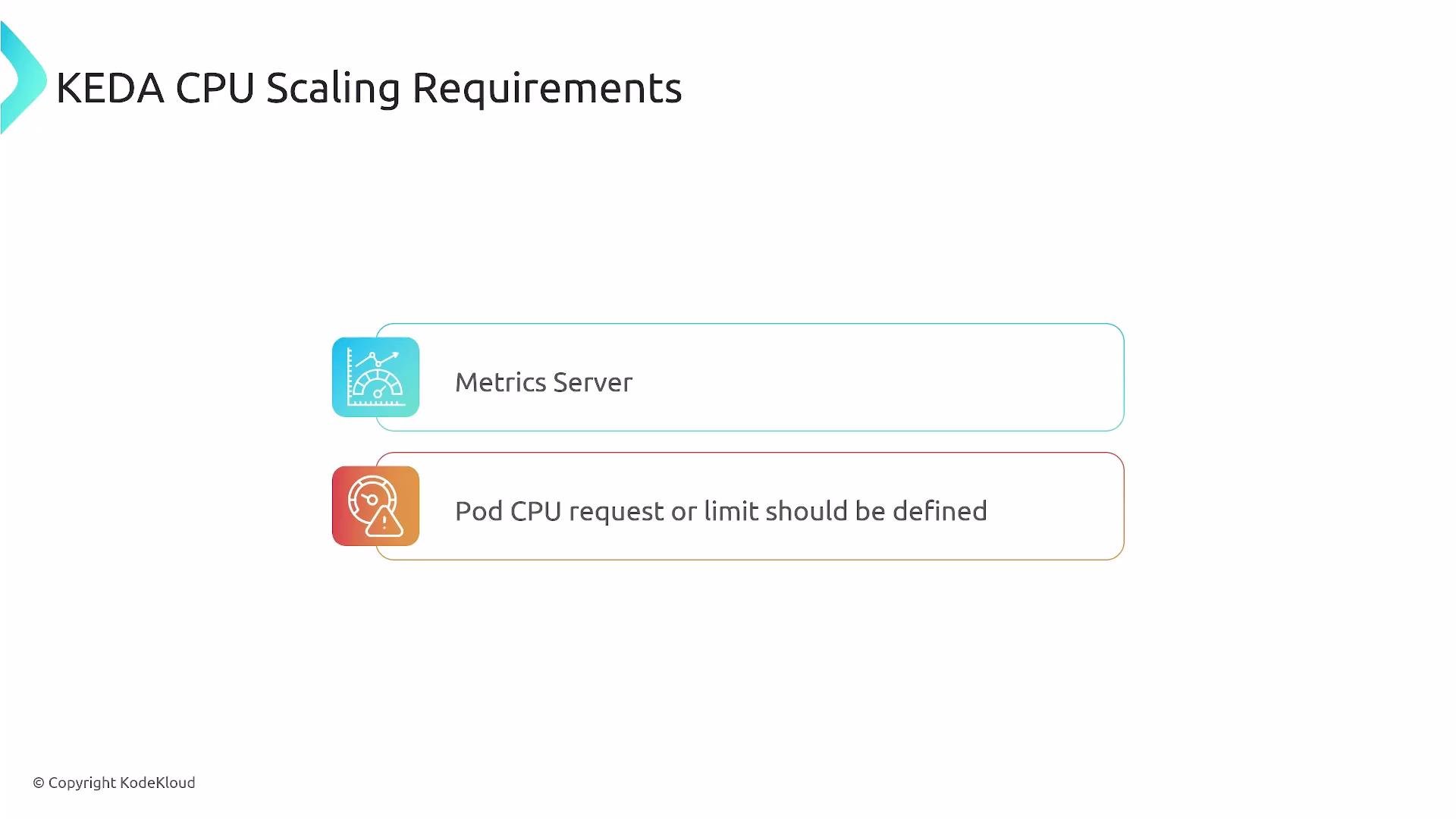
Configuration details
- Metrics Server: required so HPA (managed by KEDA) can query CPU usage.
- Resource requests/limits: always set CPU
requests(recommended) so utilization is meaningful. - Targeting containers: if Pods include sidecars (logging, service mesh, etc.), use
containerNameto target the app container’s CPU rather than an averaged value across all containers.
Utilization— interpreted as a percentage of the CPU request (e.g., 50 means 50% of requested CPU).AverageValue— interpreted as an absolute value like"250m"(milli-CPUs).
If your Pod contains only a single application container (recommended),
containerName is not required. Add containerName when you have sidecars to ensure scaling is driven by the correct container.ScaledObject YAML that references a Deployment (cpu-app), sets min/max replicas, and uses the Utilization CPU trigger to scale above 50% CPU utilization.
- KEDA creates and manages an HPA corresponding to the
ScaledObject. - The HPA queries the Metrics Server for CPU metrics (per-pod, or per-container when supported).
- When the configured threshold is exceeded, the HPA increases replicas up to
maxReplicaCount. - When CPU load decreases, replicas scale down, not going below
minReplicaCount.
- Always define CPU
requestsfor containers expected to scale; without requests, CPU utilization calculations may be unreliable. - Prefer a single application container per Pod when possible. If sidecars are required, explicitly set
containerNamein the trigger metadata. - Tune
minReplicaCount,maxReplicaCount, and the triggervalueto match real application load patterns and SLAs. - Monitor the HPA object created by KEDA to ensure metrics are available:
kubectl get hpa -n <namespace>andkubectl describe hpa <name>.
Do not rely on CPU scaling alone for bursty or short-lived workloads. Consider combining CPU-based triggers with other KEDA scalers (e.g., queue length, custom metrics) for more responsive behavior.