

Think of VPA as an operations manager that observes real workload patterns and adjusts each pod’s “role size” (resource requests). VPA does not change a running container in-place — it updates PodSpecs and triggers a pod restart (eviction + recreation) so the new pod starts with the adjusted request values.
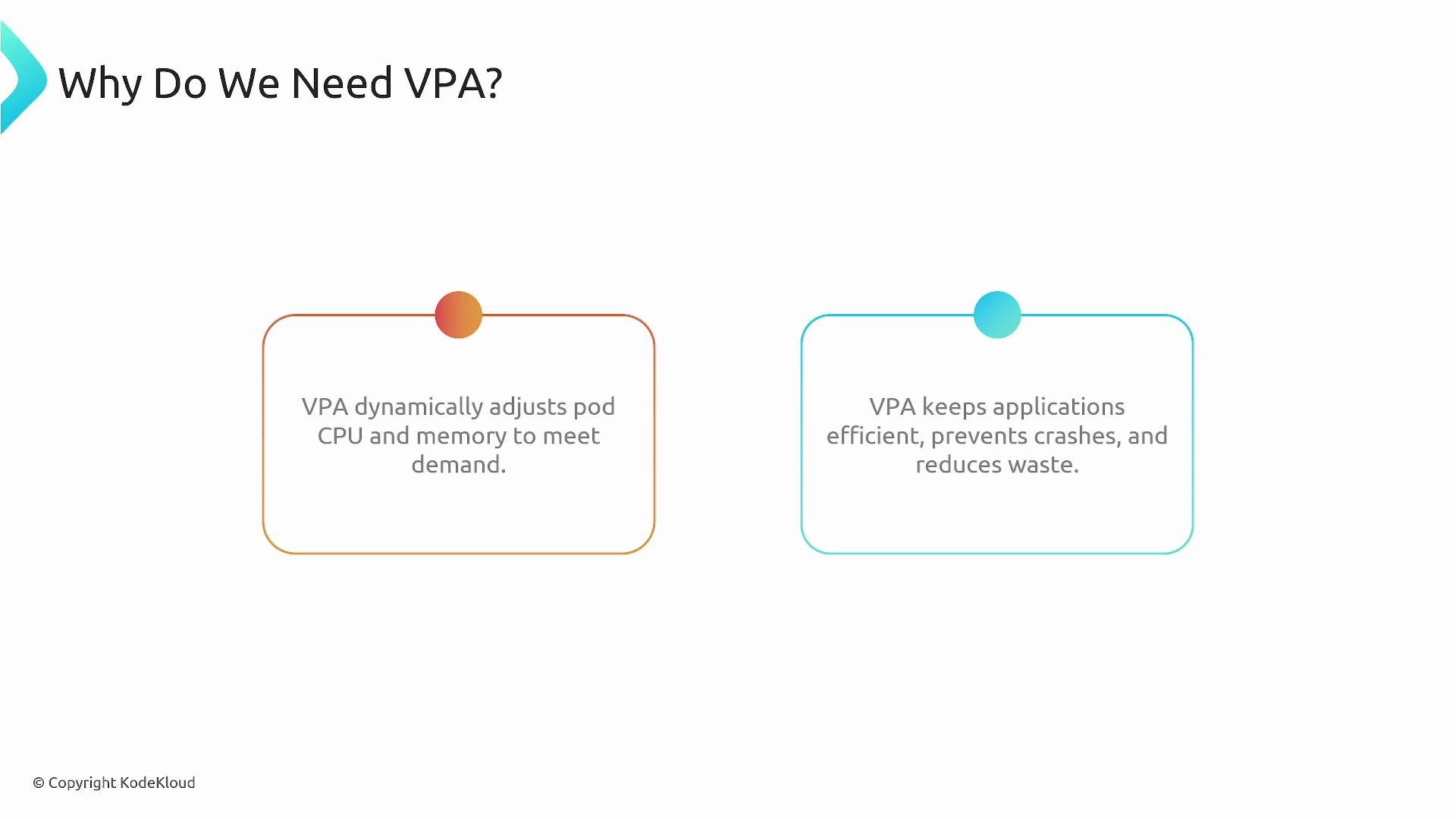
- Prevents performance degradation and OOM kills by ensuring pods get sufficient CPU and memory.
- Reduces wasted costs from over-provisioned pods by recommending smaller, accurate resource requests.
- Complements Horizontal Pod Autoscaler (HPA): use HPA to scale the number of replicas; use VPA to right-size each replica.
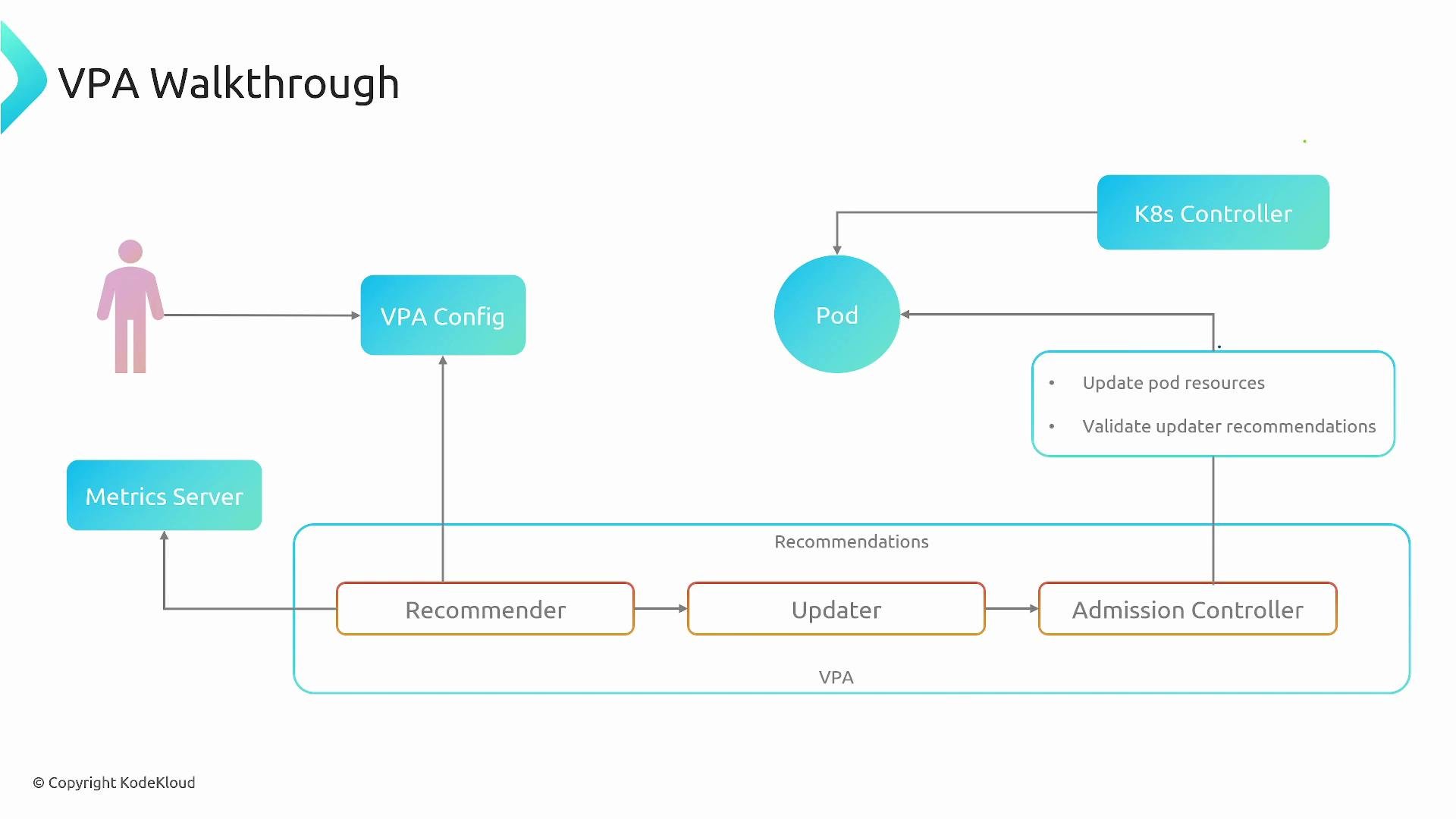
- Recommender: Uses metrics sources and configured bounds to compute suggested CPU/memory requests. It analyzes historical patterns and OOM signals to produce conservative and safe recommendations.
- Updater: Orders and performs evictions only when it determines it is safe, coordinating with higher-level controllers to avoid destabilizing workloads.
- Admission Controller: Ensures replacement pods (or new pods) are created with the recommended requests by mutating the PodSpec at admission time.
Choose the mode that aligns with your deployment patterns and availability constraints. Note that changes to requests can affect how HPA calculates utilization (HPA commonly uses CPU requests as the denominator), so plan and test accordingly.
VPA changes resource requests (and optionally limits) by causing pod restarts (evictions and recreations). Using VPA in
auto mode can interact with other controllers (for example, HPA) and affect deployment availability. Always test VPA behavior in a staging environment before enabling it in production.- Create/configure a VPA object for a workload (Deployment, StatefulSet, or a set of pods).
- Recommender reads current and historical usage metrics and the VPA configuration (targets and bounds), then generates recommended CPU and memory requests.
- Updater compares recommendations to current pod requests. If an update is needed and eviction is safe, the Updater evicts the pod so a replacement can be created with updated requests.
- When the controller (for example, the Deployment controller) creates the replacement pod, the VPA Admission Controller intercepts the pod creation and injects the Recommender’s recommended requests into the PodSpec.
- The kube-controller-manager and the relevant controllers create the new pod with the updated requests. The Recommender continues observing usage and the loop repeats as the workload changes.
- Start in
offorinitialmode to gather recommendations and validate them before enablingauto. - Monitor interactions with HPA: changing requests affects utilization calculations and may change scaling decisions.
- Use min/max bounds in your VPA configuration to prevent recommendations outside acceptable ranges.
- Test VPA in a staging cluster with representative workloads, paying attention to eviction frequency and rollout impacts.
- Ensure your metric source (for example,
metrics-serveror a metrics adapter) provides reliable CPU and memory usage data for accurate recommendations.
- Vertical Pod Autoscaler (VPA) GitHub
- Kubernetes Documentation
metrics-server— https://github.com/kubernetes-sigs/metrics-server