

- The Horizontal Pod Autoscaler (HPA) adjusts the replica count of Deployments and other scalable controllers to match observed load.
- Goals: keep application performance predictable while balancing resource usage and cost.
- HPA can scale using:
- native resource metrics (CPU, memory),
- custom in-cluster metrics,
- external metrics (e.g., cloud provider or external systems).
- Observe metrics across the target pods.
- Calculate desired replicas based on metric type and target.
- Apply
minReplicas/maxReplicasbounds. - Respect
behaviorpolicies (stabilization windows and rate limits). - Execute the scale event (create or terminate pods).
Behavior policy types (examples)
Stabilization window and conservative scale-down
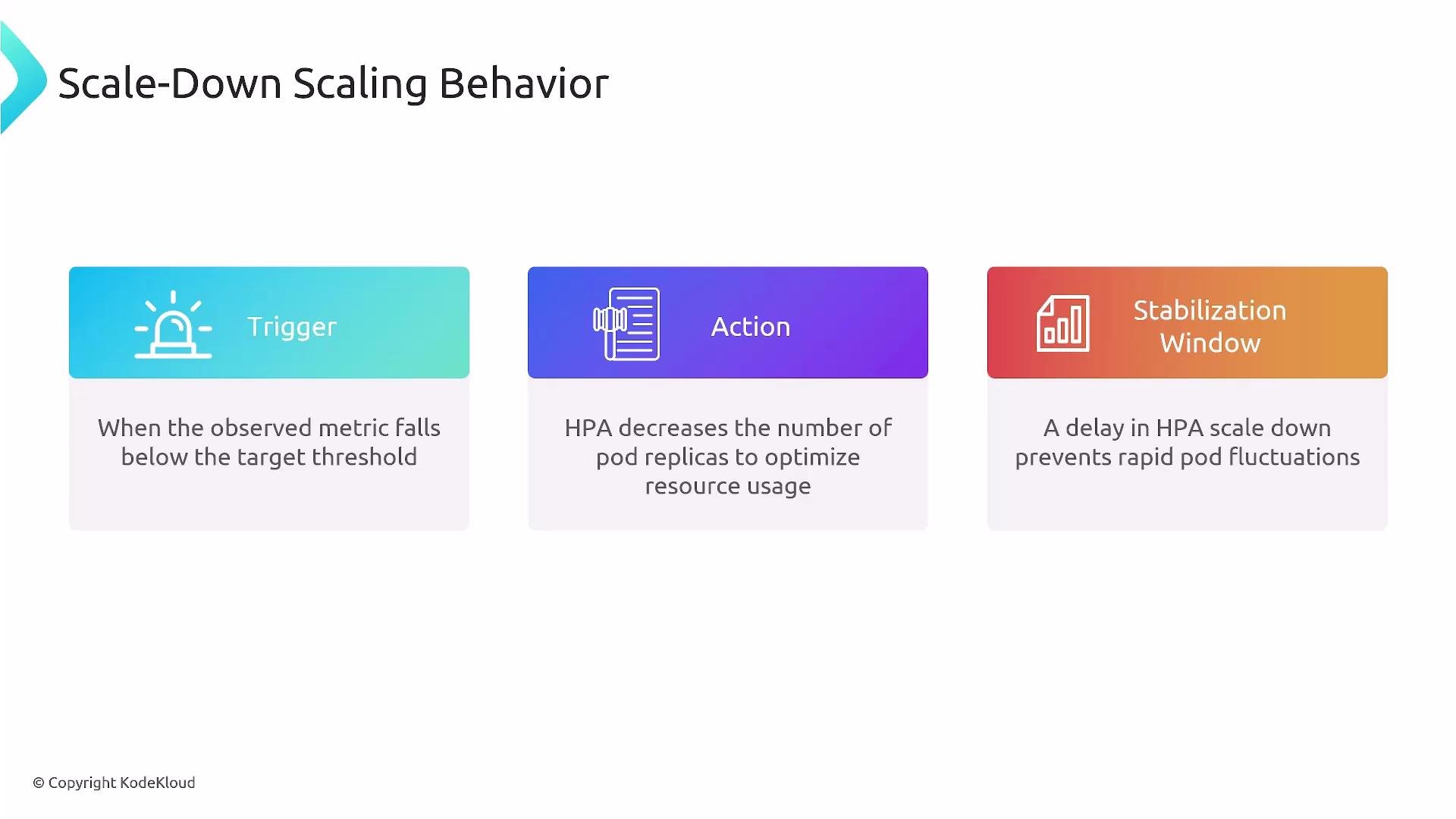
A stabilization window introduces a delay in evaluating the candidate replica count, which smooths out transient metric spikes or drops and prevents oscillation (rapid scale-up then immediate scale-down). Typical defaults used by many clusters:
This means HPA will usually scale up quickly to handle load, but it will wait (by default ~5 minutes) of sustained low utilization before scaling down — a conservative approach that reduces oscillations in noisy environments.
scaleUp and scaleDown policies to constrain how fast replicas can change.
averageUtilization: 50tells HPA to target roughly 50% CPU utilization per pod.scaleUp:stabilizationWindowSeconds: 0means no delay for scale-up actions — HPA may respond immediately to rising load.- The
Percentpolicy withvalue: 100allows doubling the replica count everyperiodSeconds: 60, bounded bymaxReplicas.
scaleDown:stabilizationWindowSeconds: 300means HPA will observe low utilization for 5 minutes before acting.- The
Percentpolicy withvalue: 10limits downscaling to at most 10% of current replicas per 60-second period.
- Policies are limits (caps), not guarantees: the HPA only changes replicas as much as needed, up to the specified limits.
Defaults and behavior can vary by Kubernetes version and cloud controller implementations. As a rule of thumb, prefer aggressive scale-up (short stabilization window) and conservative scale-down (longer stabilization window) to reduce oscillation.
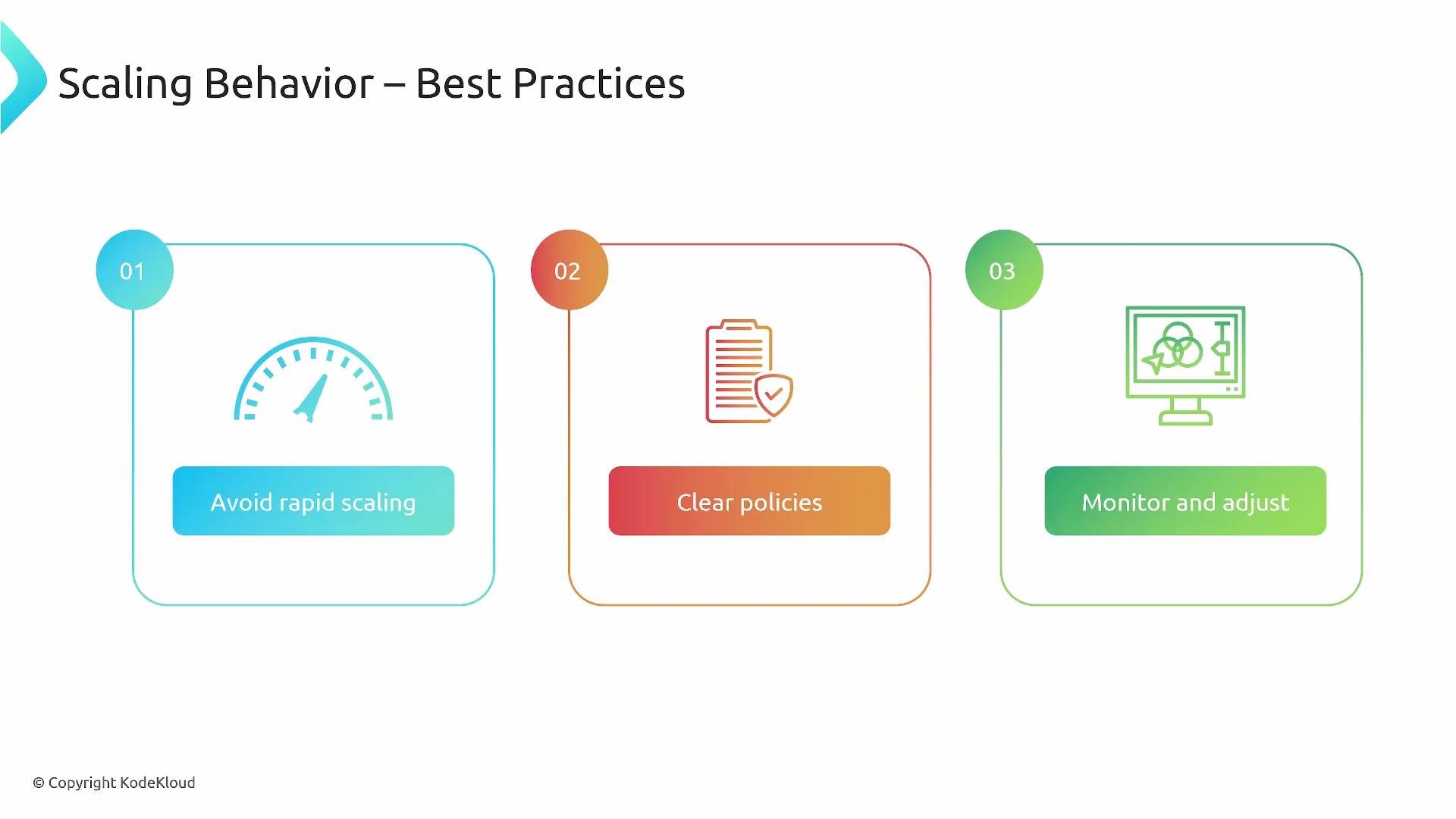
- Align stabilization windows and rate limits with observed traffic patterns:
- Short windows for bursty, latency-sensitive workloads.
- Longer windows for noisy or highly variable workloads.
- Use meaningful metrics:
- Resource metrics (CPU/memory) are easy to start with.
- Add application-level metrics (latency, error rate, request queue length) for user-facing performance signals.
- Start conservative, observe, and iterate:
- Monitor HPA events and scaling actions (
kubectl describe hpa <name>). - Tune
policiesandstabilizationWindowSecondsgradually based on metrics.
- Monitor HPA events and scaling actions (
- Avoid overly aggressive downscaling that removes capacity needed for short spikes.
- Combine HPA with Cluster Autoscaler (if using autoscaling nodes) to ensure node capacity scales with pod demand.
Be aware of control-plane and metrics-server differences across Kubernetes versions. Some behavior fields and defaults changed between
autoscaling/v2beta2 and autoscaling/v2. Always consult your cluster’s API documentation before applying HPA manifests.- Kubernetes Horizontal Pod Autoscaler (HPA) documentation: https://kubernetes.io/docs/tasks/run-application/horizontal-pod-autoscale/
- HPA behavior and policy details: https://kubernetes.io/docs/reference/generated/kubernetes-api/v1.26/#horizontalpodautoscaler-v2-autoscaling
- Cluster Autoscaler (for node autoscaling): https://github.com/kubernetes/autoscaler/tree/master/cluster-autoscaler