

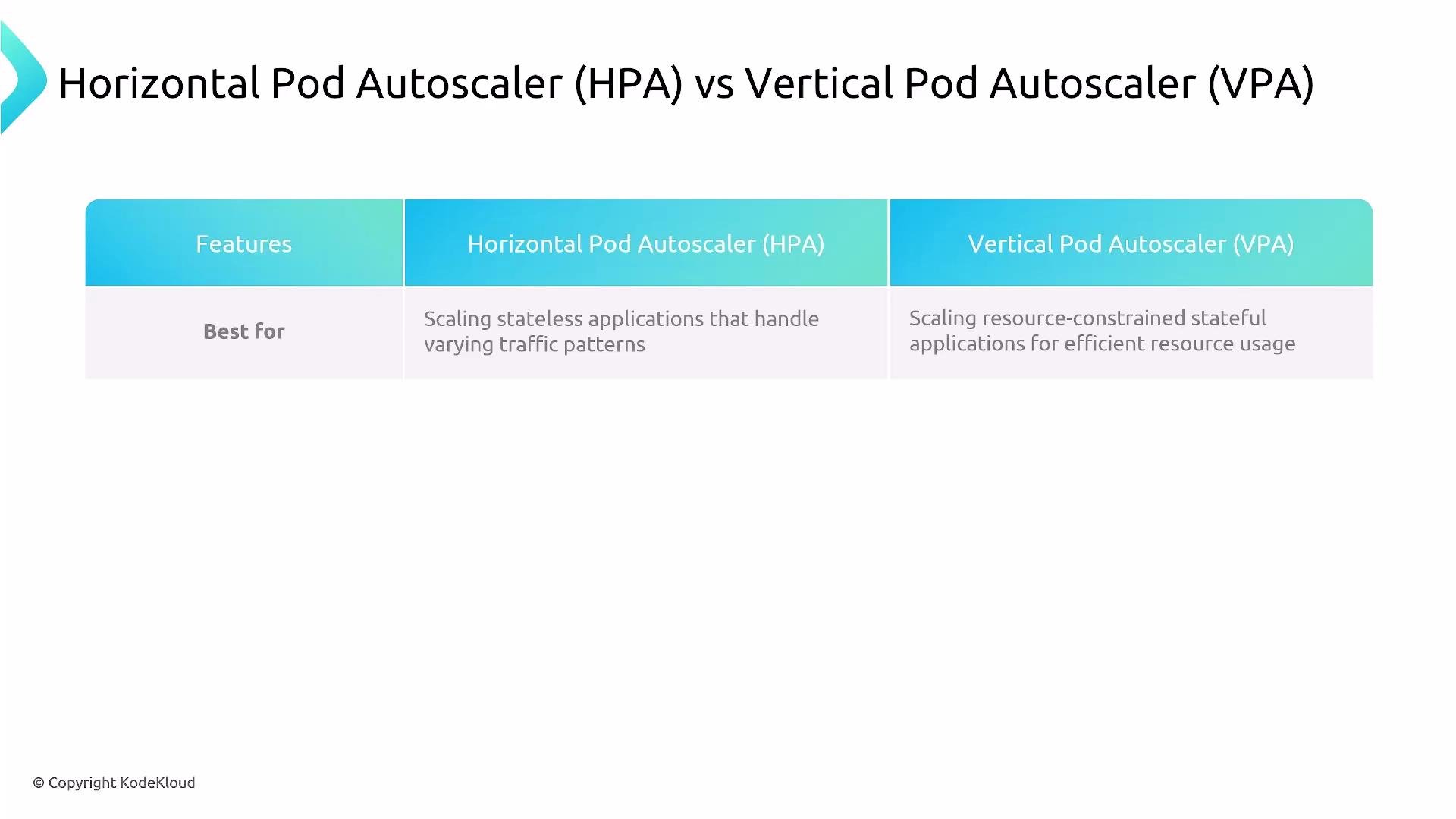
- HPA scales the number of pod replicas (horizontal scaling). It adds or removes instances of the same pod spec to meet traffic demand.
- VPA adjusts pod CPU and memory requests (and optionally limits) (vertical scaling). It provides recommendations or directly changes resource requests, which may cause pod restarts to apply new values.
Key technical details and gotchas
Metrics support
- HPA:
- Natively supports CPU (via the metrics-server).
- Can use memory and custom/external metrics via the Kubernetes Metrics API and adapters (for example, Prometheus Adapter or KEDA).
- Use HPA v2+ for multiple metric types (CPU, memory, object/external/custom metrics).
- VPA:
- Focuses on CPU and memory recommendations and enforcement.
- Uses historical and current resource usage to recommend or set requests.
- VPA does not consume custom metrics to drive resizing.
- VPA supports different update modes:
- The VPA Admission Controller can inject recommended resource requests at pod creation time so new pods start with the recommended values.
- Because VPA adjusts pod resource requests by evicting and recreating pods, it can cause service disruption for workloads sensitive to restarts.
- VPA will only update pods that are managed by a controller (Deployments, StatefulSets, DaemonSets, ReplicaSets). Standalone/unmanaged Pods are not supported.
- HPA commonly computes CPU utilization relative to the pod’s CPU request. If VPA changes those requests while HPA is using CPU-based scaling, you can get feedback loops, oscillations, or unpredictable scaling.
- Recommended patterns to avoid conflicts:
- Use VPA in
OfforInitialmode to set reasonable requests, then let HPA handle replica scaling. - Or, run HPA on custom or external metrics (not CPU/memory) while VPA manages CPU/memory requests.
- If both must run on CPU/memory, test extensively in staging to observe interactions and tune policies.
- Use VPA in
- Always validate combined HPA+VPA behavior in a representative environment.
Avoid running HPA on CPU/memory while VPA is in an active update mode without careful testing — concurrent changes to pod requests can create unstable or unpredictable autoscaling behavior.
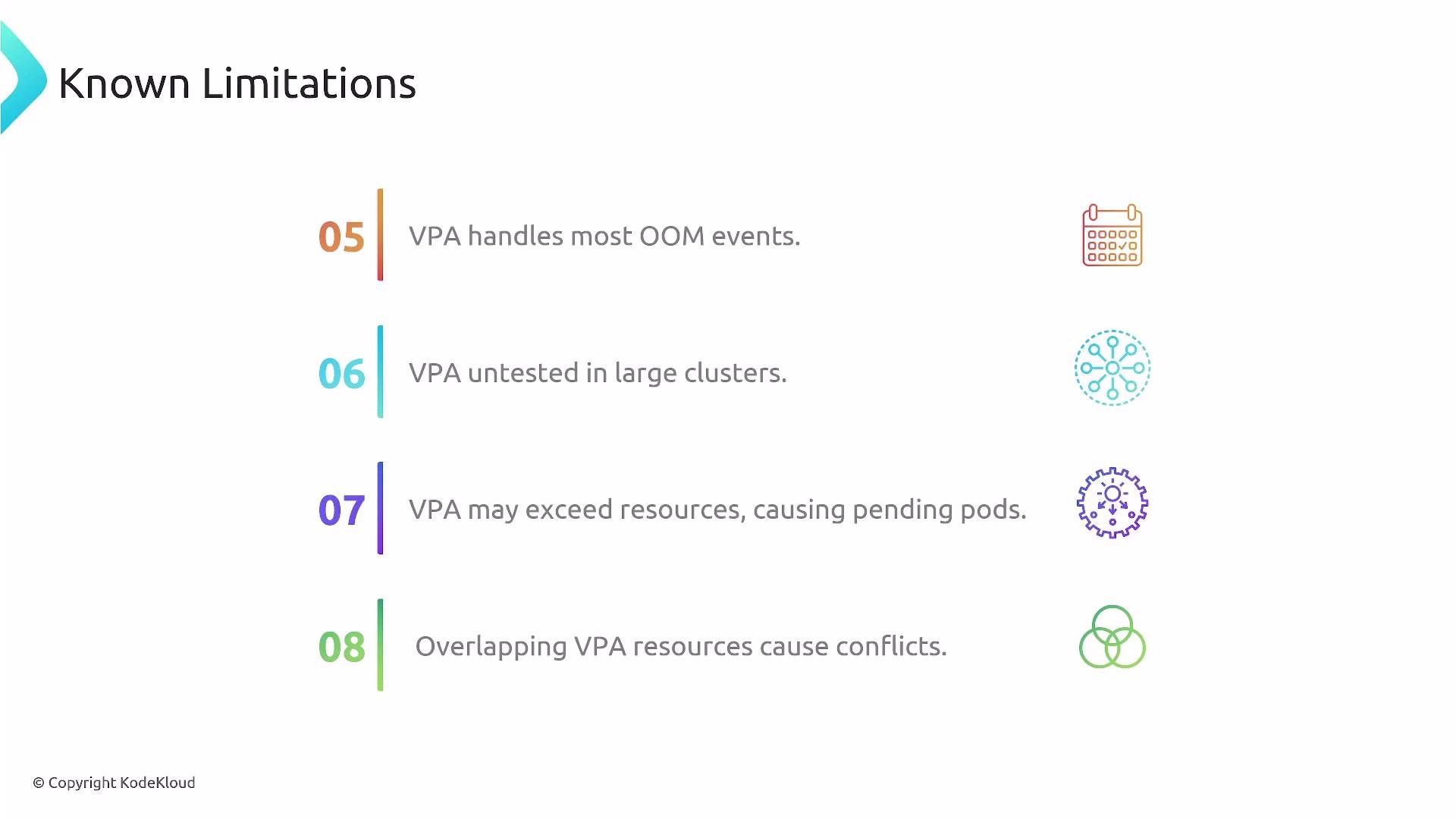
- VPA can reduce OOM events by increasing resource requests to match observed usage.
- If VPA increases requests across many pods simultaneously, scheduling capacity may be exhausted and pods can become
Pending. - Use a Cluster Autoscaler or other cluster-scaling solution to provision additional nodes when VPA-driven increases are expected. Still, verify behavior at production-like scale.
- Multiple VPA objects selecting the same pods will conflict. Ensure a single VPA controls a given set of pods or that selectors do not overlap.
- VPA is best for workloads where horizontal scaling is impractical: single-instance stateful services, databases, or apps with large per-pod state.
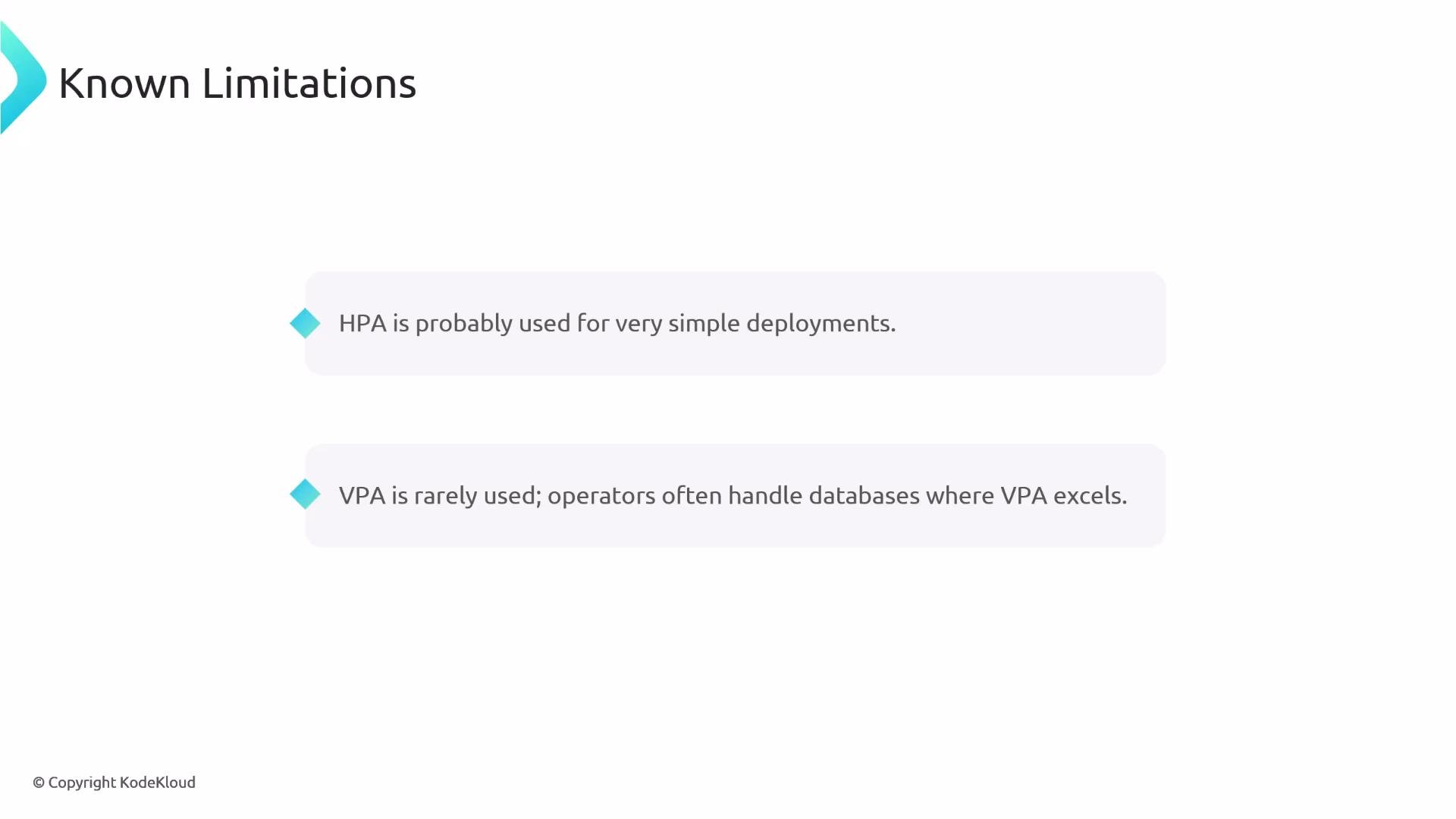
- For typical stateless web services, HPA (or KEDA for event-driven scaling) is usually the preferred approach.
- For complex stateful platforms, operators or custom controllers are often used instead of, or in addition to, VPA.
- Prefer HPA for stateless workloads that scale horizontally with variable traffic.
- Use VPA for resource-constrained or stateful workloads where increasing per-pod resources makes sense.
- If you need both vertical tuning and horizontal autoscaling:
- Use VPA in
OfforInitialmode to establish recommended requests, then use HPA to scale replicas based on traffic or external metrics. - If HPA must scale on custom/external metrics, integrate via the Kubernetes Metrics API and adapters (for example, Prometheus Adapter, KEDA, or other external metrics providers).
- Use VPA in
- Always test autoscaling behavior in a staging environment that matches production load patterns and cluster size. Monitor for pod evictions, pending pods, and scheduler limitations.
Final summary
- Choose the tool based on workload characteristics: HPA for horizontal scaling of stateless apps; VPA for vertical resizing of resource-constrained or stateful apps.
- Be aware of VPA’s pod restart behavior and its controller-only scope.
- Avoid direct conflicts by separating the metrics driving HPA and VPA, or run VPA in recommendation/initial modes.
- Test thoroughly and consider cluster autoscaling when VPA increases pod resource requests.
Autoscaling is about balancing performance and cost. Validate autoscalers together in realistic environments and choose the approach that meets availability, performance, and cost goals for your workload.
- Kubernetes Horizontal Pod Autoscaler: https://kubernetes.io/docs/tasks/run-application/horizontal-pod-autoscale/
- Kubernetes Metrics API: https://kubernetes.io/docs/tasks/run-application/horizontal-pod-autoscale/#support-for-metrics
- metrics-server: https://github.com/kubernetes-sigs/metrics-server
- Prometheus Adapter: https://github.com/kubernetes-sigs/prometheus-adapter
- KEDA (Kubernetes Event-Driven Autoscaling): https://keda.sh/
- Cluster Autoscaler: https://cluster-autoscaler.kubernetes.io/