

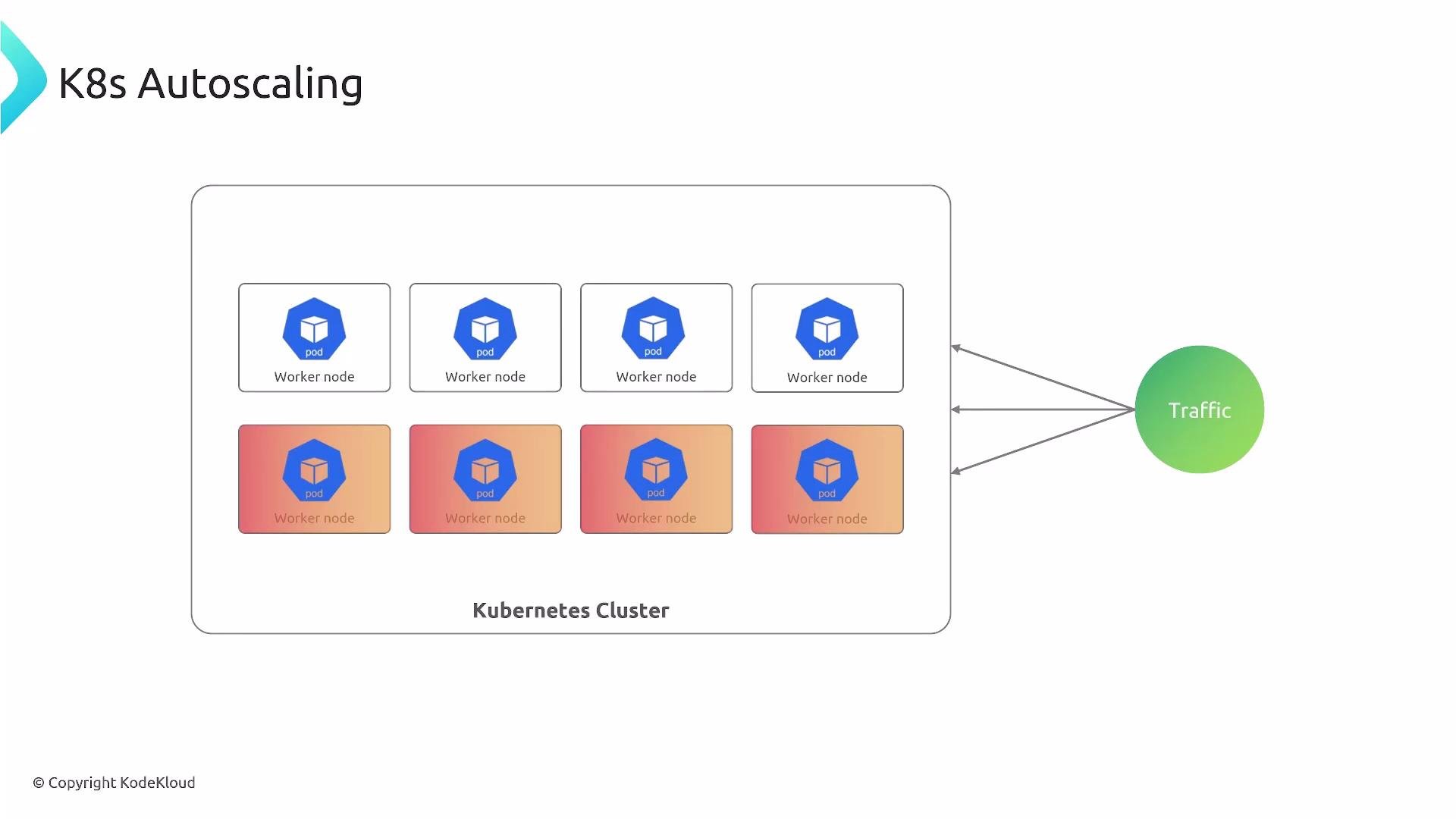
- Your applications run inside Pods on worker nodes.
- The control plane schedules Pods onto nodes.
- When load increases, you may need more Pod replicas and/or more nodes to host them.
- Different autoscalers handle these responsibilities: some scale Pods, others right-size resources, and others manage the underlying node pool.
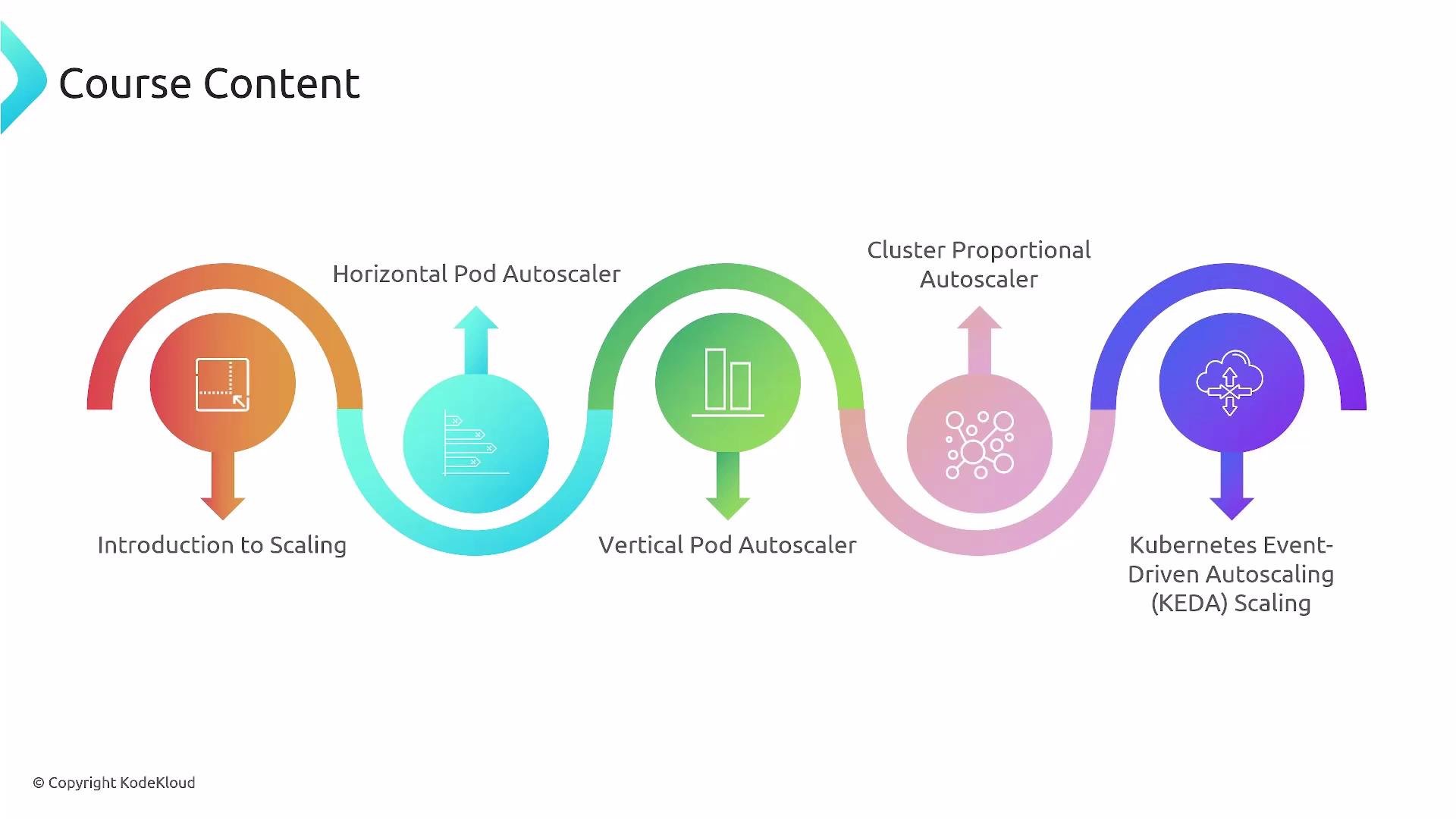
- Definitions and scaling goals: when to scale horizontally vs vertically, and how to measure success.
- Horizontal Pod Autoscaler (HPA): scale replicas using CPU, memory, custom, or external metrics.
- Vertical Pod Autoscaler (VPA): recommend or apply container resource requests/limits to right-size Pods.
- Cluster Proportional Autoscaler (CPA): scale cluster-level or add-on replicas proportionally to node count.
- Cluster Autoscaler (and alternatives like Karpenter): add/remove nodes based on pending Pods and scheduling constraints.
- KEDA (Kubernetes Event-Driven Autoscaler): scale based on event sources (message queues, streams) and enable scale-to-zero patterns.
- Hands-on examples and recommended patterns to avoid conflicts and instability.
A few clarifying points
- HPA adjusts the number of Pod replicas for Deployments, ReplicaSets, and StatefulSets and supports built-in (CPU/memory), custom, and external metrics.
- VPA adjusts container resource requests and/or limits to right-size Pods. VPA does not increase replica counts — use HPA for replica-based scale-out.
- CPA targets cluster-level services and scales their replicas relative to node count (helpful for DNS, logging, and monitoring add-ons).
- Cluster Autoscaler (and alternatives like Karpenter on AWS) changes node count based on unschedulable Pods and cloud-provider scaling policies.
- KEDA connects to external event sources (Kafka, SQS, Azure Queue, Prometheus, etc.) and exposes metrics or triggers that drive scaling, including scale-to-zero.
Avoid uncontrolled interaction between HPA and VPA: if both modify the same resource targets (for example, container CPU requests), they can create oscillations. Use recommended patterns—like VPA in “recommend” mode with HPA controlling replica count—or split responsibilities by workload type.
By the end of this course you’ll understand how these autoscalers interact, which to use for different problems, and implementation best practices so applications stay available under changing load.
- Kubernetes Documentation
- Cluster Autoscaler
- Karpenter (AWS alternative)
- KEDA — Event-Driven Autoscaling
- Vertical Pod Autoscaler (VPA) repo