

Prerequisites
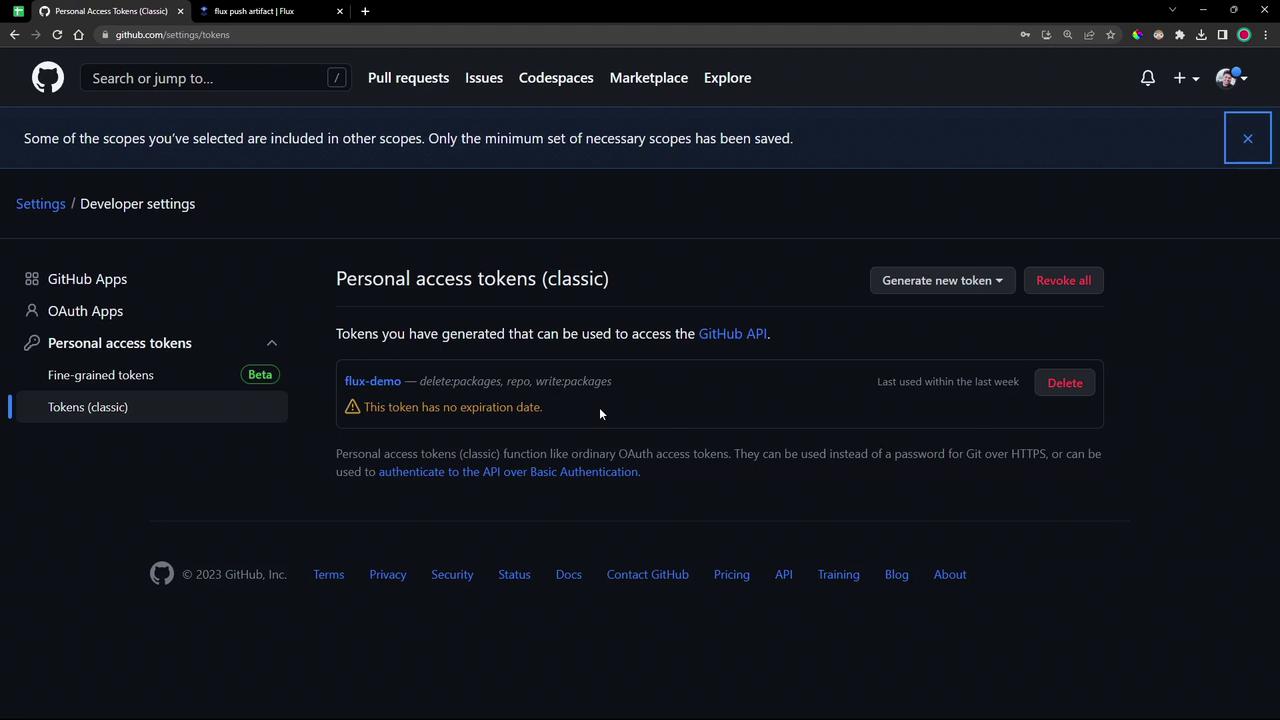
You need a GitHub Personal Access Token (PAT) with permissions to manage packages and your repository:If you already have a PAT, update it to include
repo, write:packages, and delete:packages.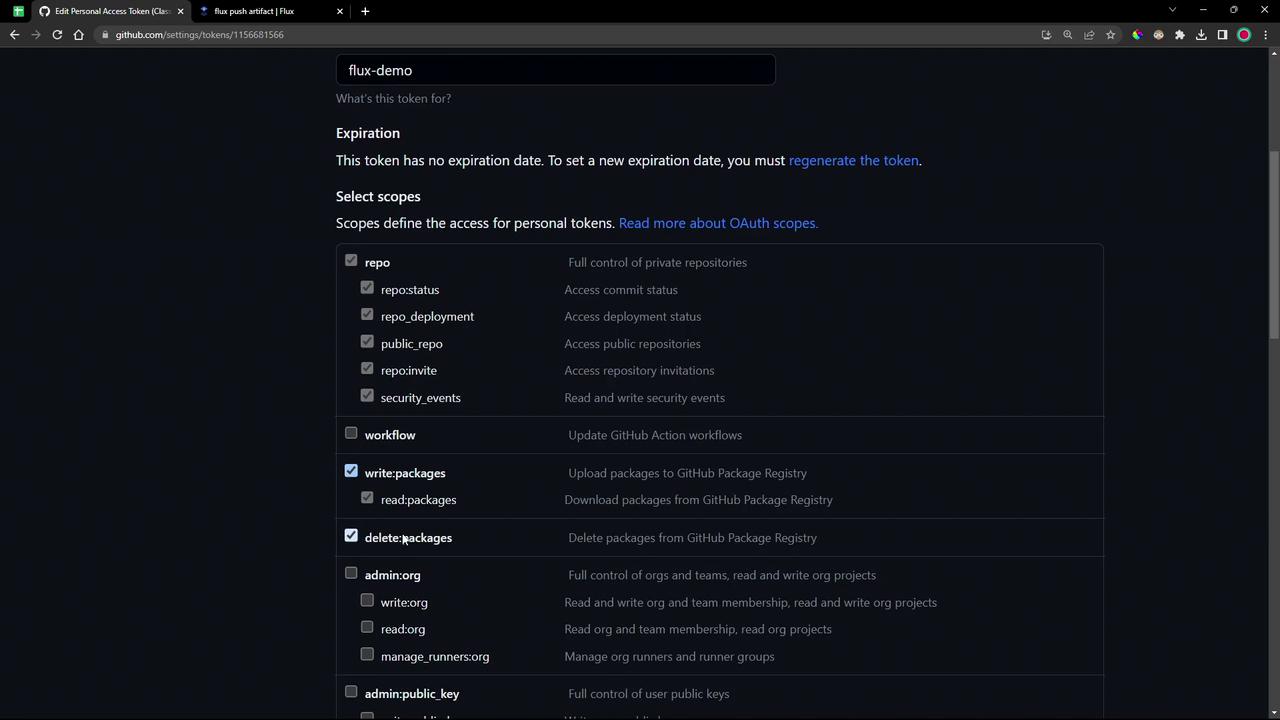
1. Prepare the Local Repository
-
Navigate to your source directory and switch to the demo branch:
-
If you see a “dubious ownership” error on Ubuntu, mark it as safe:
-
Enter the versioned folder and inspect its contents:
You should see the
manifests/directory alongside YAML files.
2. Log in to GHCR
Use Docker to authenticate against GHCR. Replace<username> with your GitHub handle:
3. Push the OCI Artifact
Flux’spush artifact command packages a directory (or file) as an OCI artifact and uploads it to a registry.
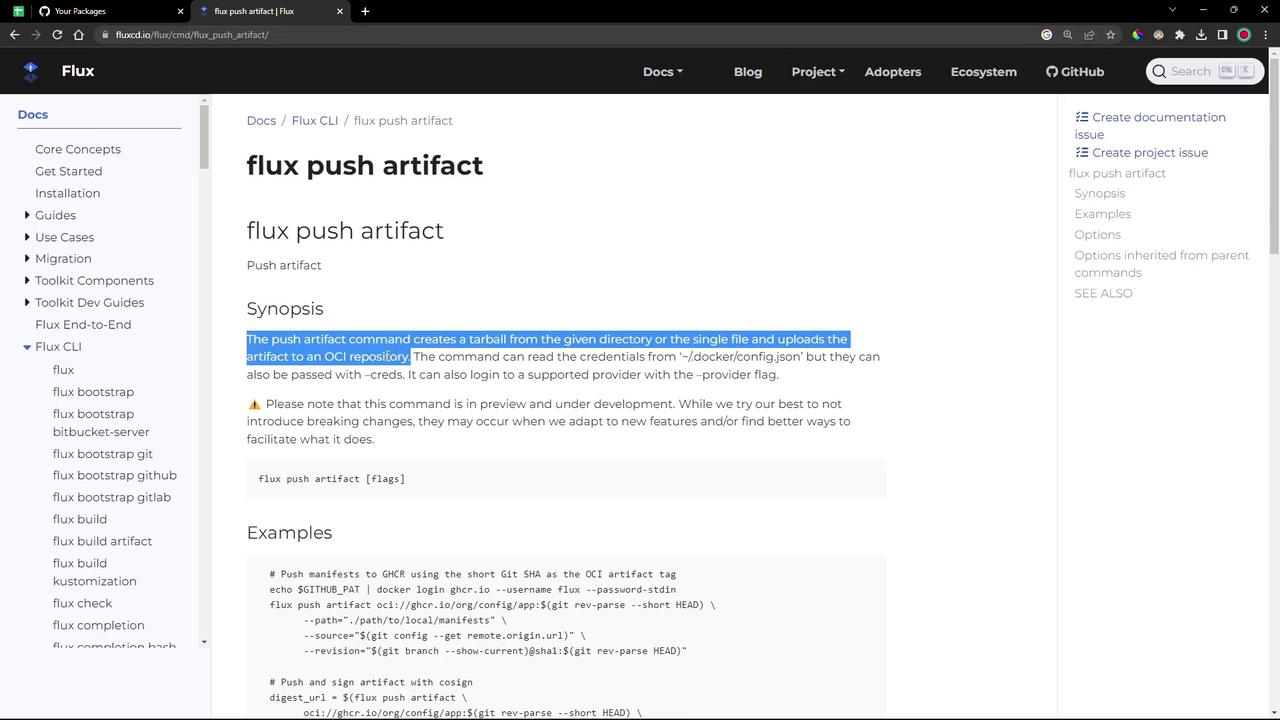
- Flux reads your GHCR credentials from
~/.docker/config.json - It tars up
./manifests - Uploads to
ghcr.io/<username>/bb-app:7.7.0-<short-git-sha> - Attaches the Git remote URL and revision metadata
4. Verify the Package
- Go to your GitHub repo’s Packages tab and refresh.
- You should see
bb-applisted under private packages.
Flux requires a Kubernetes imagePullSecret to authenticate when pulling OCI artifacts. We’ll cover secret creation in a later module.