

This guide assumes you’re familiar with GitOps, Docker, Kubernetes, and CI/CD workflows.
Key Concepts Overview
Below is a quick reference of FluxCD’s core components and GitOps terminology.1. Bootstrapping
Bootstrapping is the initial step to install Flux components on your Kubernetes cluster.Use the
flux bootstrap command to connect your cluster with a Git repository following GitOps best practices.
2. Agent / Controller
Flux controllers (or agents) implement Kubernetes’ controller pattern:- They run reconciliation loops.
- Watch for custom resources (CRDs).
- Continuously compare and reconcile the cluster’s actual state against Git-defined desired state.
3. Sources
Sources define where Flux retrieves configuration or package artifacts:- GitRepository: Monitors a Git repo for YAML manifests or Kustomize overlays.
- HelmRepository: Tracks Helm charts.
- OCIRepository: Fetches Helm charts or container images from an OCI registry.
4. Kustomization
The Kustomization controller applies a set of overlays or plain manifests:- Applies resources to the cluster.
- Continuously reconciles updates.
- Supports features like patches, generators, and strategic merges.
5. Reconciliation
Reconciliation is Flux’s core mechanism:- Compares the actual state of your cluster with the desired state defined in Git.
- By default, reconciliation runs automatically at each interval.
- You can temporarily suspend or resume this process.
Suspending reconciliation in production may delay critical updates. Always verify before pausing.
6. Suspend & Resume
Use the Flux CLI to manage reconciliation:flux reconcile is required to apply changes.
7. Prune
Pruning ensures your cluster stays clean:- When enabled, Flux automatically deletes Kubernetes resources that are no longer defined in the Git source.
- Helps prevent resource drift and orphaned objects.
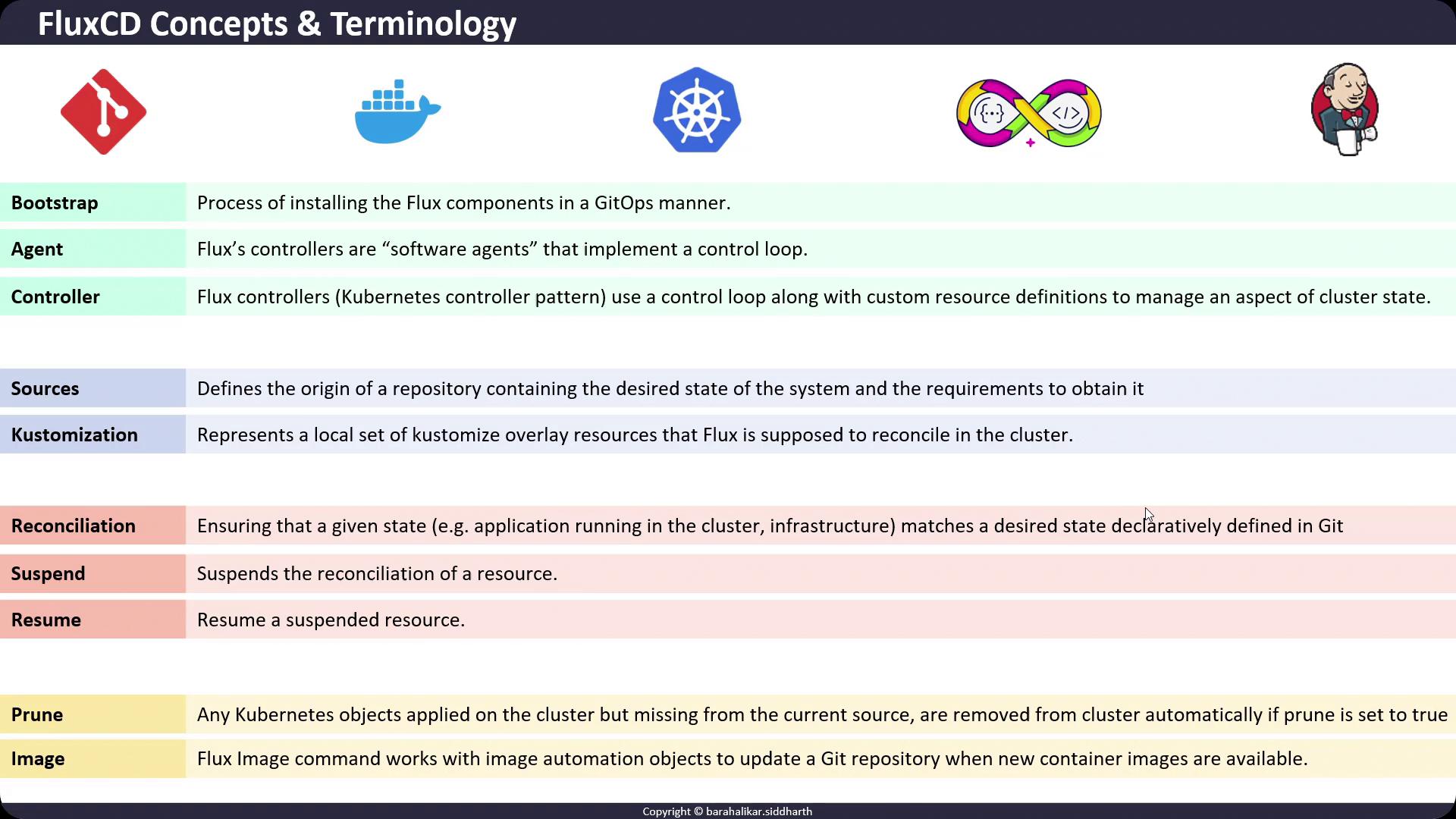
8. Flux Image Automation
Theflux image command manages image automation objects:
- Image Reflector Controller: Monitors container registries for new tags.
- Image Automation Controller: Commits updated image references to your Git repository.