

- A Kubernetes cluster with Flux and the notification controller installed.
- A clone of the demo repository (we’ll use the
2-demobranch in this guide). - Access to the GitHub repository where you’ll add the webhook.
- Flux notification controller: https://fluxcd.io/docs/components/notification/
- Flux GitRepository source: https://fluxcd.io/docs/components/source/gitrepositories/
- GitHub webhooks: https://docs.github.com/en/developers/webhooks-and-events/about-webhooks
Quick prerequisites table
1) Switch to the demo branch and inspect pods
Switch to the2-demo branch and list pods in the 2-demo namespace:
2) Update the Deployment (replicas -> 2)
Edit your application manifest (for examplemanifests/deployment.yml) and update the replica count to 2:
3) Observe Flux GitRepository polling interval
Flux stores artifacts from your Git repository according to theinterval on the GitRepository resource. A typical resource looks like this:
interval is 1m0s, Flux polls every 60 seconds and may take up to ~60s to detect a commit. Set a longer interval to reduce polling frequency, or use a webhook to trigger immediate reconciliation.
4) Expose the notification controller (provide a payload URL)
To allow GitHub to POST to your cluster, expose the Flux notification controller. For this demo we’ll create a NodePort service calledreceiver that routes to the notification controller’s port:
flux-system namespace:
receiver service maps port 80 to node port 30847 (80:30847/TCP).
Exposing the notification controller with a NodePort is fine for demos and testing. For production, prefer a LoadBalancer, Ingress, or authenticated proxy with TLS and proper access controls.
5) Create a webhook secret in the cluster
Create a Kubernetes Secret in theflux-system namespace to hold your GitHub webhook secret. Flux uses this to validate incoming webhook payloads:
'dont-share-this-secret' with a strong secret and keep it secure. You will use this same secret value in the GitHub webhook configuration.
Keep webhook secrets confidential. If a secret is exposed, rotate it immediately and update both the Kubernetes Secret and the GitHub webhook configuration.
6) Create a Flux Receiver for GitHub webhooks
Create a Receiver resource that accepts GitHubping and push events and targets your GitRepository resource.
Generate the YAML using the Flux CLI and export it to a file:
github-webhook-receiver.yml to the repository Flux watches (e.g., your flux-clusters repo), or apply directly with:
7) Inspect the Receiver and get the webhook path
After the Receiver is reconciled, Flux reports the path that the notification controller listens on. Check the receivers:receiver service (a LoadBalancer IP, Ingress hostname, or a tunnel URL in demos).
8) Expose NodePort via localtunnel (demo only) and create the GitHub webhook
To make the NodePort reachable from GitHub (for demo/testing), use a tunneling service like localtunnel:- Payload URL: the URL above
- Content type:
application/json - Secret: the same secret value stored in the
github-webhook-tokenSecret - Events: choose “Just the push event” (or select ping + push if desired)
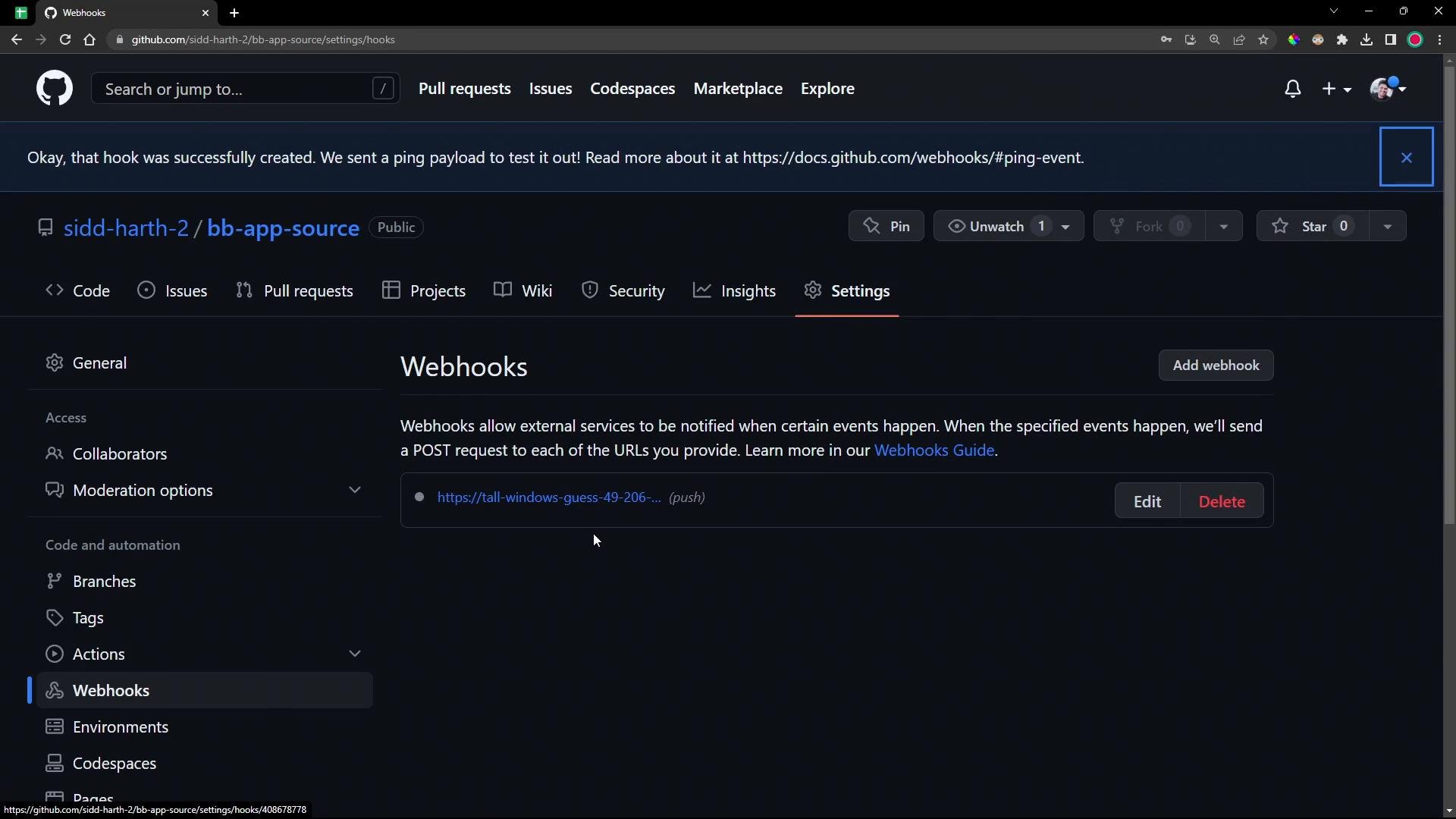
200 response means the cluster accepted the webhook.
9) Push a change and observe immediate reconciliation
Make a further change to your application manifest (for example changereplicas: 2 to replicas: 4), then commit and push to the 2-demo branch.
First, watch the GitRepository to observe when Flux stores the new artifact:
10) Summary and best practices
- Flux polls Git repositories according to the
intervalon theGitRepositoryresource (e.g.,1m0s). - Use a Flux
Receiver+ notification controller to reconcile immediately on push events from GitHub. - Store the webhook secret in a Kubernetes Secret and use it to validate incoming payloads.
- For demos, exposing the notification controller via NodePort + tunnel (localtunnel, ngrok) works fine. For production, expose the service with a LoadBalancer, Ingress, or authenticated proxy (TLS + proper access control).
- Rotate webhook secrets if they are ever exposed, and restrict webhook endpoints with network policies or authentication where appropriate.
- Flux notification controller: https://fluxcd.io/docs/components/notification/
- GitRepository source: https://fluxcd.io/docs/components/source/gitrepositories/
- GitHub Webhooks: https://docs.github.com/en/developers/webhooks-and-events/about-webhooks