

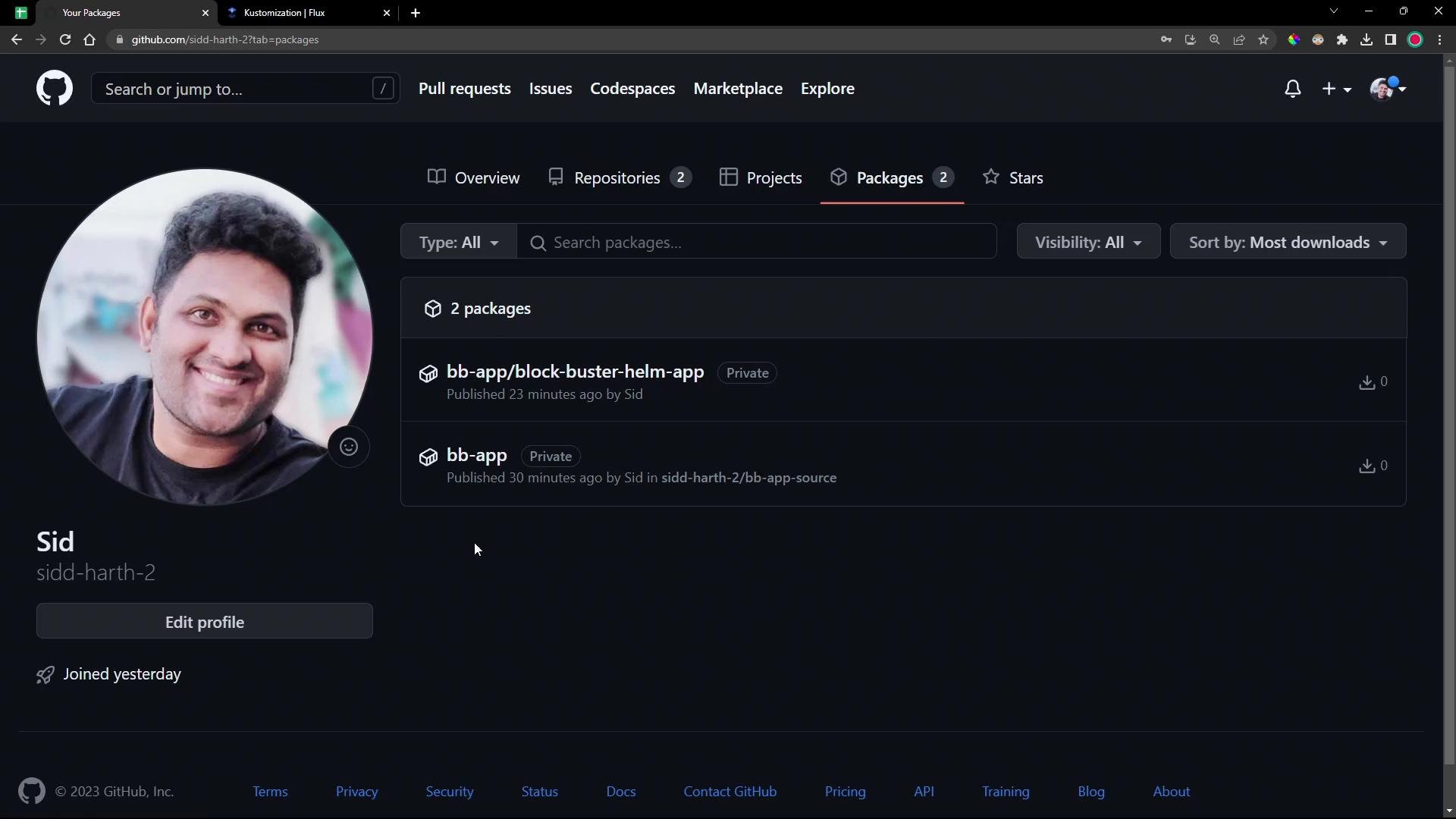
bb-app image from GHCR, configures authentication for a private registry, creates an OCIRepository source, and deploys the manifests produced by that artifact.
- A Kubernetes cluster with Flux installed (source-controller and kustomize-controller).
- Access to the private GHCR repository and a GitHub personal access token with package read scope.
- flux CLI and kubectl configured to your cluster.
- (Optional) cosign or other supply-chain tooling if you prefer digest-based references.
flux-clusters/dev-cluster) use the flux CLI to create an OCIRepository resource and export the YAML:
OCIRepository resource (Flux’s source type for OCI registries). Replace the --tag placeholder with the exact tag or digest you want to track. Example exported YAML:
docker pull output. For this demo:
- Tag:
7.7.0-0bb2691 - Digest:
sha256:379024c535859545876ae260f5a2367f8b34a758528fc6074d58c8ec9fbbf28c
dockerconfigjson secret:
--username and --password with your registry username and personal access token. Alternatively you can create a standard kubernetes.io/dockerconfigjson secret yourself.
Verify the secret exists in flux-system:
Step 3 — Create the Kustomization to deploy the manifests
Create a Kustomization that references the
OCIRepository source. This demo uses a few useful options:
healthChecks— instructs Flux to verify rollout/health status of specific resources.dependsOn— make this Kustomization wait for other Kustomizations (e.g., infra) to be ready.timeout— maximum wait time for health checks.
If your OCI artifact is private, ensure the referenced
OCIRepository includes a secretRef pointing to a registry secret in the flux-system namespace (or adjust namespaces so the secret is visible to the source-controller).- Check a Deployment rollout:
- Check HelmRelease objects (Flux Helm support):
dependsOn when an application requires infra resources (databases, secrets) to be present before deployment:
OCIRepository, ghcr-auth secret (if exported), and the Kustomization YAML to your Git repo so Flux picks them up.
Reconciliation and debugging
- Check Kustomization status via Flux:
- If the Kustomization is
Unknownor stalled, inspect the resource status in Kubernetes to get health check messages:
name and namespace listed in healthChecks. Matching is literal — any mismatch prevents Flux from locating the resource. In this demo the initial health check referenced the wrong Deployment name; updating it to block-buster-7-7-0 fixed the timeout.
- After fixing the health check, trigger reconciliation or wait for automatic reconcile:
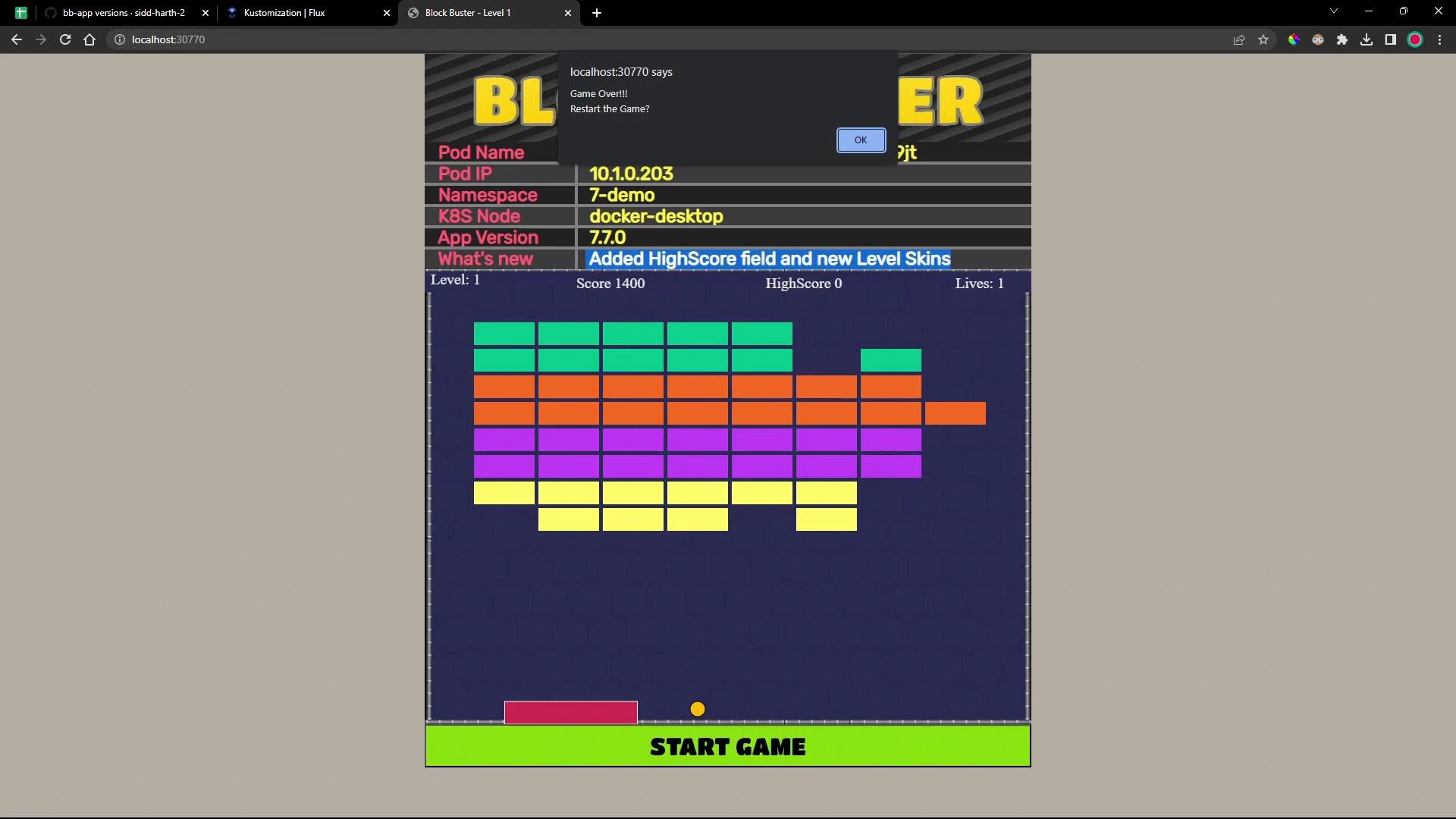
- Validate resources in the target namespace:
- Created an
OCIRepositorysource that points to an OCI artifact in GHCR. - Configured a registry secret so Flux can pull private OCI artifacts.
- Created a
Kustomizationto deploy manifests from the OCI source. - Used
healthChecksanddependsOnto control rollout order and verify deployment health. - Troubleshot common reconciliation and health check issues.
- Flux documentation: https://fluxcd.io/docs/
- GitHub Container Registry: https://docs.github.com/en/packages/working-with-a-github-packages-registry/working-with-the-container-registry
- Cosign (image signing and verification): https://docs.sigstore.dev/cosign/