

- Confirm cosign is not installed
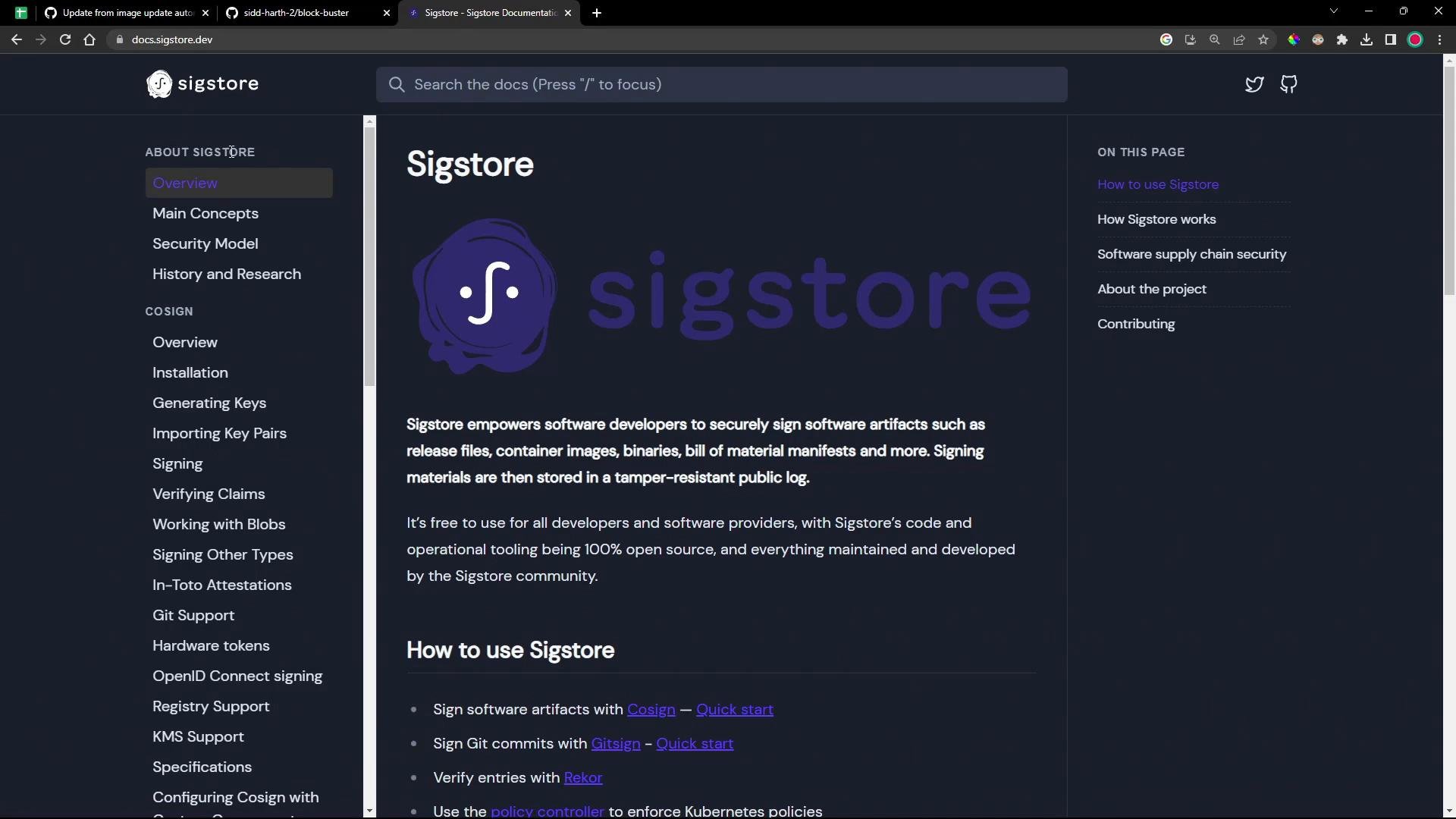
- Install cosign (choose one method)
- Generate a key pair (private + public)
- Store the public key in your cluster (Flux example)
- Using Go (when you have a Go toolchain):
- Download a prebuilt Linux binary, or install from rpm/deb packages. Example commands (using v2.0.0 as an example):
Verify the installation
cosign.key (private) and cosign.pub (public) into your current directory.
- If you enter a passphrase, the private key will be encrypted; you must provide that passphrase when signing.
- If you leave the passphrase empty (press Enter), the private key will be created unencrypted (passwordless).
Store the public key in Flux
Flux verifies signed OCI artifacts using a public key available in the cluster. To let Flux validate signatures, create a Kubernetes secret in the
flux-system namespace containing your public key:
cosign-pub in the flux-system namespace. Flux can reference this secret when validating signed artifacts.
Next steps
- Build or pull an OCI artifact (container image).
- Use the private key (
cosign.key) to sign the artifact with cosign. - Configure Flux to verify the artifact using the public key stored in the cluster.
- Sigstore cosign docs: https://docs.sigstore.dev/cosign/installation/
- Flux documentation: https://fluxcd.io/docs/
Keep your
cosign.key (private key) secure. Anyone with access to the private key can sign artifacts as you. For production, consider using a managed Key Management Service (KMS) or a hardware-backed key storage solution rather than storing a plaintext private key on disk.