In this lesson we walk through how the Flux source controller fetches manifests from a Git repository and how the Kustomize controller is wired to apply those manifests. We’ll show the generated sync manifest (GitRepository + Kustomization), how to prepare an example app repo, and how Flux stores and applies the fetched artifacts. We already cloned the block-buster repository locally and applied the generated gotk-sync manifest to the cluster. The gotk-sync manifest contains two key CRs: a GitRepository (the source) and a Kustomization (the consumer).
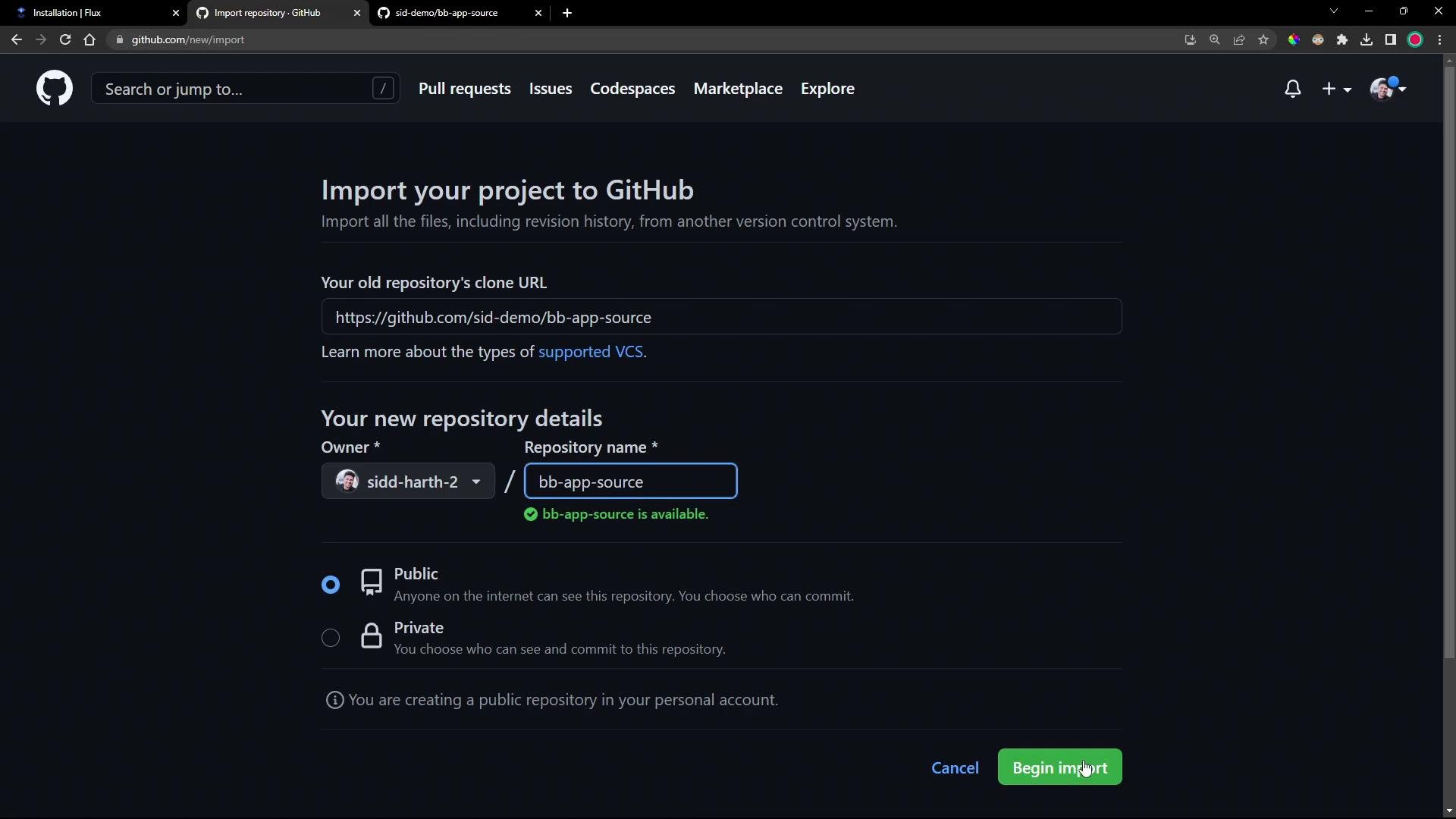
A screenshot of Visual Studio Code connected to WSL (Ubuntu 18.04) showing the file explorer with several config/YAML files on the left and an integrated terminal at the bottom displaying a root prompt. The main editor area shows the VS Code welcome background and command hints.
Example generated manifest (GitRepository + Kustomization):
What each CR does
  • GitRepository (apiVersion: source.toolkit.fluxcd.io/v1beta2) configures where the source controller fetches manifests from:
    • url — HTTP or SSH Git URL.
    • ref.branch — branch to track (example: main).
    • secretRef — Kubernetes Secret used for authentication (required for private SSH repos).
    • interval — how often the source controller checks the repo for changes.
  • Kustomization (apiVersion: kustomize.toolkit.fluxcd.io/v1beta2) tells the Kustomize controller which artifacts to apply:
    • sourceRef points to the GitRepository defined above.
    • path selects the subdirectory in the repo to apply.
    • prune: true enables deletion of resources removed from the Git path.
Key fields at a glance:
If you use an SSH Git URL, ensure a matching Secret exists in the same namespace (for example flux-system) containing the private key. For public HTTPS repos, authentication is not required.
Inspecting Flux sources and kustomizations with the Flux CLI:
Example repository used in this lesson: sid-demo/bb-app-source. It contains application source code in src/ and Kubernetes manifests in manifests/. For the demo we imported this repository into our own GitHub account and used branch 1-demo.
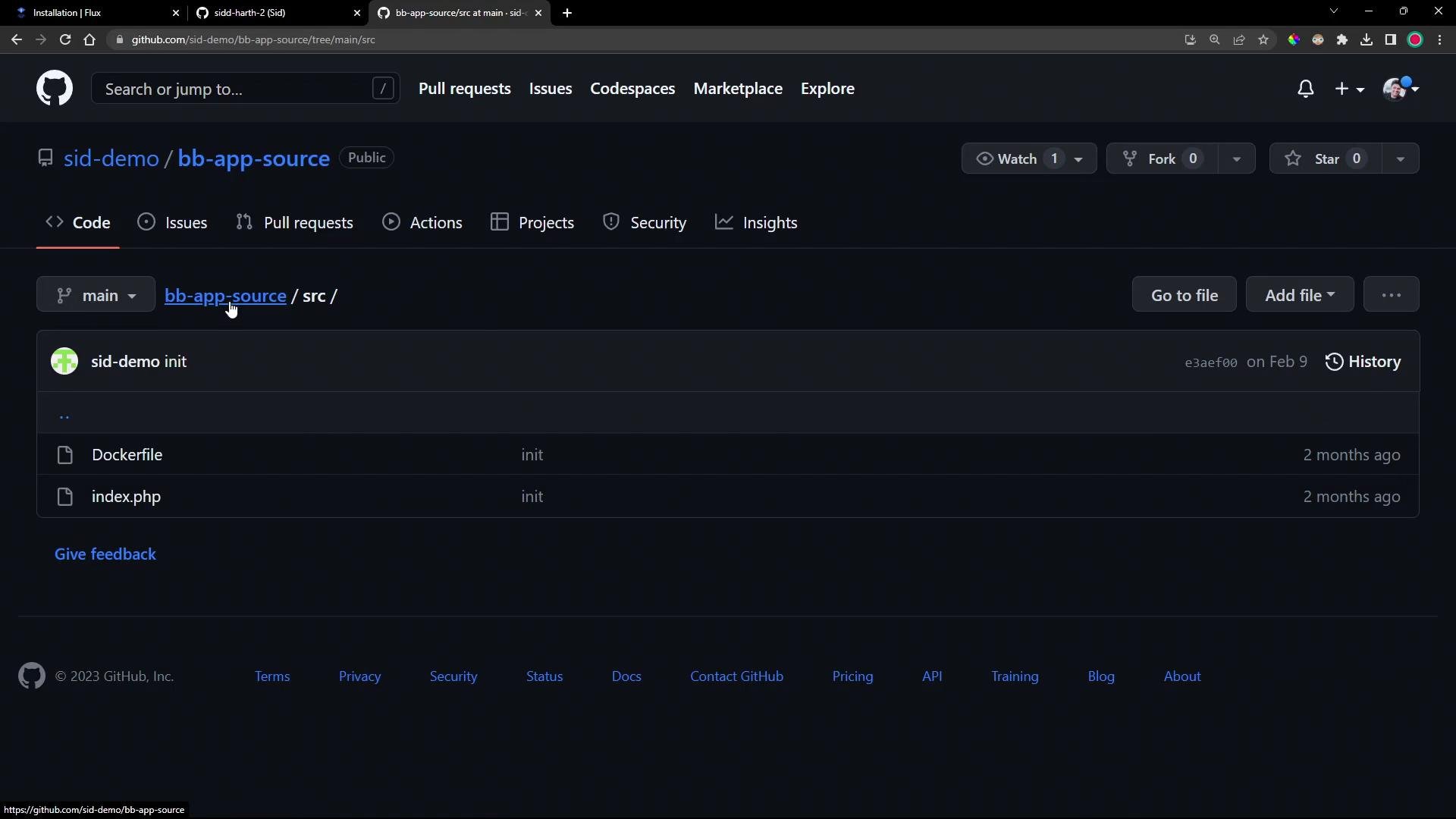
A dark-mode GitHub repository page showing the "sid-demo / bb-app-source" repo's src folder with files Dockerfile and index.php. The header shows the main branch, commit history, and buttons like "Go to file" and "Add file."
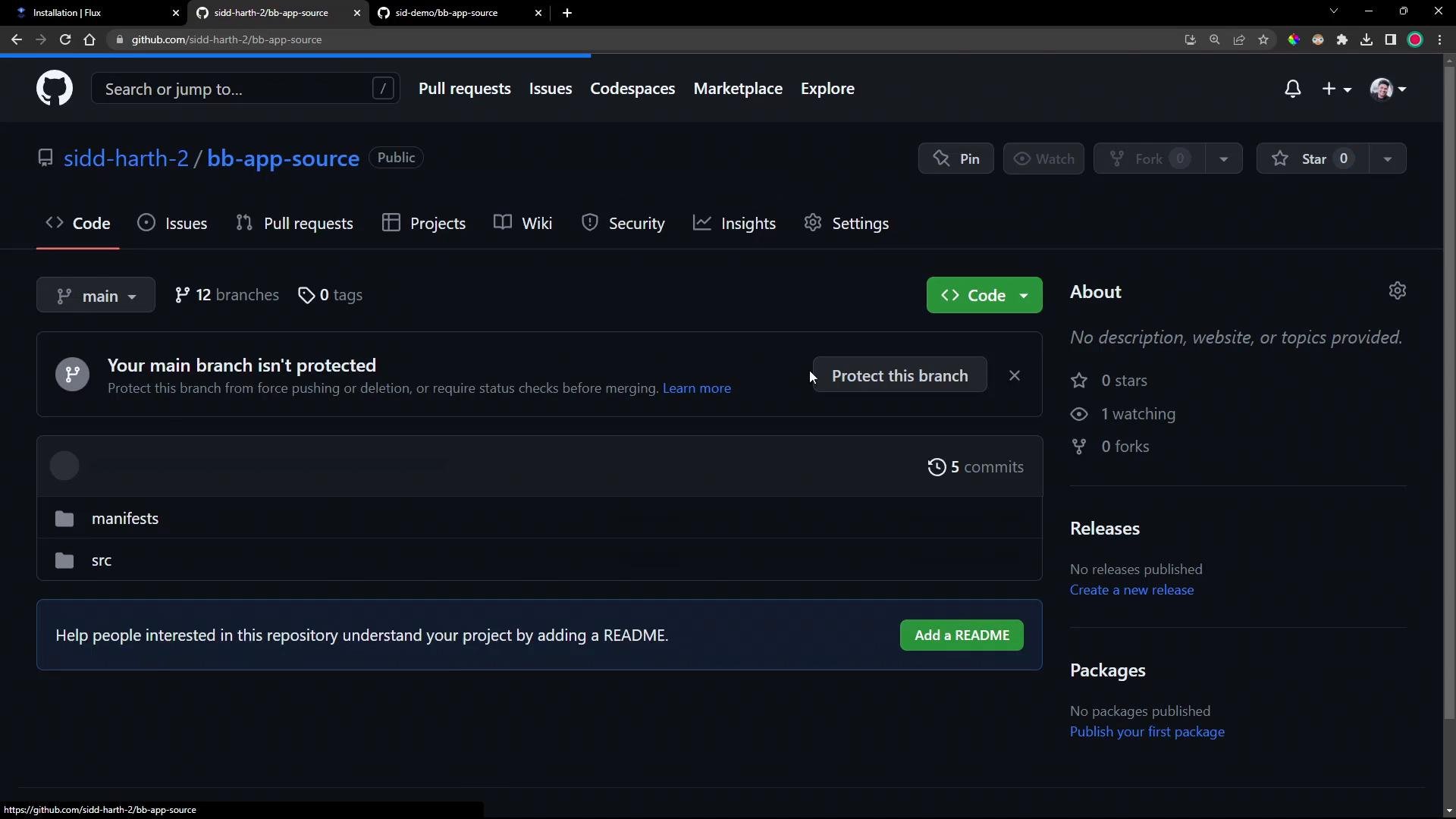
I imported the repository into my GitHub account using the Import repository feature.
A screenshot of GitHub's "Import your project to GitHub" page showing fields for the old repository clone URL and new repository details (owner and repository name "bb-app-source"), with visibility options and a "Begin import" button. The interface is in dark mode.
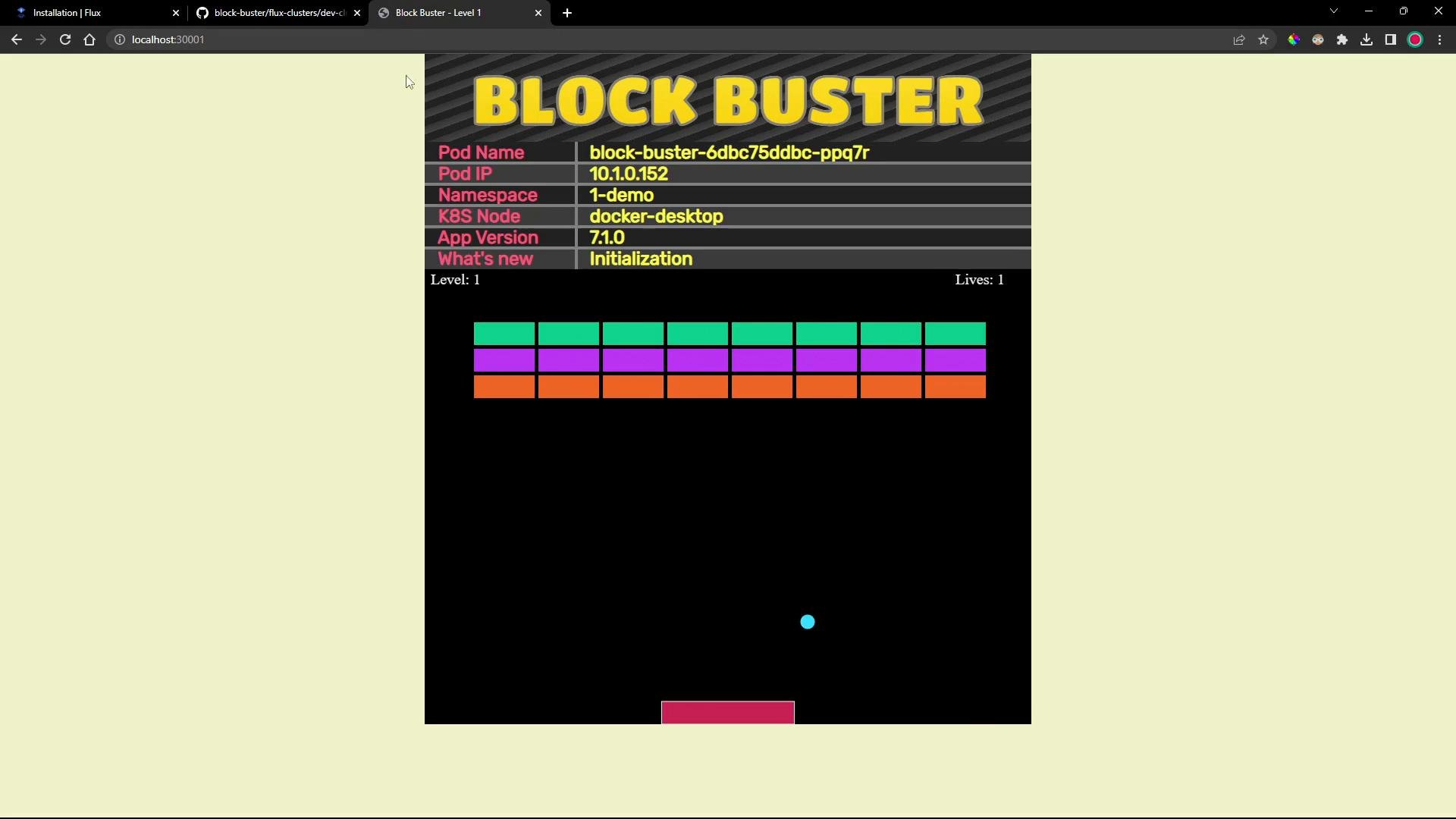
After import I cloned the repo locally and checked out the 1-demo branch.
A dark‑mode GitHub repository page for "sidd-harth-2 / bb-app-source" showing the Code tab and the main branch. It lists folders like "manifests" and "src," shows a notice that the main branch isn't protected, and prompts to add a README.
Local clone and branch checkout:
Repository structure (high-level) Example HTML/PHP snippet (the app reads pod metadata from environment variables):
Deployment (excerpt showing labels and image):
Service manifest (exposes the app on NodePort 30001):
To deploy these manifests with Flux, copy the three files into the path Flux is configured to watch (the path used in the Kustomization CR above). Example workflow:
After pushing, the Flux source controller will detect the new commit and store an artifact (tarball). The Kustomize controller then applies the resources referenced by the Kustomization. Verify status and artifacts:
Inspecting what the source controller fetched The source controller stores a tarball of the fetched repo content under /data/gitrepository/<name>/<name>/. You can exec into the source-controller pod to list and inspect the tarball:
Once the Kustomize controller applies the manifests, the namespace and resources appear in the cluster:
Accessing the app You can reach the app via the NodePort, for example:
  • http://<node-ip>:30001
  • http://localhost:30001 (if your node is local)
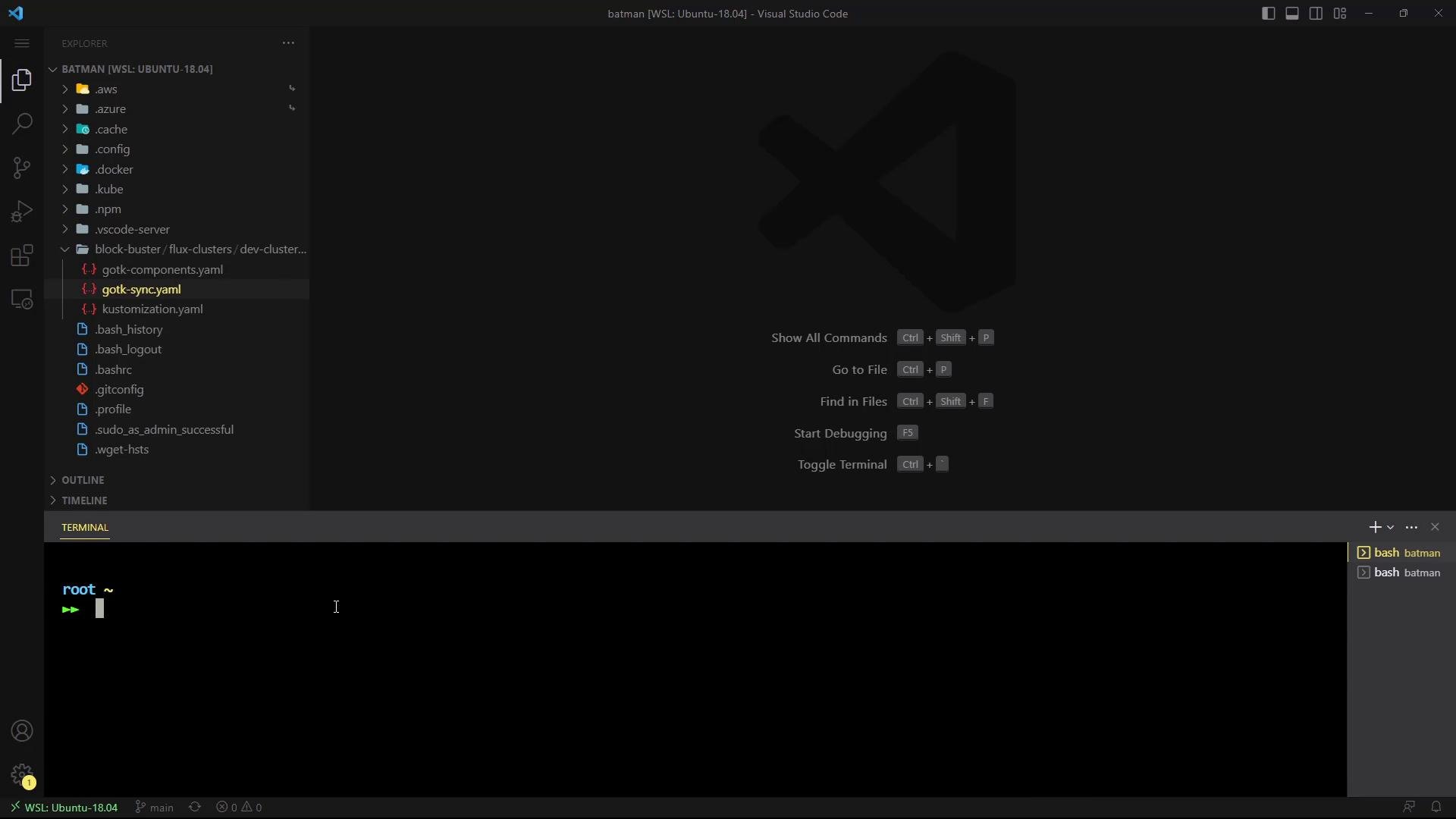
The application is a simple Block Buster game that shows pod metadata (name, IP, namespace, node, version) in the UI.
A screenshot of a web-based "BLOCK BUSTER" arcade game showing game info (pod name, IP, namespace, etc.) at the top and a black play area with colorful brick rows, a paddle at the bottom, and a blue ball in play.
Summary and key takeaways
  • The Flux source controller polls the configured GitRepository and stores an artifact (tarball) of the repository state for the specified revision.
  • The Kustomization resource points to that source and a path within the repo. The Kustomize controller applies resources found in that path.
  • spec.interval controls polling frequency; spec.prune: true will delete cluster resources that are removed from Git when the Kustomization is reconciled.
  • For private SSH repos ensure a Secret with the SSH private key exists in the same namespace as the GitRepository.
Further reading and references We will next deep-dive into the Kustomize controller and how it applies and manages these manifests.

Watch Video

Practice Lab