

- A Kubernetes cluster with Flux already bootstrapped (the example uses the
flux-systemnamespace). - Access to the Git repository you used to bootstrap Flux (e.g., a GitHub repo) and a token with repo permissions if required.
flux-system namespace:
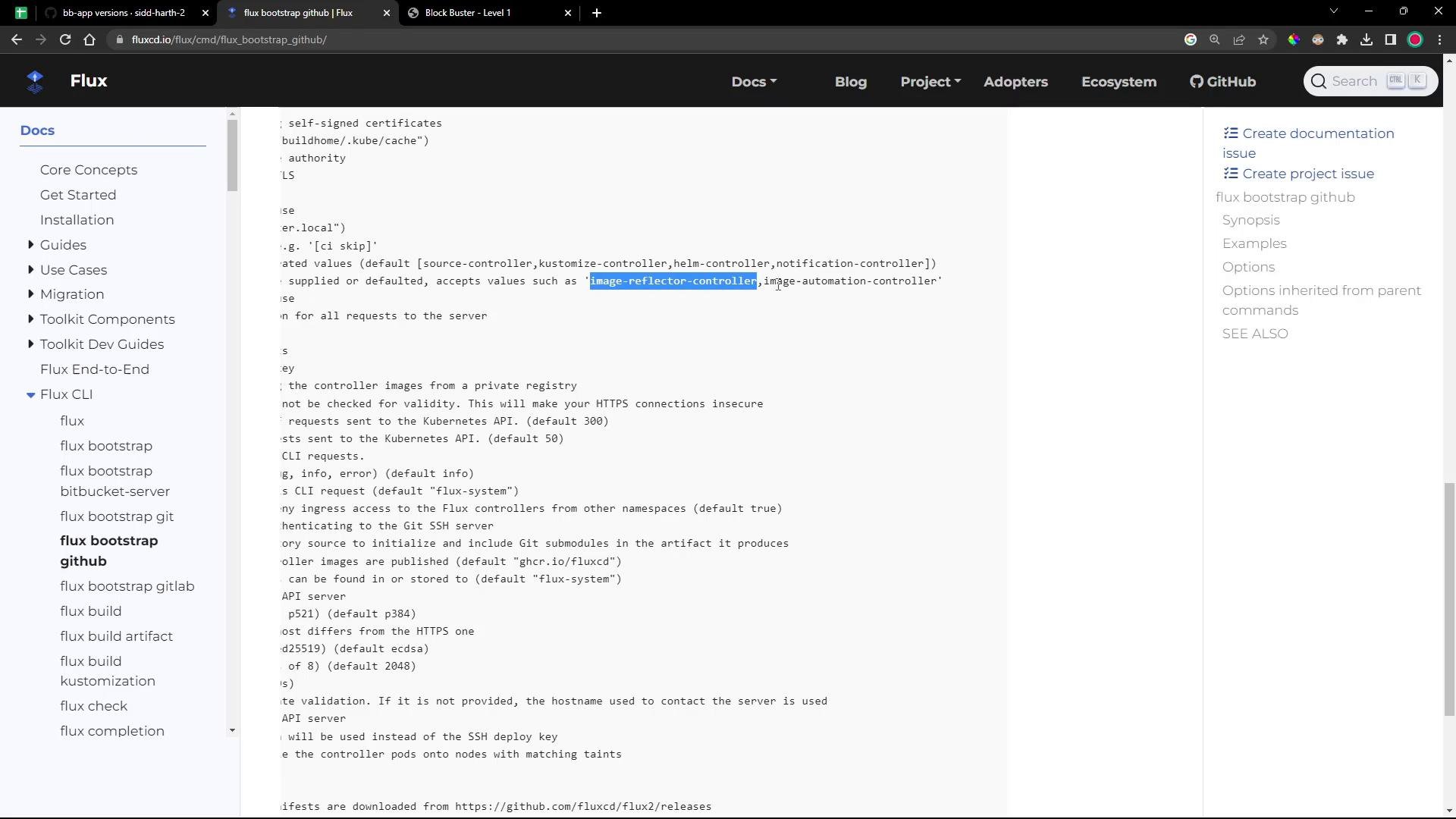
- Flux does not enable image controllers by default. To automate image scanning and Git updates you must add:
- image-reflector-controller — reads image metadata from registries and exposes it as ImageRepository resources.
- image-automation-controller — updates your Git repository (or other configured sources) with newer image tags according to policies.
Install (or upgrade) the image controllers using
flux bootstrap. Use the --components-extra flag to request additional controllers alongside the defaults.
owner, repository, path, and the token with values appropriate for your environment. You can store your token in an environment variable (recommended).
Using
--components-extra accepts a comma-separated list (no spaces) for extra controllers. If Flux components already exist, flux bootstrap upgrades or reconciles them as needed.gotk-components.yaml may include the image controllers in the header comment:
git status and git pull output after the upgrade:
Keep your Git token secure. Avoid committing tokens to source control and prefer using environment variables (e.g.,
GITHUB_TOKEN) or secret managers when running bootstrap commands.- Create
ImageRepositoryresources to point at container registries. - Define
ImagePolicyresources to select tags (semantic versioning, regex, etc.). - Add
ImageUpdateAutomationresources to define how Flux should update the Git repo (e.g., commit message, path, and push method).
- Flux documentation: https://fluxcd.io
- GitOps with Flux: https://fluxcd.io/docs/installation/