

- Creating an in-cluster MinIO instance
- Uploading manifests to a bucket and path
- Creating a Flux Bucket source that points to MinIO
- Creating a Flux Kustomization that applies the manifests to your cluster
- A running Kubernetes cluster and
kubectlconfigured - Flux CLI installed and bootstrapped to your cluster
- Repository with the demo branch and manifests available locally
- Flux Source controller: https://fluxcd.io/docs/components/source/
- Flux Kustomization: https://fluxcd.io/docs/components/kustomize/kustomization/
- MinIO: https://min.io/
Before you begin, ensure the Flux CLI is authenticated to the cluster and that you are in the repository root containing the demo branch. Example: use
git checkout 4-demo (shown below) to switch to the demo branch that contains the manifests used in this demo.1. Checkout the demo branch
Switch to the branch that contains the example manifests:- namespace manifest
- deployment manifest
- service manifest
2. Deploy MinIO in-cluster
For this demo we use MinIO as an S3-compatible object store. Apply the provided MinIO manifests which create a namespace, pod, and service:- Web console: NodePort 30040 -> internal 9090
- S3 API (minio server): NodePort 30041 -> internal 9000
Open the MinIO console in your browser:
- Access Key:
minioadmin - Secret Key:
minioadmin
bucket-bb-app using the console.
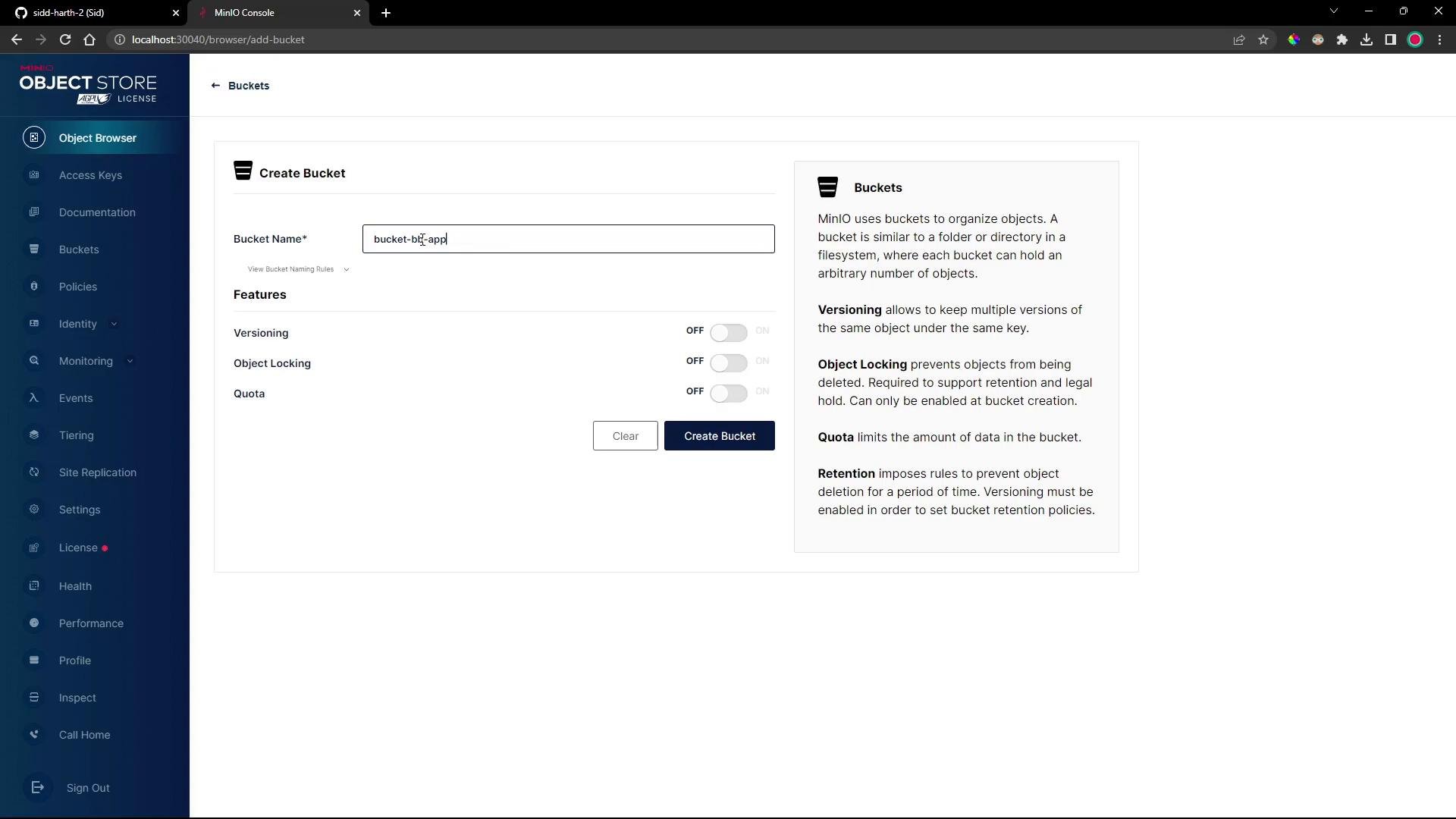
3. Upload manifests into a path inside the bucket
In MinIO’s Object Browser create a folder (path) namedapp-740 and upload the three manifests (namespace, deployment, service) to bucket-bb-app/app-740/.
Open the bucket to confirm it exists:
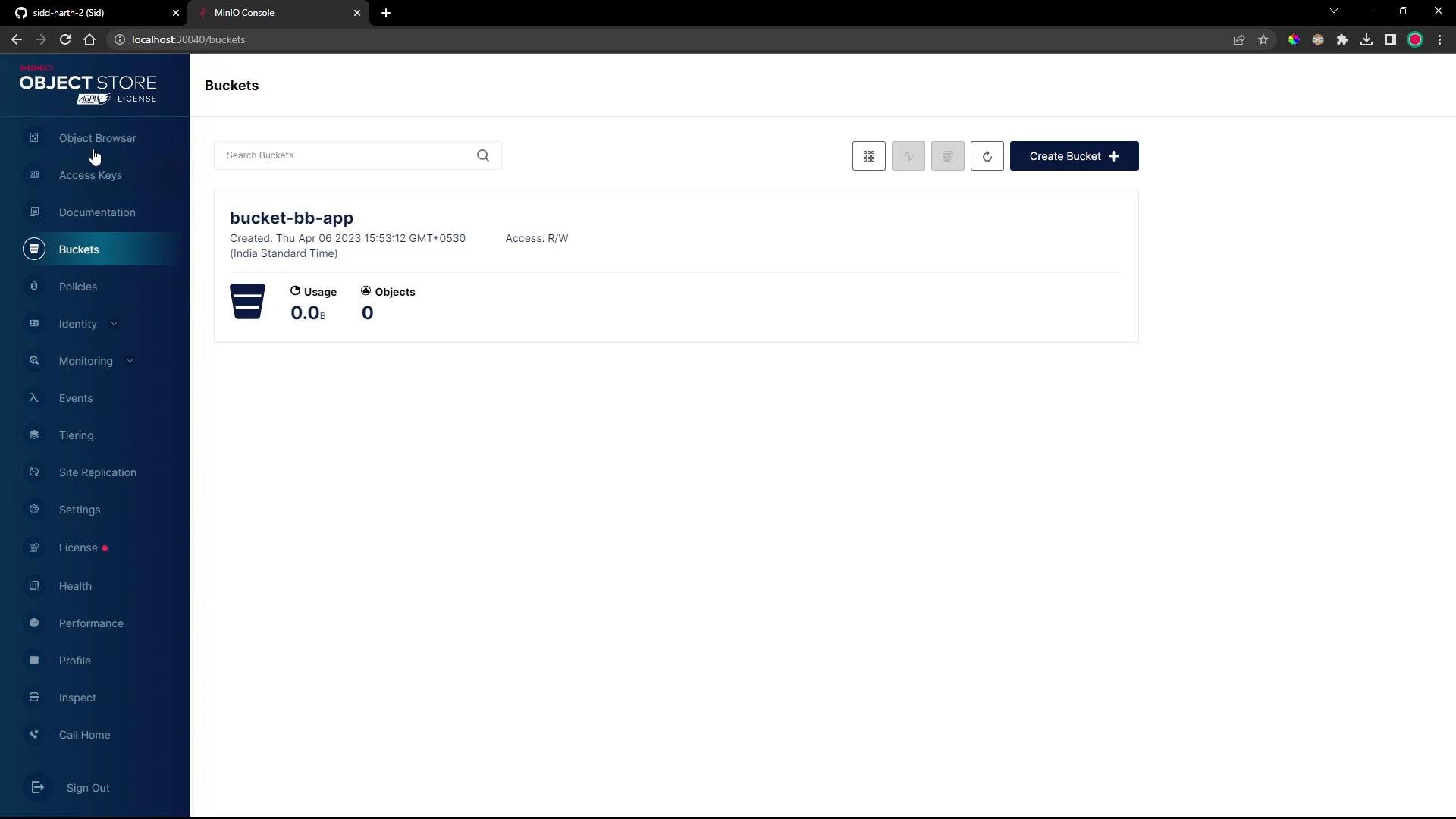
~/bb-app-source/manifests) and add the YAML files.
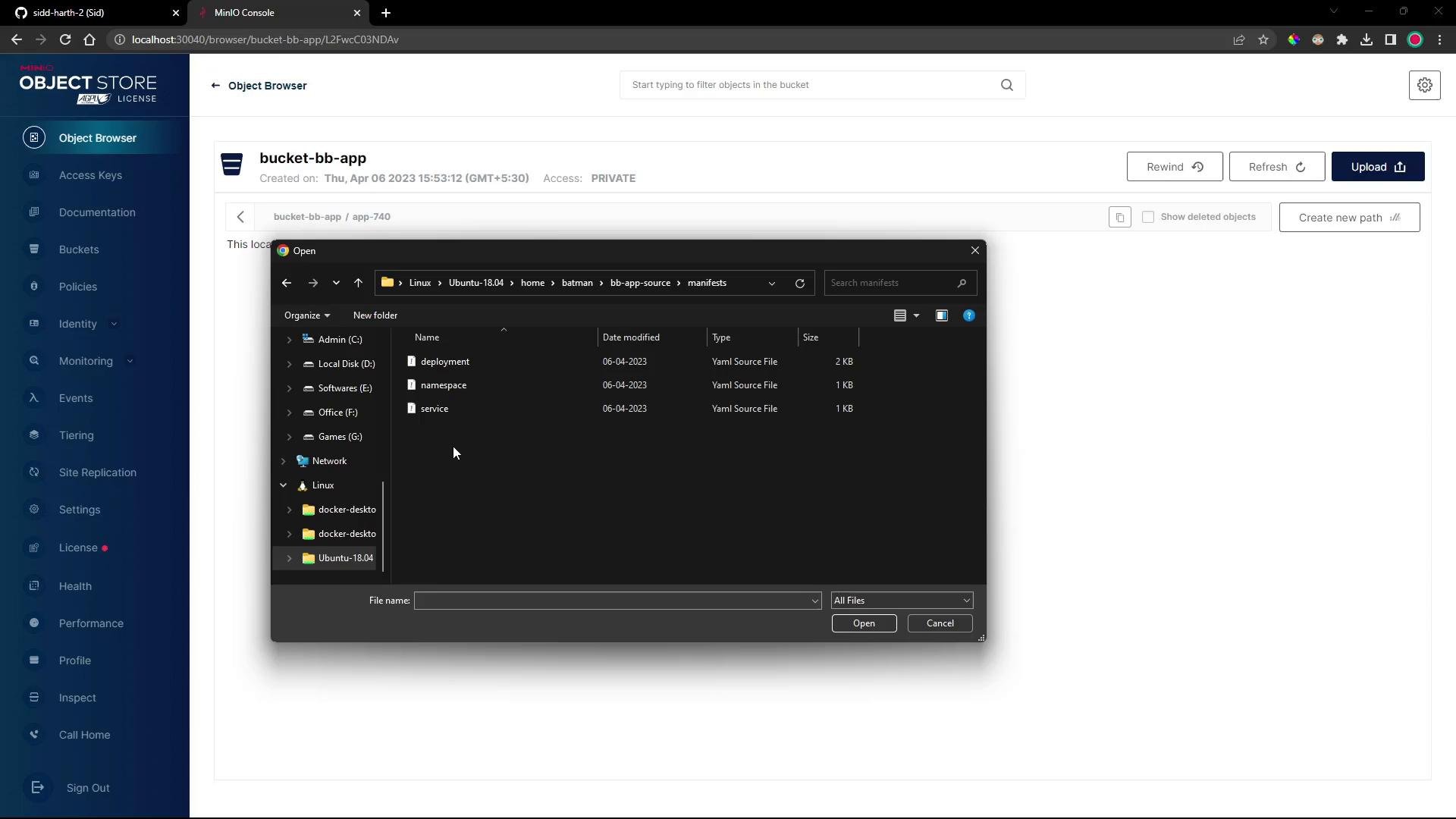
bucket-bb-app/app-740/ with your manifest files present.
4. Create a Flux Bucket source that points to MinIO
Use the Flux CLI to create a source of typeBucket that references the MinIO bucket and export the resource manifest into your cluster repo:
secretRef entry — it references a Kubernetes secret named minio-crds in the flux-system namespace which holds MinIO credentials. The secret does not yet exist, so the Bucket will fail to reconcile until the secret is created.
5. Create a Flux Kustomization that points to the Bucket source
Create and export a Kustomization that applies the manifests from theapp-740 path in the Bucket:
flux-system/cluster manifests repository so Flux can reconcile them.
6. Create the secret with MinIO credentials
Check existing secrets influx-system:
minio-crds secret that Flux will use to access the bucket. For this demo both credentials are the default minioadmin:
7. Reconcile the Bucket source and verify readiness
Force Flux to reconcile the Bucket source:4-demo namespace and applies the manifests.
8. Verify deployed resources
Confirm the namespace exists:4-demo:
You can use any S3-compatible provider (AWS S3, GCP, Azure, or third-party S3 providers). In-cluster MinIO is convenient for testing; the demo uses
--provider=generic and --insecure to allow plain HTTP. For production, use TLS-secured endpoints and the proper provider configuration.- Flux Source Bucket docs: https://fluxcd.io/docs/components/source/bucket/
- MinIO quickstart: https://min.io/docs/minio/linux/index.html
- Kubernetes Secrets: https://kubernetes.io/docs/concepts/configuration/secret/