

kustomization.yaml (a Kustomize overlay) stored in a Git branch. When the Kustomization references a path that already contains an overlay, the Kustomize Controller will validate and apply the manifests directly — skipping overlay generation — which simplifies your GitOps workflow.
Overview — what you will do:
- Switch to the
3-demobranch (this branch contains akustomization.yamland plain Kubernetes manifests). - Create a Flux
GitRepositorysource that references the3-demobranch. - Create a Flux
Kustomizationthat points to the overlay path in that source. - Observe Flux fetching the branch and applying the namespace and application resources.
1. Switch to the 3-demo branch
Checkout the branch that contains the overlay and the manifests:./kustomize:
deployment.ymlservice.ymlnamespace.ymlkustomization.yaml
kustomization.yaml (overlay file) in the repo:
When a Kustomization resource points at a Git source path that already includes a
kustomization.yaml (or a kustomize directory with an overlay), Flux will use that overlay directly and will not generate a separate overlay.2. Create a GitRepository source (Flux)
From your Flux cluster repo directory (for exampleblock-buster/flux-clusters/dev-cluster) create a GitRepository resource that references the 3-demo branch and export it to YAML:
GitRepository YAML will look like:
3-demo-source-git-bb-app.yml to your cluster manifests repository (if you manage Flux configuration in Git), or apply it directly to your cluster so Flux can start reconciling that source.
3. Create a Flux Kustomization that points at the overlay
Create aKustomization resource that points to the overlay path (for this example ./kustomize) and export it:
Kustomization YAML will resemble:
3-demo-kustomize-git-bb-app.yml to your Flux manifests repository (or apply it) so Flux can reconcile and apply the overlay.
Ensure the
target-namespace does not conflict with existing resources and that you have appropriate RBAC permissions for Flux to create or manage the specified namespace and resources.4. Observe Flux fetching and applying the overlay
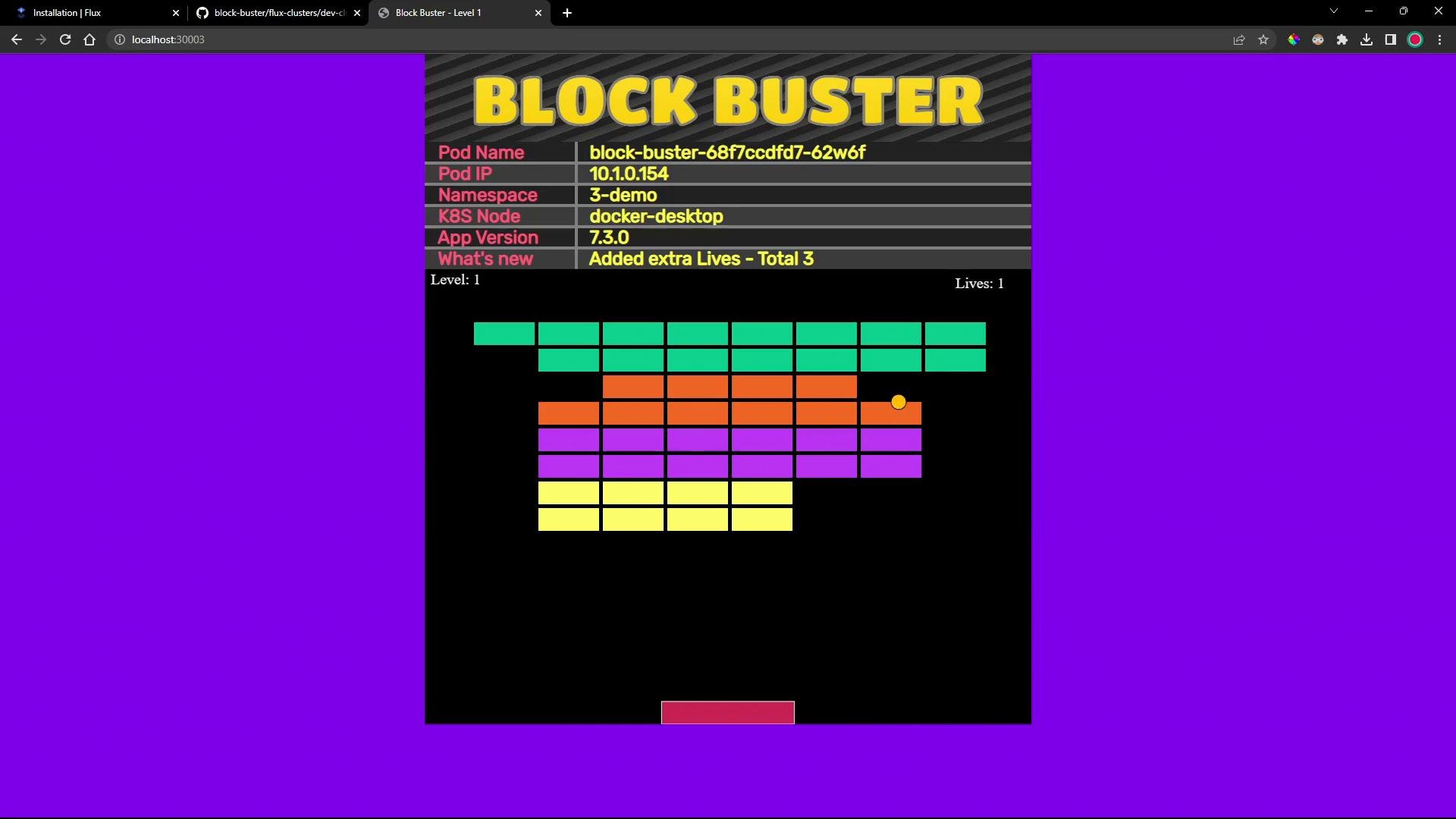
After Flux reconciles theGitRepository and Kustomization:
Check Git sources:
Quick reference
Further reading:
- Flux Kustomize Controller: https://fluxcd.io/docs/components/kustomize/
- Flux GitRepository docs: https://fluxcd.io/docs/components/source/gitrepository/
- Kustomize documentation: https://kubectl.docs.kubernetes.io/references/kustomize/