

- Checkout the demo branch containing the application manifests.
- Create a GitRepository source (prefer declarative and commit it to your Flux cluster repo).
- Create a Kustomization that points to the manifests path in the source repository.
- Verify the resources reconcile and the application is running.
Store Flux sources and Kustomizations declaratively in Git. Imperative creation (directly creating resources in the cluster) makes recovery and auditing harder after a disaster. Use
--export to generate YAML and commit it to your Git repository so Flux can reconcile from Git.Prerequisites
- Flux CLI installed and bootstrapped into your cluster.
- Local clone of the application source repository (example:
~/bb-app-source). - Local clone of your Flux cluster repository (example:
~/block-buster/flux-clusters/dev-cluster).
1) Switch to the demo branch
Checkout the branch that contains the manifests to deploy (in this demo:2-demo).
2) Create a GitRepository source (imperative vs declarative)
You can create aGitRepository source imperatively using the Flux CLI. This will create the resource in the cluster and fetch an artifact immediately:
Creating Flux resources imperatively is useful for quick tests, but it’s not recommended for long-term management. If the resource only exists in-cluster (and not in your Git repo), you lose the ability to recreate or audit desired state from Git after a disaster.
3) Store the source declaratively (export YAML and commit)
Switch to your Flux cluster repository and export theGitRepository manifest to YAML. Committing this file to Git ensures Flux controllers can reconcile it from your repository.
flux-clusters/dev-cluster) so Flux can pick it up from Git.
4) Create a Kustomization that points to the source and manifests path
Export aKustomization resource that references the GitRepository source and points to the folder inside that repo containing the manifests (in this demo: ./manifests). Save the exported YAML and commit it to your Flux cluster repo.
Kustomization YAML:
Commit both
2-demo-source-git-bb-app.yml and 2-demo-kustomize-git-bb-app.yml to your Flux repo (for example, under flux-clusters/dev-cluster).
5) Verify reconciliation and application deployment
After committing, Flux controllers will automatically reconcile the new manifests from Git. Check the stored source artifact: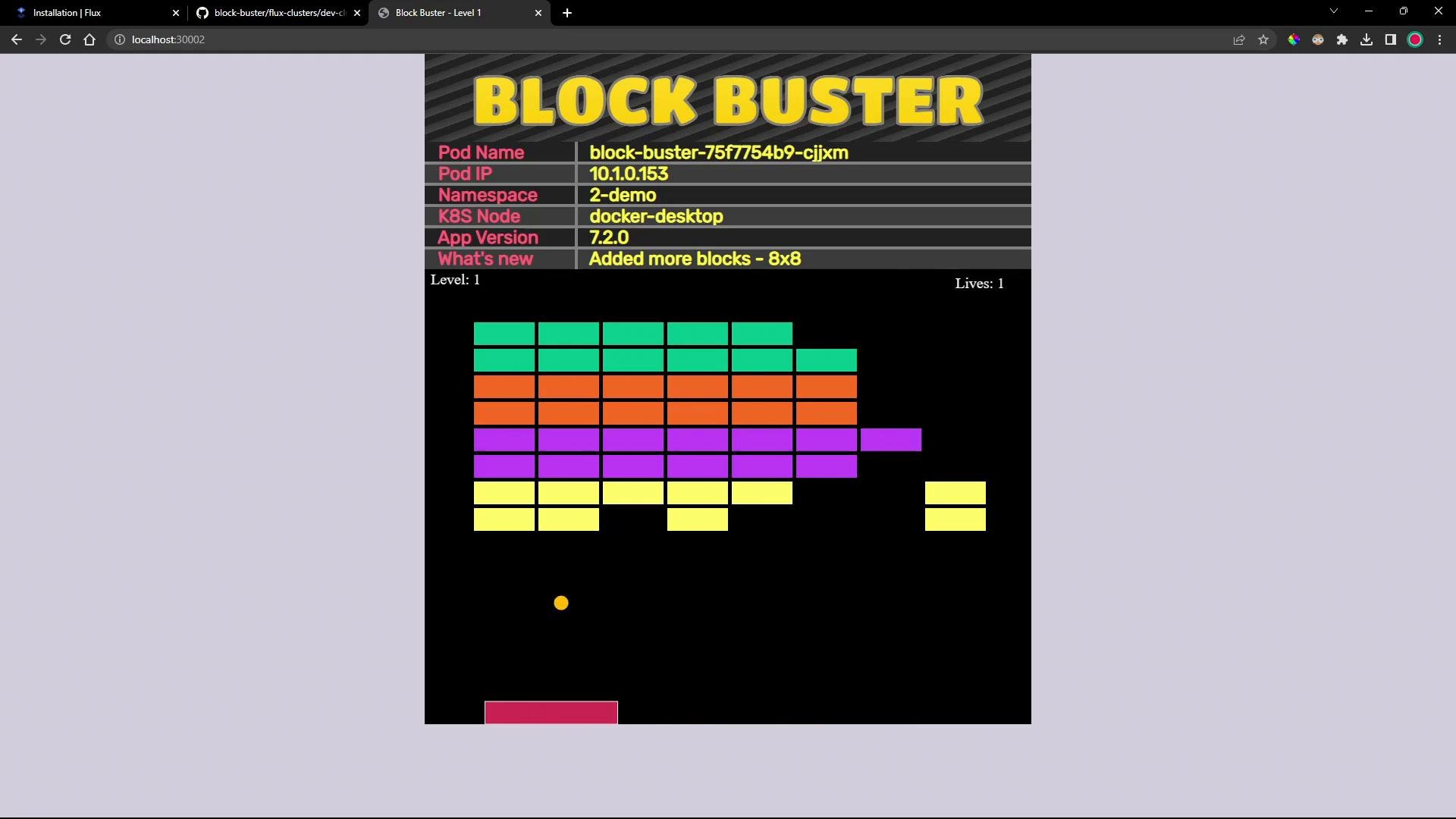
Summary
You have:- Created a
GitRepositorysource pointing to an external repository containing plain YAML manifests. - Created a
Kustomizationthat deploys those manifests into a cluster namespace. - Followed the recommended declarative workflow: export -> commit -> Flux reconciles from Git.
- FluxCD docs: https://fluxcd.io/docs/
- Kustomize toolkit controllers: https://fluxcd.io/docs/components/kustomize/
- Kubernetes concepts: https://kubernetes.io/docs/concepts/