

Ensure you’ve bootstrapped Flux CD with SSH credentials so the
See Flux CD installation for details.
secretRef in your GitRepository can authenticate to GitHub.See Flux CD installation for details.
1. Define GitRepository and Kustomization
Create aGitRepository to tell Flux where to fetch your manifests, then reference it in a Kustomization:
interval: reconciliation frequencyurl/ref: Git source and branchsecretRef: SSH key for cloningpath: directory in the repo to applyprune: deletes resources removed from Git
Flux Controllers Overview
2. Verify Flux Sources and Kustomizations
Confirm that Flux has registered your sources and kustomizations:3. Import and Clone the Demo Application
We’ll use a repository namedbb-app-source containing both app code and Kubernetes manifests.
- Import into your GitHub account
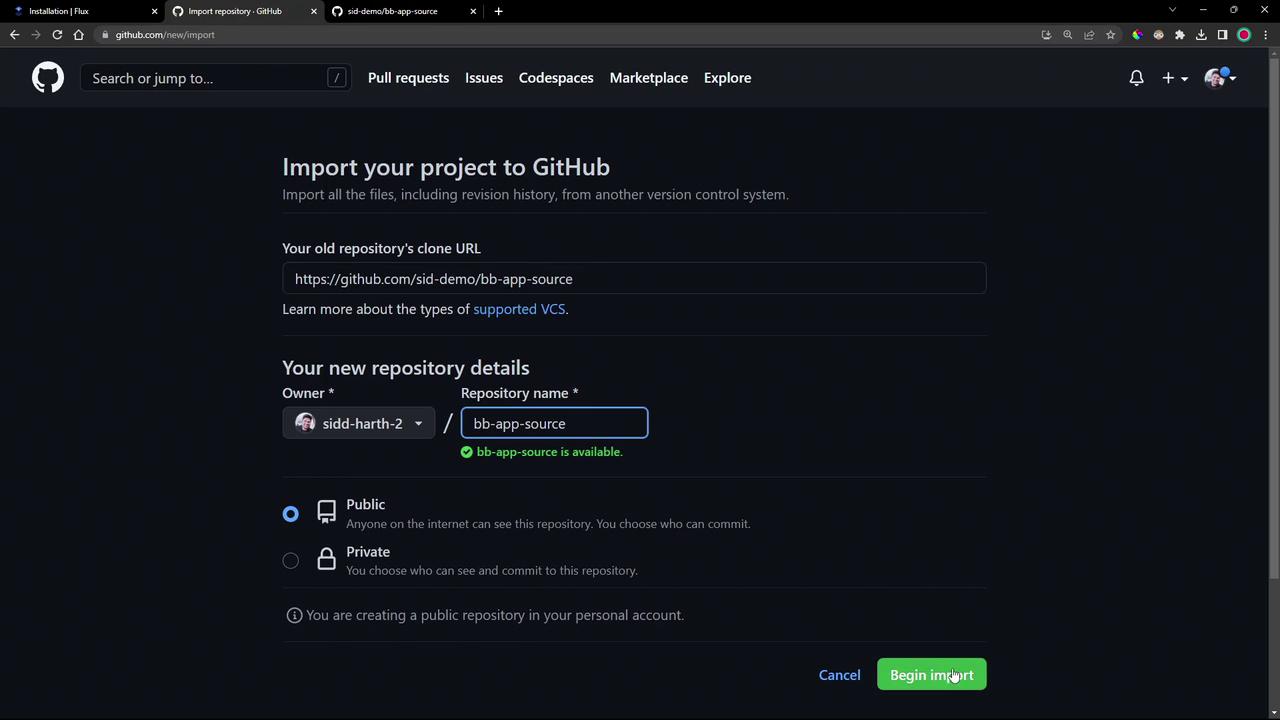
- Clone locally and switch to the demo branch
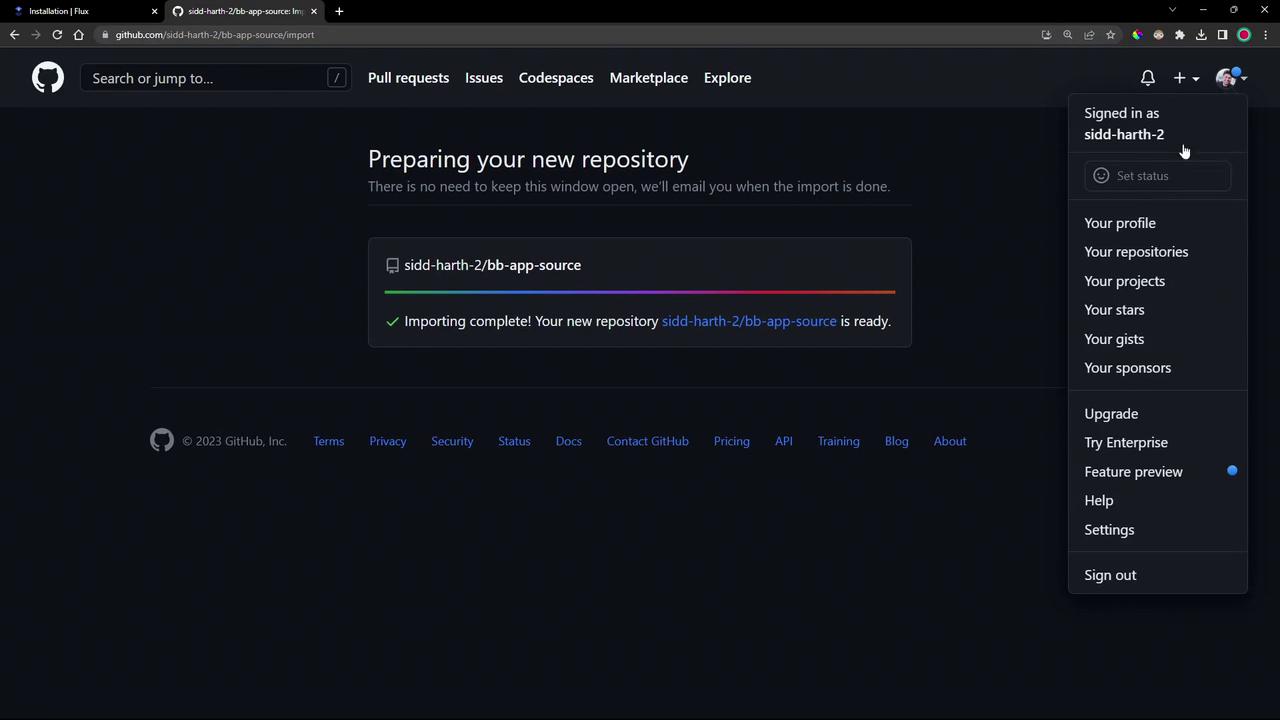
4. Examine Application Source and Manifests
- src/: PHP app reporting its Pod and namespace.
- manifests/1-demo/: Contains three YAML definitions:
deployment.ymlnamespace.ymlservice.yml
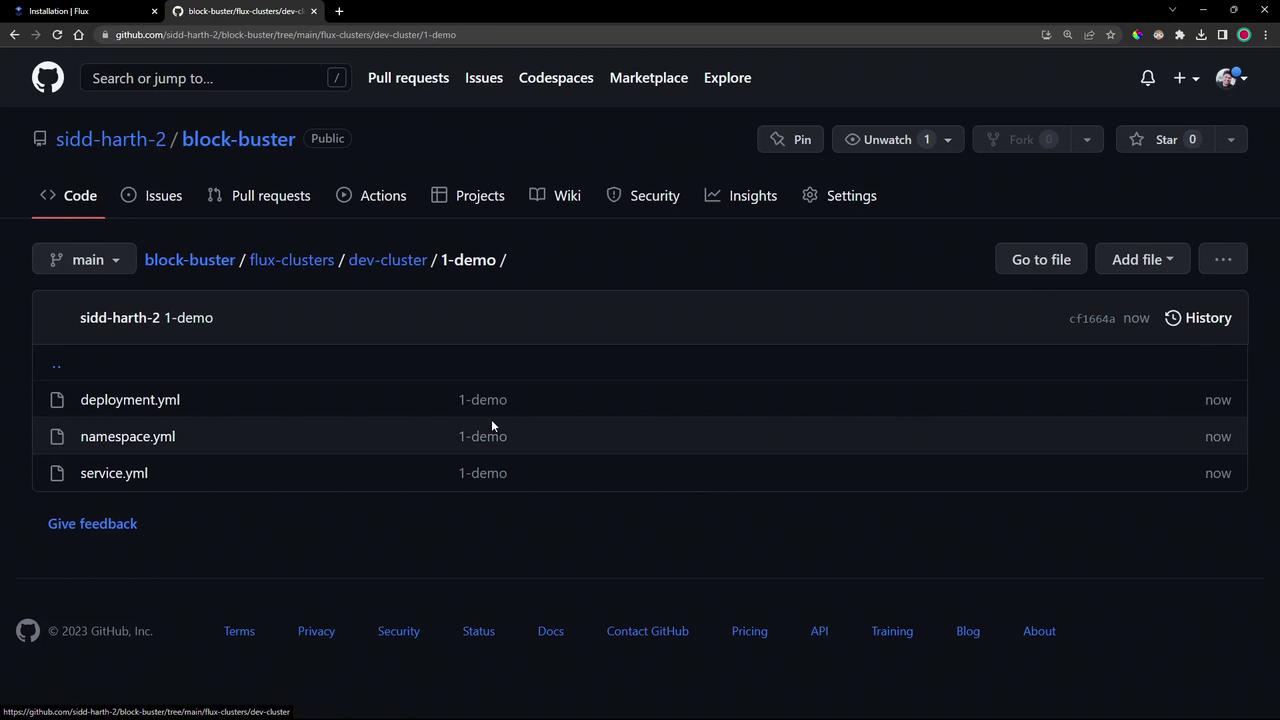
Deployment snippet (manifests/1-demo/deployment.yml):
5. Add Manifests to Your Flux Cluster Repo
Copy the demo manifests into your Flux cluster repository underflux-clusters/dev-cluster/1-demo:
6. Verify the GitOps Deployment
- Check Kubernetes namespaces
- Confirm Flux has the latest revision
7. Inspect the Source Controller Cache
Dive into the Source Controller pod to view the cached repository archive:8. Access the Deployed Application
- List resources in the demo namespace
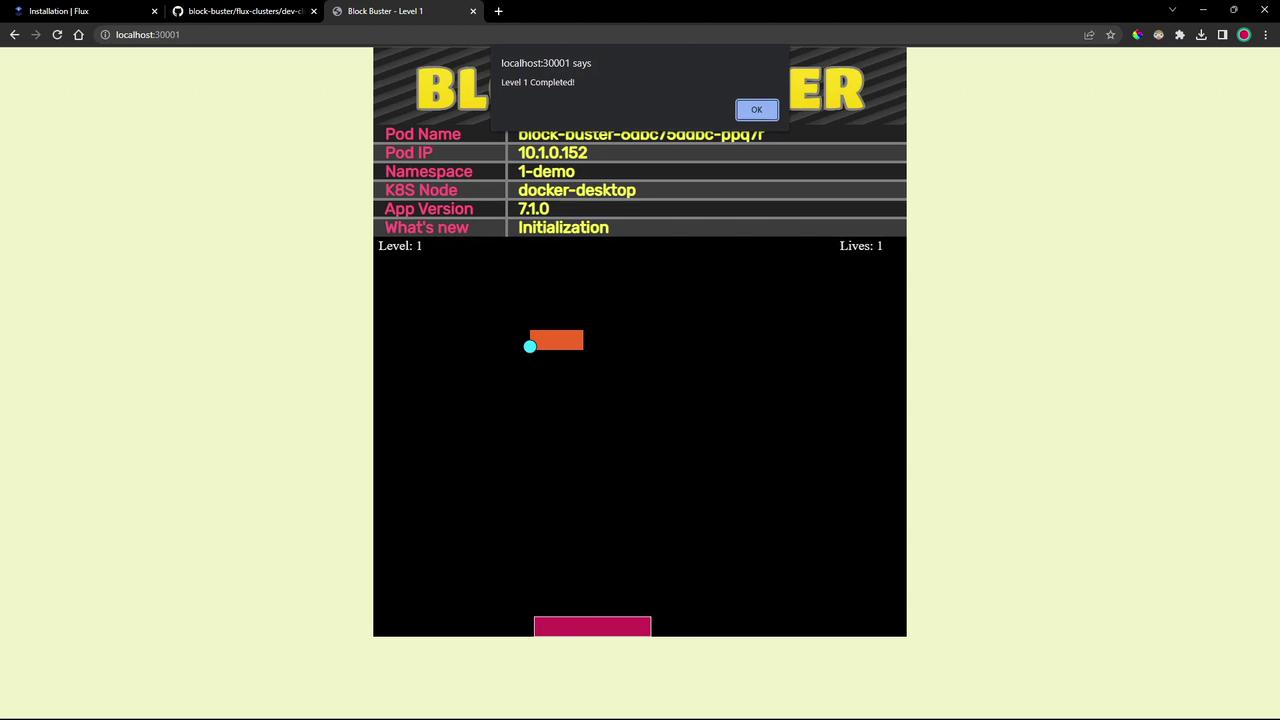
- Open the game in your browser
http://localhost:30001
Links and References
- Flux CD Source Controller
- Flux CD Kustomize Controller
- Kubernetes Documentation
- GitHub Repository Importing