

Overview of Resources
Prerequisites
- A Kubernetes cluster with Flux v0.34+ installed.
- A Git repository containing your application’s Kubernetes manifests under
./manifests. - An
ImagePolicyresource influx-system(e.g.,8-demo-image-policy-bb-app) selecting the desired image tags.
1. Inspect the Flux CLI for Image Updates
Open a terminal in your cluster directory and verify the ImageUpdateAutomation commands:ImageUpdateAutomation resource, which watches a Git repo and applies image tag updates to your manifests.
2. Create the ImageUpdateAutomation Resource
Generate theImageUpdateAutomation YAML without applying it:
8-demo-image-update-bb-app.yml:
3. Configure the GitRepository Source
Define your application Git source and reconcile it:ImageUpdateAutomation will report no updates made, since it doesn’t know where in your manifests to apply new tags.
4. Mark the Deployment Manifest for Automated Updates
Ensure an
ImagePolicy named 8-demo-image-policy-bb-app exists in flux-system to select the desired image tags.manifests/deployment.yml and annotate the image field:
5. Handle Git Authentication for Push Access
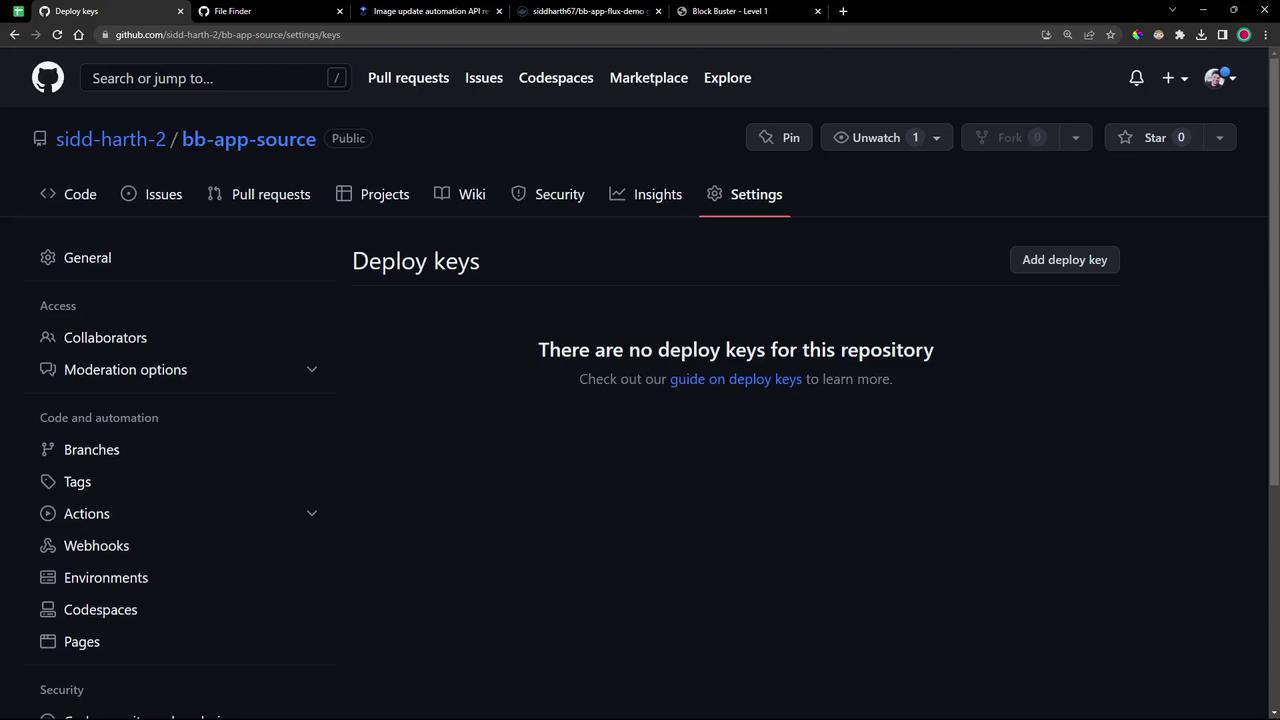
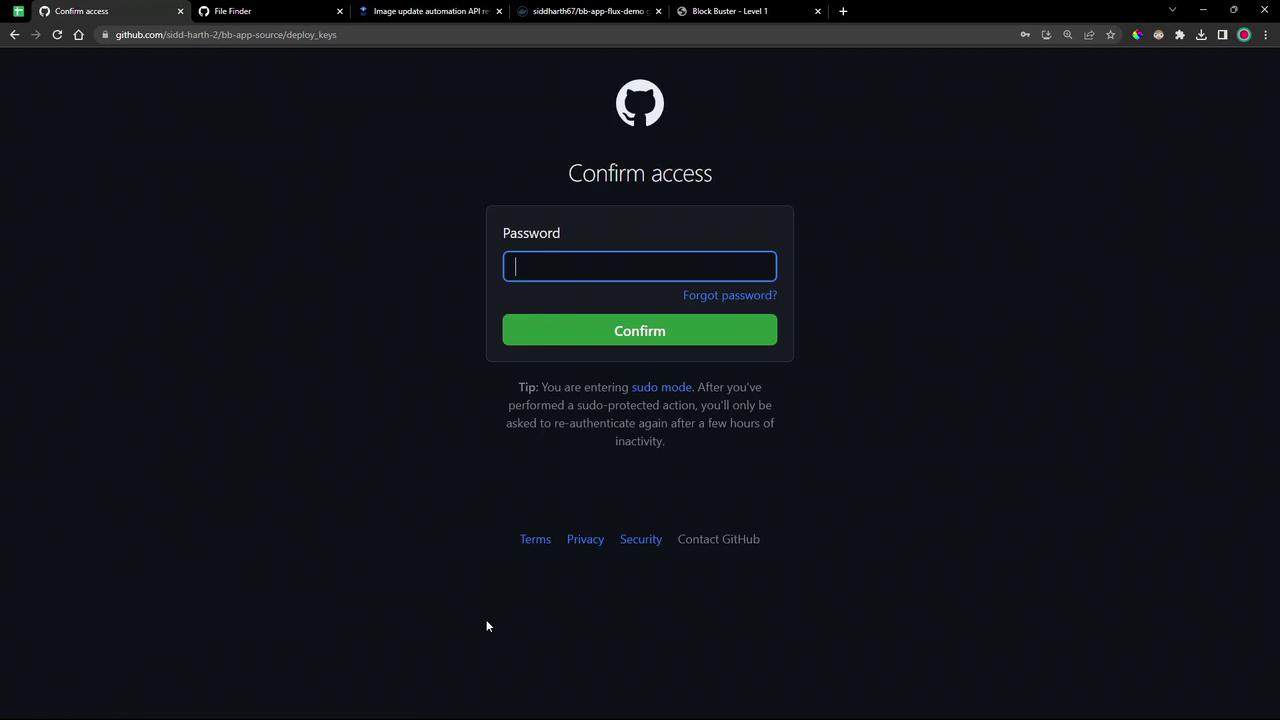
After marking the manifest, the controller locates the change but cannot push: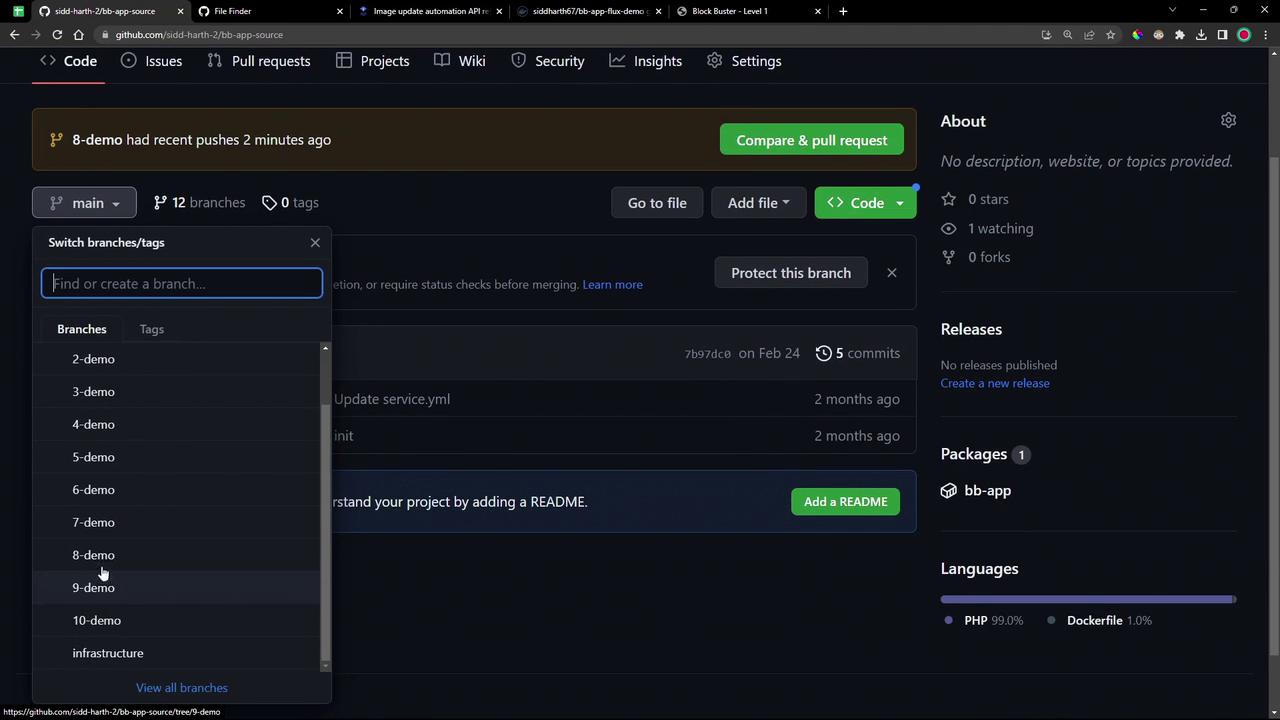
6. Reconfigure GitRepository Source to Use SSH
Regenerate theGitRepository to reference your SSH URL and secret:
7. Final Reconciliation and Verification
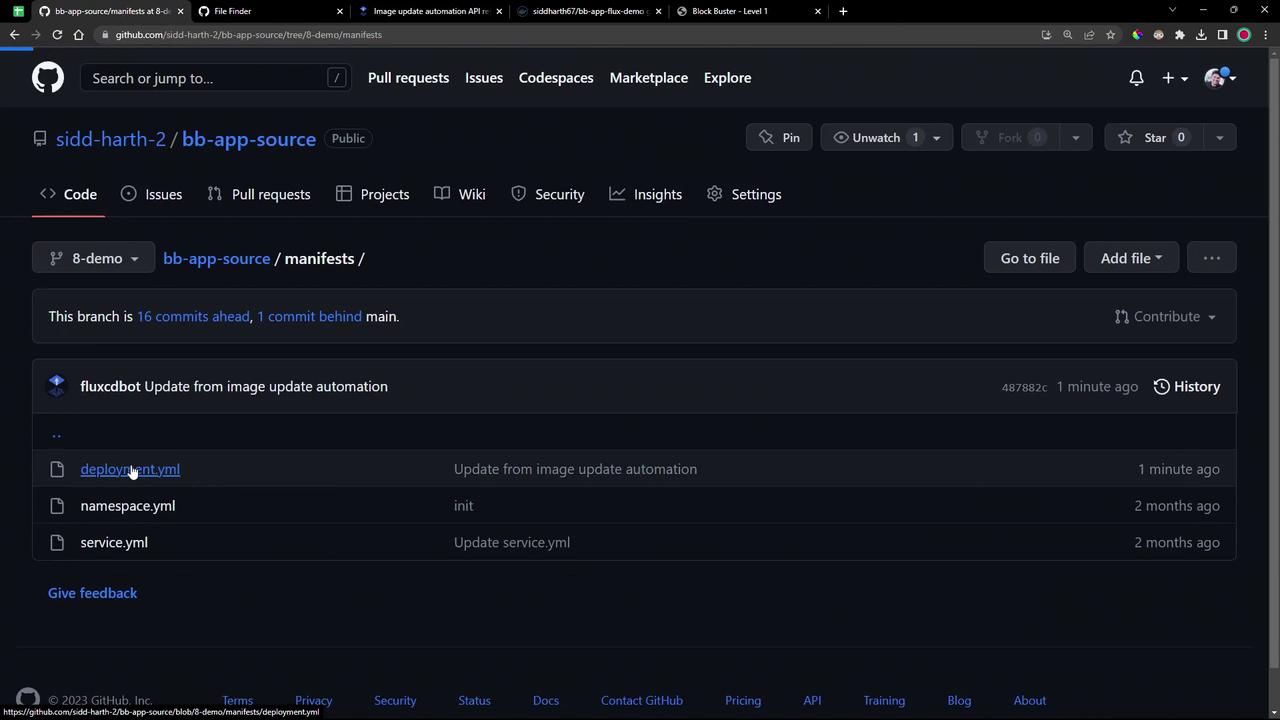
Trigger the image update and verify the new tag is committed and deployed:7.8.1) to your manifests/deployment.yml. Confirm on GitHub:
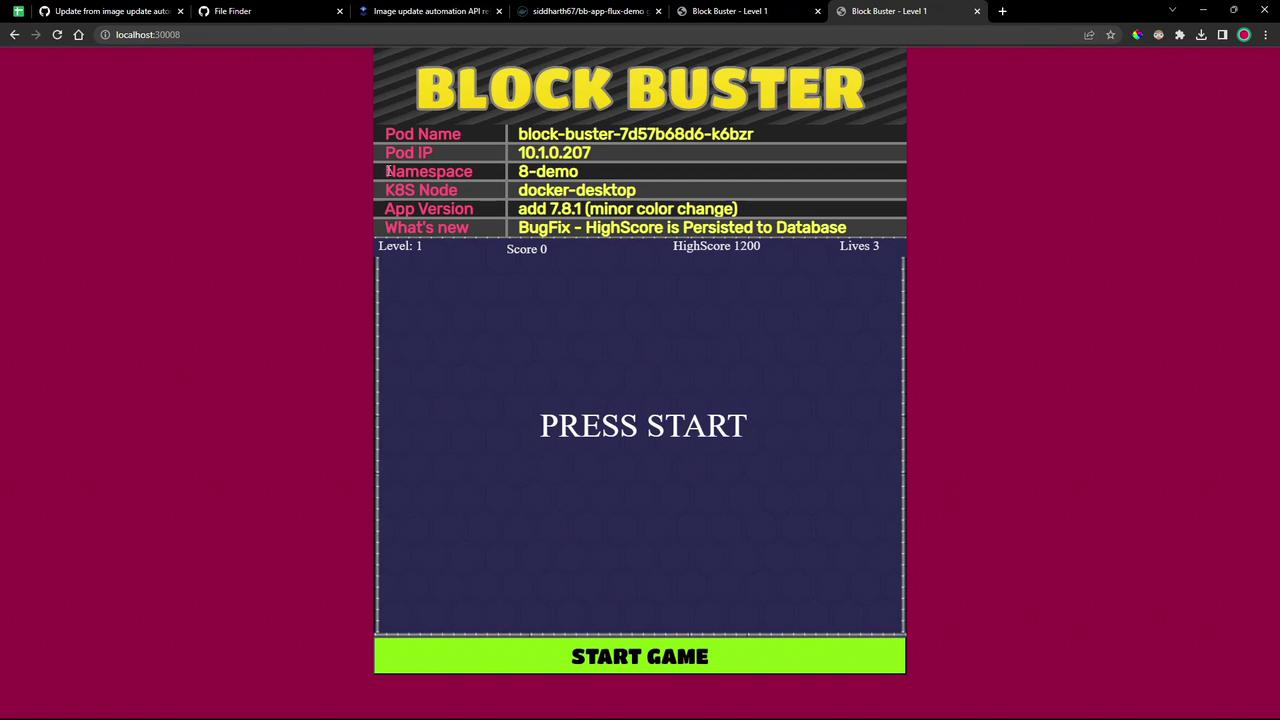
Congratulations! You’ve successfully automated image tag updates with Flux’s ImageUpdateAutomation controller.
Links and References
- Flux Image Automation Guide
- Flux CLI Reference
- Kubernetes Concepts Overview
- GitHub Deploy Keys Documentation