

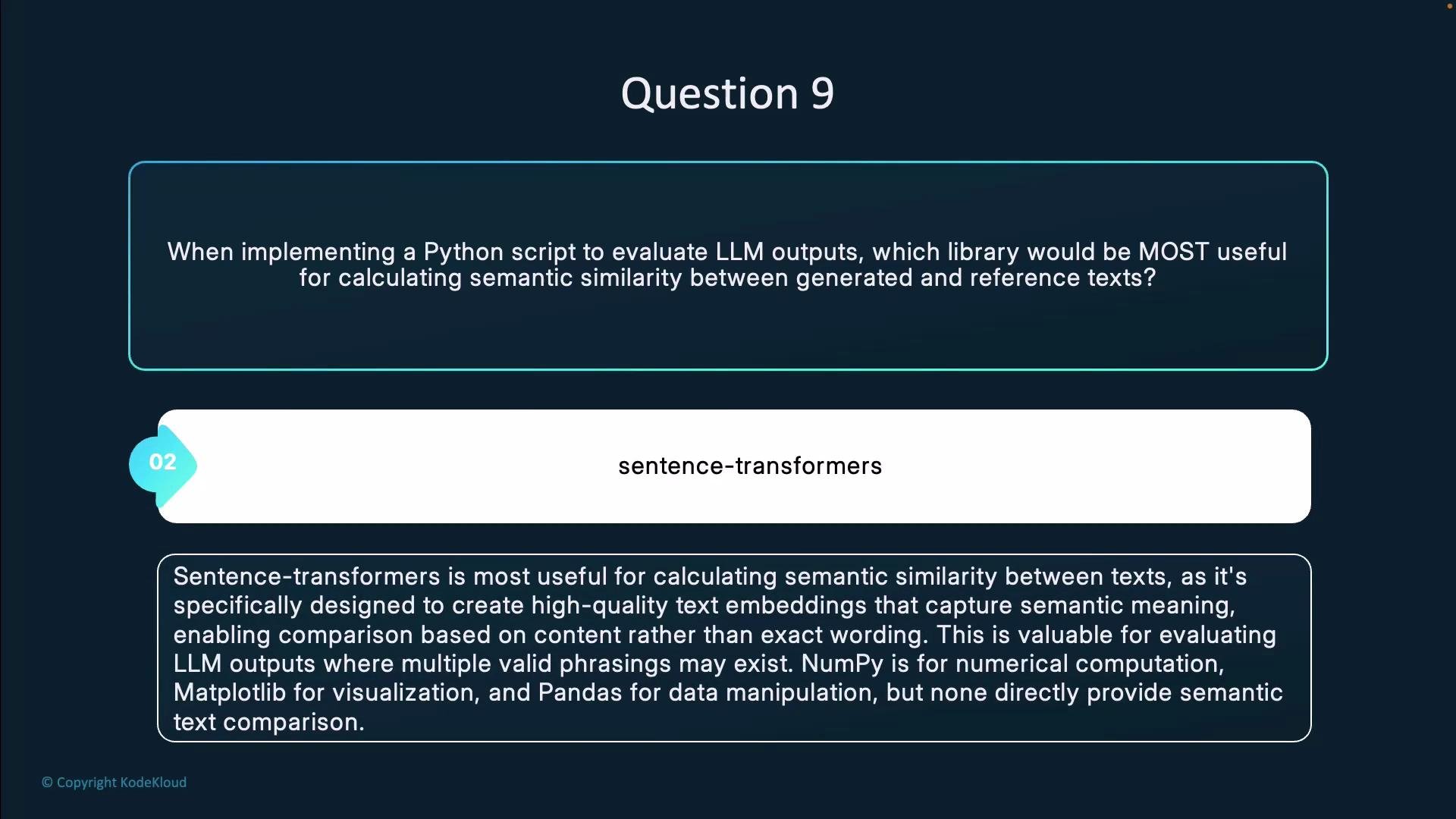
- Sentence Transformers (the
sentence-transformerslibrary) is built to produce dense sentence and text embeddings that capture semantic meaning, not just lexical overlap. - Embeddings let you compare generated and reference texts by meaning using similarity metrics (commonly cosine similarity), which is essential for evaluating LLM outputs where many valid phrasings exist.
- Pretrained models are available in sizes that trade off speed and accuracy, enabling both low-latency inference and higher-fidelity comparisons.
- Values closer to 1 indicate higher semantic similarity.
- Values near 0 indicate little semantic relation.
- Values near -1 are rare for sentence embeddings but indicate opposite directions in vector space.
Why not the others?
- NumPy: Core numerical library but does not provide pretrained text embeddings or semantic models.
- Matplotlib: Useful for plotting evaluation outputs, not for producing embeddings or similarity metrics.
- pandas: Ideal for organizing results and aggregating metrics, but not designed to compute semantic similarity directly.
Tip: Select a model based on your accuracy/latency needs —
all-MiniLM-L6-v2 is efficient for bulk evaluations, while larger models (or fine-tuned ones) can yield higher semantic fidelity. For large-scale comparisons, use batch encoding and enable GPU acceleration where available.- Sentence Transformers (SBERT)
- Hugging Face Models
- NumPy Documentation
- pandas Documentation
- Matplotlib Documentation