

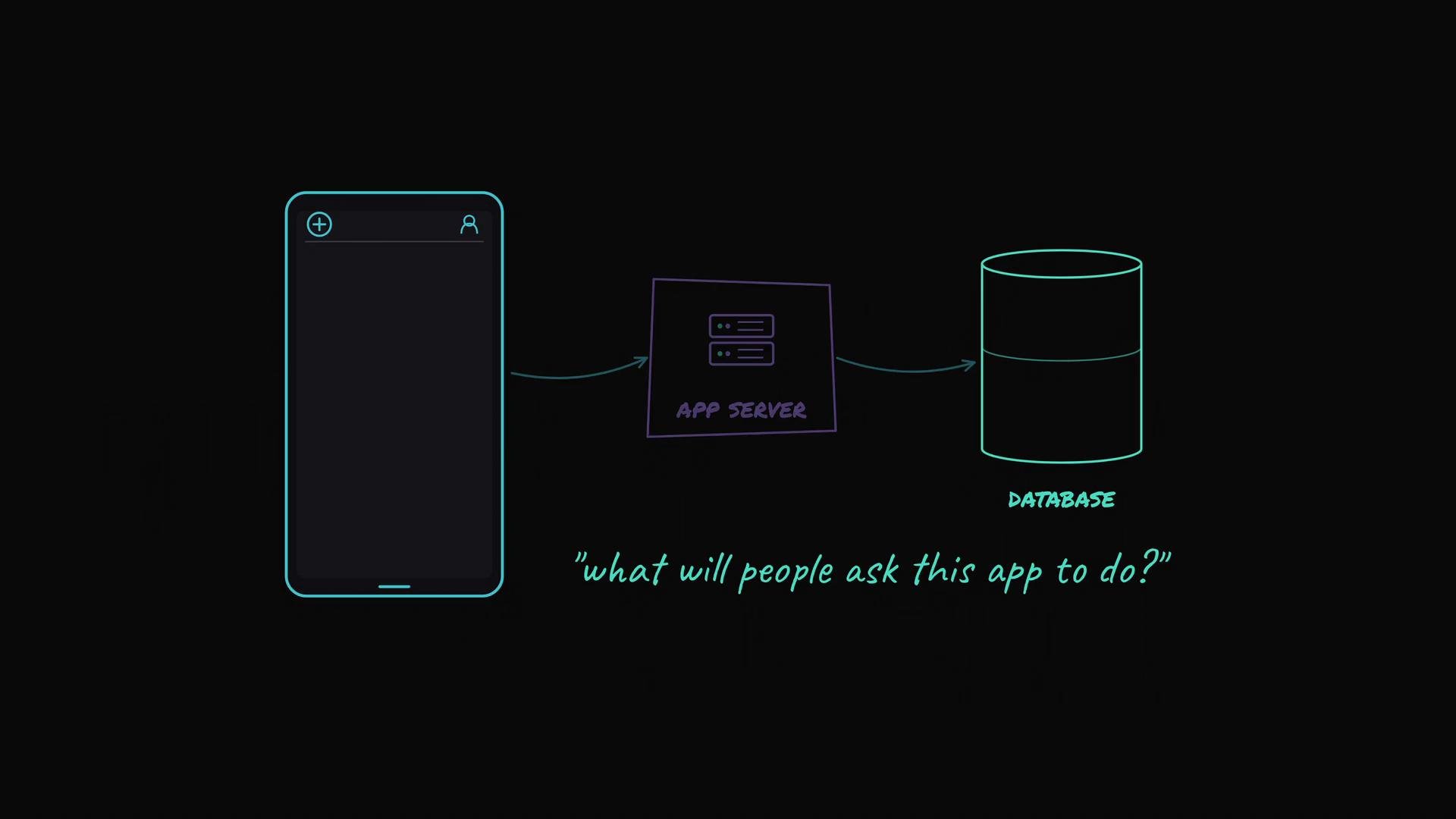
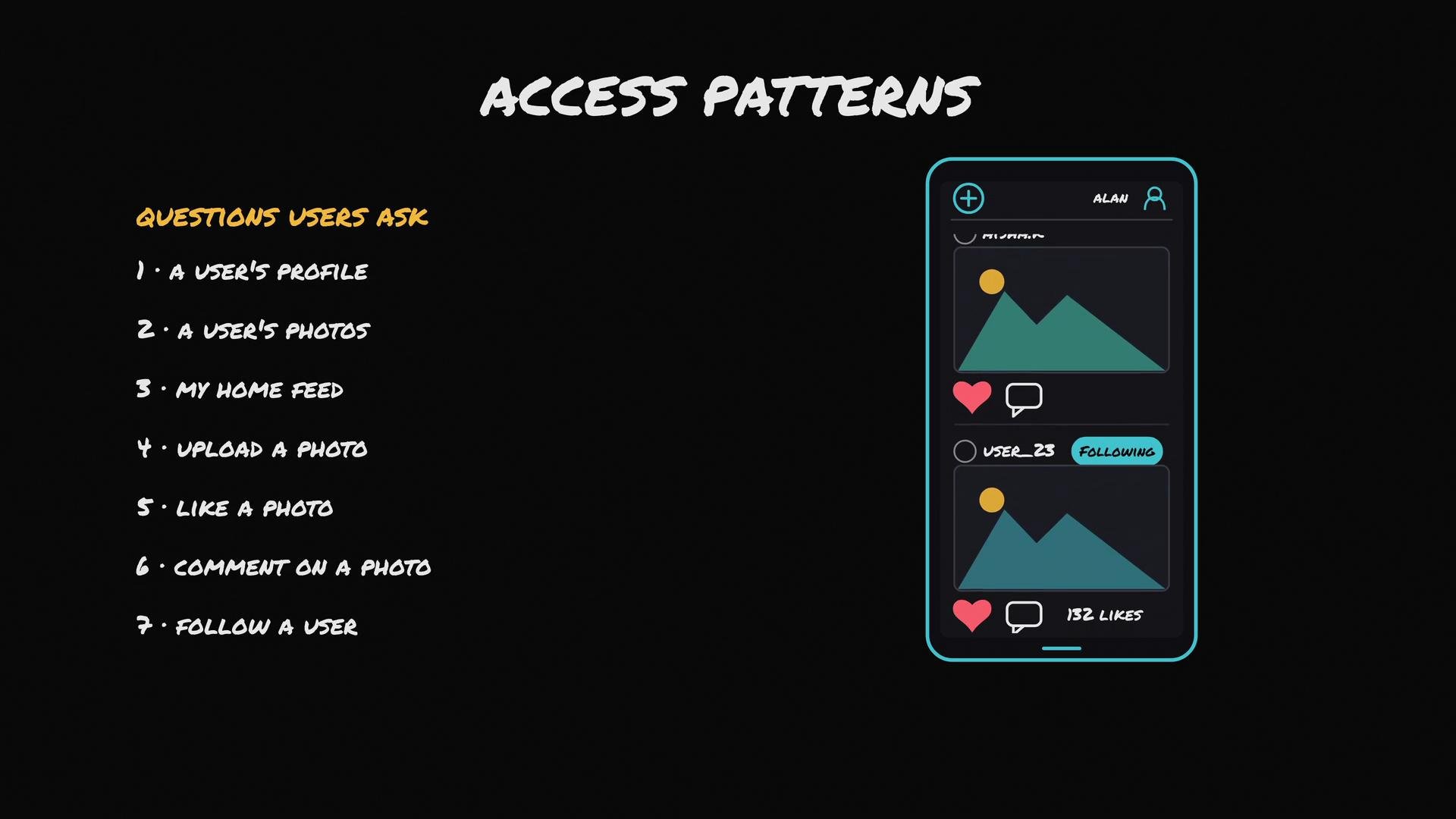
- Show me a user’s profile.
- Show me all photos uploaded by a user.
- Show me my home feed (photos from people I follow, newest first).
- Upload a photo.
- Like a photo.
- Comment on a photo.
- Follow another user.
- Users
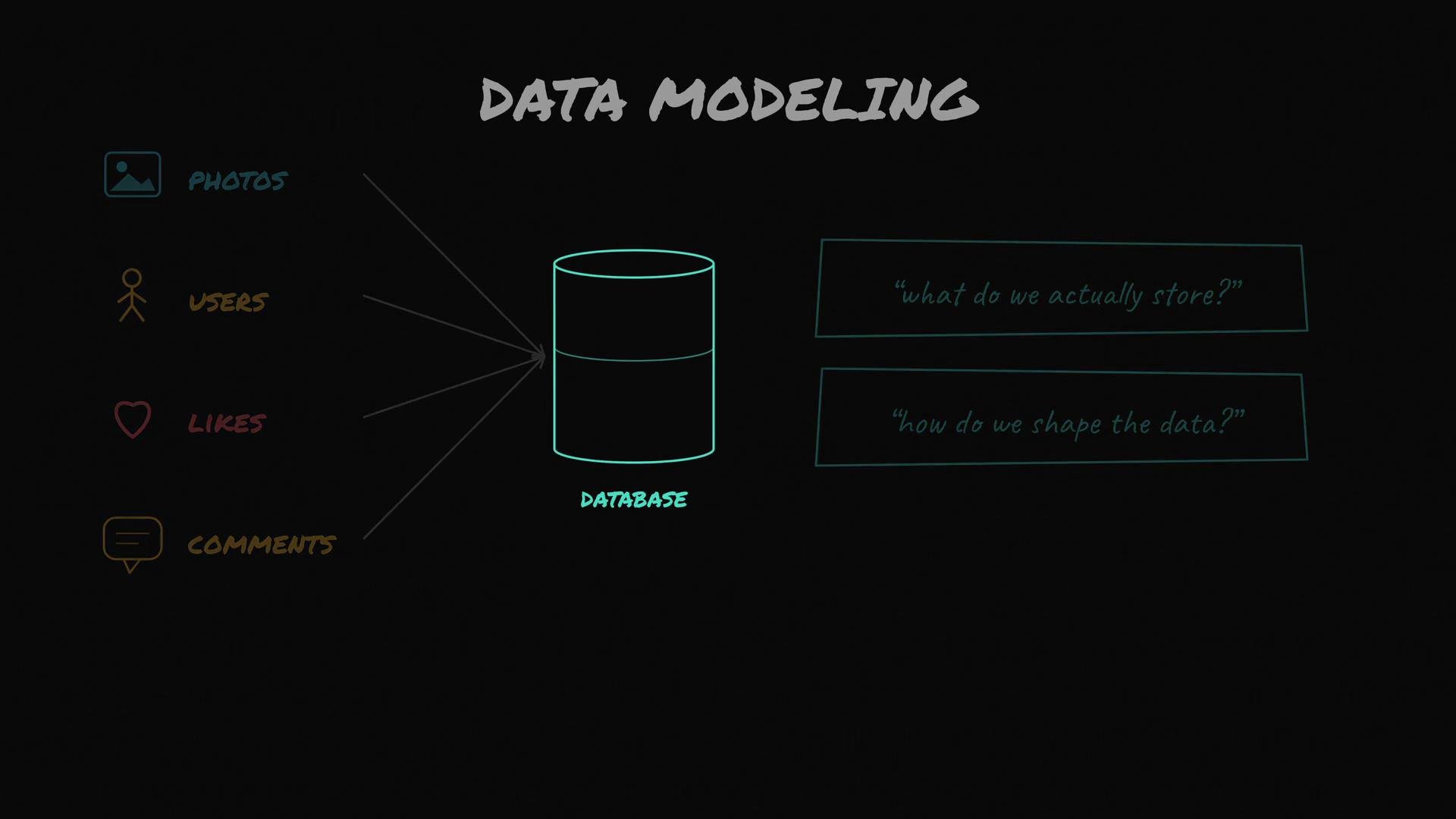
- When a user signs up (e.g., Alan), create a user record with a unique user ID, name, email, and timestamps.
- Photos
- When a user uploads a photo, create a photo record with a unique photo ID, poster user ID, caption, upload timestamp, and a pointer/URL to the binary image file stored in object storage (e.g., Amazon S3).
- The binary image itself is kept outside the main record in object storage; the photo record stores its URL or object key.
- Connections (relationships)
- Likes: store a record linking user ID and photo ID plus the like timestamp. To get the like count for a photo, count likes where photo ID = X (or maintain a counter if reads are much more frequent than writes).
- Comments: a comment record links commenter user ID, photo ID, comment text, and timestamp.
- Follows: a follow record links follower user ID and followee user ID; query follows by follower ID to find who a user follows.
timestamp or text. Unique IDs are the glue that ties the model together.
Entity summary
Example schemas
- SQL (relational) example — minimal CREATE TABLE statements
- NoSQL (document) example — a photo document in MongoDB-like style
- Show all photos by user: index
photos(user_id, uploaded_at DESC)to support quick retrieval and ordering. - Home feed (photos from followed users sorted by time): either
- Query recent photos for each followee (requires index
photos(user_id, uploaded_at)), then merge in application code, or - Precompute feeds (fan-out on write) into a per-user feed store to optimize for fast reads at the cost of write amplification.
- Query recent photos for each followee (requires index
- Likes count: either
COUNT(*)onlikes WHERE photo_id = X(requires index onlikes(photo_id)), or maintain a denormalized counter on thephotosrow for O(1) reads. - Follow lookups: index
follows(follower_id)to find who a user follows, andfollows(followee_id)to find a user’s followers.
- Query follows to list the 200 followees.
- Query recent photos for those followees (use an index on
photos.user_idanduploaded_at). - Merge and sort results by time to build a timeline.
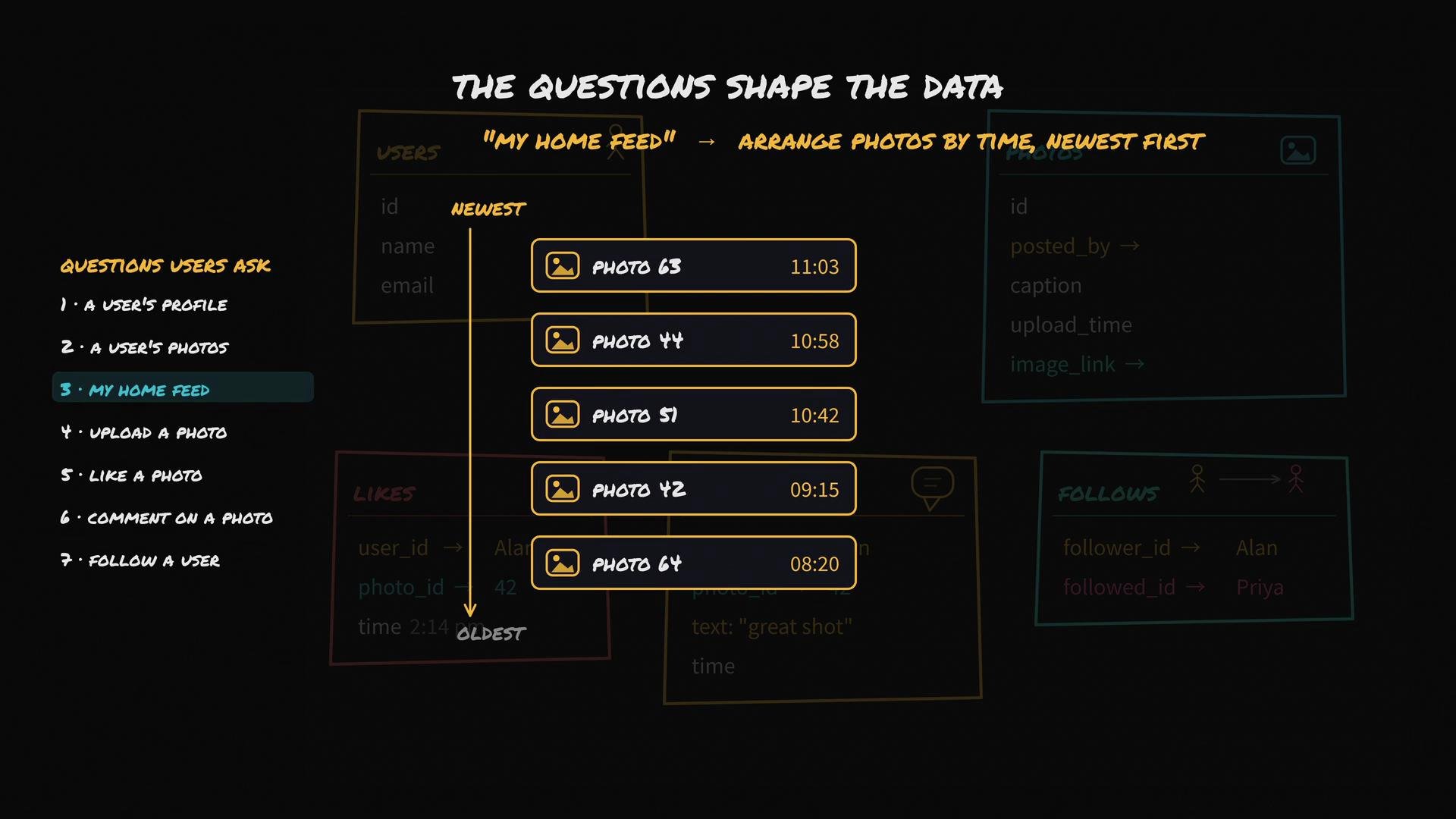
- Start with access patterns (the questions users ask) before choosing a database engine.
- Model entities (users, photos, likes, comments, follows) and their relationships using unique IDs as links.
- Design indexes and consider denormalization according to the most frequent, latency-sensitive queries (e.g., home feed).
- Store large binaries (images) in object storage (e.g., Amazon S3) and keep only pointers in your records.
Design data shape from access patterns first. Only after you know which queries must be fast should you decide how to store and index the data.
- AWS S3 (object storage): https://aws.amazon.com/s3/
- Choosing SQL vs NoSQL: https://www.mongodb.com/nosql-explained (overview)
- Database index fundamentals: https://www.postgresql.org/docs/current/indexes.html