Before you design an app, answer two distinct but equally important questions:
  • What should the app do?
  • How well must the app do it?
The answer to the first question defines functional requirements. The answer to the second defines non-functional requirements. This distinction may sound academic until you see how it affects system design and architecture decisions.

Functional requirements

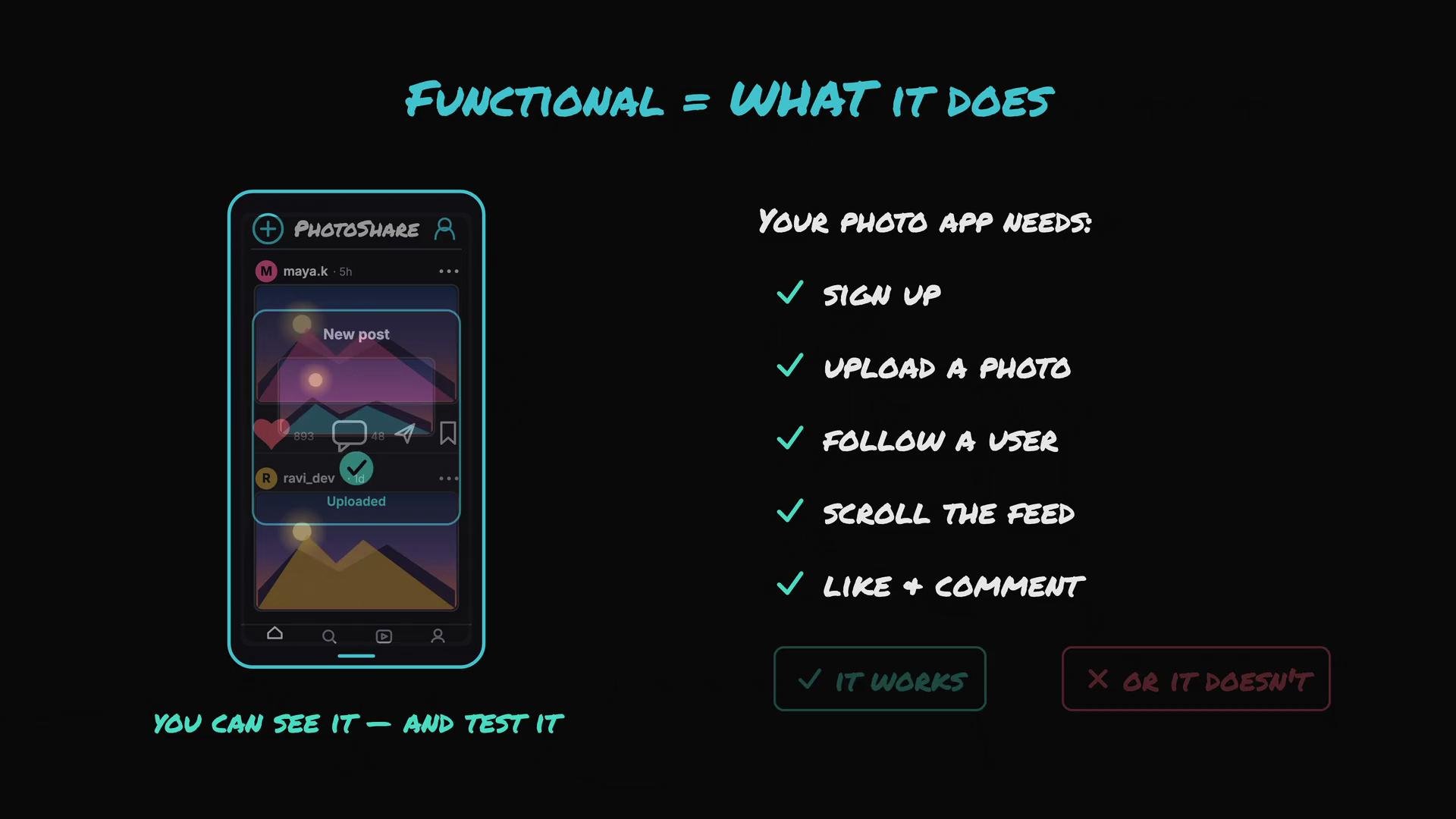
Functional requirements describe the visible features and behaviors of the system — the actions your users can perform and the outcomes you can test. For a simple photo-sharing app, typical functional requirements include:
  • A user can sign up.
  • A user can upload a photo.
  • A user can follow another user.
  • A user can scroll their feed.
  • A user can like and comment on posts.
Each item is a concrete feature you can validate: a photo upload either succeeds or fails. If a functional requirement is missing, the app is incomplete, and everyone notices immediately.
The image illustrates the functionality of a photo app, featuring a mockup of the app interface and a checklist of required features like signing up, uploading photos, and interacting with content.

Non-functional requirements

Non-functional requirements (NFRs) describe quality attributes and operational constraints rather than specific features. Common NFRs include latency, durability, scalability, availability, and cost. These requirements drive architectural choices even though users never ask for them explicitly. Ask questions like:
  • How fast should the feed load — 0.5 seconds or 8 seconds?
  • Will uploaded photos survive a disk failure?
  • Will the app support one million users during peak traffic or only a few hundred?
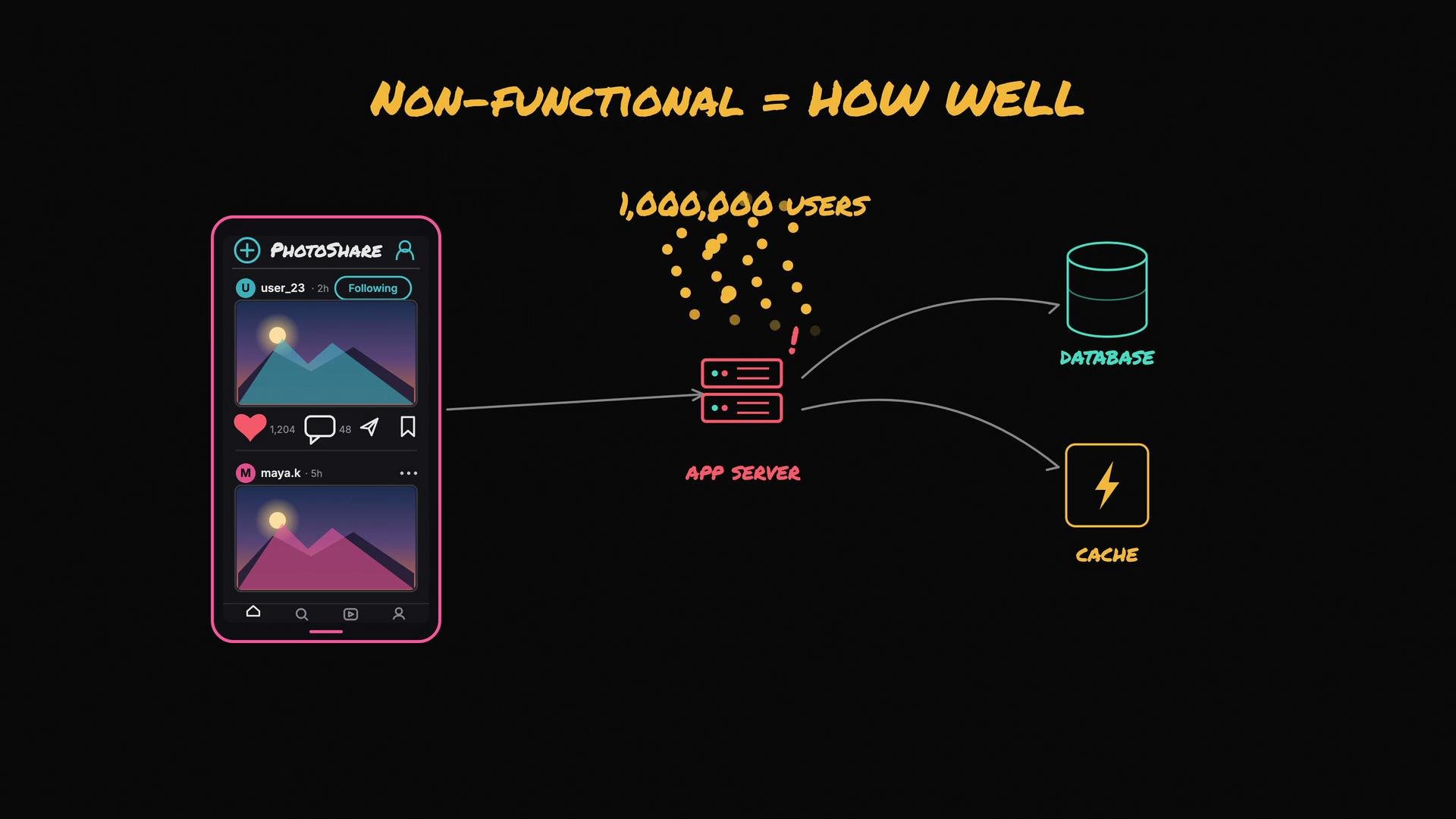
These are not single features you can point to in a UI demo, but they critically shape design decisions.
The image illustrates a conceptual diagram of a mobile app called "PhotoShare," showing its interface alongside a technical overview of its app server, database, and cache, with a focus on non-functional aspects like scalability for one million users.
Two apps with the same functional list can look and behave very differently once you add non-functional constraints. For example:
  • A family photo app can tolerate occasional lag and lower availability.
  • Instagram must serve millions (or billions) of users with low latency and high availability.
This distinction explains why additional components appear in real-world systems — load balancers, caches, replicas, message queues, CDNs, and so on. Users ask for a fast, reliable app; engineers choose caches and CDNs to meet the non-functional goals of speed and availability.
Non-functional requirements frequently conflict. Higher performance and higher availability usually increase cost and complexity. For example, maintaining hot standby machines to tolerate failures increases ongoing infrastructure expenses.
You cannot add every possible component by default. Prioritize components based on the NFRs that matter most for your product and constraints.
Ask targeted questions to decide what to build: Who are your users? What are expected peak loads? What latency, durability, and availability targets do you need? What is your budget for infrastructure and operational complexity?
Answering these questions clarifies which non-functional requirements are critical, and that clarity guides the architectural choices you make next. Further reading and references:

Watch Video