

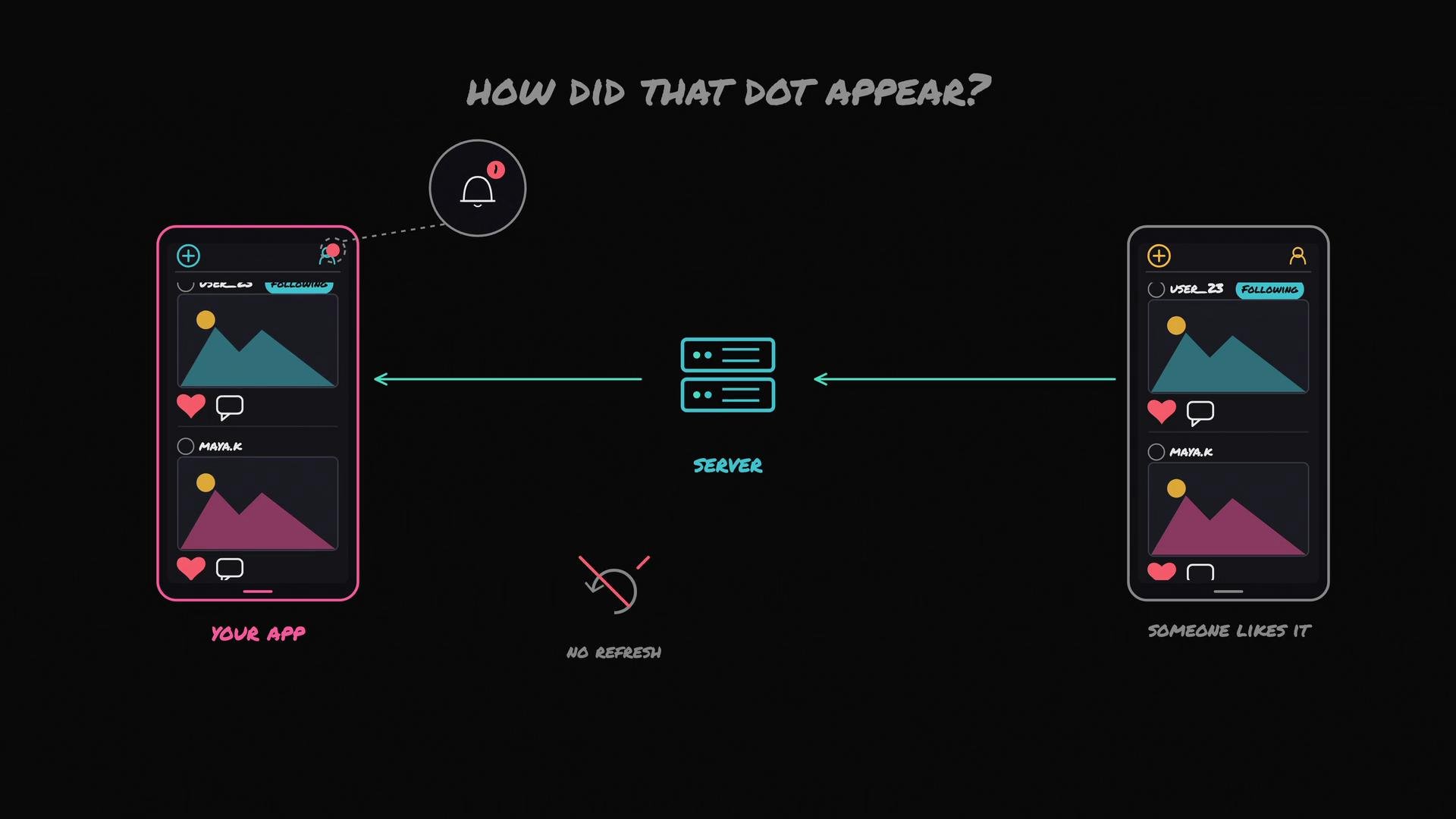
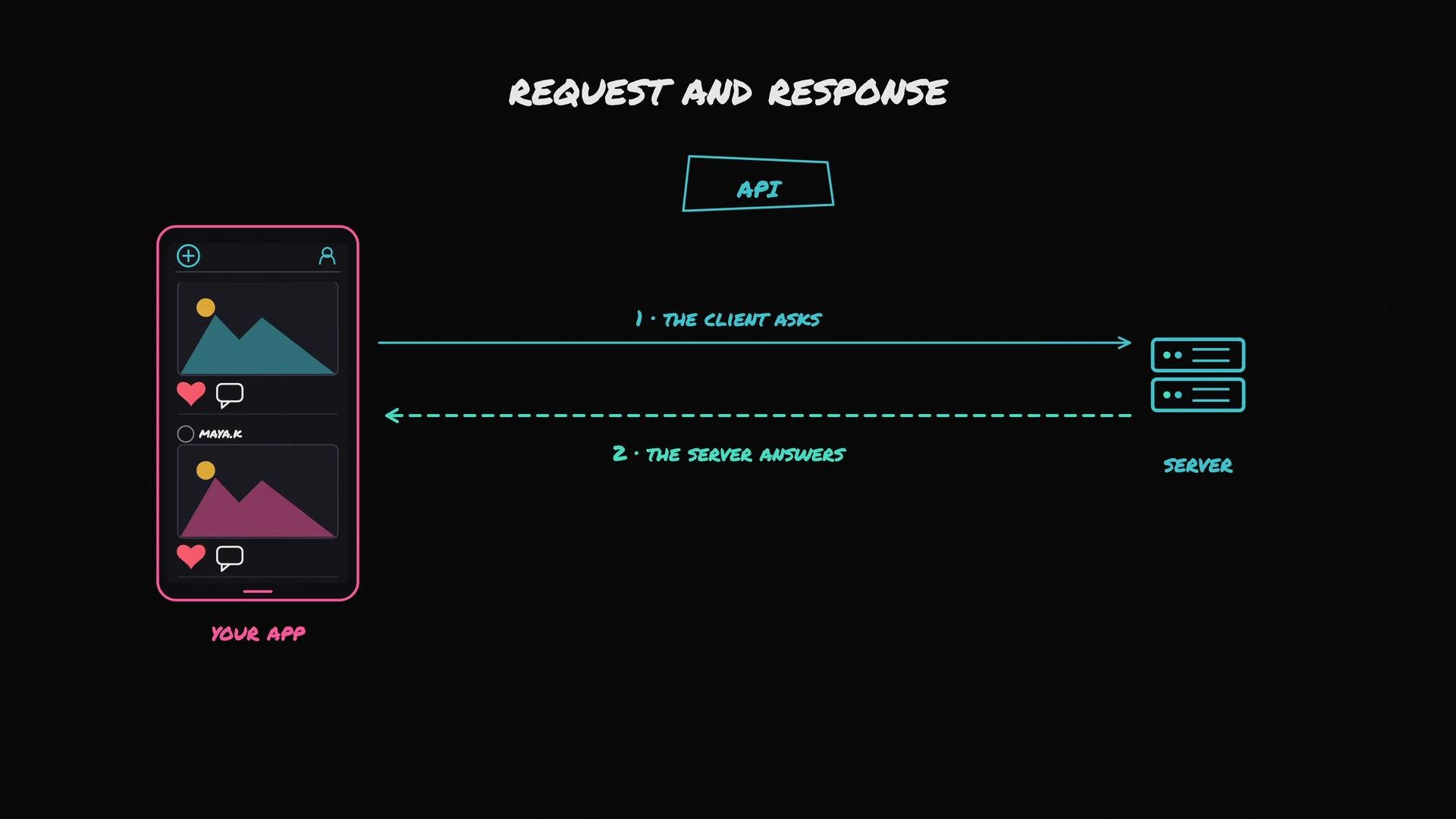
Polling
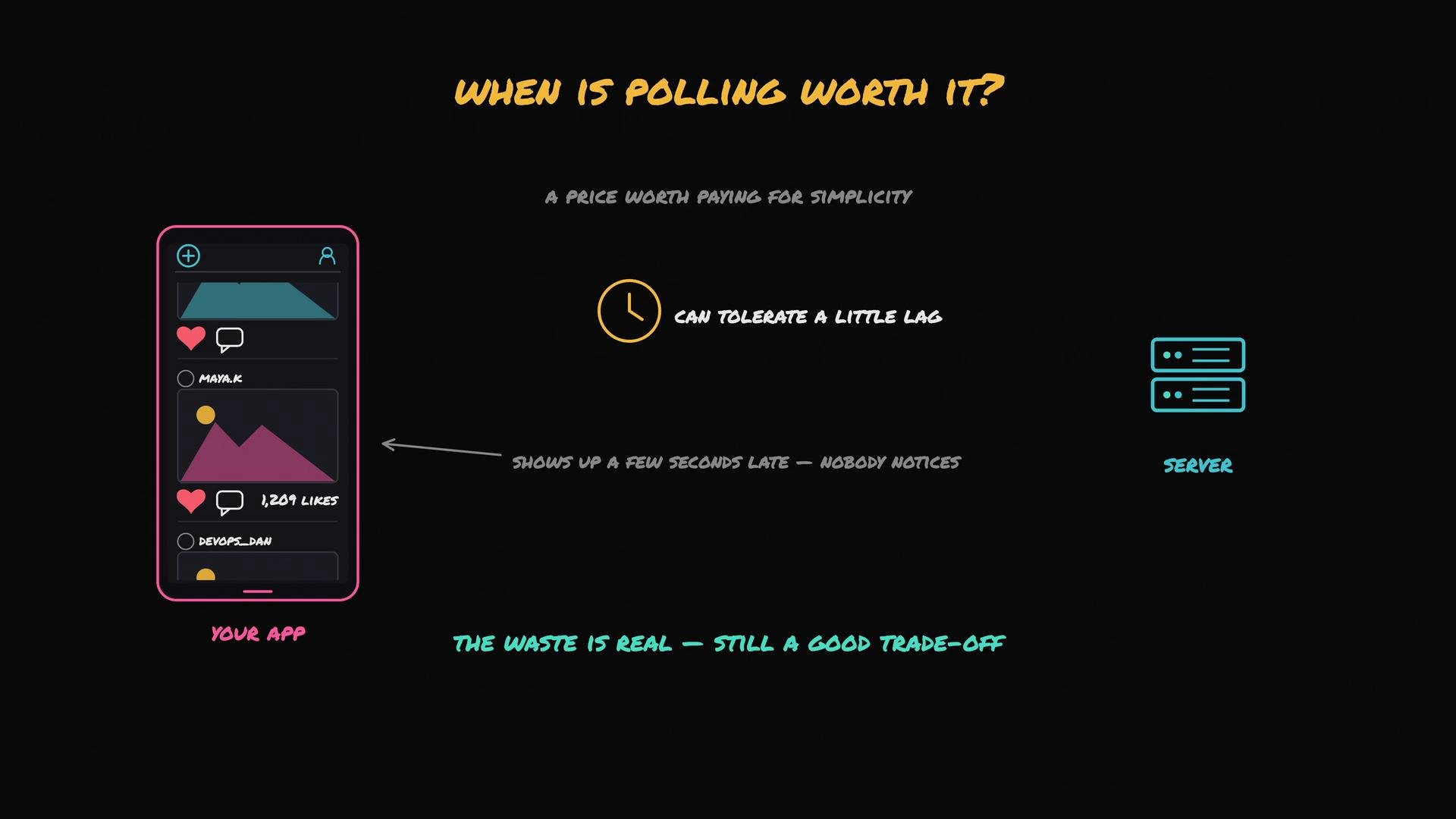
Polling is the simplest strategy: the client periodically asks the server, “Anything new for me?” (for example, every few seconds). The server replies immediately with the current state (often “no changes”).- Pros: Extremely simple; works in almost every environment (HTTP/1.1, proxies, corporate firewalls).
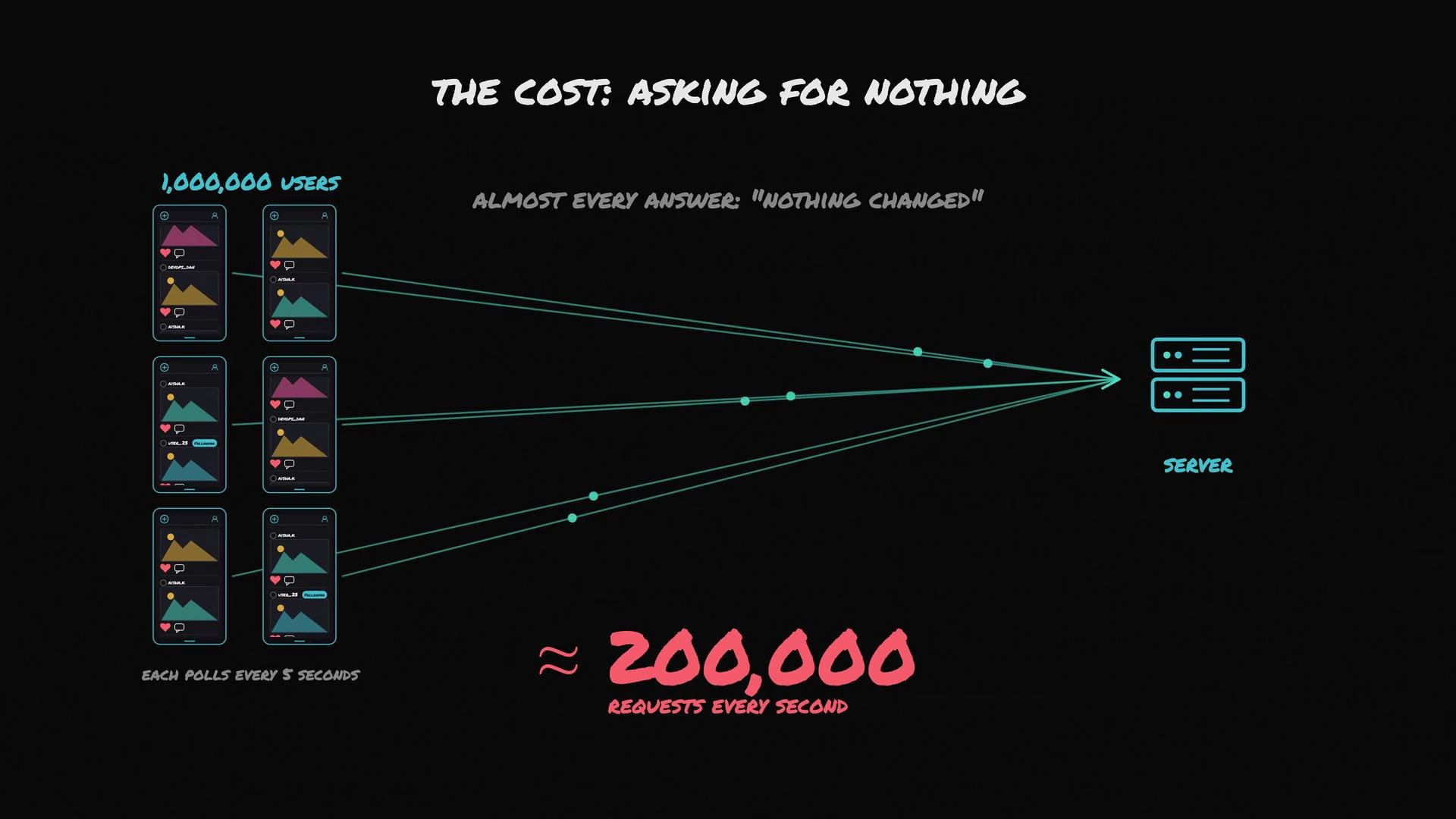
- Cons: Wastes CPU, memory, and bandwidth when many clients poll frequently and most responses are empty.
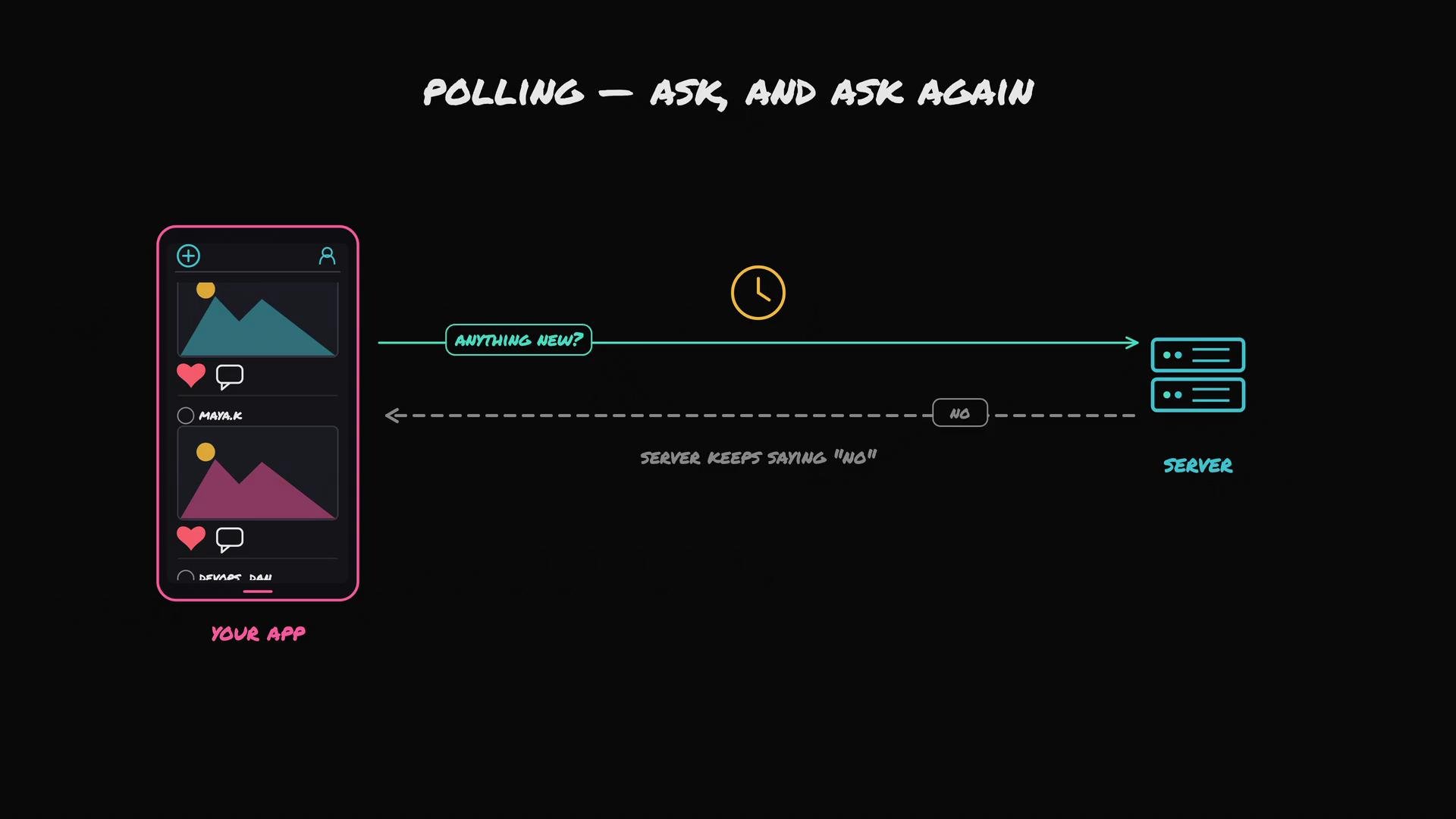
- Use polling when a small delay (seconds) is tolerable and simplicity is valuable — e.g., a like-count that updates a few seconds late is usually fine.
- It’s straightforward to implement and may be adequate for many non-critical features.
Long Polling (HTTP Long Polling)
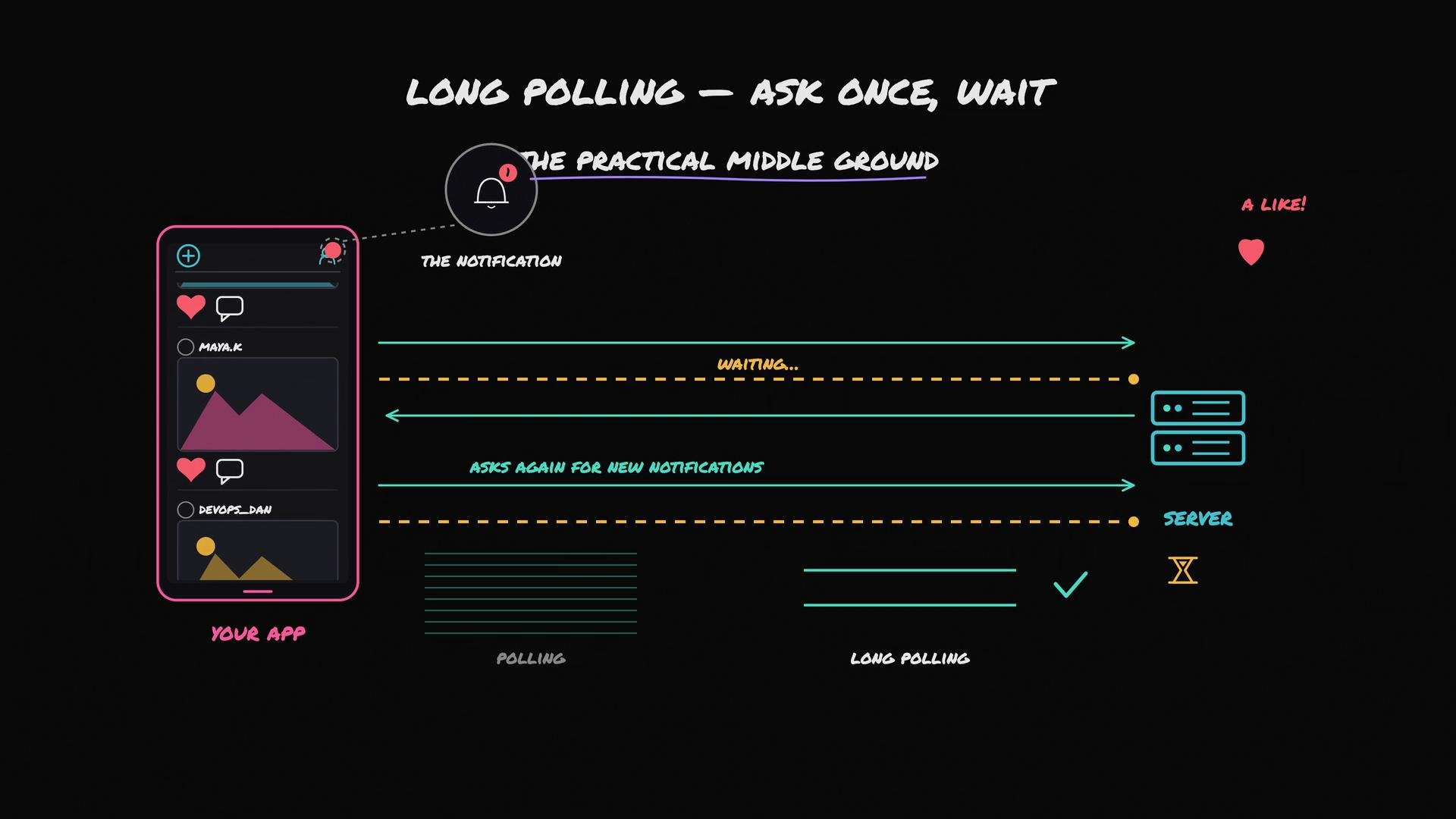
Long polling is a pragmatic improvement over short-interval polling:- The client sends a request asking “Anything new?”
- The server holds that request open until it has new data or a timeout occurs.
- When new data arrives, the server responds immediately; the client then typically issues another long-poll request to continue listening.
- Fewer requests overall.
- Much lower wasted work when updates are infrequent.
WebSockets
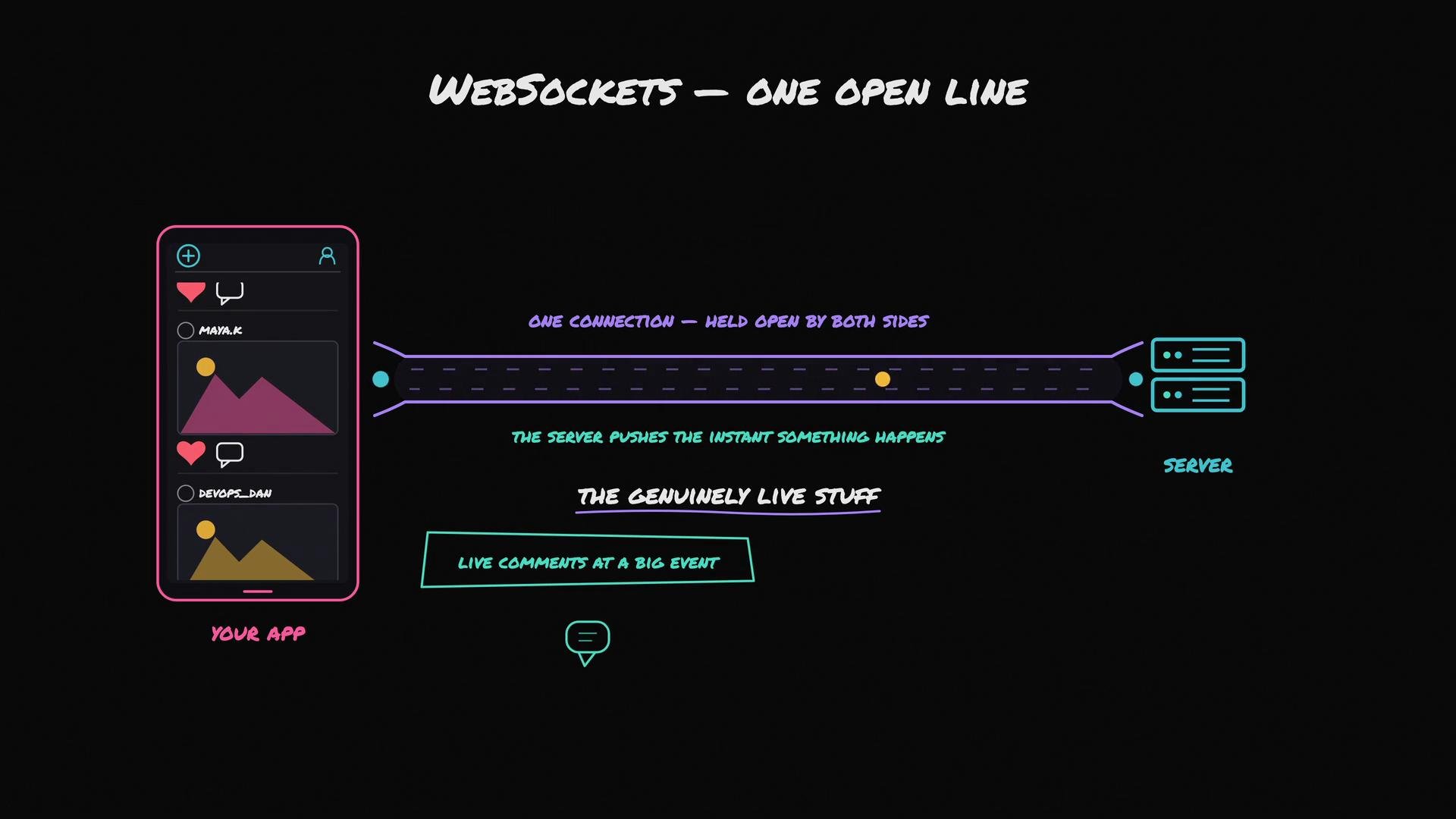
WebSockets open a single long-lived TCP connection between client and server. After the handshake, both ends can push messages anytime without repeated HTTP handshakes.- Pros: Low latency, true bi-directional communication; ideal for chat, multiplayer games, collaborative editing, and live feeds.
- Cons: Stateful connections on the server; each connection consumes memory and file descriptors.
- Sticky sessions or connection affinity at the load balancer.
- Connection sharding across multiple socket servers.
- A distributed pub/sub layer (for example,
RedisorKafka) or managed socket services to route messages to the correct connection. - Operational care for deploys, restarts, and connection migration.
Trade-offs Summary
Server-Sent Events (SSE)
- SSE is a lightweight, one-way streaming solution where the server pushes events and the client listens.
- It uses regular HTTP (Content-Type:
text/event-stream) and supports automatic reconnection. - SSE is simpler than WebSockets when only server-to-client updates are required (e.g., live score feeds, stock tickers).
Mobile and Background Considerations
All the above methods assume the app is running and can maintain a connection. Mobile OSes restrict background network activity because maintaining many open connections drains battery. When your app is closed or backgrounded, platform push services are the reliable mechanism:- iOS: Apple Push Notification service (APNs) — https://developer.apple.com/notifications/
- Android: Firebase Cloud Messaging (FCM) — https://firebase.google.com/docs/cloud-messaging
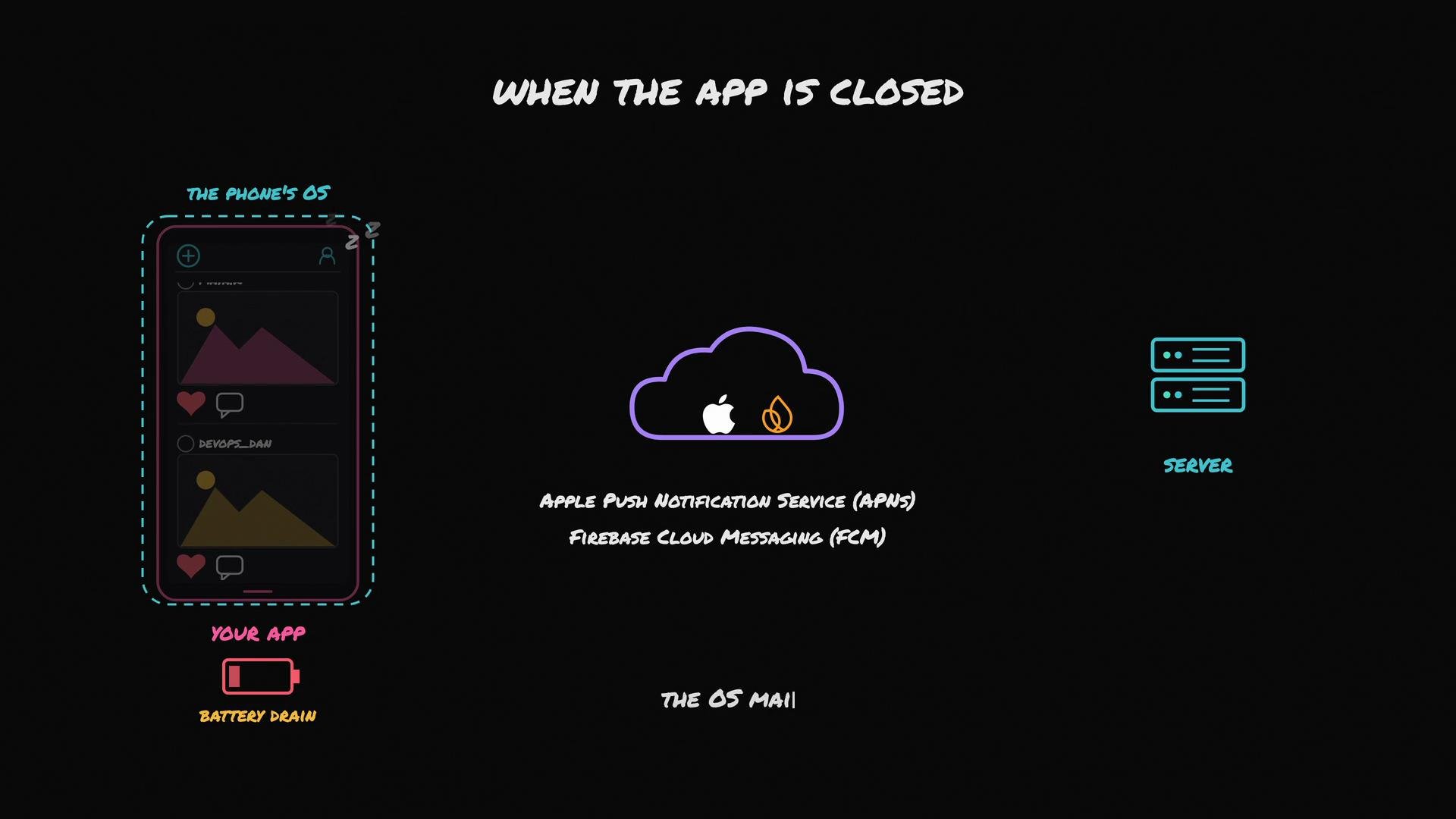
Mobile platforms intentionally limit background network activity to conserve battery. Rely on APNs/FCM for closed-app notifications rather than trying to keep persistent connections for each app.
Decision Guide — Which to pick?
- Start with the simplest solution that meets feature and latency requirements.
- Polling: choose when slight delays are acceptable and simplicity matters.
- Long polling or SSE: choose when the server mainly pushes occasional updates and you want to reduce wasted requests.
- WebSockets: choose when you need frequent, low-latency, bi-directional communication (chat, multiplayer, collaborative editing).
- APNs/FCM: use for delivering notifications to backgrounded/closed mobile apps.
Choose the simplest, reliable option that satisfies latency and scale requirements. If you adopt stateful connections (WebSockets), plan for scaling using pub/sub layers, connection sharding, or managed socket services.
Links and References
- Redis — common pub/sub and message-broker option
- Kafka — durable, scalable streaming platform
- Apple Push Notification service (APNs)
- Firebase Cloud Messaging (FCM)