

photoapp.com — and taps Enter. What actually happens between that moment and the feed appearing on their screen?
Quick reminder: a server is just a computer in a data center whose job is answering user requests. Like every machine on the internet, your server
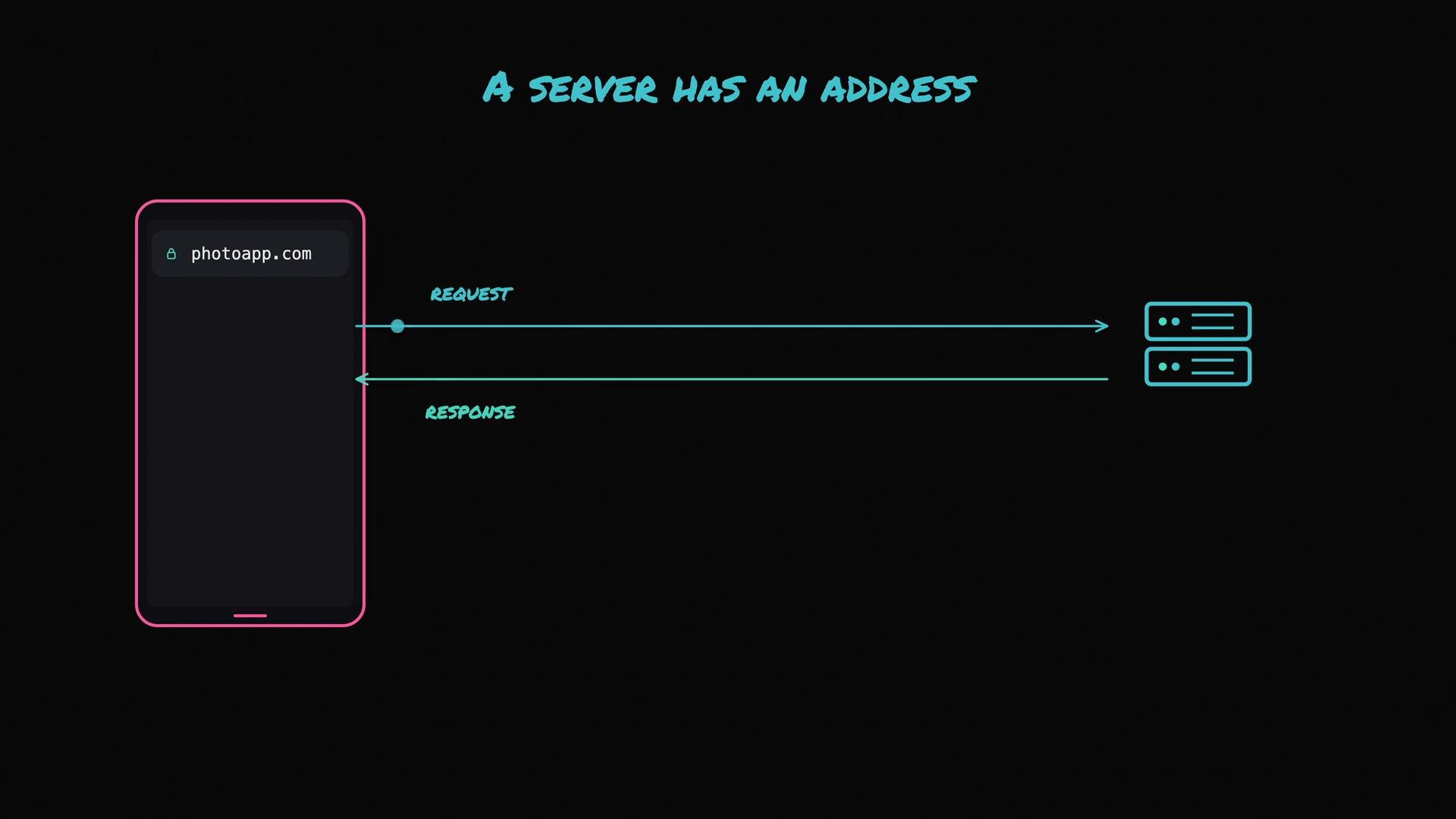
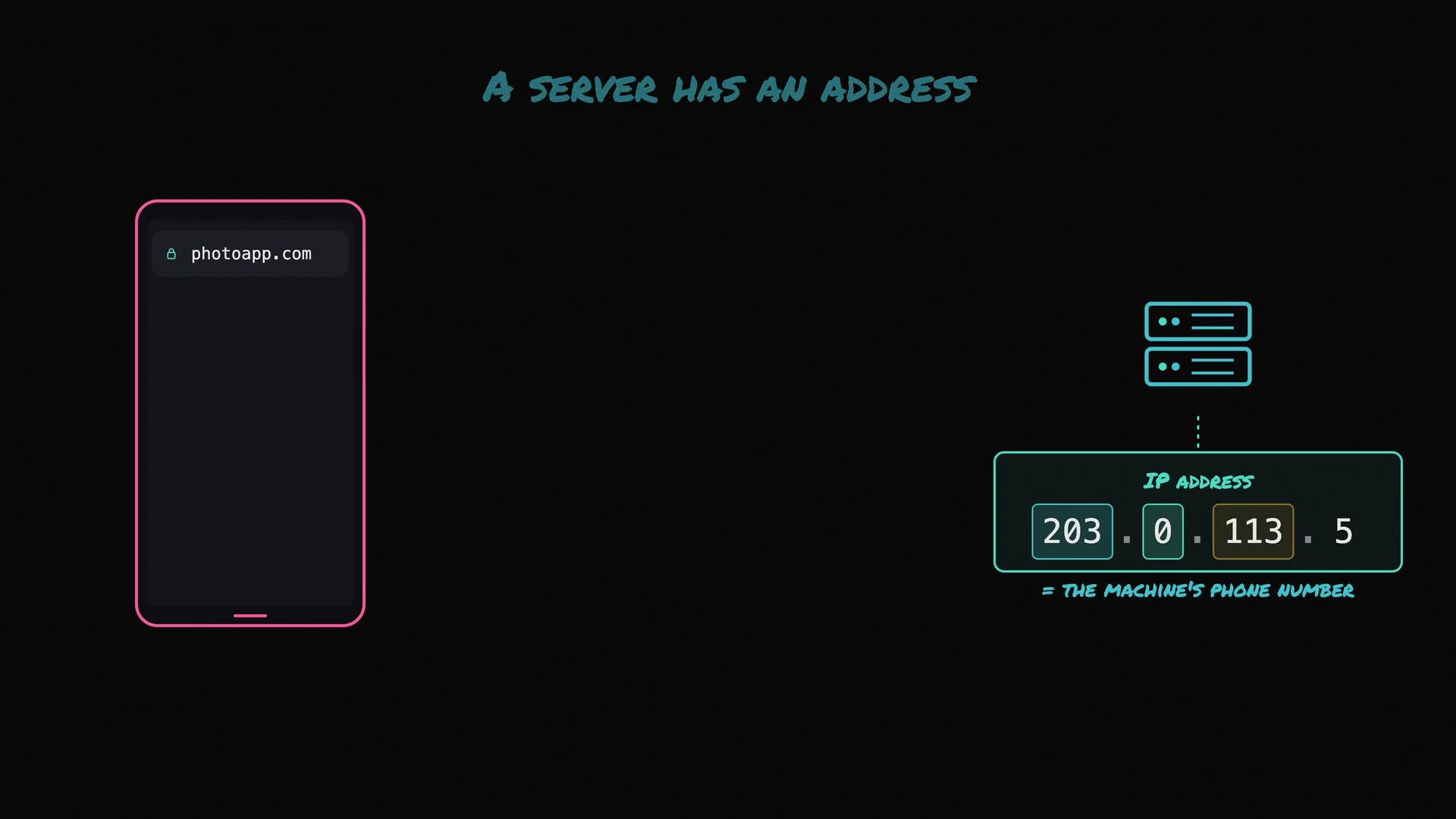
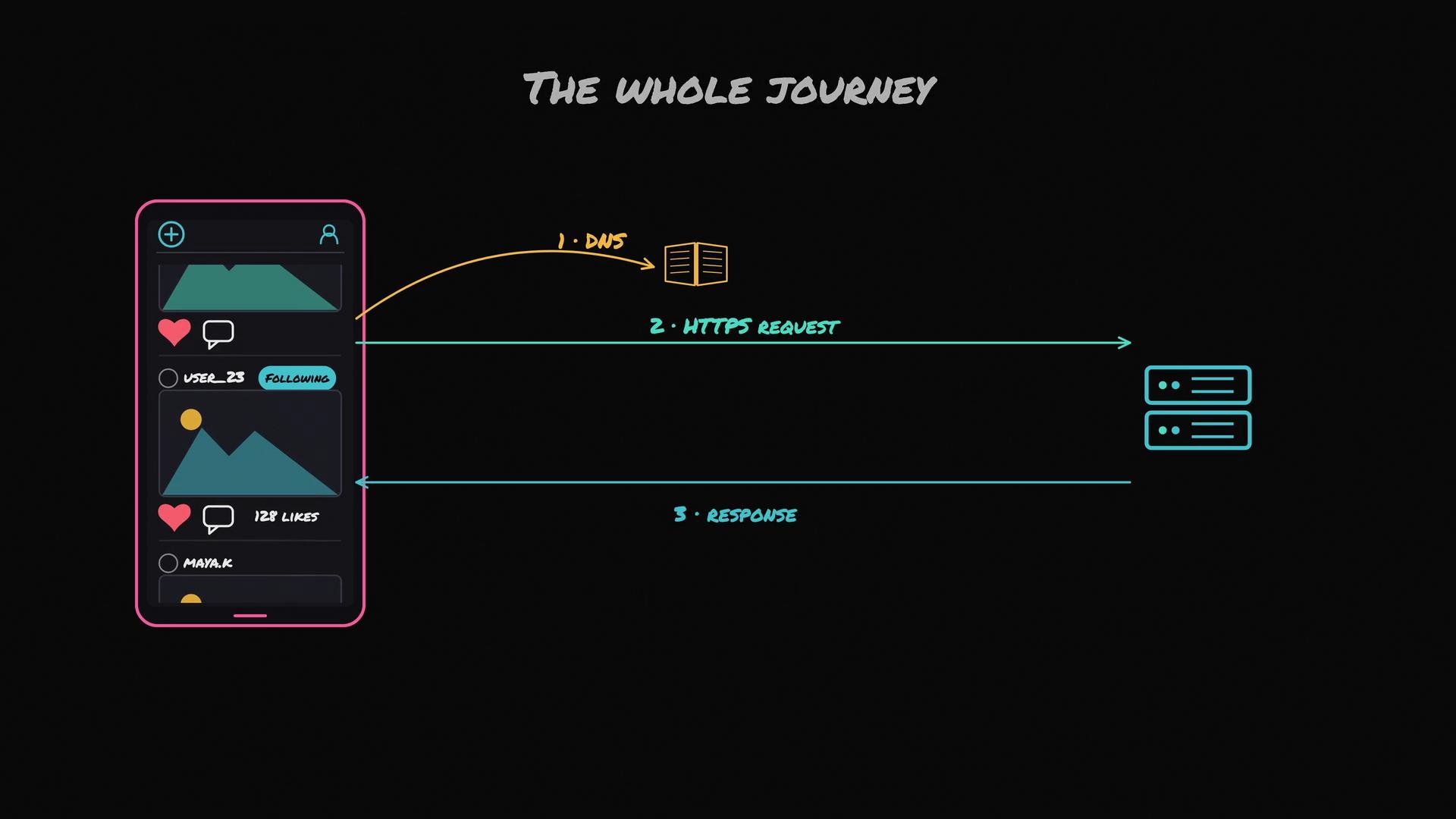
photoapp.com, the phone first asks a DNS resolver: what IP address is behind that name? This lookup is performed by the Domain Name System (DNS).
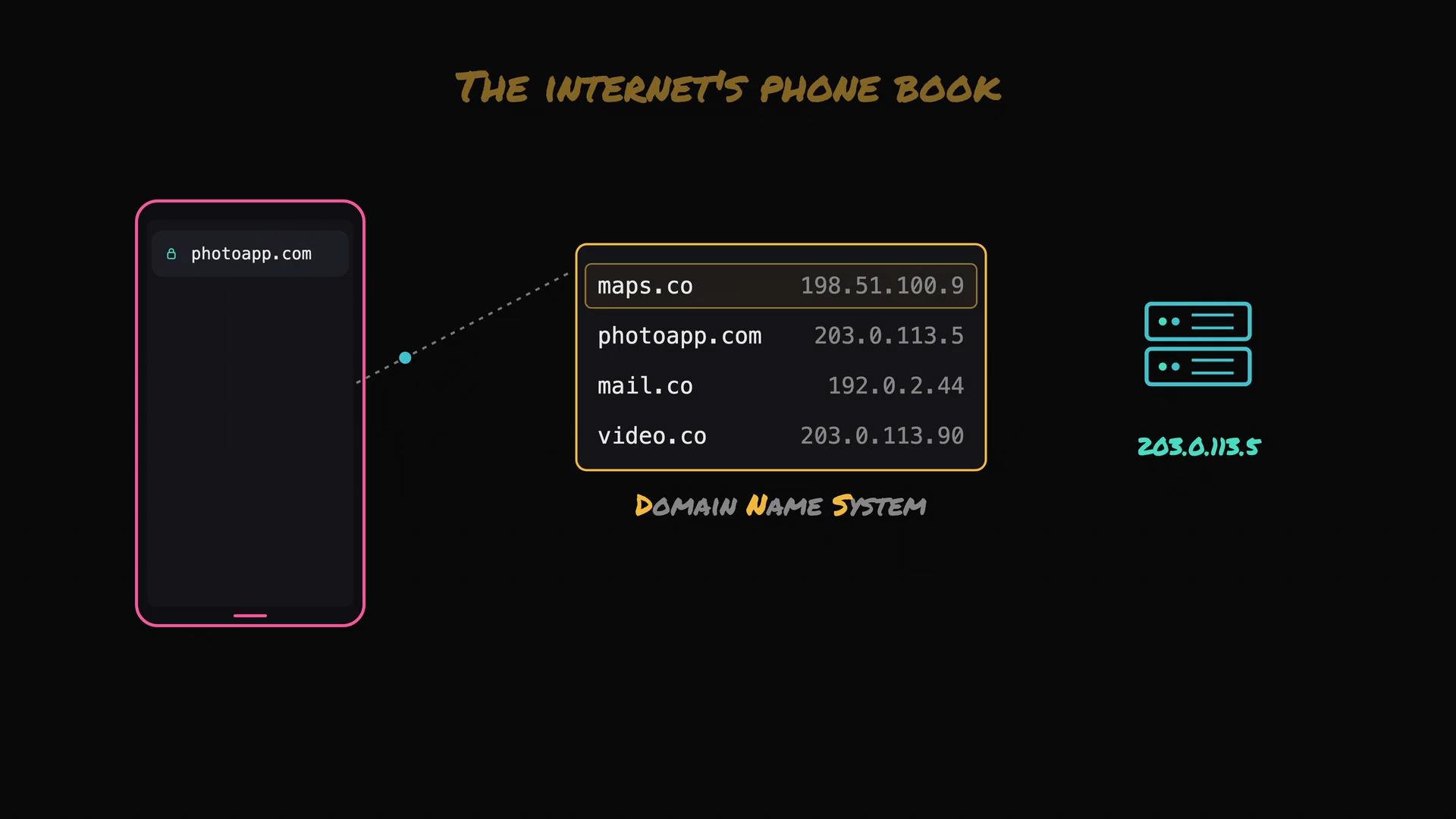
photoapp.com?” DNS replies with an IP address so the device knows which machine to contact.
Once the phone has the IP address, the client and the server need a common protocol to exchange messages. In practice that protocol is HTTP (more often today HTTP/2 or HTTP/3). The phone sends a request like “Get me the home feed,” and the server does the work and returns a response containing the feed data.
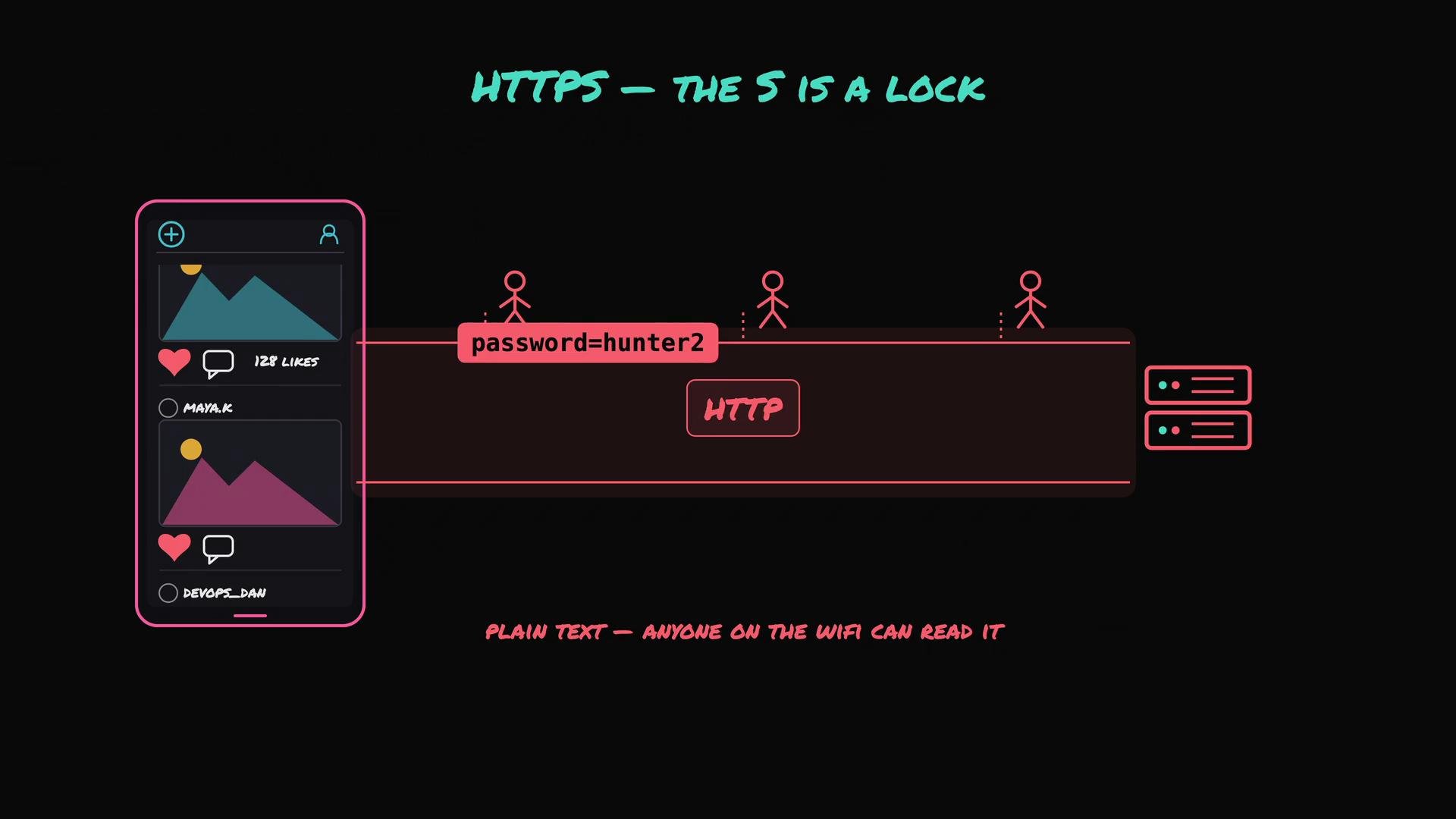
These days this communication almost always runs over HTTPS rather than plain HTTP. The “S” stands for secure: HTTPS encrypts the conversation between client and server. Without encryption, anyone on the same network (for example, someone on a coffee‑shop Wi‑Fi) could read the traffic — including sensitive data like passwords.
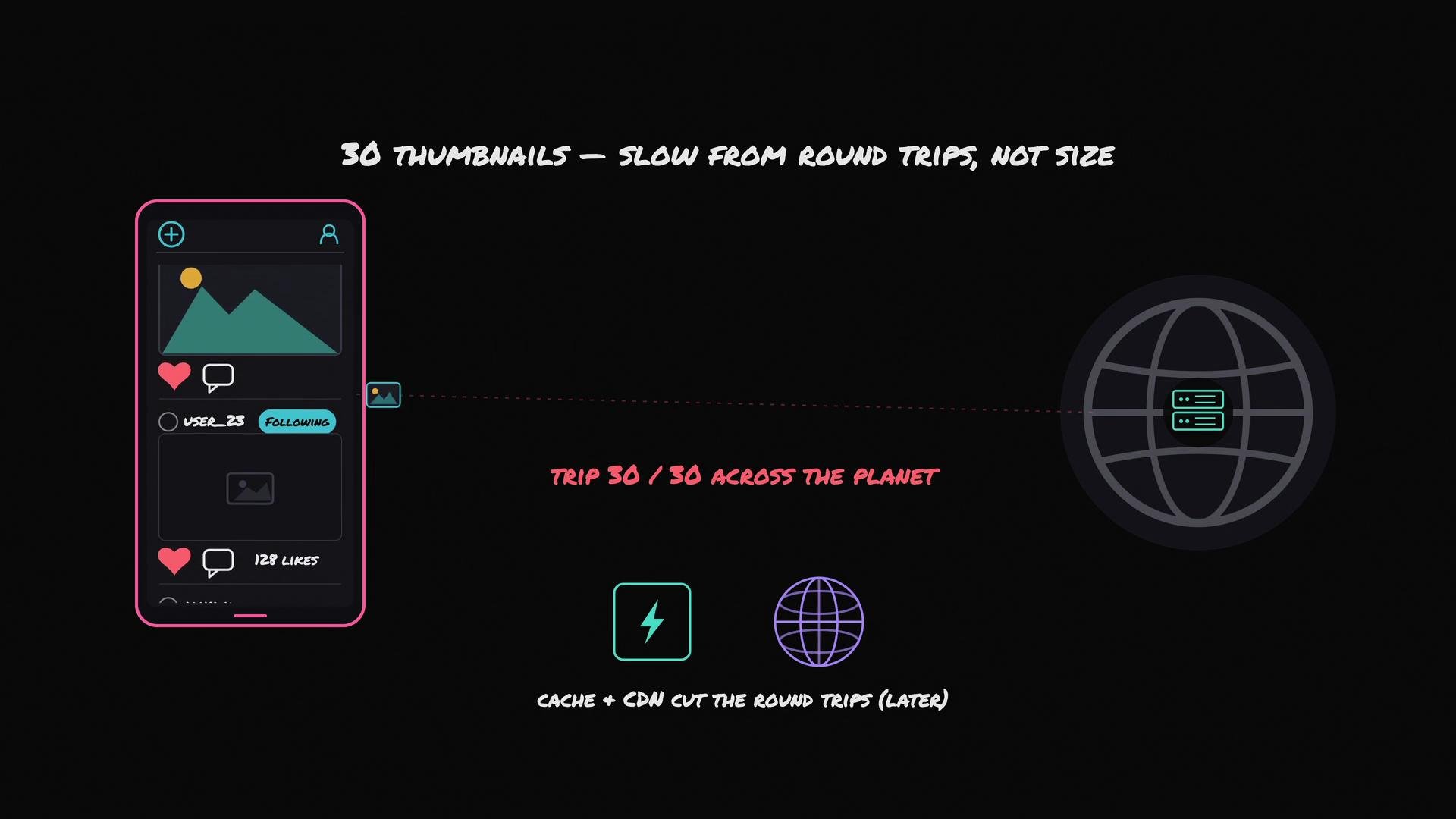
- A cache can avoid trips to your database for frequently requested data.
- A CDN (Content Delivery Network) serves static assets like thumbnails from locations geographically close to users.
Latency measures how long a single round trip takes between the client and the server. Bandwidth measures how much data can transfer at once — the width of the pipe.
Further reading and references
- How the Domain Name System (DNS) Works
- Introduction to TLS / HTTPS
- Content Delivery Networks (CDNs) explained