

Vertical scaling (scale up)
Vertical scaling means increasing the capacity of a single machine: more CPU, more RAM, faster disks, or a larger instance type. It’s often the simplest and quickest way to buy performance. Pros:- Minimal or zero code changes.
- Fast to implement (resize an instance, attach larger disks).
- Simpler operational model: single deployment target, fewer moving parts.
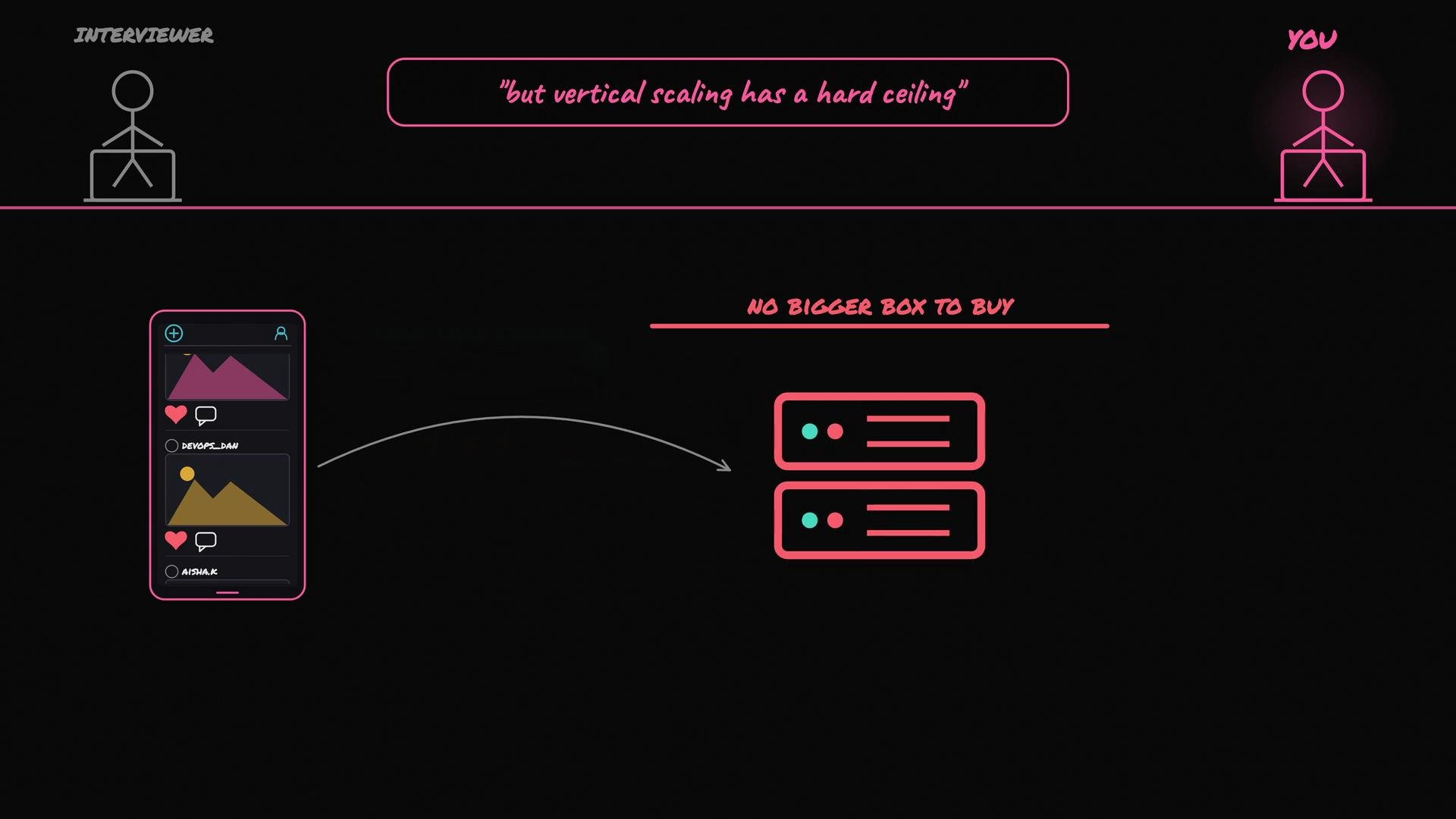
- Physical and practical limits: there’s a ceiling on how large a single machine can be.
- Costs can grow nonlinearly for very large instances.
- Single point of failure: if the machine fails, the whole service goes down.
Horizontal scaling (scale out)
Horizontal scaling means adding more machines and distributing traffic across them, typically with a load balancer in front and multiple app servers behind it. Benefits:- Increases aggregate capacity beyond any single machine.
- Improves availability and fault tolerance (failures affect only part of the fleet).
- Enables elastic capacity (autoscaling) to match demand.
- Requires stateless service design or centralized session/state stores (e.g.,
Redis,memcached) so requests can be handled by any server. - Data becomes harder: you’ll need replication, read replicas, sharding/partitioning, and careful attention to consistency.
- Operational overhead: deployments, monitoring, health checks, orchestration, and troubleshooting across many nodes.
- Network overhead and partial failures mean you must design for retries, idempotency, and degraded operation modes.
- Load balancer (L4/L7)
- Multiple app servers (stateless or using centralized state)
- Shared caches and session stores
- Distributed database with replication or sharding
- Autoscaling and health monitoring
When to choose which — practical guidance
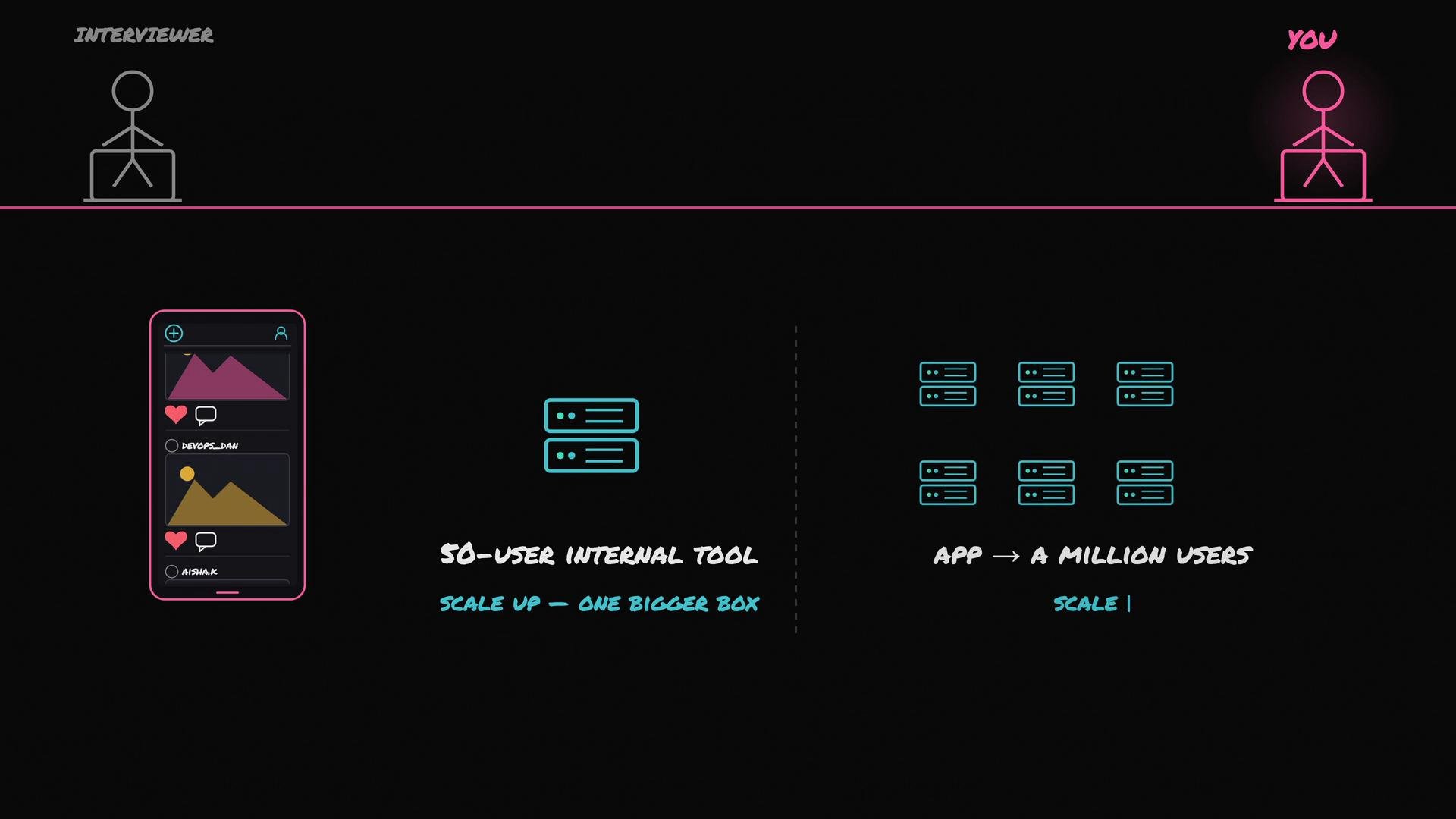
- Small, low-risk workloads (e.g., an internal tool with ~50 users): start with vertical scaling. It’s cheaper and faster to operate initially.
- High-scale, consumer-facing systems (e.g., targeting millions of users): design for horizontal scaling from the start to avoid hitting vertical limits and to ensure redundancy.
- If you need high availability and seamless upgrades, horizontal scaling is usually the better choice even at moderate scale.
Key trade-offs (quick summary)
- Cost: small vertical upgrades can be cheap; extreme vertical instances are expensive. Horizontal systems can be cost-effective at scale but add operational cost.
- Complexity: vertical is simpler; horizontal requires distributed systems skills.
- Availability: vertical is a single point of failure; horizontal provides redundancy.
- Time-to-solution: vertical is usually faster to implement; horizontal requires design and testing.
Quick interview tip: describe both approaches (vertical and horizontal), explain their trade-offs (cost, complexity, availability), and give a short, concrete example (e.g., 50-user internal tool vs. million-user consumer app).
References and further reading
- Vertical scaling (Wikipedia)
- Horizontal scaling (Wikipedia)
- Load balancing (Wikipedia)
- Redis — https://redis.io/
- memcached — https://memcached.org/
- Database replication and sharding — search terms: “database replication”, “database sharding”, “partitioning”