

Vertical scaling (scale up)
Vertical scaling means increasing a single machine’s resources: more CPU, more RAM, faster disk. You keep the same application code and simply provision a larger instance.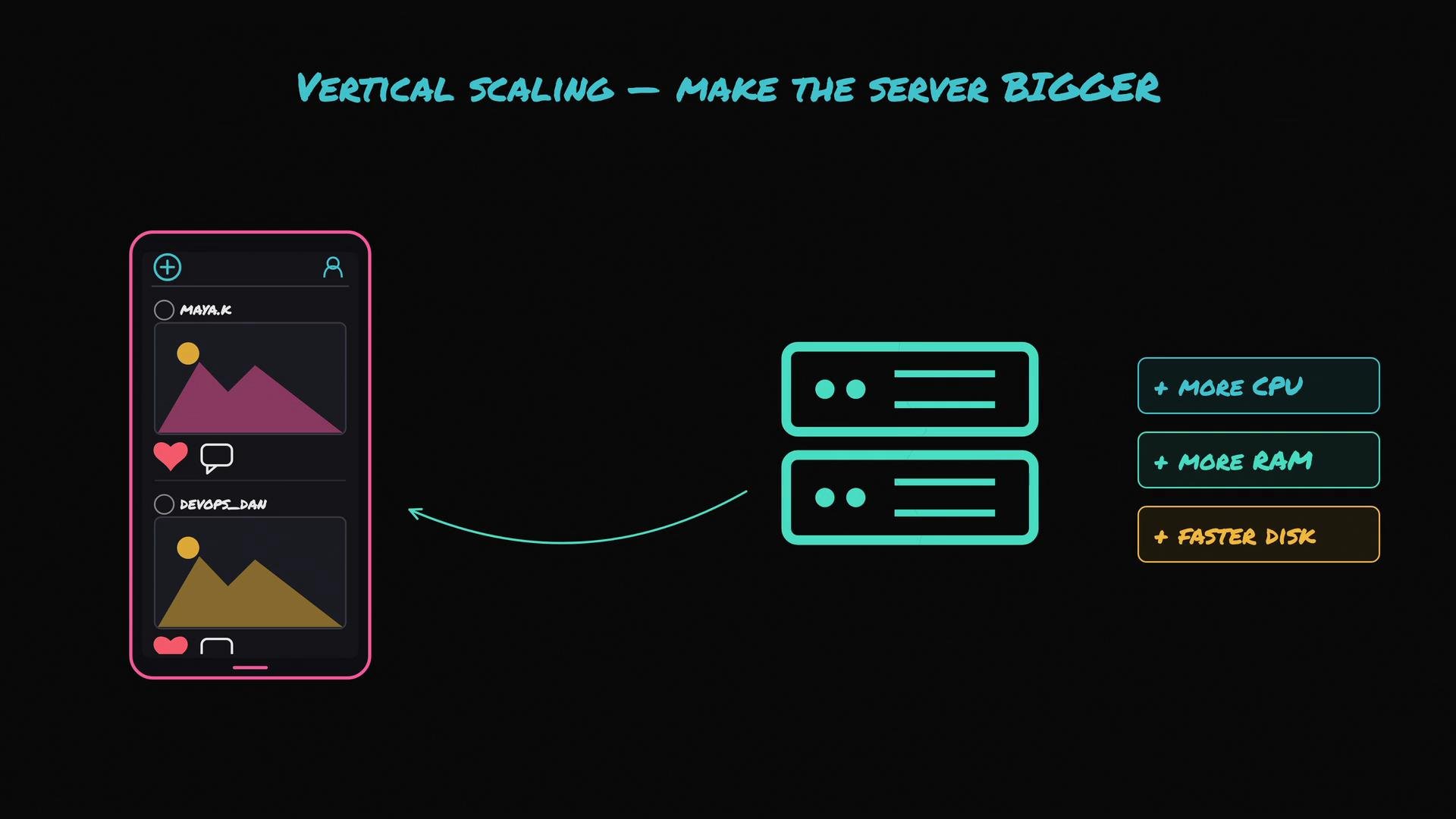
- Simple to implement — no app changes required.
- Low operational overhead for small-scale apps.
- Quick to get more capacity by resizing instances.
- Hard upper limit: you can only buy the biggest machine available.
- Diminishing returns: higher tiers often cost disproportionately more for modest gains.
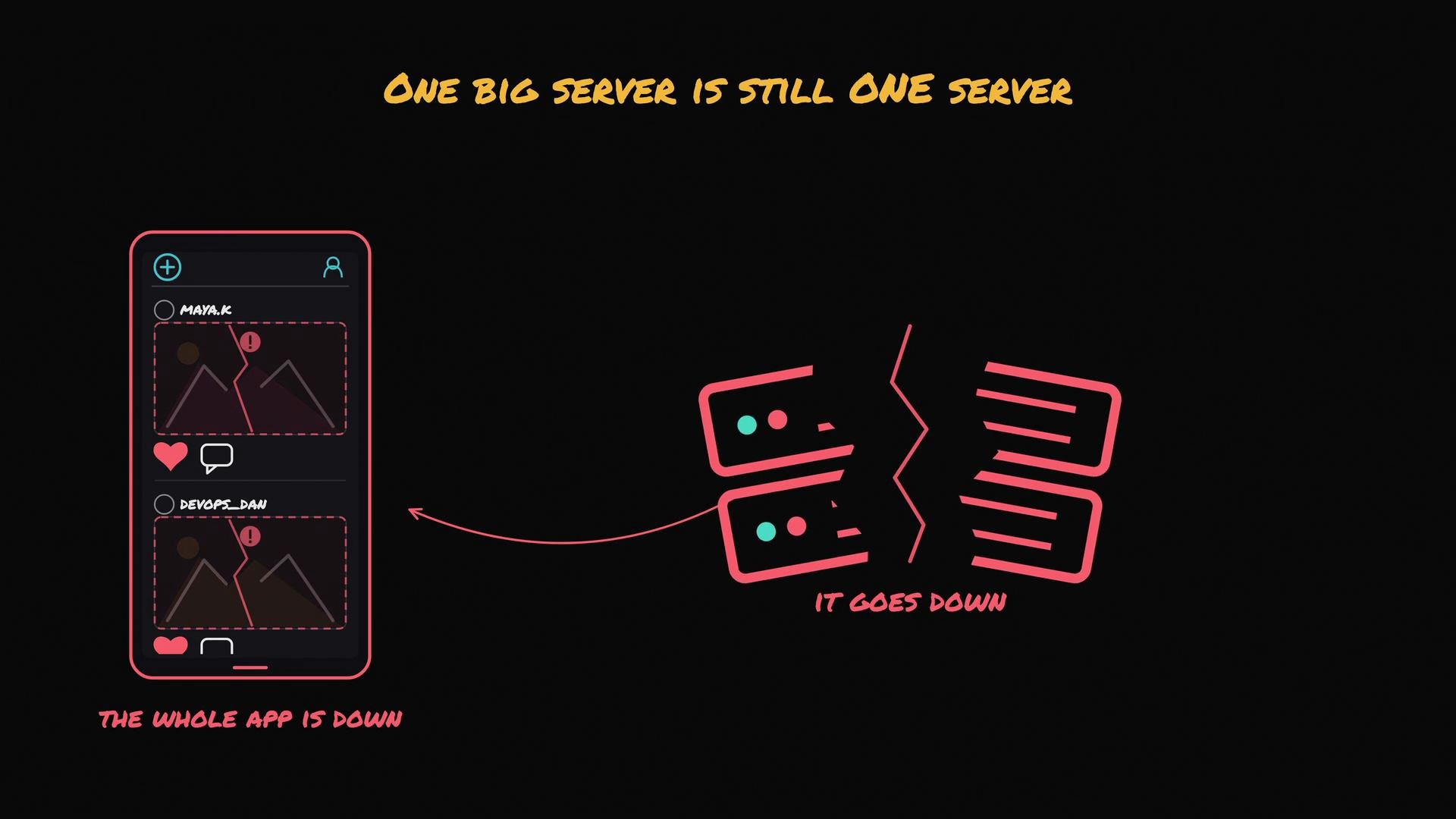
- Single point of failure: one large server failing takes your whole app down.
- Early stages or prototypes.
- Predictable workloads that fit within the capacity of a single machine.
- When minimizing operational complexity is a priority.
Horizontal scaling (scale out)
Horizontal scaling runs multiple instances of your app across many smaller servers. Add more machines as traffic grows.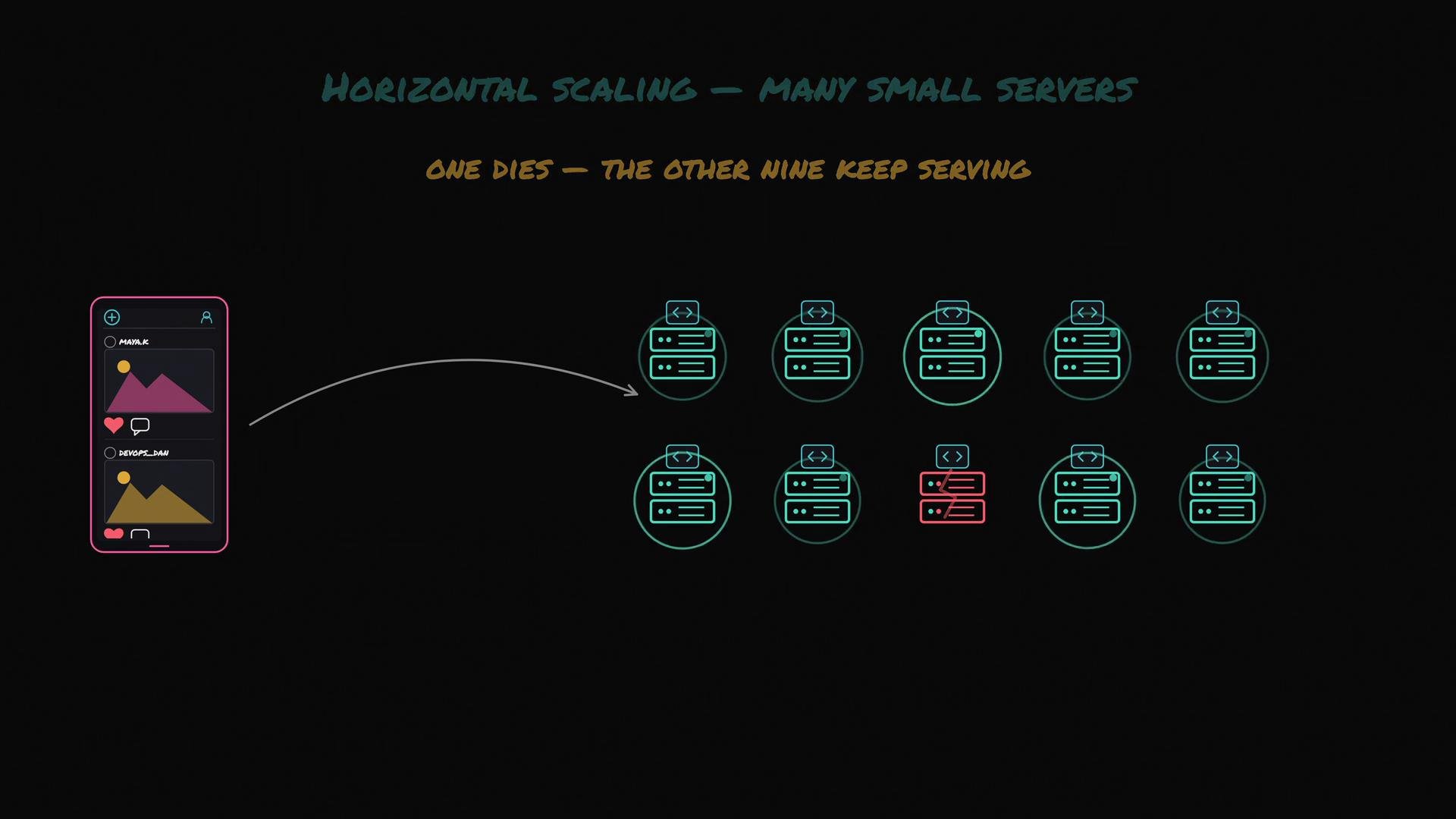
- Virtually unlimited capacity by adding instances.
- Higher availability: no single point of failure.
- Cost efficiency at scale when using commodity instances or containers.
- You need a load balancer to distribute requests across the fleet.
- Shared state must be externalized (database, object storage, or shared cache) so any instance can serve any request.
- More complexity: service discovery, orchestration (e.g., Kubernetes), monitoring, and autoscaling policies.
- High and/or unpredictable traffic.
- Requirements for high availability and fault tolerance.
- Architectures built around microservices, containers, or distributed systems.
At-a-glance comparison
Practical rule of thumb
Start with vertical scaling for simplicity and lower initial cost. Move to horizontal scaling when you hit vertical limits, need higher availability, or when traffic grows beyond what a single machine can handle.