

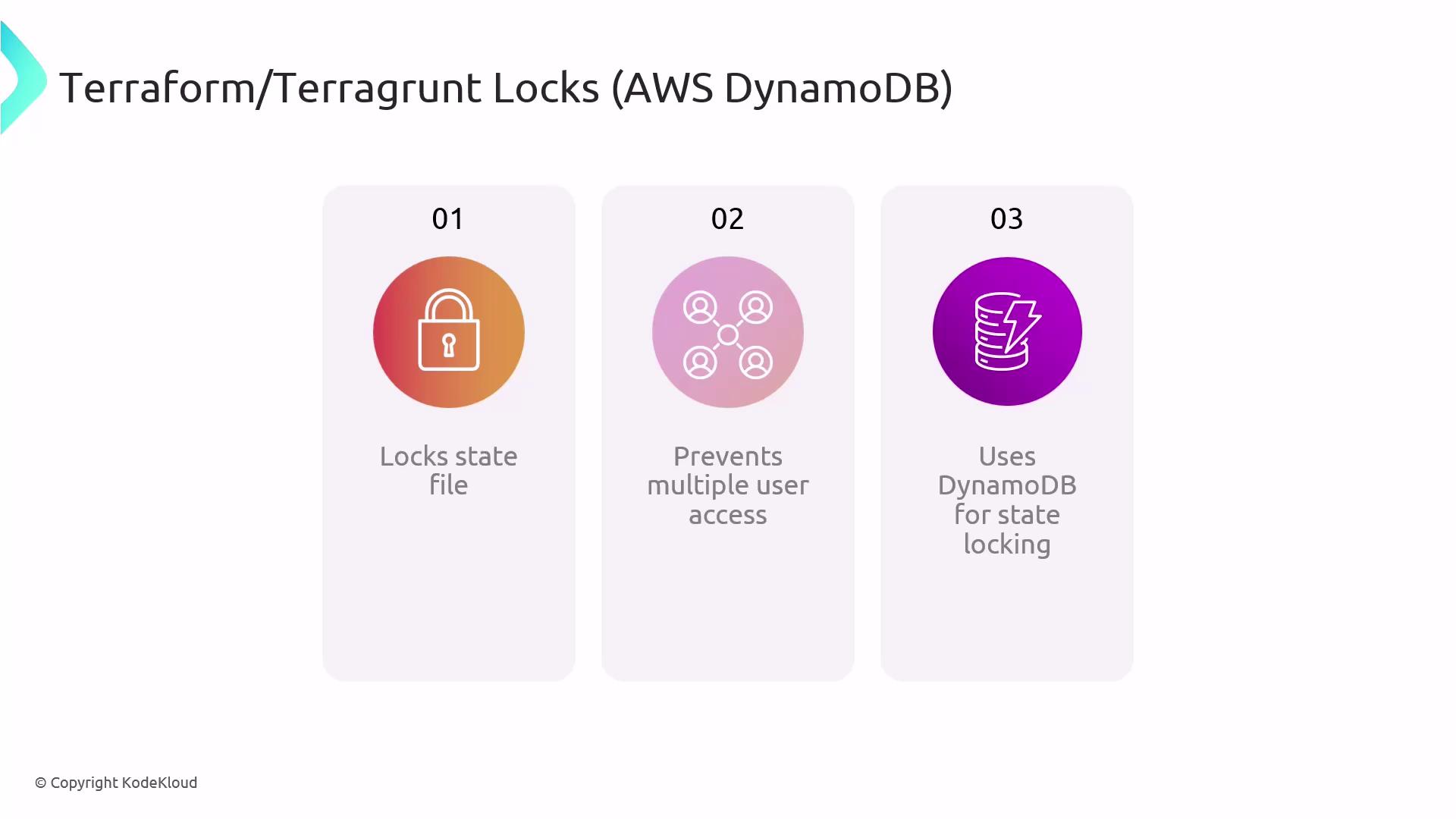
- Exclusive write access to the state
- Automatic creation of the lock table (when using Terragrunt’s
remote_state) - Reliable, distributed coordination across teams and CI/CD environments
Configuring remote_state in Terragrunt
To enable DynamoDB locking, define a remote_state block in your terragrunt.hcl. Terragrunt will create the DynamoDB table if it doesn’t already exist.
Terragrunt automatically provisions the DynamoDB table specified by
dynamodb_table. You only need AWS IAM permissions for S3 and DynamoDB table creation.Handling Stuck Locks
If a Terraform or Terragrunt process crashes mid-run, the DynamoDB lock may remain, blocking subsequent operations. Use the force-unlock command to clear a stuck lock.Forcing an unlock can lead to concurrent modifications if another process is still running. Always verify no other operations are active before using
force-unlock.Benefits of DynamoDB State Locking
By combining Terraform, Terragrunt, Amazon S3, and DynamoDB locks, teams can focus on building infrastructure rather than wrestling with state conflicts.
Links and References
- Terraform Remote State
- Terragrunt Documentation
- AWS DynamoDB Developer Guide
- Managing Locks with S3 and DynamoDB