

get_terragrunt_dir() function in Terragrunt returns the absolute filesystem path of the directory containing the current terragrunt.hcl configuration. By using this function, you can build dynamic file references, support modular layouts, and adapt configurations based on their location.
When to Use get_terragrunt_dir()
- Dynamically adapt resources or input files based on the configuration directory
- Construct file paths that automatically adjust when the directory hierarchy changes
- Maintain flexible, modular directory structures without hard-coding absolute paths

Key Benefits
Best Practices
- Always reference inputs, variable files, and modules relative to
get_terragrunt_dir() - Avoid using
../in paths that Terragrunt evaluates in its cache directory - Combine with
extra_argumentsto pass var-files into remote Terraform modules
When Terragrunt downloads Terraform code into a cache, your working directory changes. Always use
get_terragrunt_dir() to ensure paths are resolved against your configuration, not the cache folder.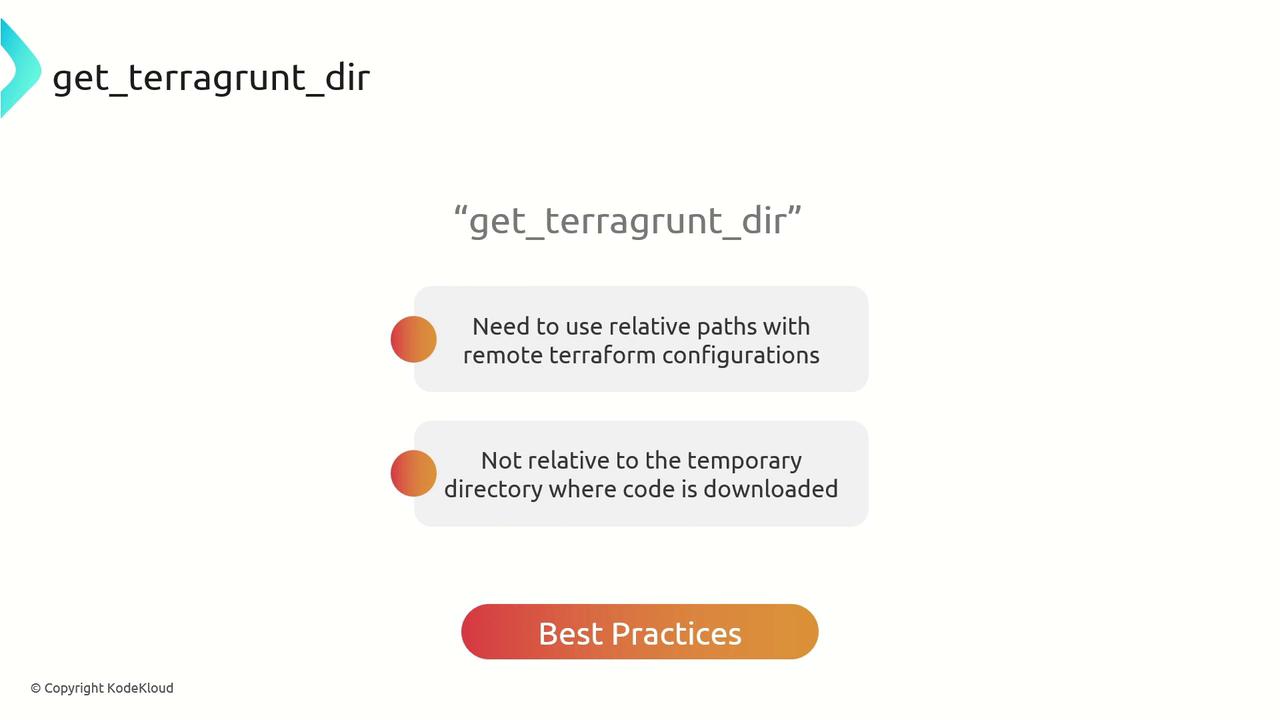
Example: Fixing Relative Paths in a VPC Module
Imagine you’re calling the Terraform AWS VPC module via Terragrunt and need to supply acommon.tfvars file stored in a sibling directory:
common.tfvars:
Applying get_terragrunt_dir()
Update your terragrunt.hcl to compute the correct path:
terragrunt plan correctly locates common.tfvars, and the VPC module receives the desired inputs. After a successful apply, your AWS VPC resource might look like this:
Summary
Usingget_terragrunt_dir() ensures that:
- File references are always relative to your
terragrunt.hcllocation - Your configurations remain portable and modular
- Terragrunt’s cache directory behavior won’t break your paths
Links and References
- Terragrunt Official Documentation
- Terraform AWS VPC Module
- Working with Extra Arguments in Terragrunt