

terragrunt destroy command is your go-to solution for safely deprovisioning Terraform-managed infrastructure. By invoking this command, you can prevent unnecessary cloud costs, enforce clean-ups, and maintain consistent environments across your configurations.
Purpose
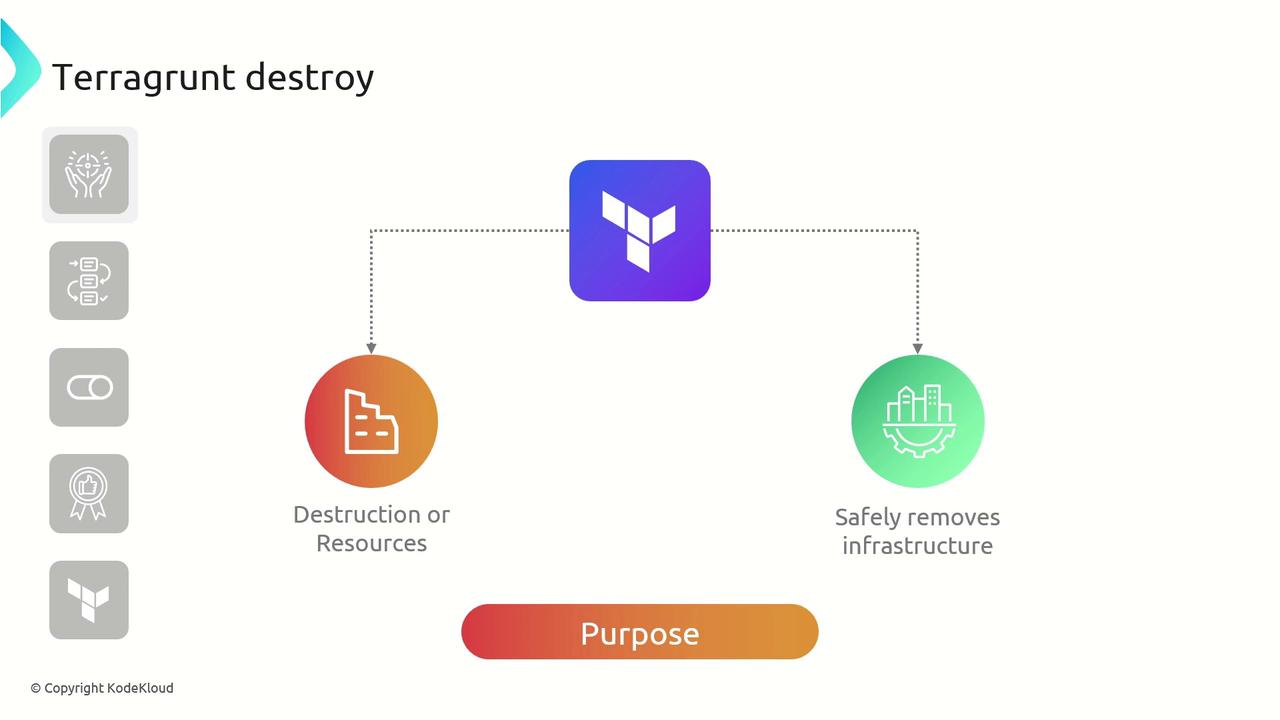
terragrunt destroy when you need to remove resources provisioned by Terraform. It wraps Terraform’s native terraform destroy, extending it with Terragrunt’s configuration hierarchy and remote state management.
Workflow
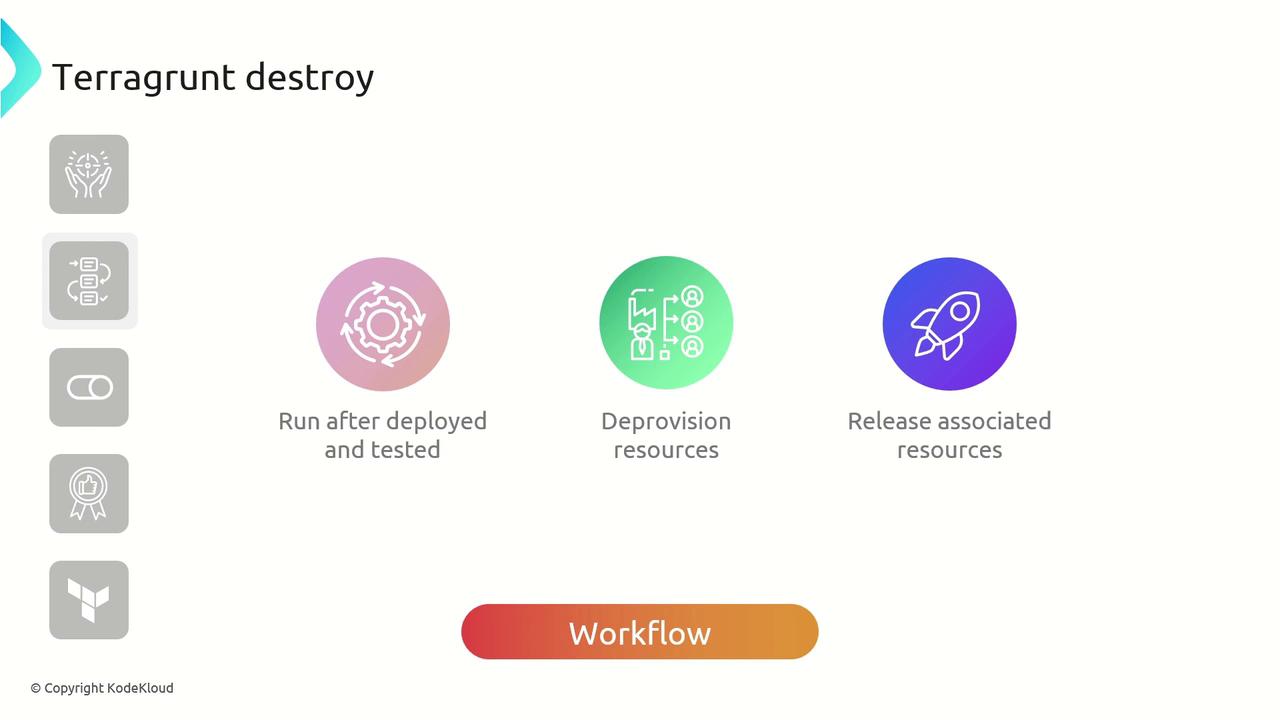
terragrunt destroy workflow involves:
- Deploying and validating infrastructure
- Executing the destroy command
- Deprovisioning resources
- Cleaning up state files and remote backends
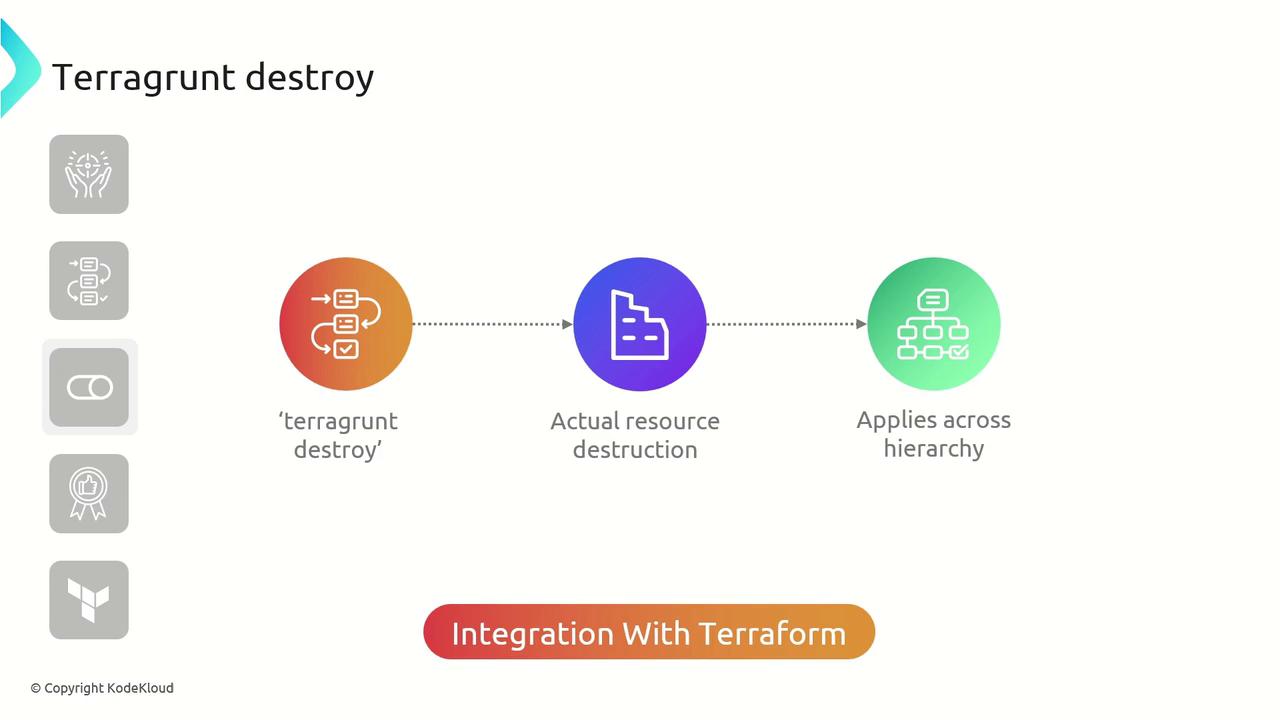
Under the Hood
Confirmation Prompt
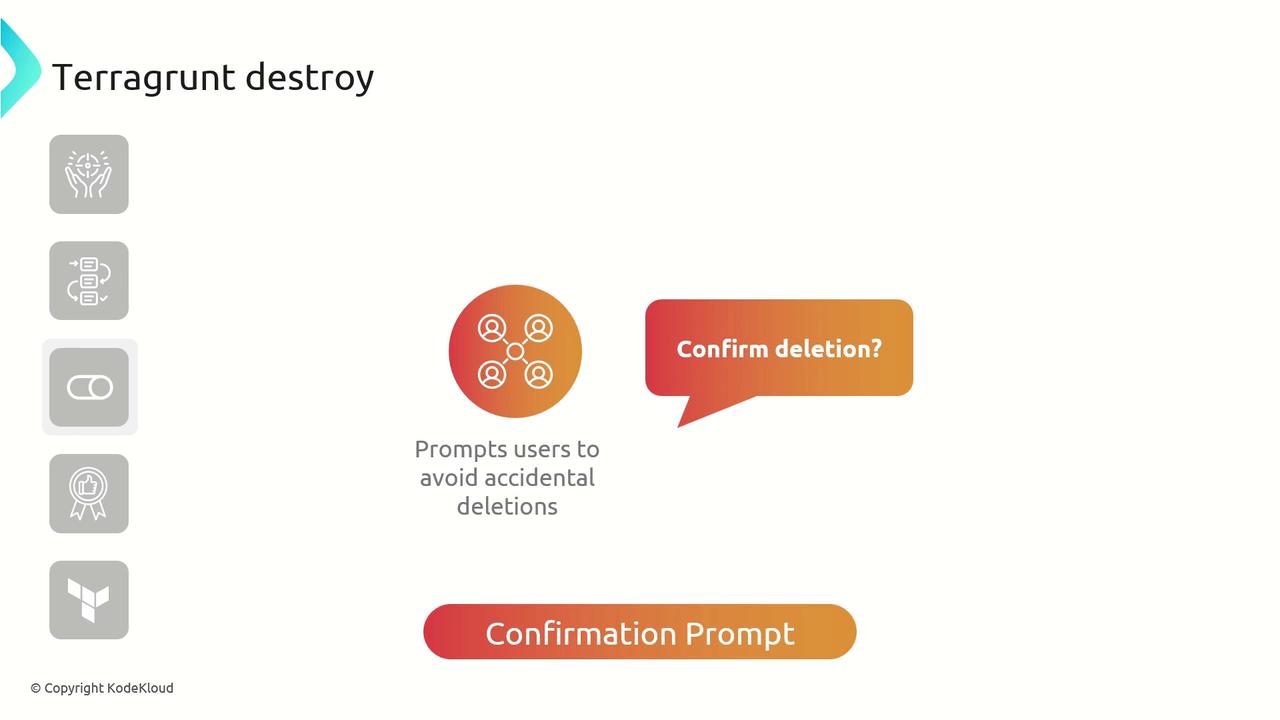
Always review the plan output before typing
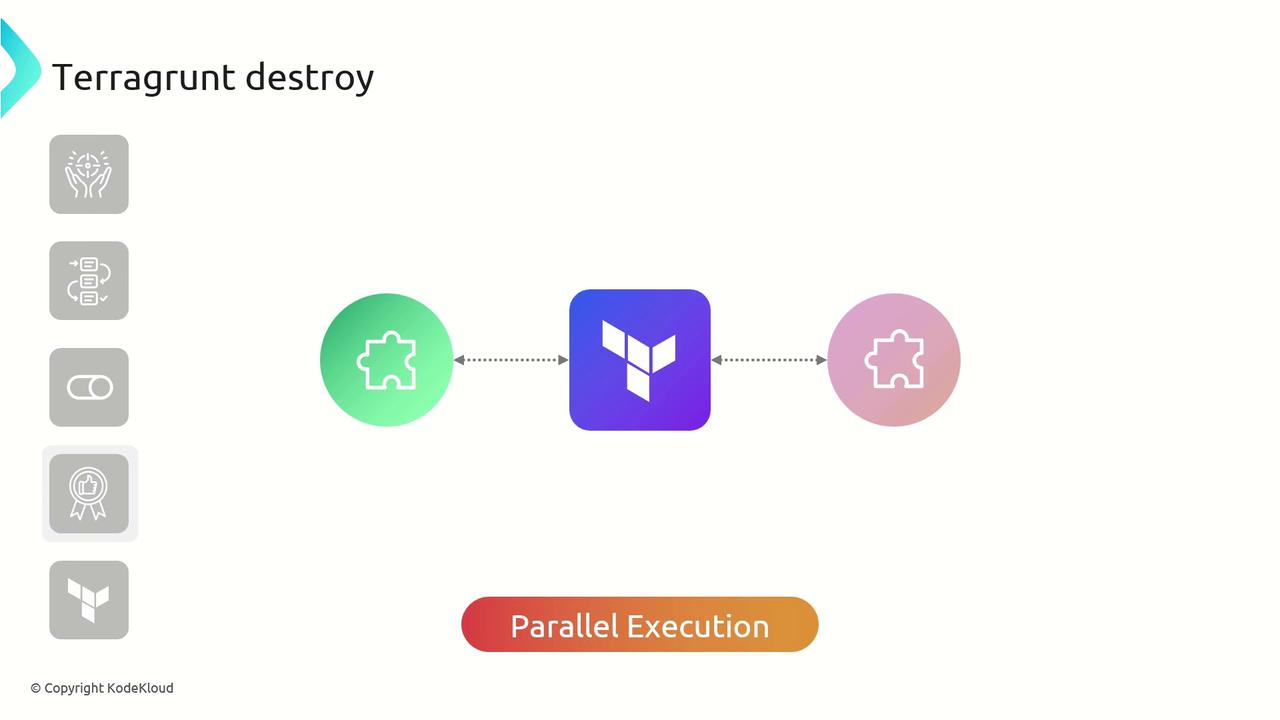
yes. Running terragrunt destroy is irreversible and may lead to data loss.Parallel Execution
Best Practices
- Always run
terragrunt planbeforeterragrunt destroy. - Lock remote state backends to prevent concurrent modifications.
- Use
--terragrunt-non-interactivein automated workflows.
Example: Destroying an AWS VPC
Below is a sample Terragrunt configuration that references an AWS VPC module. We’ll destroy the VPC and its associated resources:yes when prompted to proceed. Terragrunt will then deprovision the VPC and all related resources.