

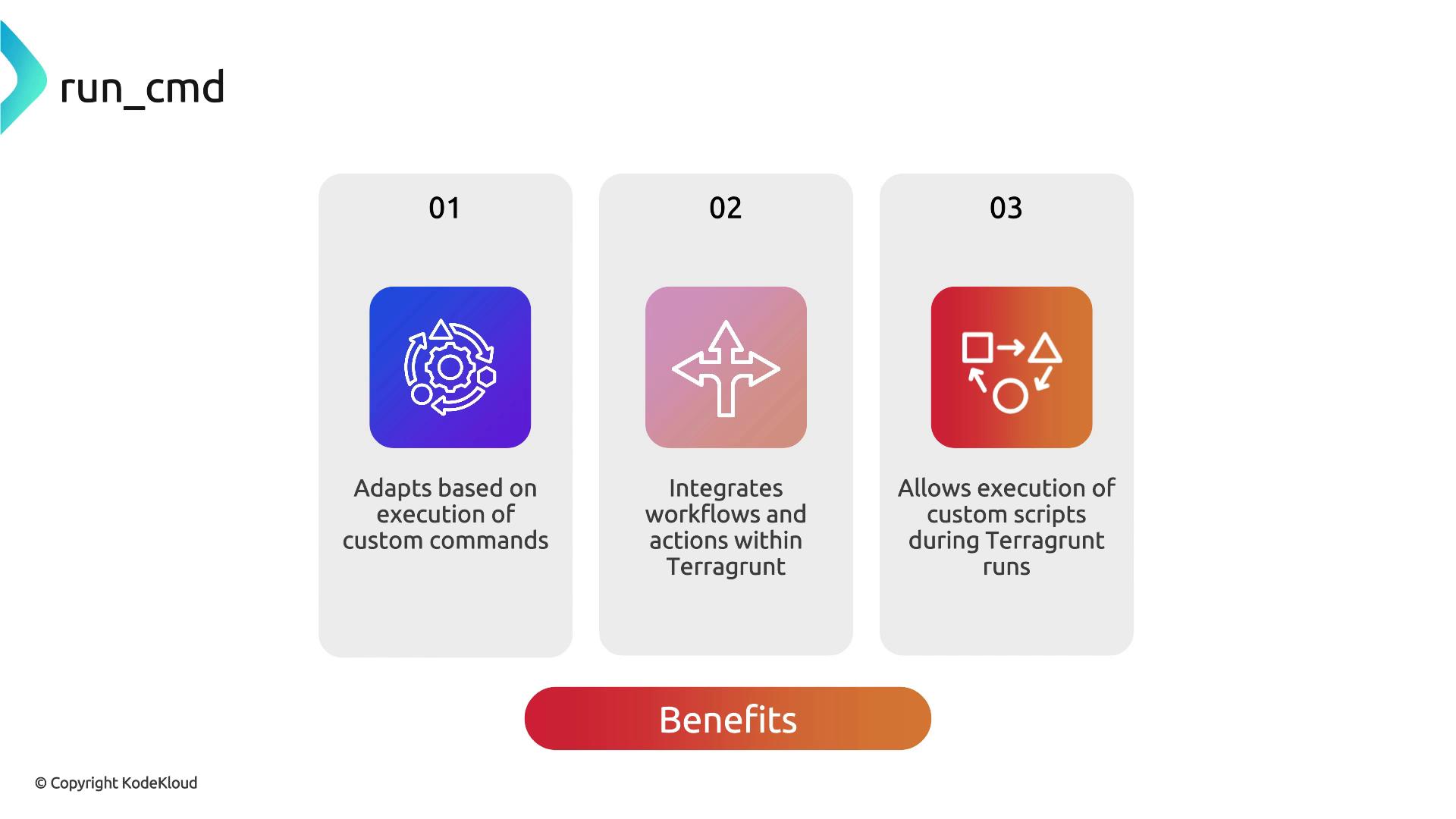
run_cmd is a powerful interpolation function that lets you execute shell commands during a run and return their standard output. By integrating run_cmd into your configurations, you can:
- Dynamically adapt module inputs based on external context
- Incorporate existing workflows or scripts
- Feed custom data into Terraform resources at plan/apply time
Best Practices for run_cmd
- Always validate and sanitize any external scripts or commands to mitigate security risks.
- Prefer native Terraform/Terragrunt functions (like
timestamp()andfile()) when possible. - Reserve
run_cmdfor scenarios where built-in functions cannot produce the needed output.
Executing arbitrary shell commands can introduce security vulnerabilities. Ensure you trust and sanitize any external inputs or scripts invoked via
run_cmd.Example: Tagging AWS VPC Resources with the Current User
In this example, we’ll consume the Terraform AWS VPC module and automatically tag every resource with the username running Terragrunt.CreatedBy = "abc".
With run_cmd, you can extend this pattern to pull data from any script, API call, or toolchain, giving you a highly flexible Terragrunt workflow.