

- Ensure you have Terraform installed and configured: Terraform Documentation.
- Verify you have permissions to modify your
PATHenvironment variable. - For macOS users, Homebrew must be installed:
brew --version.
Installation Summary
Windows
- Download the latest
terragrunt.exefrom the official GitHub releases page. - Move the executable into a folder included in your
PATH(for example,C:\Windows\System32or a custom tools directory). - Open a new Command Prompt or PowerShell window and verify:
Be careful when editing system environment variables. Incorrect changes to
PATH can prevent other applications from running.macOS
On macOS, use Homebrew to install Terragrunt:Linux
First, download the appropriate binary for your CPU architecture from the official GitHub releases page.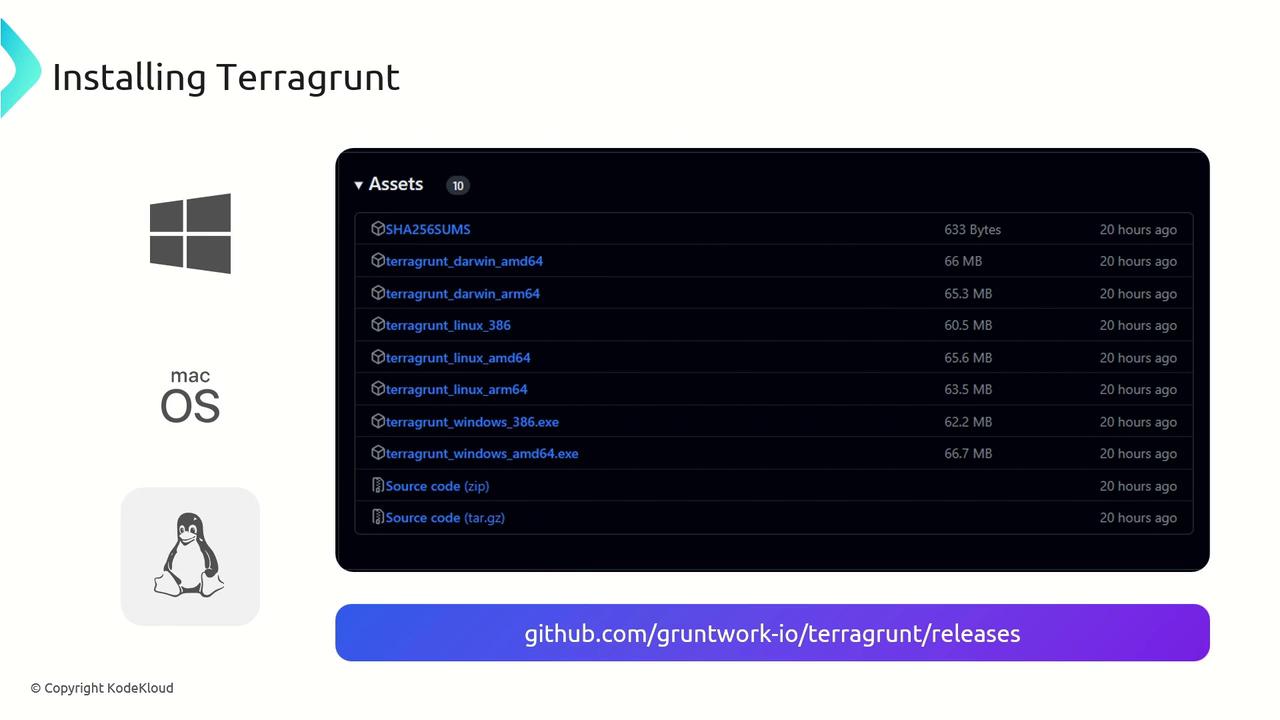
PATH (e.g., /usr/local/bin) and make it executable:
With Terragrunt installed on your platform of choice, you can now leverage its features—such as DRY configurations, remote state management, and automated locking—to enhance your Terraform projects.