

dev and prod) using a reusable Terraform module and Terragrunt wrappers. EC2 provides the compute layer for workloads; packaging common configuration in a module improves consistency, reduces duplication, and simplifies environment-specific overrides.
We will:
- Build a reusable Terraform module that provisions EC2 instances and exposes inputs for AMI, instance type, key pair, networking, and security groups.
- Create a Terragrunt configuration for each environment that supplies environment-specific inputs to the module.
- Initialize, plan, and apply the Terragrunt configuration to provision the instances.
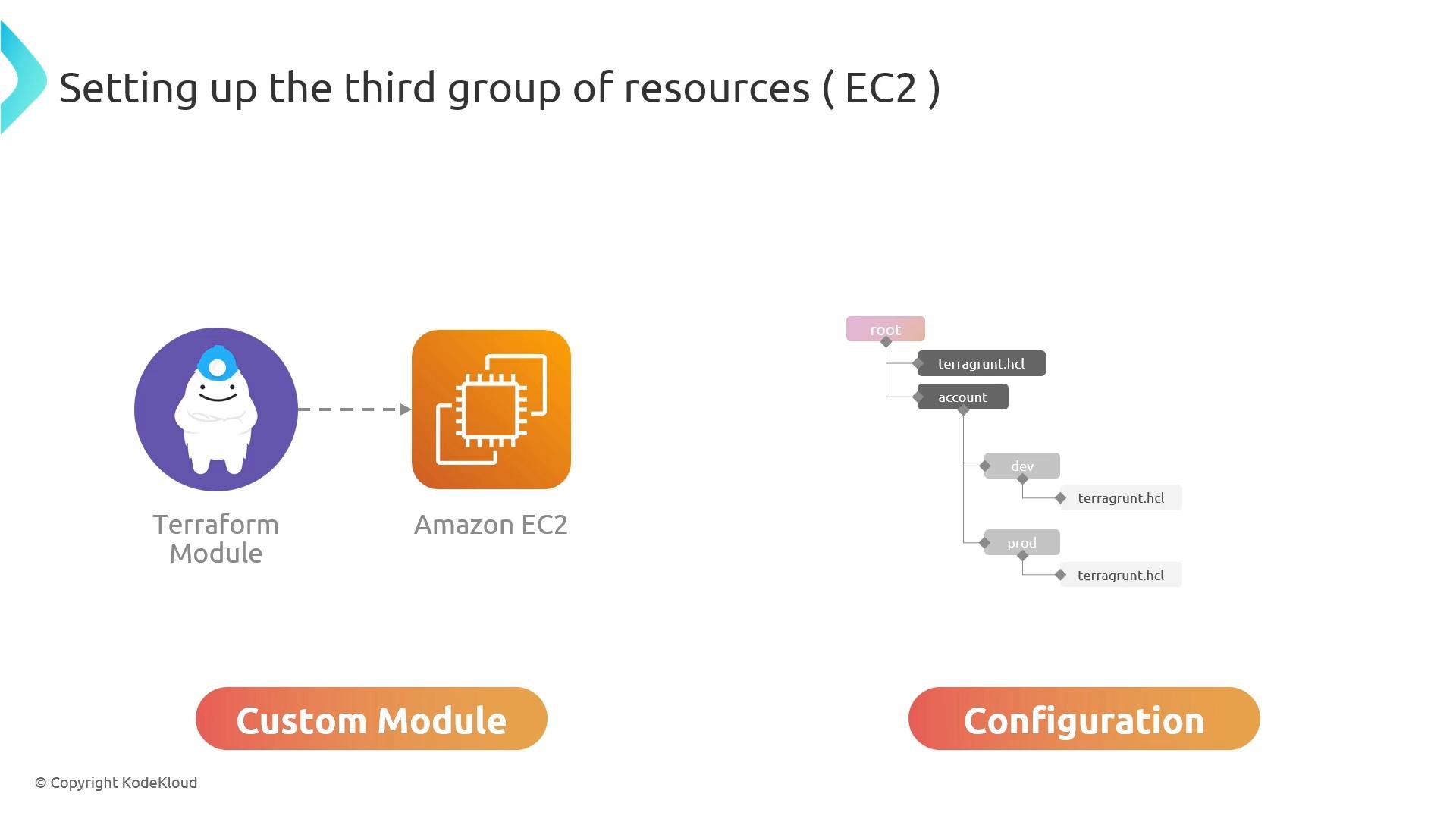
Architecture and layout (conceptual)
Recommended layout:- Create a reusable Terraform module at
infrastructure/modules/ec2that contains the EC2 resources and supporting pieces (for exampleaws_instance, optionalaws_ebs_volume, tags, and outputs). - Create a Terragrunt folder per environment that references the module and injects environment-specific inputs. Example layout:
live/account/dev/third-group/terragrunt.hcllive/account/prod/third-group/terragrunt.hcl
Example Terragrunt configuration
A typical environmentterragrunt.hcl that points at a local module:
source path must point to your module. If you publish the module to a registry or Git repository, use the appropriate source URL or registry format.
Common module variables (example)
Inside your module (infrastructure/modules/ec2/variables.tf) declare variables to accept environment inputs. Example:
Deployment steps with Terragrunt
- Change directory to the target environment folder (for example
live/account/dev/third-group). - Initialize the configuration:
- Preview the planned changes:
- Apply the configuration to create resources:
terragrunt apply, review the plan carefully before confirming. Verify the instance counts, AMI IDs, instance types, tags, and network attachments match expectations.
Key considerations (best practices)
- Security groups: follow least-privilege principles. Avoid opening SSH (port 22) to
0.0.0.0/0in production—restrict to known IPs or use AWS Systems Manager Session Manager. - Key pairs:
key_namemust reference an existing EC2 key pair in the selected region unless you use a different access mechanism (for example, SSM). - AMI IDs are region-specific: ensure the AMI exists in the target region.
- Networking: confirm
subnet_idandsecurity_group_idsare valid for the target VPC/account. - IAM permissions: the AWS credentials used must have permissions to create EC2 instances, attach networking resources, and tag resources.
Before applying, confirm you are using the correct AWS profile and region. You can set these via environment variables (for example
AWS_PROFILE and AWS_REGION) or in your Terragrunt/Terraform provider configuration.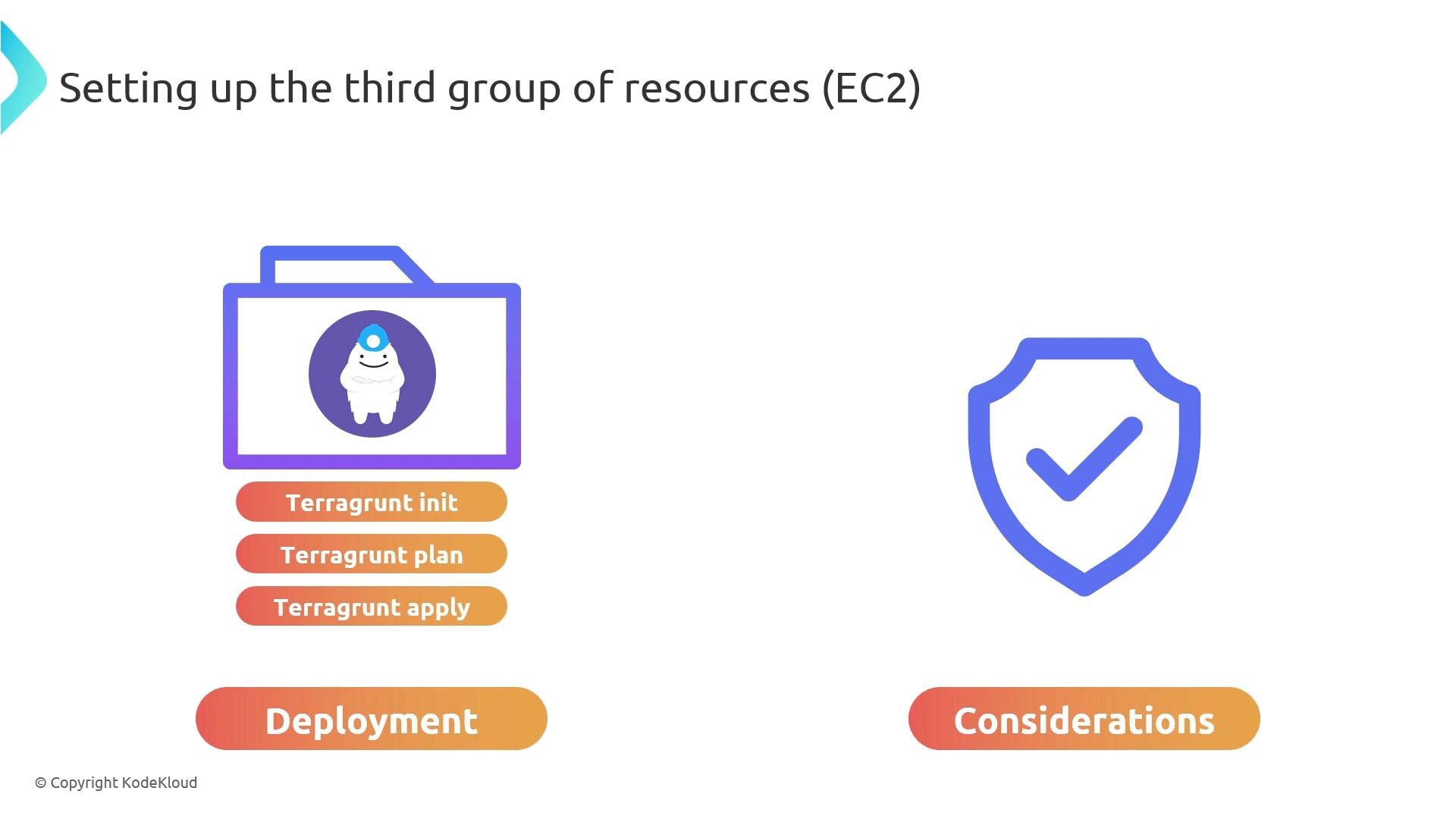
Do not leave management ports (SSH/RDP) open to the public internet. Use restrictive security group rules or AWS Systems Manager to avoid exposing instances unnecessarily.
- Proceed to the AWS For Beginners with Hands-On Labs to set up a full demo project and apply these patterns.
- References:
- Terragrunt docs: https://terragrunt.gruntwork.io/
- Terraform EC2 resource: https://registry.terraform.io/providers/hashicorp/aws/latest/docs/resources/instance