

locals that multiple terragrunt.hcl modules can read with read_terragrunt_config and find_in_parent_folders, avoiding duplication and making updates predictable across many modules.
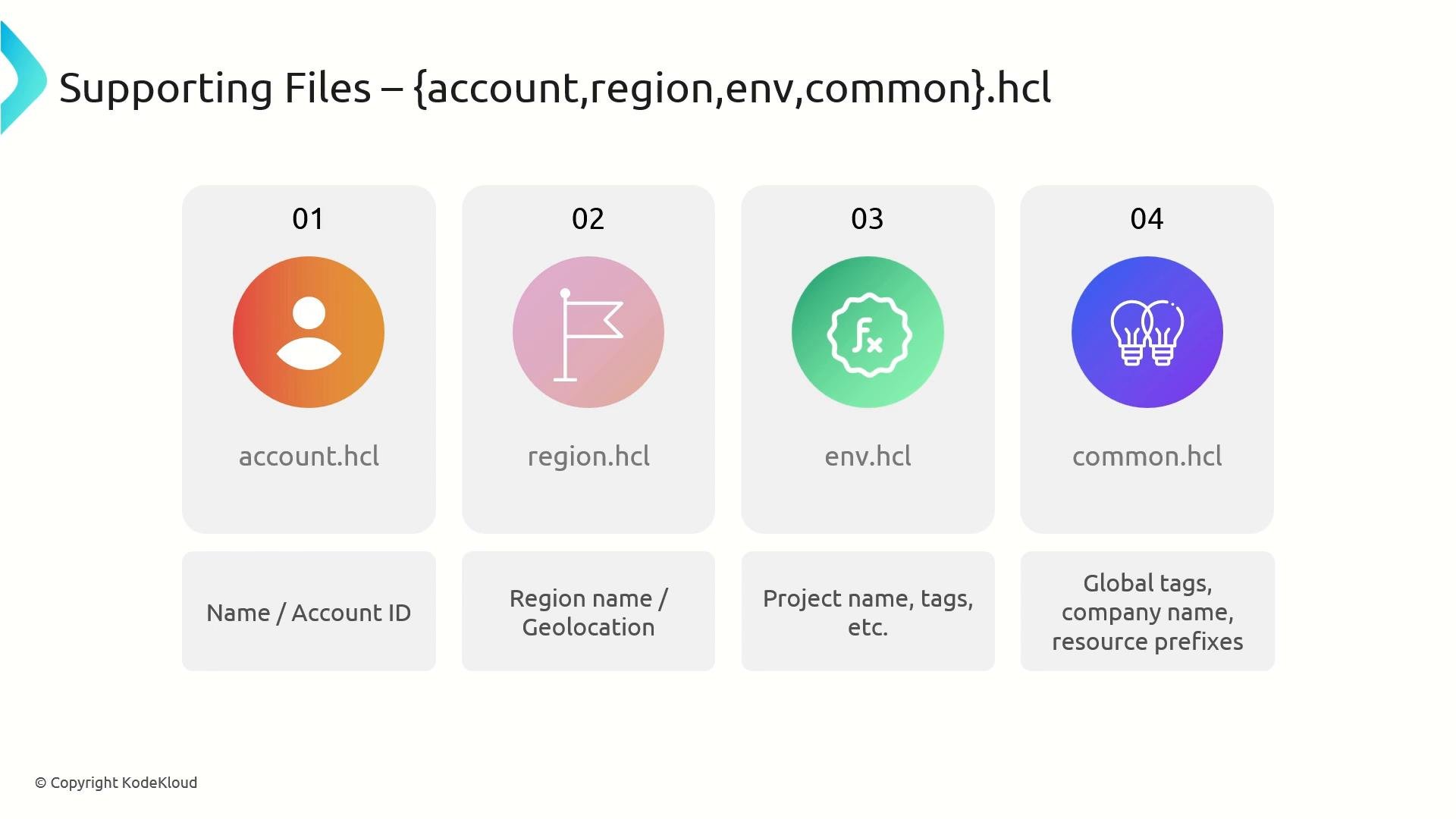
A quick summary of each file’s role:
- account.hcl: account-specific values (for example account name or account ID).
- region.hcl: region-specific values (for example region name or geolocation).
- env.hcl: environment-specific values (project name, environment tags, etc.).
- common.hcl: global, cross-cutting configuration (global tags, company name, resource prefixes).
- HCL is native to Terraform/Terragrunt and works directly with
read_terragrunt_config. If your toolchain prefers YAML you can store configuration in YAML, but Terragrunt does not parse YAML automatically — you must read the file withfile()and convert it withyamldecode()in yourterragrunt.hcl. When possible prefer HCL to reduce boilerplate and keep configs consistent with Terraform usage.
- Place each supporting file at a level in your repo where child
terragrunt.hclfiles can discover them usingfind_in_parent_folders(commonly in the repository root or anenvironments/directory). - Use consistent filenames and key names so
find_in_parent_folders("account.hcl")works reliably from modules and environments. - Keep secrets out of these files. Use a secrets manager (e.g., Vault, AWS Secrets Manager) and reference secrets at runtime.
Use supporting files to centralize and reuse non-secret configuration. Store secrets in a secure secrets manager and reference them at runtime rather than putting them in these files.
- Store each of the following examples as
account.hcl,region.hcl,env.hcl, andcommon.hclsoterragrunt.hclcan read them.
- Read supporting files with
read_terragrunt_config(find_in_parent_folders(...))and merge the values intoinputsfor Terraform modules. The example below shows a typicalterragrunt.hclthat collects all four supporting files and merges tags and core inputs.
Best practices and tips
- Keep supporting files small and focused: one responsibility per file (account, region, env, common).
- Use predictable keys (e.g.,
local.account,local.region,local.env,local.common) so consumption is straightforward. - Avoid hardcoding credentials or secrets — use a secrets manager. Reference secrets at runtime using Terragrunt’s built-in integrations or external data sources.
- Document each supporting file at the repository root so teams know what to edit and where.
- If you need YAML for other tools, store it alongside the HCL files but ensure your
terragrunt.hclexplicitly parses YAML withfile()+yamldecode().
Never commit plaintext secrets or credentials into supporting files. Use a dedicated secrets manager (Vault, AWS Secrets Manager, etc.) and read secrets securely at deployment time.
- Terragrunt documentation — read_terragrunt_config
- Terraform HCL language documentation
- Terraform functions — file() and yamldecode()