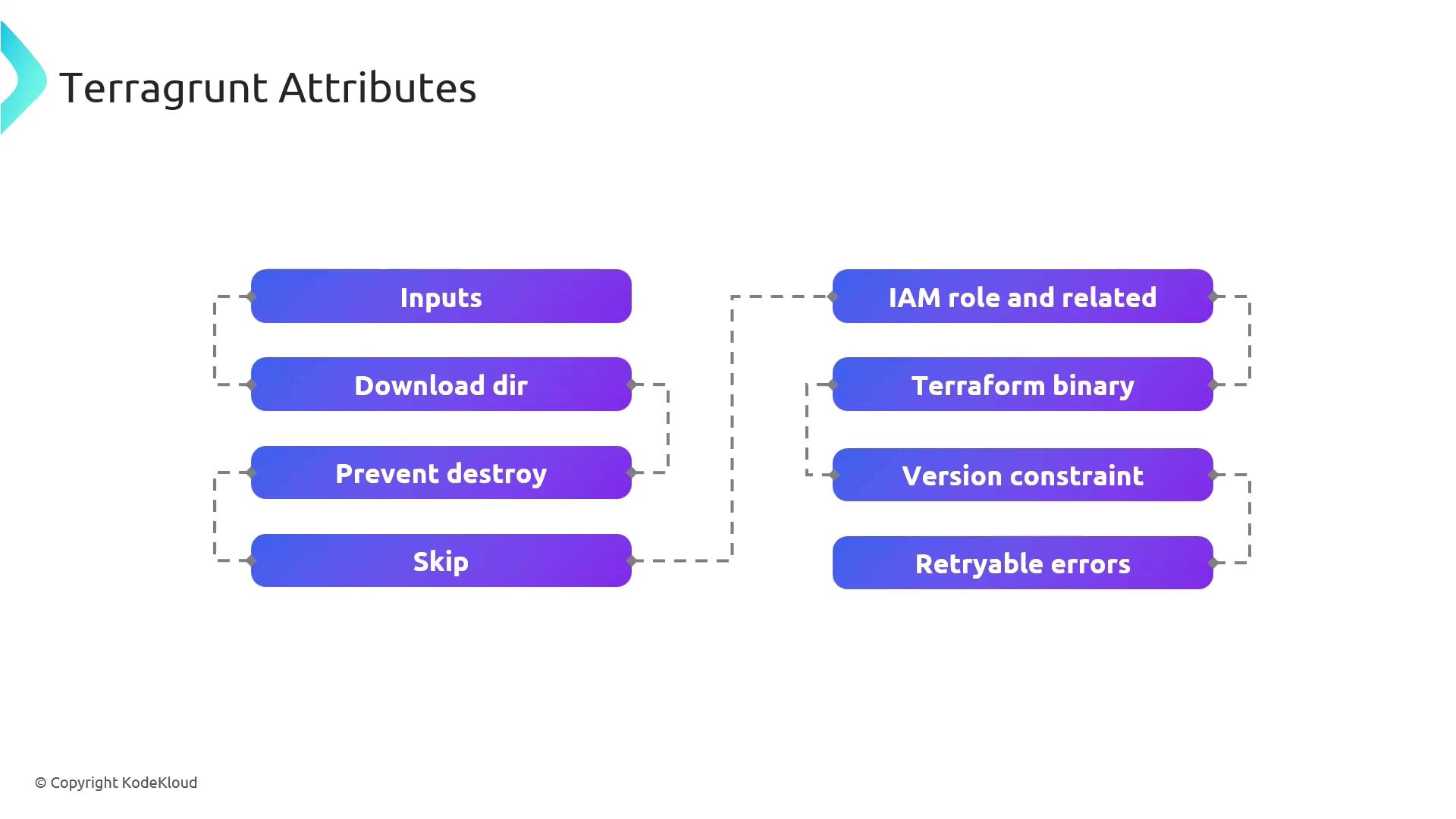
In this guide, we’ll dive into key Terragrunt configuration attributes that unlock advanced control over your Infrastructure as Code workflows. You’ll learn how to parameterize Terraform modules, optimize caching, enforce security safeguards, and handle transient errors—empowering you to build resilient, maintainable deployments.Documentation Index
Fetch the complete documentation index at: https://notes.kodekloud.com/llms.txt
Use this file to discover all available pages before exploring further.

Attribute Summary
| Attribute | Purpose |
|---|---|
| inputs | Pass variables into Terraform modules for dynamic parameterization. |
| download_dir | Define a local cache directory for remote Terraform modules and providers. |
| prevent_destroy | Protect critical resources from accidental deletion during apply or destroy. |
| skip | Exclude specific Terragrunt blocks or commands from execution. |
| iam_role | Configure AWS IAM roles and permissions for Terraform operations. |
| terraform_binary | Specify a custom Terraform executable or version. |
| version_constraint | Enforce version rules for both Terraform and Terragrunt binaries. |
| retryable_errors | List error patterns that Terragrunt retries automatically on failure. |
Detailed Attribute Guide
inputs
Define a map of input variables to inject into your Terraform modules.Use precise variable names in
inputs to match your Terraform module’s variables.tf definitions.download_dir
Specify where Terragrunt downloads remote modules, providers, and configuration files. This optimizes build speed by caching dependencies locally.prevent_destroy
Safeguard resources from accidental destruction. When set totrue, Terragrunt will refuse to run terraform destroy on the protected blocks.
Enabling
prevent_destroy can block intentional resource teardown. Use with caution.