

retryable_errors attribute in Terragrunt. By defining a list of error messages or regular expressions, you can instruct Terragrunt to automatically retry Terraform commands whenever a matching error occurs. This feature is particularly useful for environments prone to transient failures, such as network glitches or API throttling.
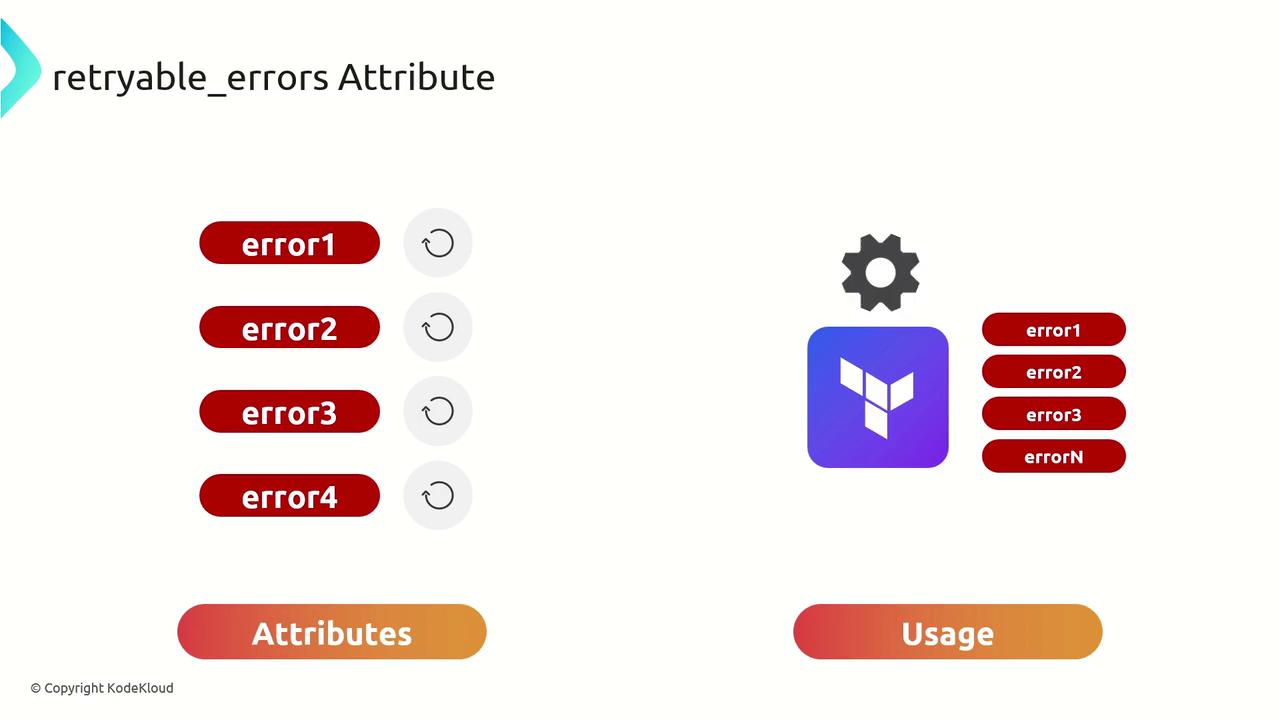
Why Automatic Retries Matter
Automatic retries eliminate the need for manual intervention when fleeting issues arise. Common scenarios include:- Network timeouts between your CI runner and Terraform remote state
- TLS handshake failures with providers or backends
- API rate limits returning HTTP 429 errors
Use
retryable_errors sparingly. Only include patterns that truly represent transient failures to avoid masking legitimate configuration errors.
Common Error Categories
Sample Configuration
Below is aterragrunt.hcl snippet demonstrating how to configure retryable_errors. Customize the regular expressions to match the specific error messages you encounter.
Adjust each regex to match the exact error text your builds produce. Test patterns locally with tools like
grep -P or regex101 before adding them to your configuration.With
retryable_errors in place, you can run Terragrunt commands with increased confidence that temporary issues won’t derail your CI/CD workflows. Happy provisioning!