

terragrunt plan produces a detailed execution plan that shows exactly which resources Terraform will create, update, or destroy. Reviewing this plan before applying changes helps you:
- Validate the intended modifications
- Catch configuration errors early
- Ensure alignment with stakeholder requirements
plan command by recursively applying it across your entire configuration hierarchy. This provides a unified, end-to-end view of changes across all modules.
Terragrunt delegates to
terraform plan under the hood, orchestrating plans across multiple modules and directories.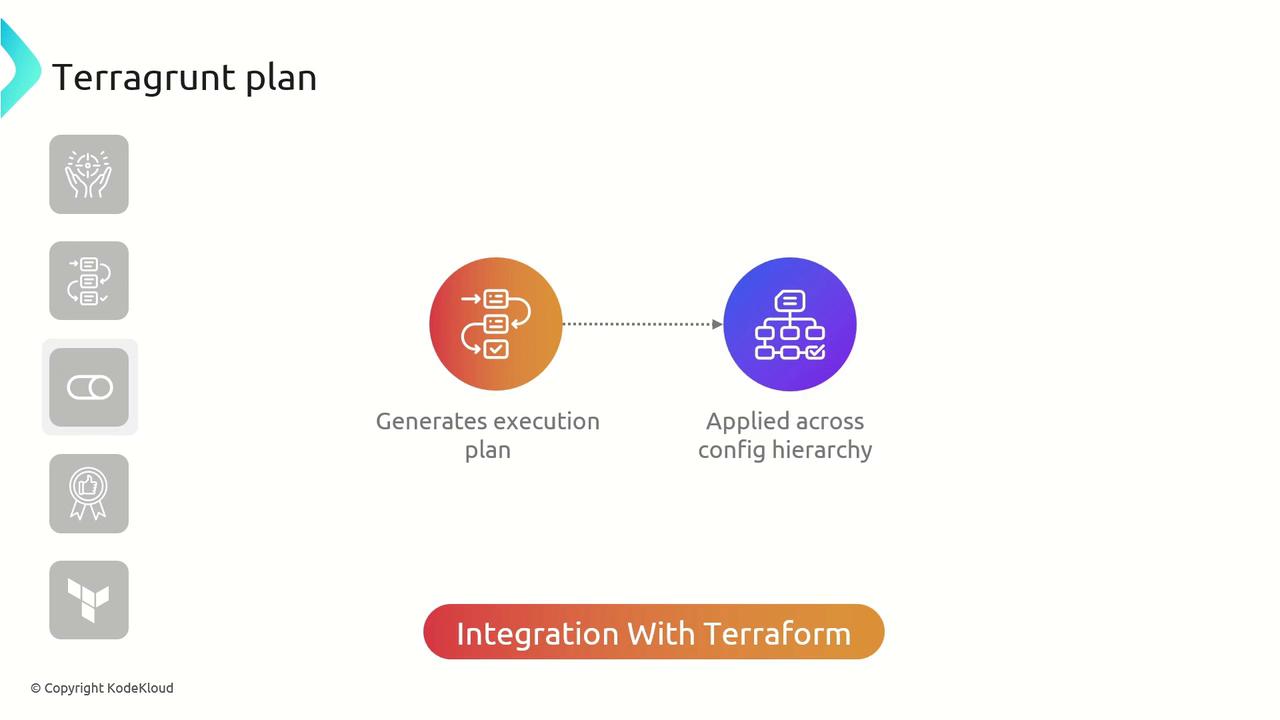
Key Features of Terragrunt Plan
Parallel Planning Across Modules
In a modular project structure,terragrunt plan can run in parallel, speeding up the planning phase by generating multiple execution plans simultaneously.
Best Practices for terragrunt plan
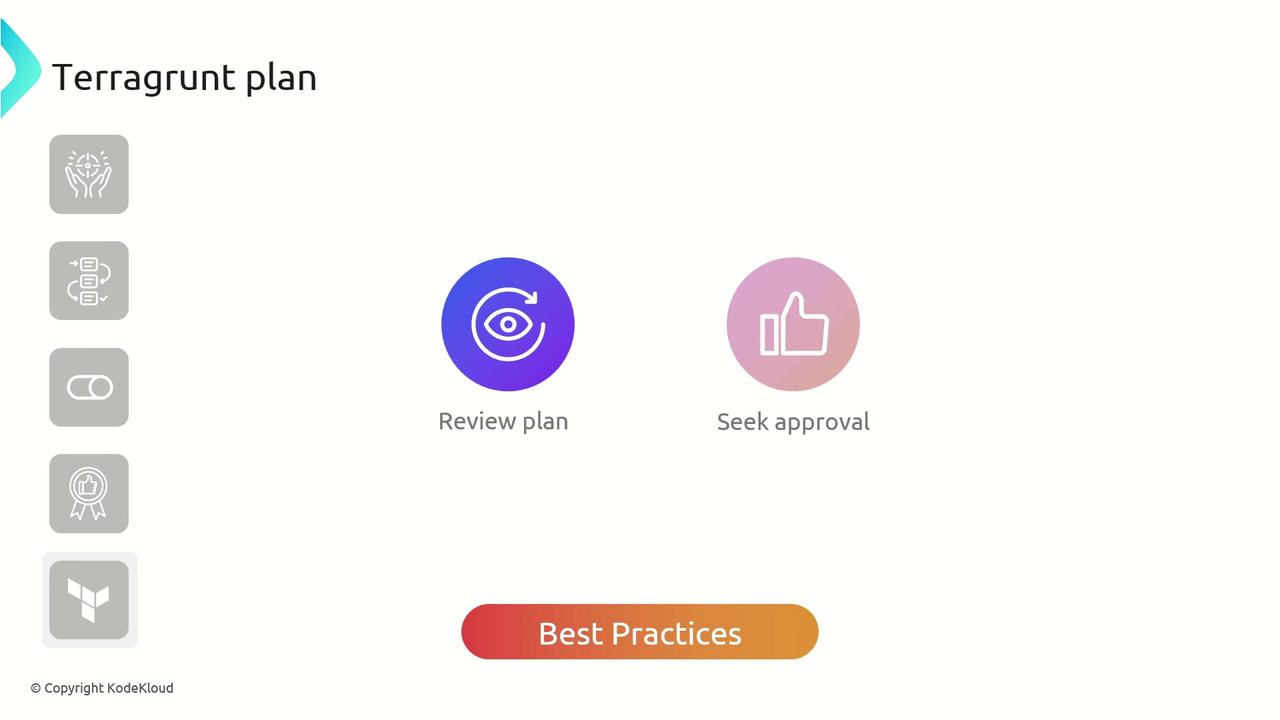
- Always review the complete execution plan before applying changes.
- Seek approval from relevant stakeholders to prevent unintended infrastructure modifications.
- Use version control to track and audit plan outputs.
Never run
terragrunt apply without first validating the execution plan. Unreviewed plans can lead to unexpected downtime or resource drift.Example: Planning an AWS VPC Module
Below is a sample Terragrunt configuration that references the official Terraform AWS VPC module. Adjust thename input to fit your naming conventions:
terragrunt apply.