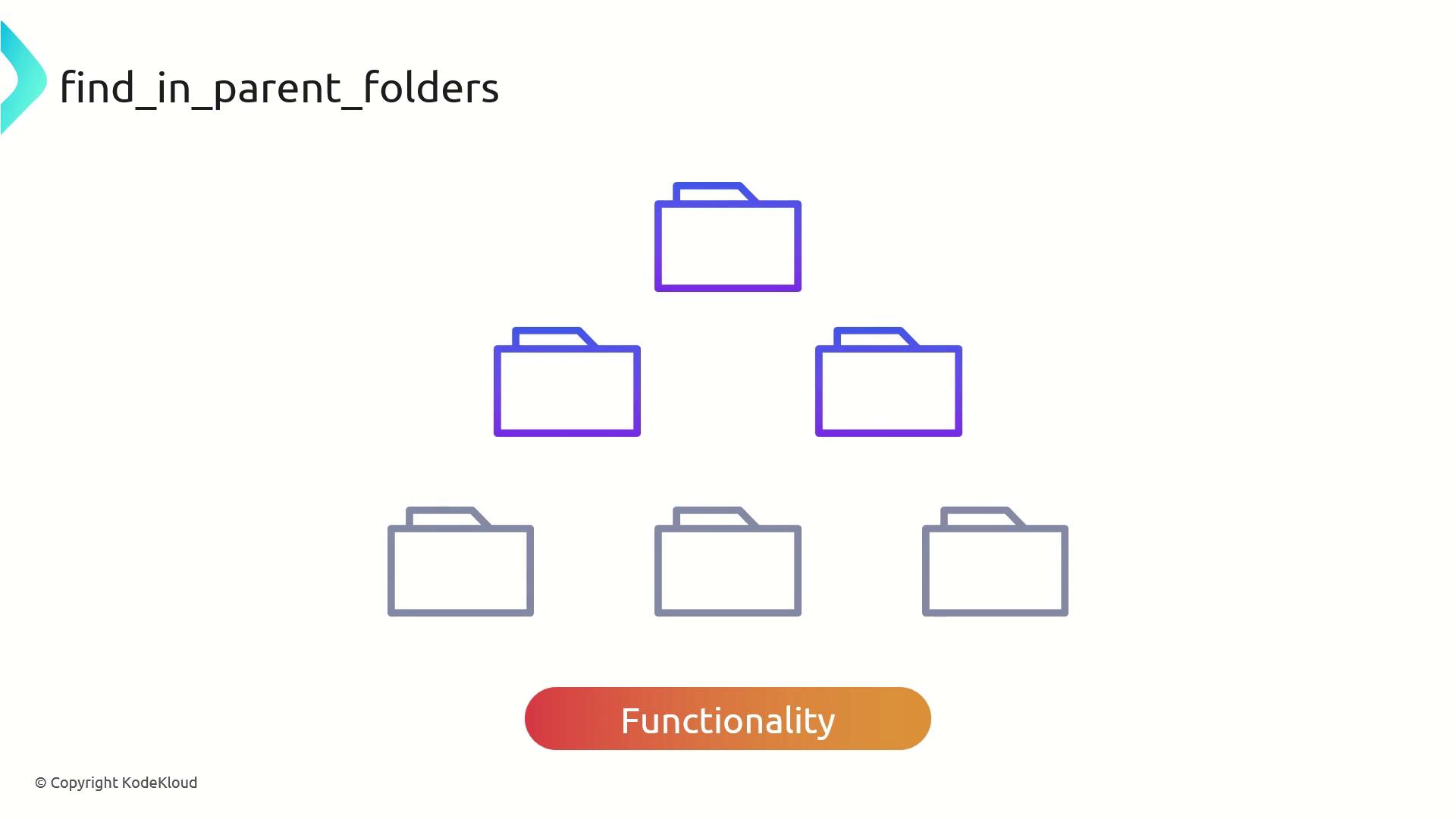
Terragrunt’s built-in function find_in_parent_folders enables recursive searches up your directory tree to locate a specific file or folder. This approach is invaluable when you need to reference shared configurations or modules in a multi-layered project, removing the brittleness of hardcoded relative paths.
Why Use find_in_parent_folders?
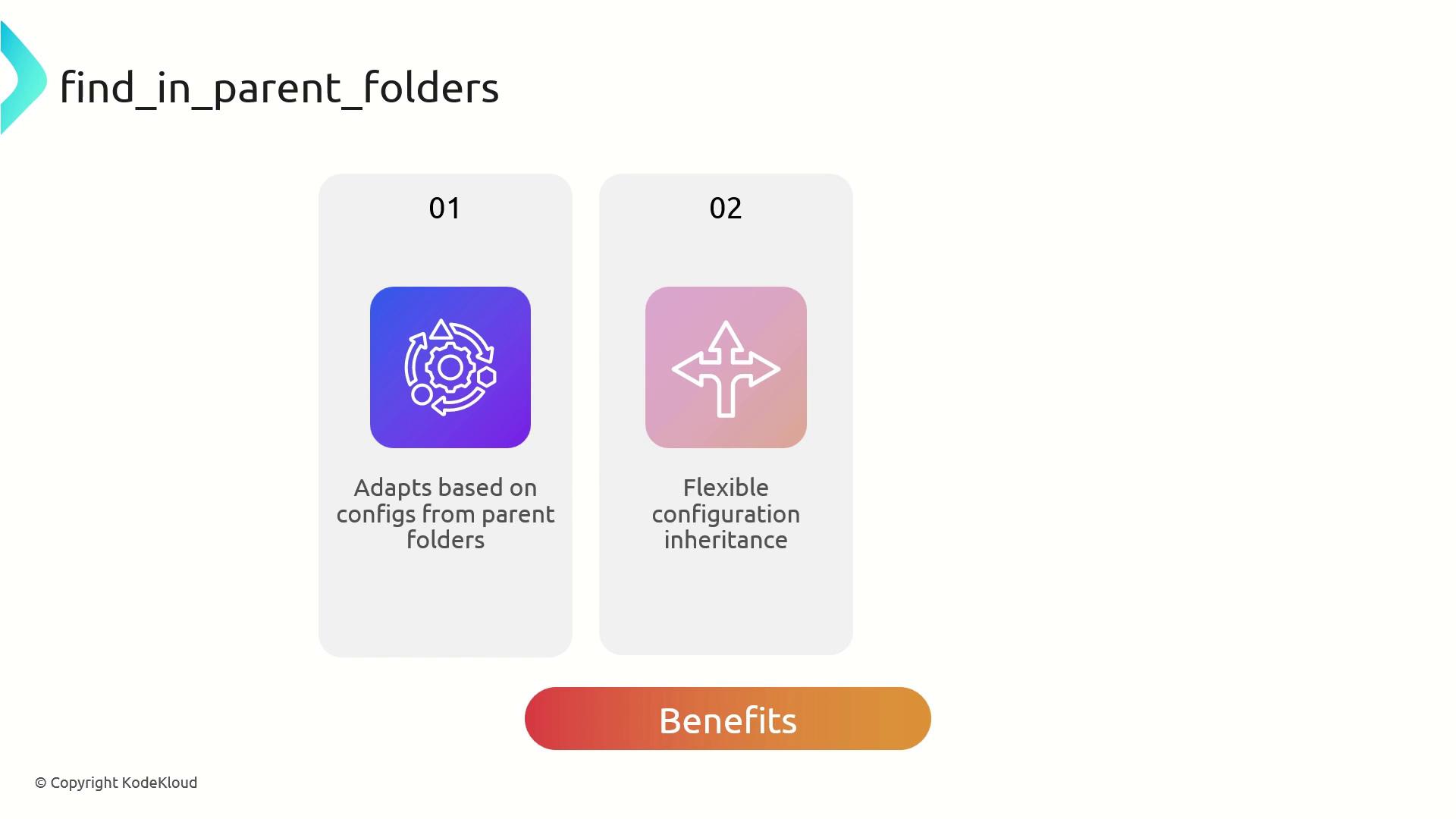
By leveraging this function, you can:
Dynamically adapt configuration based on files located higher in the hierarchy
Inherit and override settings across environments without manual path tweaks
Maintain cleaner, DRY (Don’t Repeat Yourself) configurations
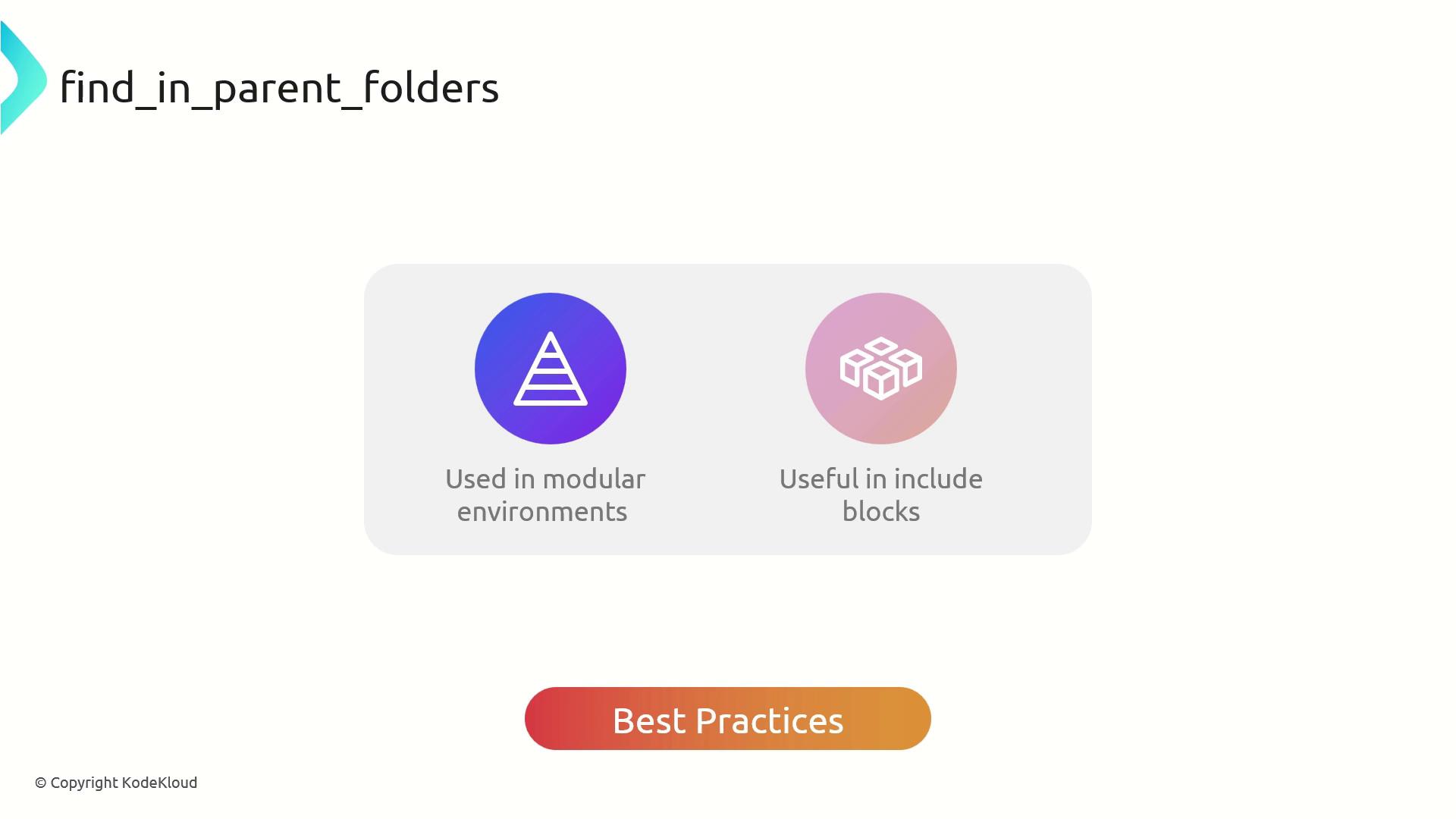
Best Practices
Organize projects into clear, modular, hierarchical folders
Use find_in_parent_folders inside include blocks to locate root-level terragrunt.hcl
Avoid embedding static paths; let Terragrunt resolve them dynamically
find_in_parent_folders stops when it hits the filesystem root or finds the target file. If the file isn’t present, Terragrunt throws an error.
Real-World Example
Imagine a VPC module that relies on common variables from common.hcl.
Before (hardcoded path):
terraform {
source = "tfr://terraform-aws-modules/vpc/aws//?version=5.8.1"
}
locals {
common_vars = read_terragrunt_config ( "../common.hcl" )
}
inputs = {
name = " ${ local . common_vars . inputs . project } - ${ local . common_vars . inputs . environment } -VPC"
}
After (dynamic lookup):
terraform {
source = "tfr://terraform-aws-modules/vpc/aws//?version=5.8.1"
}
locals {
common_vars = read_terragrunt_config ( find_in_parent_folders ( "common.hcl" ))
}
inputs = {
name = " ${ local . common_vars . inputs . project } - ${ local . common_vars . inputs . environment } -VPC"
}
Now, no matter how deep your vpc/ folder is nested, Terragrunt will climb up until it finds common.hcl.
Verify with Terragrunt
Run:
~ /workspace/vpc
> terragrunt plan
You should see the VPC name generated using values from common.hcl, for example:
common.hcl
inputs = {
project = "KodeKloud"
environment = "dev"
}
References