

What Is download_dir?
- Purpose: Defines the folder on your local file system where Terragrunt will store downloaded Terraform configurations and module dependencies.
- Type: String (absolute or relative path).
- Use Cases:
- Organizing module downloads by project.
- Separating cache directories for different environments or teams.
- Keeping CI/CD pipelines’ caches isolated.
The
download_dir path can be absolute or relative. If the directory doesn’t exist, Terragrunt will attempt to create it.Key Benefits
Considerations
- Ensure the specified directory exists or is creatable by Terragrunt.
- Verify file-system permissions to allow read/write operations.
- Confirm sufficient disk space is available to store module downloads.
If
download_dir lacks write permissions or runs out of space, Terragrunt may fail during init, interrupting your Terraform workflow.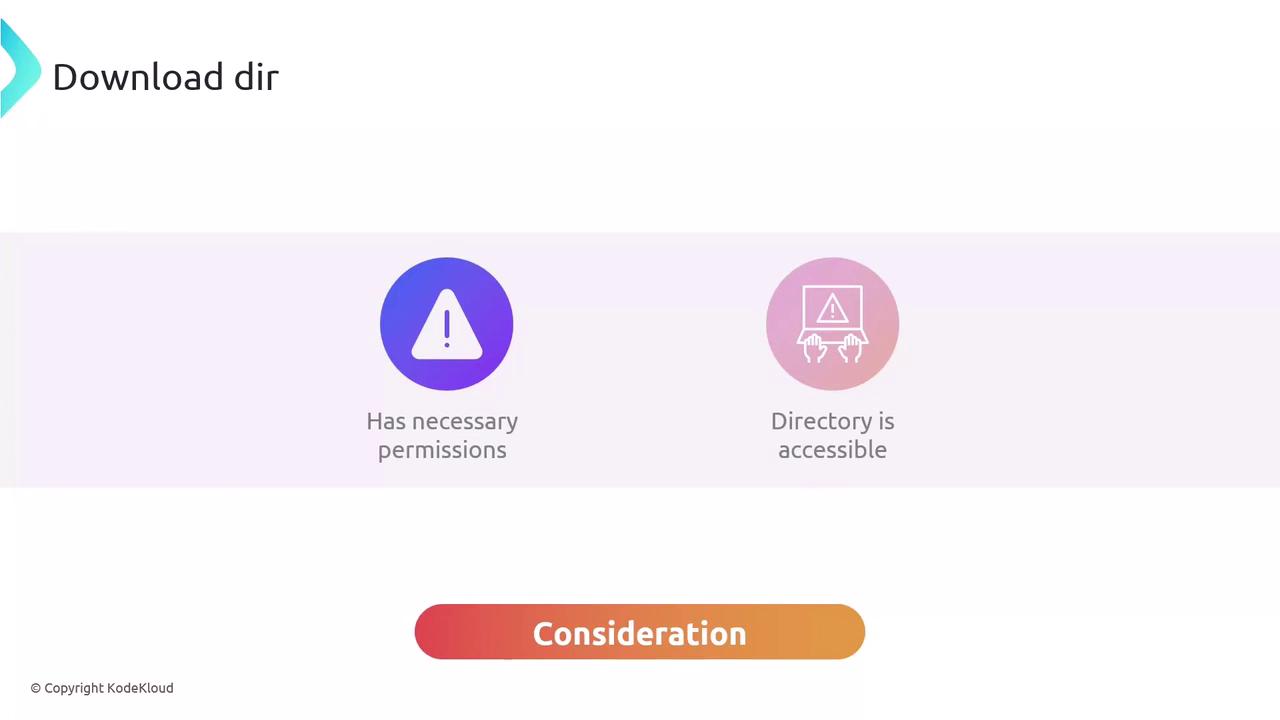
Demonstration
Default Behavior
With nodownload_dir set in your terragrunt.hcl, Terragrunt uses a hidden cache folder under your current working directory:
Custom Download Directory
Adddownload_dir to your terragrunt.hcl at the root of your module:
../.terragrunt-kodekloud instead of the default .terragrunt-cache.