

terragrunt init and terragrunt validate work under the hood and in practice. These commands streamline your Terraform workflow when using Terragrunt.
terragrunt init
Theterragrunt init command sets up your working directory based on terragrunt.hcl, handling:
- Provider plugin installation and updates
- Module dependency resolution and download
- Backend initialization for state management
Terragrunt automatically inherits backend settings from your root
terragrunt.hcl. If you modify source or backend blocks, re-run terragrunt init.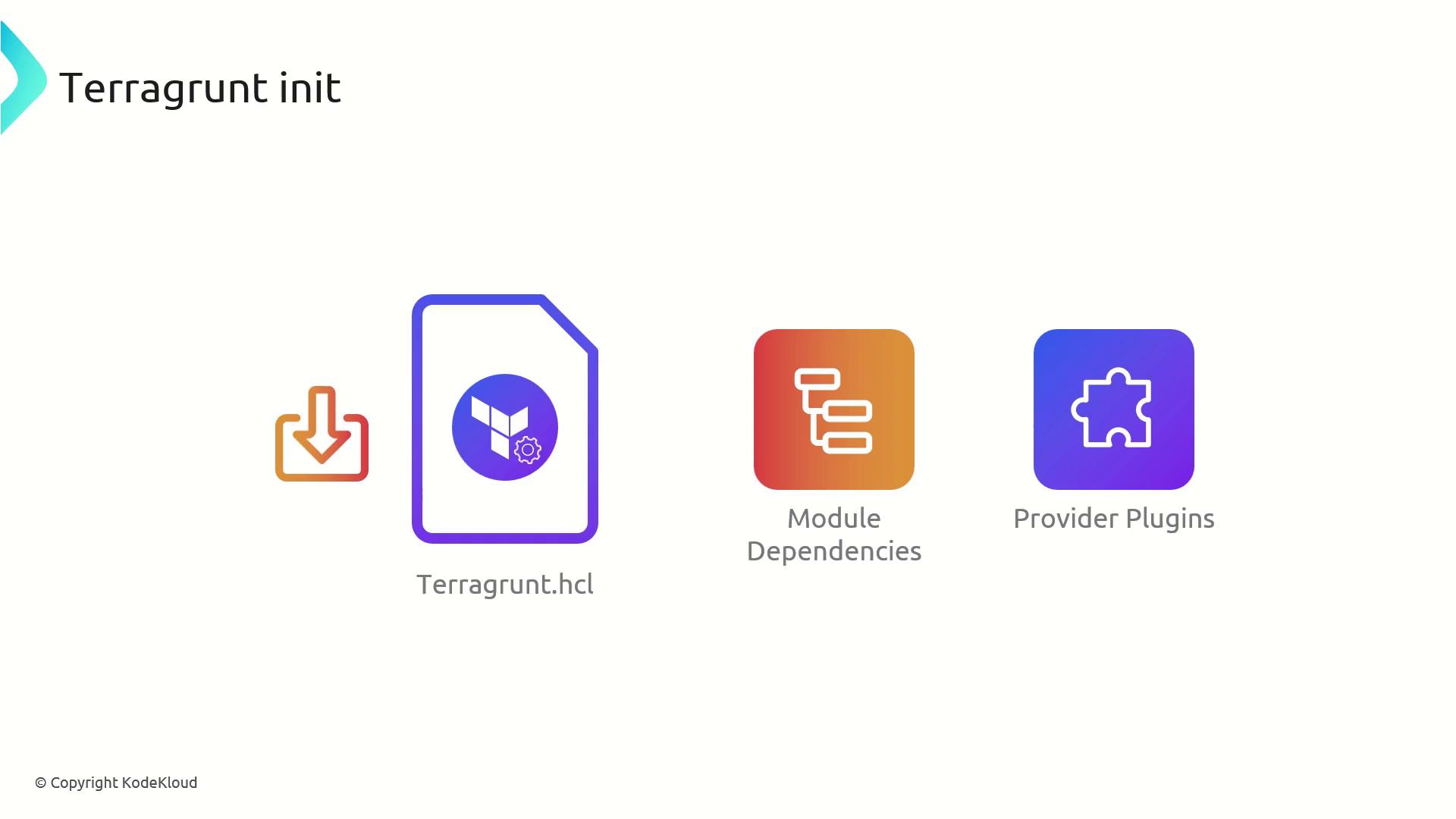
terragrunt validate
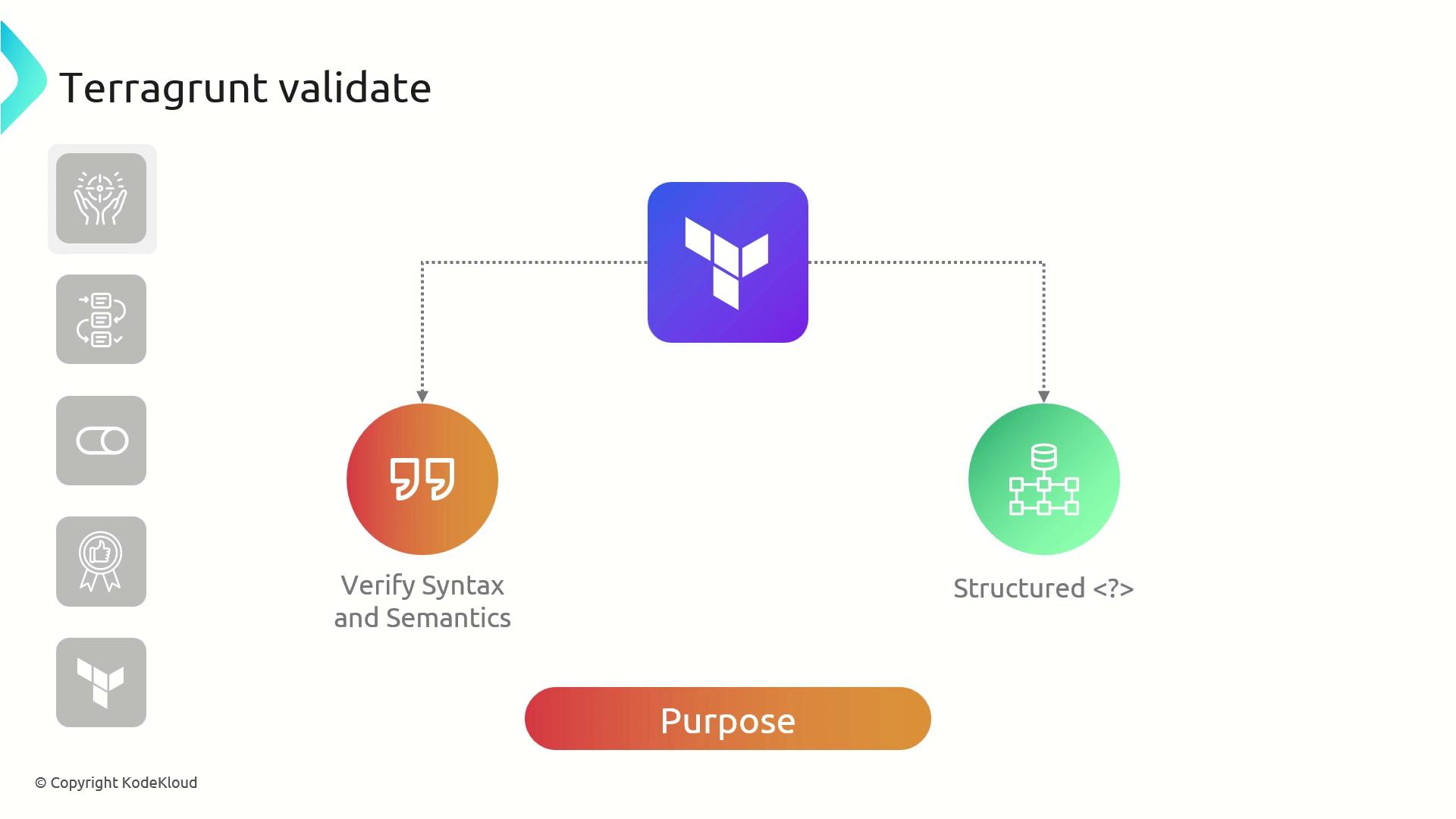
Theterragrunt validate command performs a syntax and semantic check on your Terraform configurations:
- Ensures HCL syntax is correct
- Verifies required variables and providers are defined
- Catches common misconfigurations before planning
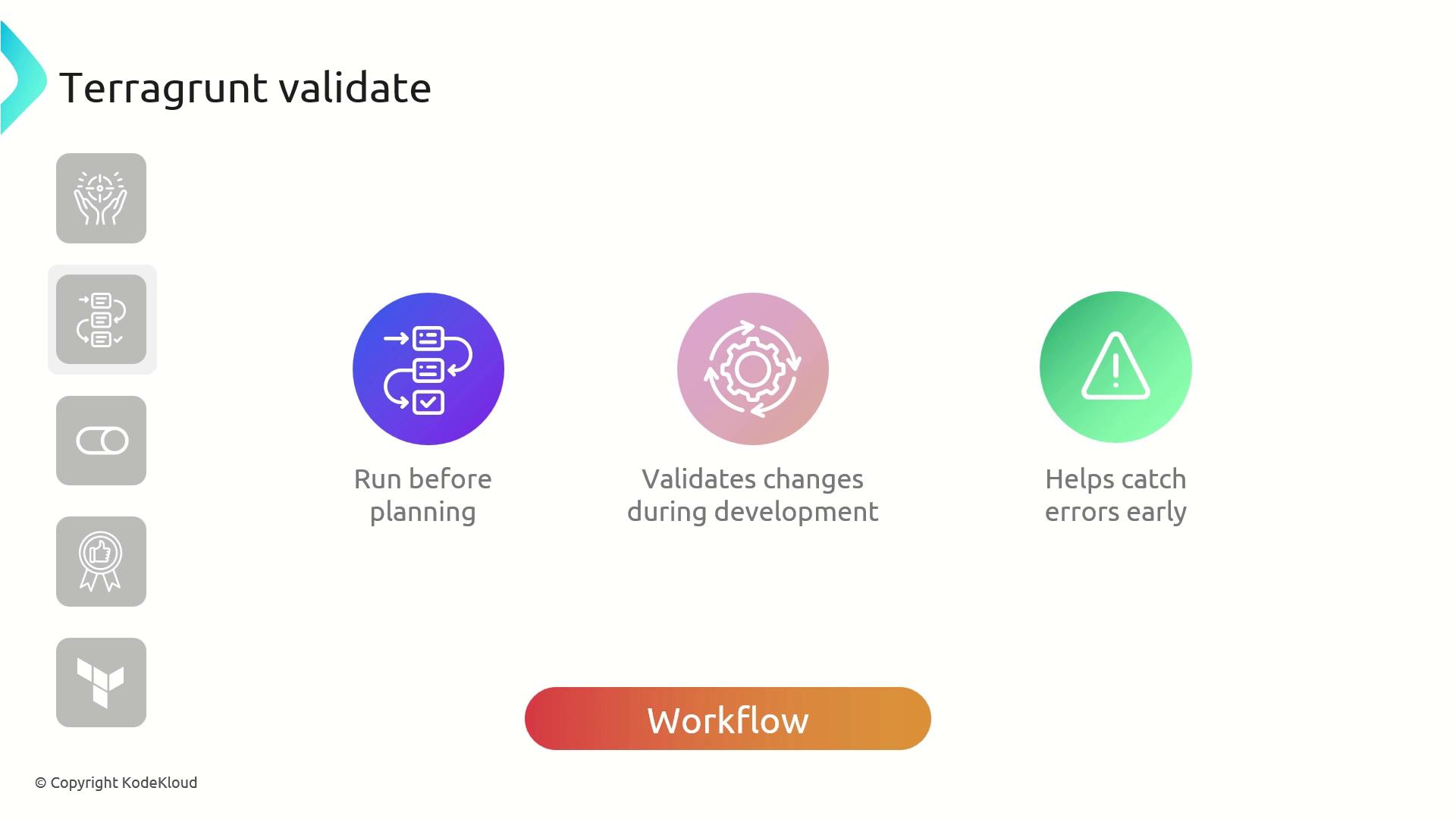
terragrunt validate early to catch errors in development:
terraform validate:
Parallel Validation Across Modules
In large, modular projects you can run all validations in parallel: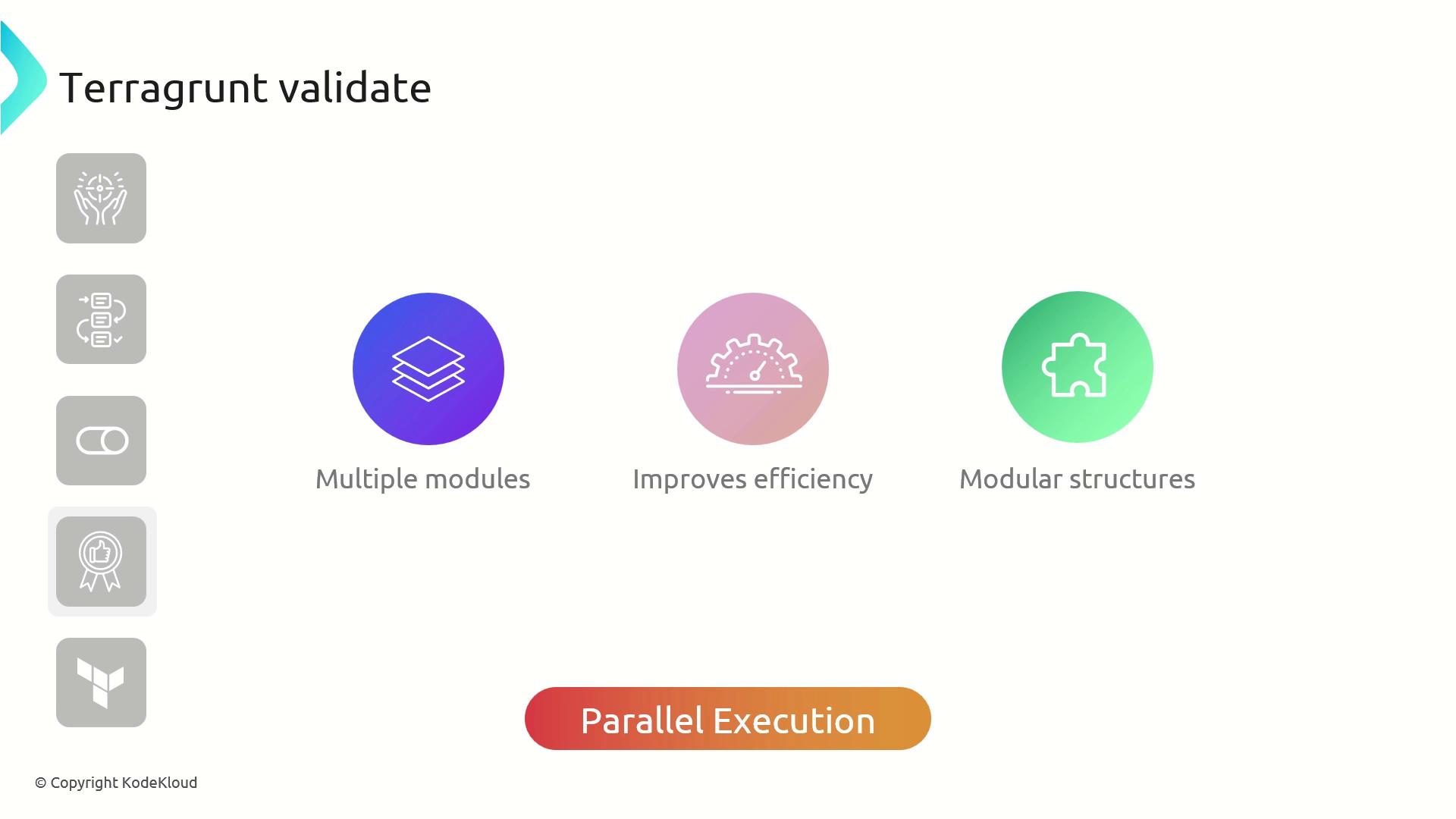
Running
run-all validate may trigger API rate limits if modules share provider endpoints. Monitor your quotas during parallel execution.Best Practices
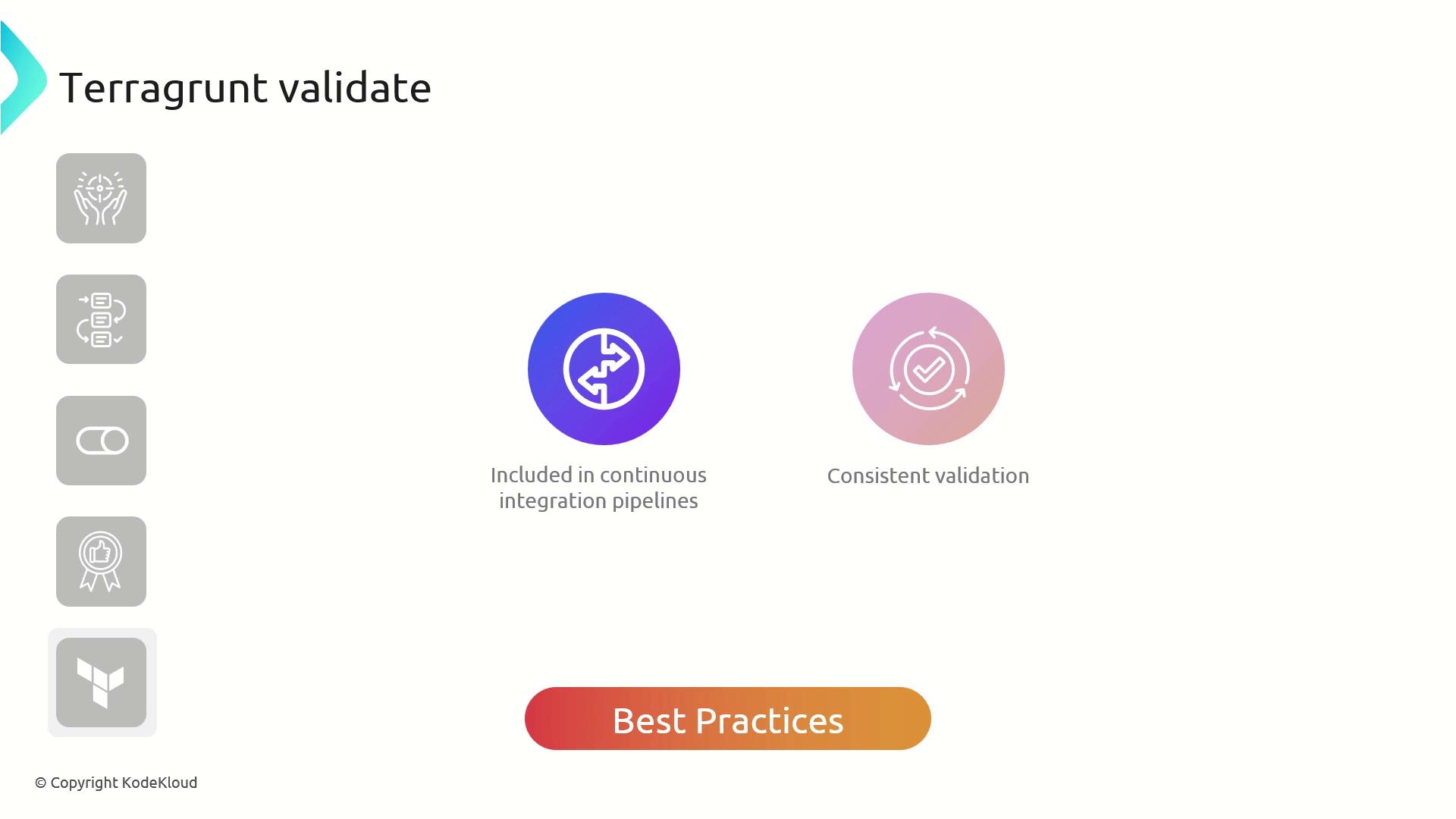
Integrateterragrunt validate into your CI/CD pipeline to enforce checks before deployment:
Command Reference
Example: Using terragrunt init & terragrunt validate
Below is a basic terragrunt.hcl for an AWS VPC module:
terragrunt init and terragrunt validate. By initializing early and validating frequently, you ensure reliable, maintainable infrastructure as code.